
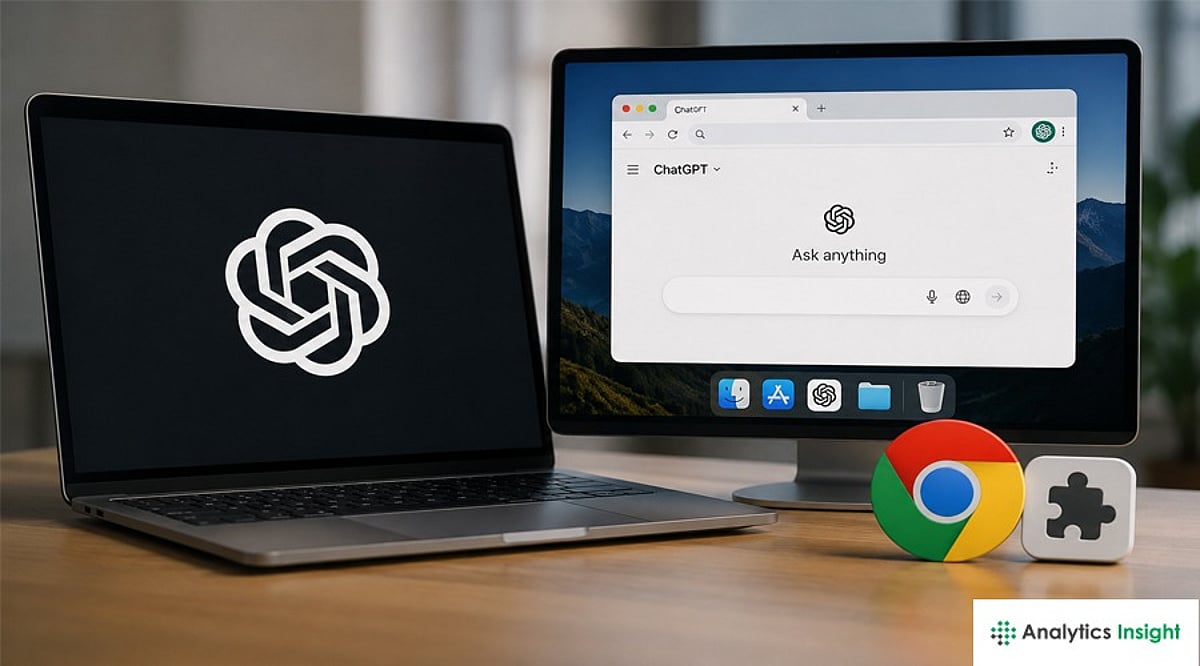
OpenAI is retiring its standalone browser product, Atlas, and folding its core browsing, summarization, and automation features directly into ChatGPT. The company is also launching a new Chrome extension and upgrading the ChatGPT desktop app to provide a unified AI-powered browsing experience.
According to OpenAI, the decision to discontinue Atlas—introduced last year as a separate browser—stems from a strategic shift to make browsing a first-class feature within ChatGPT. Users will now be able to research, summarize, and complete online tasks without switching between apps.
Chrome Extension Brings Context-Aware AI Browsing Assistance
To support this transition, OpenAI is releasing a ChatGPT extension for Google Chrome that grants the assistant contextual access to the active webpage. When enabled, the extension allows users to:
- Ask questions about page content
- Generate concise or custom-format summaries
- Extract table data and contact details
- Run contextual tasks such as rewriting text
- Compare product specifications
- Draft replies based on what’s on-screen
The goal is to provide seamless, page-aware assistance within users’ existing browser workflows and to compete with other browser assistants already available in Chrome and Edge.
ChatGPT Desktop Gains Powerful Integrated Browsing and Automation
OpenAI is enhancing the ChatGPT desktop app with full browsing features, parallel to the extension. The updated desktop experience will allow users to open websites, sign into online accounts, download files, and interact with webpages directly within ChatGPT. A notable addition is a cloud-based remote browser hosted on OpenAI’s servers.
This environment enables ChatGPT agents to perform web actions on behalf of users—filling forms, navigating multi-step workflows, fetching files, and returning results or downloaded files without the user leaving the ChatGPT interface. OpenAI positions this as a way to enable powerful automation while isolating credentialed sessions from local devices.
The move follows months of internal consolidation at OpenAI, where several experimental projects were scaled back. Industry observers see the decision as a pragmatic pivot: rather than take on established browsers with a separate product, OpenAI is embedding browsing into ChatGPT to create a unified AI workspace compatible with existing browsing ecosystems.
What Changes Should ChatGPT Users Expect Next?
For users and organizations, the change brings practical questions. Atlas customers will need migration guidance for bookmarks and settings. Security-conscious users will look for clarity on how page data, session credentials, and automated actions are handled in the cloud-based browser, along with enterprise controls such as admin settings and audit logs.
What to watch next are the rollout timelines for the Chrome extension and desktop updates, how closely the new integrations match or exceed Atlas’s original capabilities, and how competitors respond as AI-assisted browsing becomes a standard feature rather than a standalone product.