
Tag: AI editing

  • OpenAI Launches ChatGPT Images 2.5 with Sketch Tool for Enhanced Editing Control

    OpenAI Launches ChatGPT Images 2.5 with Sketch Tool for Enhanced Editing Control

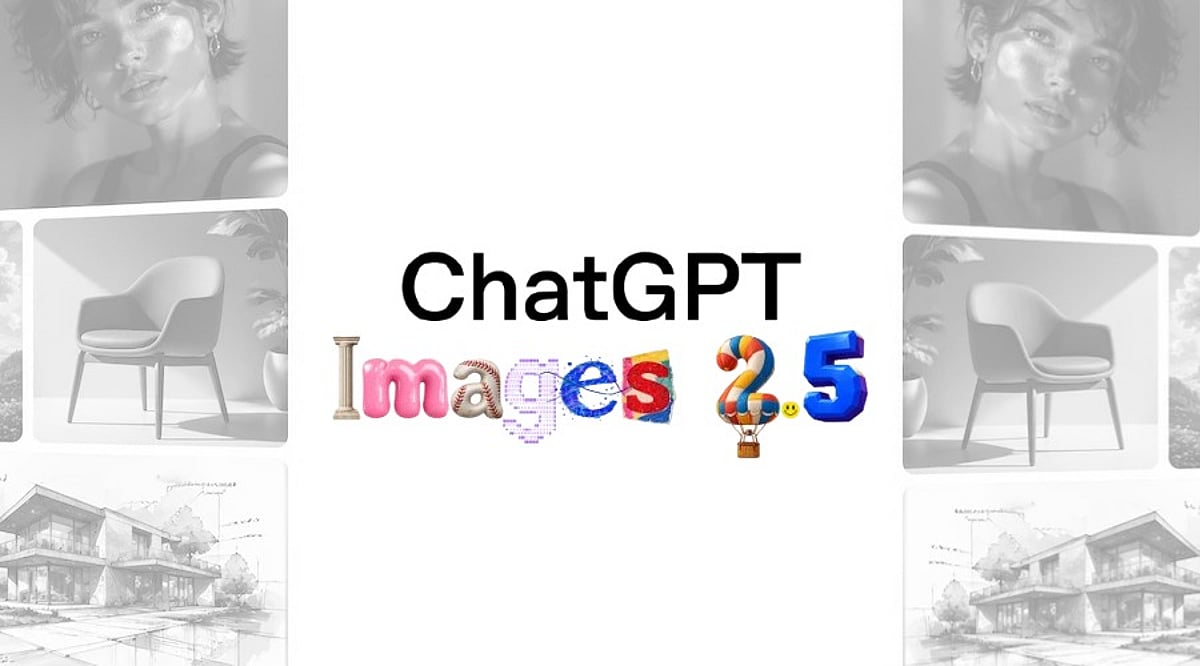
    OpenAI has officially launched ChatGPT Images 2.5, a major update to its image generation platform, introducing a new Sketch tool that allows users to draw directly inside a chat to guide the final image. The update, released on September 8, 2026, promises faster editing, stronger consistency across edits, and two new API models for developers.

    The Sketch tool is the headline feature of this release. Users can type “@Sketch” to open a canvas and rough out ideas—whether it’s a room layout, a clothing concept, or something easier to draw than describe. OpenAI also added new templates for common formats like flyers and product photos, along with the option to leave comments directly on an image for more targeted edits.

    According to OpenAI, editing control matters more than raw output quality in this version. Earlier versions of ChatGPT Images often lost track of a subject’s likeness after a few rounds of edits. Images 2.5 does a better job preserving people, pets, and key details, even as users apply changes to a specific part of an image without disturbing the rest. That consistency carries across longer conversations, so earlier edits stay intact instead of degrading with each new instruction.

    The new engine claims up to 50 percent lower generation latency than Images 2.0. The update rolled out to ChatGPT, ChatGPT Work, and Codex users across desktop, mobile, and web on all tiers. OpenAI shared the news first with Axios.

    Alongside the ChatGPT update, OpenAI introduced two API models: GPT-Image-2.5 Flare and GPT-Image-2.5 Sunburst. Flare serves as the default option for most use cases, offering higher image quality than GPT-Image-2 at half the latency. Sunburst targets premium workflows like campaign creative and polished product imagery, where tighter editing control matters more than speed.

    OpenAI said people generate more than 3 billion images every week across ChatGPT Images and the GPT-Image API models combined. Adobe has already added the new models to Firefly, its creative AI platform, according to comments the company shared at launch. Pricing for both new API models comes in at twice the rate of GPT-Image-2.

  • Apple Supercharges Creator Studio with AI Editing Tools for Video, Images, and Music

    Apple Supercharges Creator Studio with AI Editing Tools for Video, Images, and Music

    Apple has rolled out a significant software upgrade to its Creator Studio platform, embedding machine learning capabilities across its creative applications. The update introduces automated tools for video editing, image generation, and audio production, streamlining workflows by tightening integration between Apple’s professional software and its standard productivity apps.

    Most of the AI processing runs on Apple silicon, allowing creators to work faster with on-device intelligence while maintaining user control and privacy.

    Final Cut Pro Gets Faster AI-Powered Editing

    As announced by Apple in an official blog post, “Updates bring new integrations with Pixelmator Pro across Final Cut Pro, Keynote, Pages, and Numbers; even more intelligent tools in Final Cut Pro; the ability to generate shapes to further customize a project; and a new Producer Project in Logic Pro.”

    Final Cut Pro receives the most substantial set of upgrades in this release. The new Generate Captions feature uses AI to create captions from spoken audio, and editors can edit captions directly in the timeline. Apple has also introduced the Auto Mask feature, which detects and masks subjects against their backgrounds, significantly reducing time spent on manual masking.

    Apple has expanded Pixelmator Pro’s integration across Creator Studio. Users can now open, edit, and customize images directly from apps such as Final Cut Pro, Keynote, Pages, and Numbers. The update also adds:

    • AI-assisted image editing tools
    • Background removal
    • Object cleanup
    • Detail enhancement
    • The ability to generate custom shapes

    These features are designed to reduce repetitive editing tasks while giving creators greater flexibility.

    Apple Focuses on Connected Creative Workflows

    The update enhances intelligent music tools and enables producers to create and arrange tracks more efficiently. Apple says the upgrade is designed for both professionals and first-time users.

    Experts suggest that Apple has strengthened connections across its creative ecosystem. Assets can now be transferred easily among Final Cut Pro, Pixelmator Pro, and other productivity apps, simplifying creative workflows.

    With this release, Apple continues to push the boundaries of on-device AI, making professional-grade editing more accessible while preserving the privacy and performance that Apple silicon provides.