
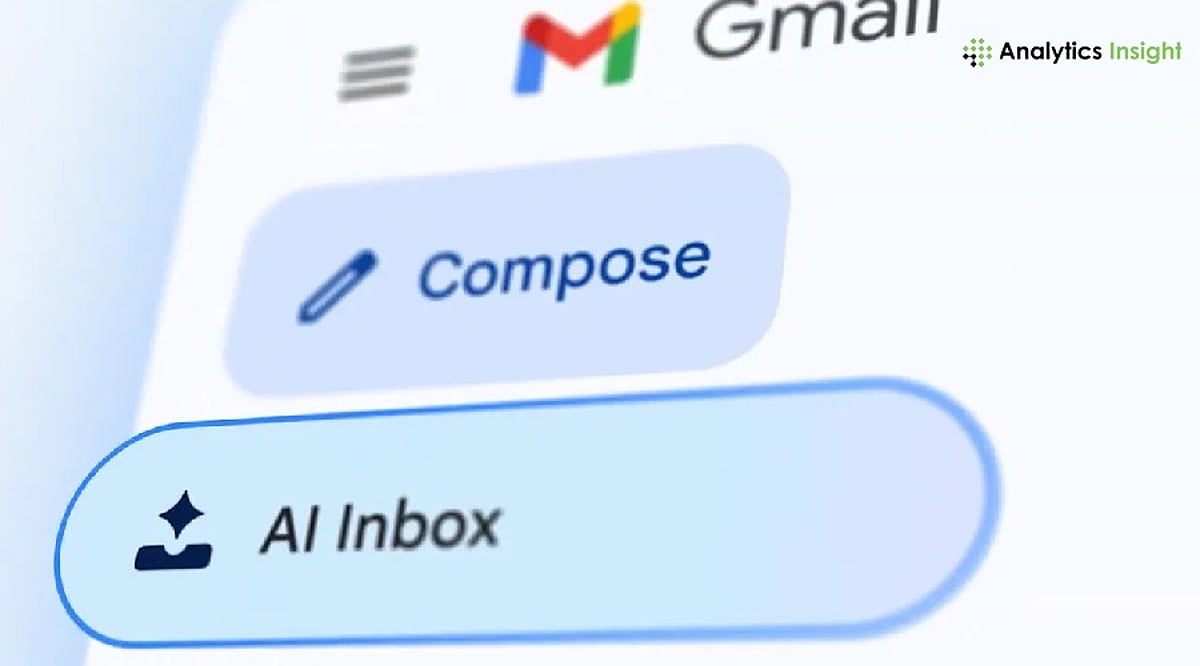
Google has expanded Gmail’s AI capabilities with three new features powered by its Gemini AI model: AI Inbox, AI Overviews, and an upgraded Help Me Write tool. These features are designed to help users organize their inboxes, quickly find important information, and draft emails with less effort. The rollout applies to Google AI Pro, AI Ultra, and eligible Google Workspace subscribers.
AI Inbox Highlights What Needs Attention
The new AI Inbox changes how Gmail displays emails. Instead of listing messages in chronological order, it highlights those that require immediate attention. A Proposed To-Dos list helps users locate emails that need action, such as responding to requests or paying bills. Another section, Topics to Catch Up On, groups related emails together with an overview. This function operates only on emails in the Primary folder, not spam or other folders.
Help Me Write Speeds Up Email Drafting
Google has also enhanced Help Me Write, allowing users to generate an email draft by entering a simple prompt. The tool can rewrite the draft based on user preferences—making it shorter, more formal, more detailed, or easier to understand—before sending. The final draft remains editable, giving users complete control over the message.
AI Overviews Summarize Long Conversations
Another addition is AI Overviews, which condenses lengthy email threads into short summaries. Users can also ask Gmail questions about emails in their inbox using natural language. Instead of searching through multiple conversations, the feature pulls together relevant information and presents it in a concise format.
Part of Google’s Gemini Expansion
The latest Gmail update is part of Google’s wider effort to integrate Gemini across Workspace applications. The company says the new tools aim to reduce the time users spend managing emails while making it easier to stay on top of conversations. Google recommends reviewing AI-generated drafts and summaries before using them, especially for important or professional communication.