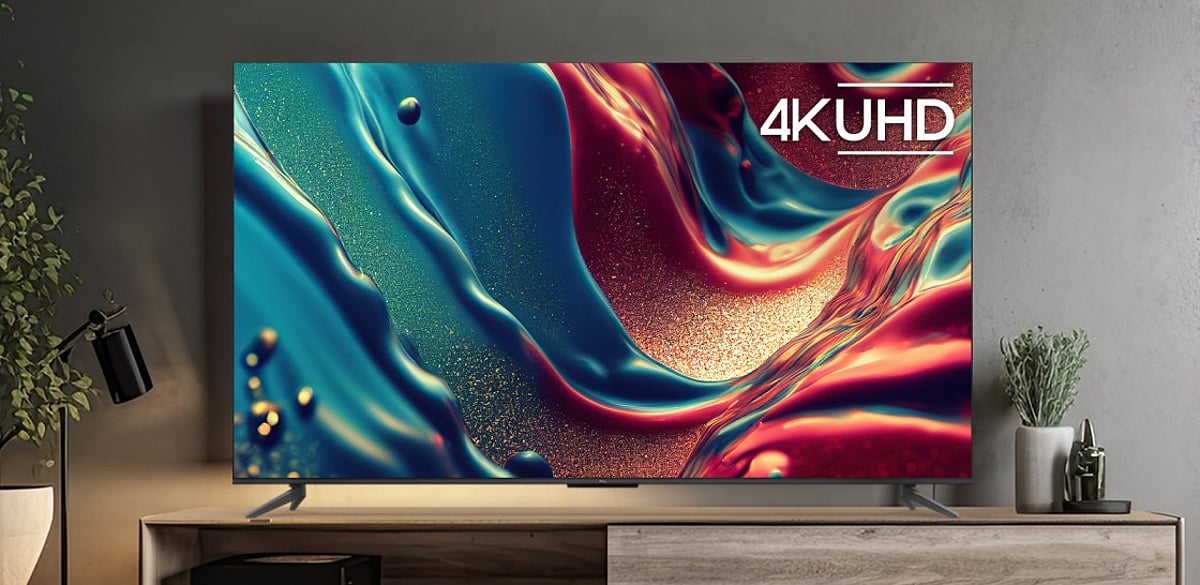
Most Indian households have one primary TV in the living room that handles everything — morning news, afternoon cricket, evening OTT, weekend films, and occasional gaming sessions. A 65-inch TV in 2026 is built for exactly this usage pattern, but what separates a genuinely good model from one that merely looks big comes down to five specific technologies.
AI upscaling improves older and non-4K content, QLED and OLED panels deliver a more premium picture experience, and 120Hz with VRR makes sports and gaming look significantly smoother. Getting these features right matters far more than the brand name on the bezel.
Five Technologies That Make a 65-Inch TV Worth the Upgrade in 2026
1. Does AI Upscaling Make Older Content Look Better on a Large Screen?
Yes. Most cricket broadcasts, Hindi films, and regional content are not natively 4K. AI upscaling analyzes each frame and improves lower-resolution content by:
- Rebuilding texture detail
- Reducing compression noise from streaming and broadcasts
- Sharpening edges and minimizing motion blur
- Adjusting picture settings for sports, films, or regular TV automatically
On a 65-inch screen, the difference is noticeable across everyday content.
2. What Is the Difference Between QLED and OLED at 65 Inches?
The right panel depends on your room and viewing habits.
For most Indian living rooms, QLED is the more practical premium choice. OLED delivers a better cinematic experience in darker rooms.
3. How Does 120Hz Improve Gaming and Sport on a 65-Inch TV?
A 120Hz panel refreshes twice as often as a standard 60Hz panel.
- 120Hz refresh rate: Smoother movement in fast-paced games.
- Variable Refresh Rate (VRR): Prevents screen tearing by matching the TV’s refresh rate to the console output.
- Auto Low Latency Mode (ALLM): Automatically switches to Game Mode and reduces input lag.
For cricket and football, 120Hz and AI motion processing make fast action and camera pans look cleaner.
4. Does Spatial Audio on a 65-Inch TV Replace a Soundbar?
Not entirely. Dolby Atmos processing creates a wider, more immersive sound experience, making crowds and movie effects feel more realistic. However, a dedicated Dolby Atmos soundbar still delivers superior audio performance.
5. What Smart Features Matter Most on a 65-Inch TV in 2026?
Google TV and Tizen remain the most well-supported platforms in India. They support major streaming apps, regular updates, and voice control. AI recommendations and universal search also make it easier for households to find content across multiple subscriptions.
Price List of Best-Selling 65-Inch TVs in India in July 2026
From budget 4K models to premium smart TVs, here are the best-selling 65-inch TVs in India:
Disclaimer: EMIs and prices may vary by partner store, offer period, location, and variant. Please check the latest information at the partner store before purchase.
How to Buy a 65-Inch TV from Bajaj Finance Partner Stores
Bajaj Finance makes it straightforward to bring home the right 65-inch TV. Follow these steps to get started:
- Browse and compare online: Explore 65-inch TV models on Bajaj Mall and compare panel type, smart features, and audio before visiting a store.
- Visit partner stores: Check shortlisted models at Bajaj Finance partner stores and get expert guidance from in-store representatives.
- Opt for Easy EMI Loan: Finance up to Rs. 5 lakh with tenures of 3 to 60 months. Zero down payment available on select models.
- Check eligibility online: Verify your pre-approved limit using your mobile number and OTP.
- Use the Insta EMI Network Card: Existing cardholders can convert purchases into EMIs instantly through a paperless process.
Whether you are comparing QLED vs OLED 65-inch TVs in India in 2026, looking for the best 65-inch TV under Rs. 1,00,000, or searching for 65-inch TVs with 120Hz and Dolby Atmos in India, Bajaj Finance makes the upgrade affordable.