
Tag: Android app

  • Files by Google App: Features, Pros, Cons, and How to Use It Effectively

    Files by Google App: Features, Pros, Cons, and How to Use It Effectively

    Files by Google is a free Android file manager that simplifies file organization, storage cleanup, content sharing, and privacy protection. With over 5 billion downloads on the Google Play Store and a 4.3-star rating, it has become one of the most popular tools for managing phone storage.

    What Is Files by Google?

    Developed by Google, this app helps Android users find, move, copy, share, and delete files quickly. Files are neatly categorized into sections like Images, Videos, Documents, and Downloads, making navigation intuitive. A powerful search option lets you locate specific files instantly.

    Key Features

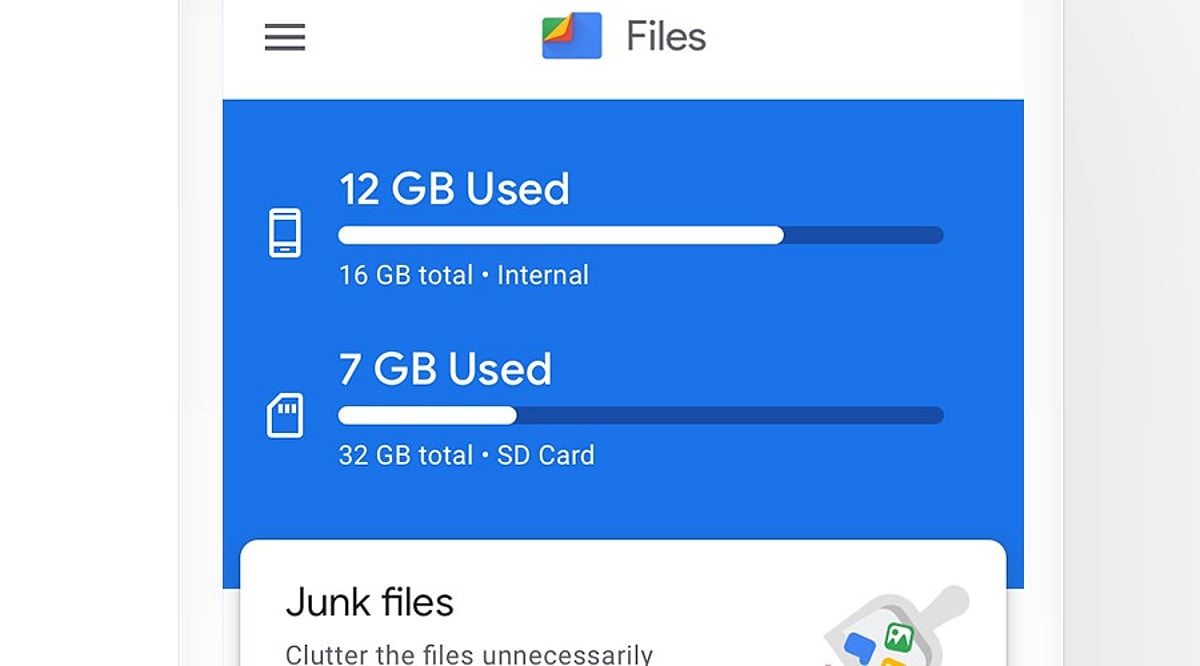
    • Storage Cleanup: Identifies junk files, duplicate content, old screenshots, and large unused files. Users can review suggestions before deleting.
    • Safe Folder: Protects private files with a PIN or pattern, keeping them hidden from the main file list.
    • SD Card Support: Move files to external storage on compatible devices.
    • Quick Share: Send files to nearby devices without email or messaging apps.
    • ZIP Support: Compress files or folders into ZIP archives.
    • Cloud Backup: Back up important files to the cloud.
    • Media Playback: Play stored videos and music directly within the app.

    Where to Download

    Download Files by Google exclusively from the Google Play Store. The app is free, ad-free, and uses less than 20 MB of storage. Official downloads ensure timely updates and security patches.

    Pros and Cons

    Pros

    • Free and ad-free
    • Simple, user-friendly interface
    • Lightweight (under 20 MB)
    • Effective storage cleanup and duplicate file detection
    • Quick Share and Safe Folder features
    • SD card and ZIP file support
    • Cloud backup and media playback

    Cons

    • Limited advanced file controls
    • Some features depend on Android version
    • Users must manually review cleanup suggestions
    • Safe Folder security relies on user-set PIN/pattern
    • Not ideal for users seeking a highly advanced file manager

    How to Use Files by Google

    1. Open the app and browse categories like Images, Videos, Documents, or Downloads.
    2. Use the search bar to find a specific file by name or type.
    3. Go to the Clean section to review and remove junk or duplicate files.
    4. Select a file, tap the menu, and choose Move or Copy to relocate it.
    5. Use Quick Share to send files to nearby compatible devices.
    6. Move private files to the Safe Folder and set a PIN or pattern.
    7. Select files or folders and use Compress to create a ZIP archive.

    Always double-check files before deleting—old photos or documents may still be important.

    Why It Stands Out

    Files by Google focuses on solving everyday storage and file management problems without unnecessary complexity. Its popularity—over 5 billion downloads—reflects its reliability and ease of use. For Android users who want a clean, straightforward tool to keep their phone organized, this app is a practical choice.

  • OpenClaw Android App Transforms Smartphones into AI-Powered Automation Hubs

    OpenClaw Android App Transforms Smartphones into AI-Powered Automation Hubs

    OpenClaw has officially launched its Android app, bringing its powerful AI agent to mobile devices with voice control, automation features, and user-controlled permissions through the OpenClaw Gateway. This marks a significant evolution from the open-source tool that originally debuted in November 2025, which turned an AI into a fully automated personal assistant capable of performing tasks on a computer.

    Now, for the first time, OpenClaw’s AI agent is available on smartphones via dedicated iOS and Android apps. Users can converse with the AI assistant and grant it access to device capabilities such as the camera, screen, location, images, contacts, calendar, and reminders. Unlike ordinary chatbots that simply answer queries, OpenClaw technology interacts with apps and systems to execute specific actions with user permission.

    Key Features and User Control

    • Pair the app with a private OpenClaw Gateway using a setup code or QR code.
    • Engage in direct conversations with the AI assistant via smartphone.
    • Use push-to-talk and Talk mode for real-time voice chats.
    • Review and approve actions requested by the connected gateway.
    • Allow the AI to access the camera, screen, location, and notifications on demand.
    • Receive status updates and push notifications for linked workflows.

    Users remain in full control of which device permissions to grant, ensuring privacy and security.

    Industry Impact and Future Outlook

    The launch represents a major milestone for OpenClaw, which has grown from a small-scale open-source project into a recognized brand in the AI industry. Following the integration of Peter Steinberger—the app’s creator—into OpenAI, the OpenClaw Foundation now manages the project. While the foundation has released the mobile apps, OpenAI has expressed support without specifying exact terms.

    According to the Google Play Store listing, the Android app works through the user’s personal OpenClaw Gateway, making the smartphone an ideal partner for AI-driven automation and communication. The broader shift from chatbots to AI agents that can perform real-world tasks with user consent is evident, with OpenClaw leading the charge. Moving forward, the focus will be on security, reliability, and developer adoption.

  • Google Finance Returns as Dedicated Android App: Gemini AI Powers Portfolio Management and Key Moments

    Google Finance Returns as Dedicated Android App: Gemini AI Powers Portfolio Management and Key Moments

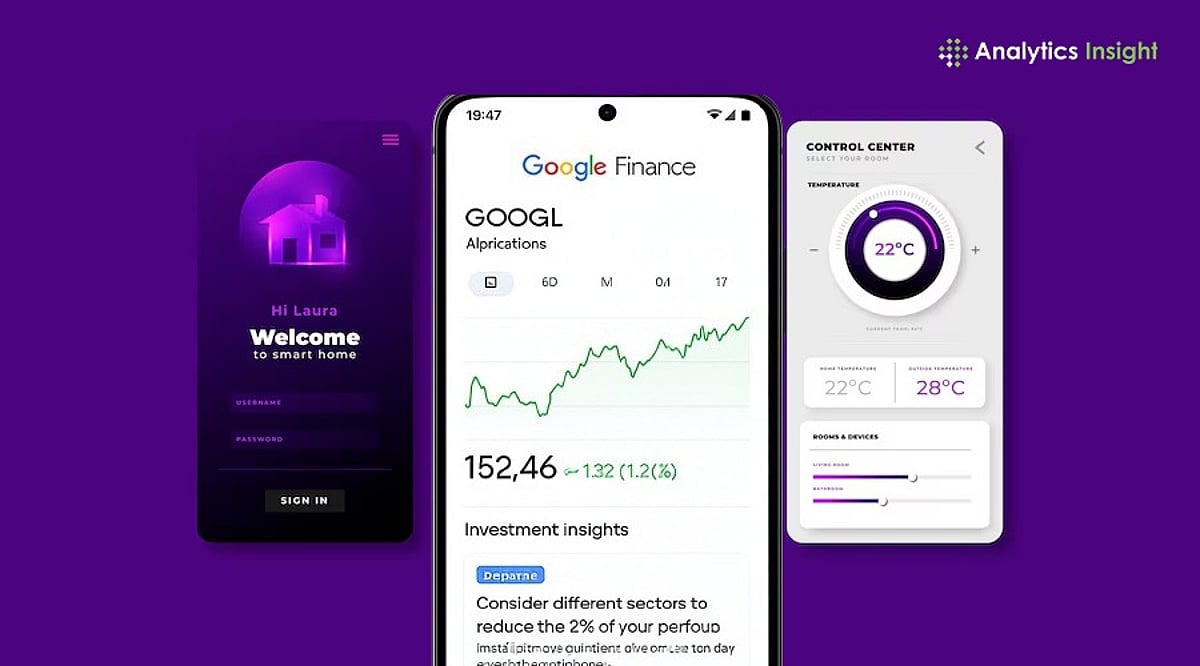
    Google has reintroduced Google Finance as a standalone Android app, bringing its financial platform back to mobile users with a suite of AI-powered features. The launch coincides with the official rollout of the revamped Google Finance platform, which exits beta with enhanced portfolio management, AI-driven research, and personalized market intelligence.

    The move positions Google Finance as a more comprehensive tool for investors who want to monitor markets, track investments, and receive contextual updates without relying solely on a browser version.

    Standalone App for Everyday Investing

    In its official blog, Google stated: “You’ll see all your investments consolidated in a single dashboard that shows performance data, as well as insights on your asset allocation and more. Your existing Google Finance portfolios will be available automatically, or you can create a new one by dropping in screenshots or uploading files (like CSVs or PDFs) that detail your holdings. You can even just describe your investments to get started and build from there.”

    Previously, many Finance features were folded into Google Search and the web. This standalone app marks a return to a dedicated mobile experience. The integrated AI research assistant adds analytical depth, allowing investors to:

    • Ask personalized questions about their portfolios
    • Identify sector concentration
    • Evaluate diversification
    • Understand how asset allocation may influence long-term performance

    Key Moments: AI-Driven Price Explanations

    One of the standout features is Key Moments, an AI-driven tool that explains why a stock’s price changed significantly. It provides context for events such as earnings releases or company news, helping investors understand market movements at a glance.

    AI Simplifies Portfolio Management

    The platform also introduces AI-generated scheduled market briefings. Users can set customized prompts for pre-market, earnings, and cryptocurrency briefings. Google’s AI automatically creates these reports and sends notifications, eliminating the need to manually search for daily market updates.

    The Android app includes core features from the web experience: watchlists, live market data, AI research, and investment portfolios. Additional capabilities like earnings calls and other investment features are planned for future updates.

    For more details, visit the original article on Analytics Insight.