Tag: AR glasses

  • How Augmented Reality Glasses Overlay Digital Content on the Real World

    How Augmented Reality Glasses Overlay Digital Content on the Real World

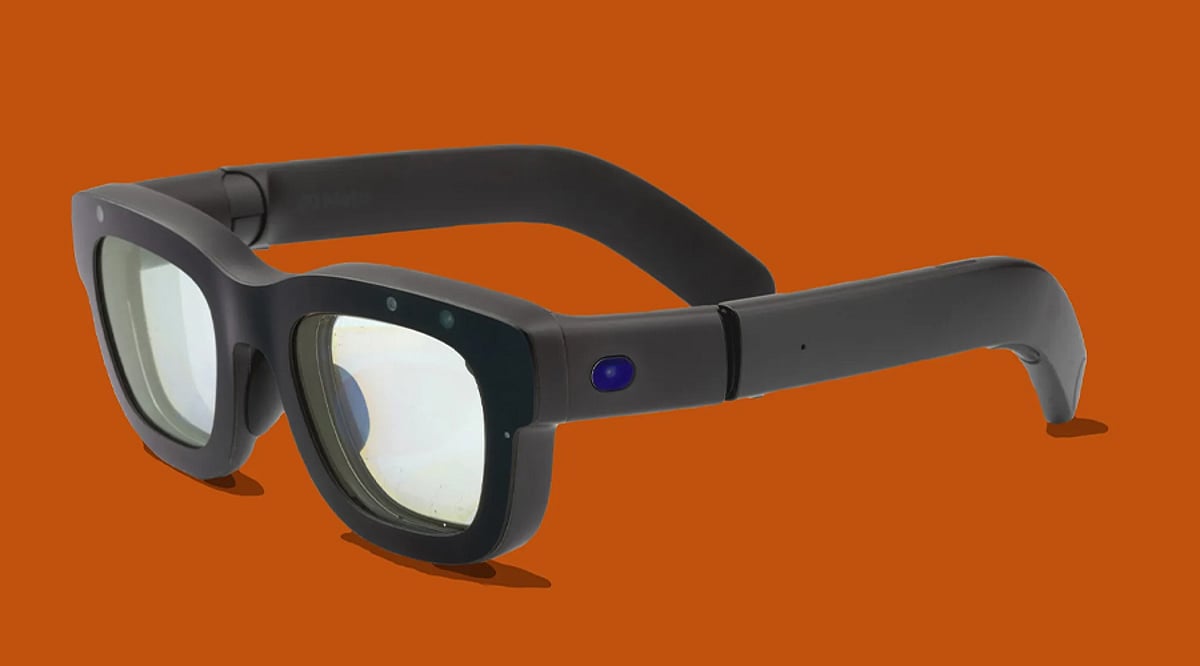
    AR glasses blend digital information with the physical world instead of replacing your surroundings entirely. They use displays, sensors, cameras, processors, and software to place virtual content within your view. The result can make directions, notifications, information, and interactive graphics feel part of the real environment.

    Tiny Displays Create the Overlay

    AR glasses need a way to place digital images where the wearer can see them. Compact display systems project or guide light toward the eyes, creating virtual images that appear over the physical environment. This optical system is central to making augmented reality feel convincing.

    Cameras and Sensors Understand the Scene

    Cameras and sensors help AR glasses understand what is happening around the wearer. Depending on the device, they can capture images, detect movement, estimate position, and recognize surfaces. That information allows software to determine where digital elements should appear within the surrounding environment.

    Tracking Keeps Objects in Place

    One major challenge is keeping virtual objects stable while your head moves. AR systems combine sensor information with software tracking to estimate the glasses’ position and orientation. This allows digital content to remain anchored to the environment instead of appearing to float randomly as you move.

    Processors Make Real-Time Decisions

    AR glasses need computing power to process sensor data, images, and software instructions with very low delay. The system continuously works out what the wearer is seeing and where virtual content should appear. Faster processing can help create smoother interactions and more responsive augmented experiences.

    Spatial Audio Adds Another Layer

    Some AR glasses also use speakers to provide spatial or directional audio alongside visual information. Sounds can help users understand where alerts or digital objects are coming from without constantly looking at a screen. This creates a more immersive experience by combining visual and audio cues.

    The Future Is Smaller and Smarter

    The challenge for AR glasses is packing displays, sensors, processors, cameras, batteries, and connectivity into a lightweight wearable. Advances in optics and computing are helping manufacturers explore slimmer designs and richer experiences. As these components improve, AR glasses could become increasingly useful for navigation, communication, and hands-free information.

  • 10 Screenless Tech Devices Transforming Consumer Electronics in 2026

    10 Screenless Tech Devices Transforming Consumer Electronics in 2026

    Screenless gadgets are revolutionizing the way people interact with technology in 2026. These devices rely on artificial intelligence, voice commands, sensors, and ambient computing to operate seamlessly in the background without the constant distraction of traditional screens.

    PLAUD NotePin S

    The PLAUD NotePin S is a wearable AI recorder that turns conversations into structured notes without requiring a phone display. It captures meetings, identifies individual speakers, transcribes speech in 112 languages, and generates AI-powered summaries and action items, making it a powerful tool for professionals and multitaskers.

    Ray-Ban Meta Smart Glasses

    Ray-Ban Meta smart glasses combine AI, cameras, and open-ear audio into everyday eyewear. Users can interact with an AI assistant, capture hands-free photos and videos, and access real-time information without pulling out a smartphone.

    Fitbit Air

    Fitbit Air eliminates the traditional fitness tracker screen, focusing entirely on health monitoring. This lightweight wearable tracks heart rate, heart rate variability, sleep quality, blood oxygen levels, and more. All detailed insights are delivered through the Google Health app, and the device offers up to a week of battery life.

    Oura Ring 4

    Oura Ring 4 packs advanced health tracking into a discreet, screen-free ring. It monitors sleep patterns, activity levels, heart-related metrics, temperature trends, and recovery. Users access comprehensive data later via the companion app, avoiding screen time throughout the day.

    AI Earbuds

    AI-powered earbuds are evolving beyond music playback. The latest models integrate spatial audio, voice assistants, noise cancellation, and AI features, providing a fully hands-free way to manage digital interactions—no screen needed.

    Augmented Reality Glasses

    AR glasses such as VITURE and RayNeo offer a different path to screenless computing. These devices project large virtual displays for movies, gaming, and productivity while remaining compact and wearable, effectively replacing a portable monitor without a physical screen.

    Screenless Fitness Bands

    Fitness bands like WHOOP and Luna Band prioritize sleep, recovery, stress, and activity tracking over notifications. Data syncs to a smartphone app, allowing users to monitor their health without another glowing wrist display.

    Ambient AI Assistants

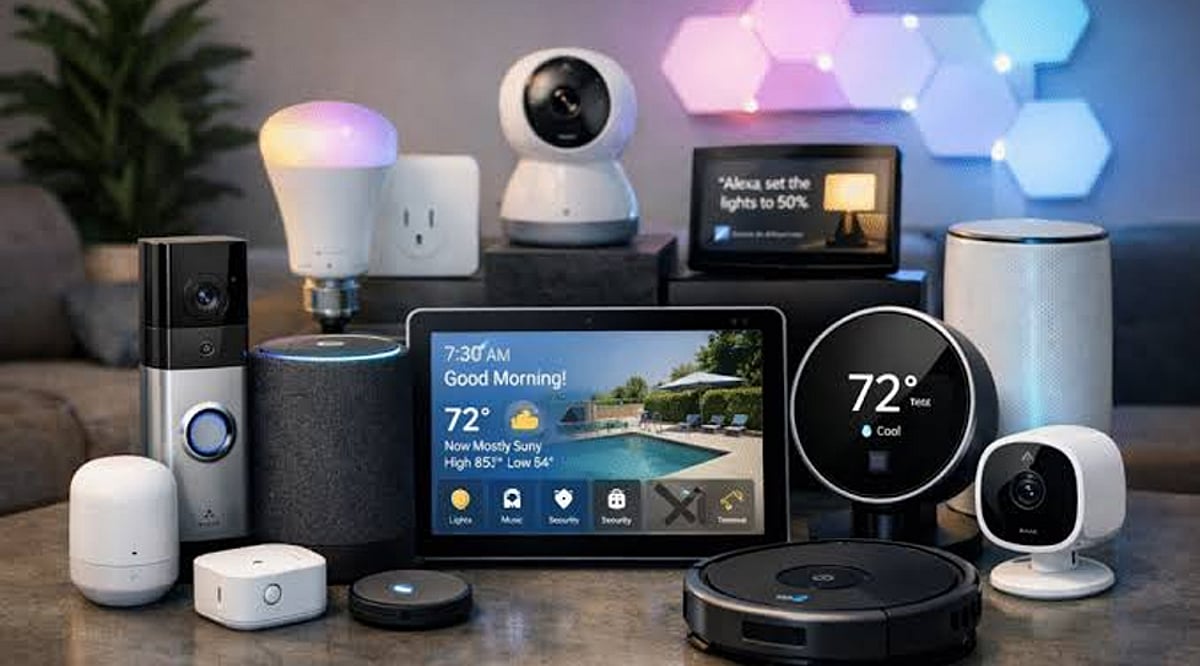
    Ambient AI assistants and wearable speakers are moving technology into the background. Voice commands, contextual AI, and smart-home automation handle tasks without requiring users to open apps or navigate menus, creating a truly uncluttered digital experience.

    Movement-Assist and Smart Energy Devices

    Screenless innovation extends beyond wearables. Exoskeletons assist physical movement, and portable power stations like EcoFlow offer quiet backup energy without adding another screen-based gadget to your routine.

    From health tracking to productivity and entertainment, screenless tech is reshaping consumer electronics by reducing screen time while increasing functionality. These devices prove that the best interface is often no interface at all.

  • Best Smart Glasses 2026: AI, AR Display, and Standalone Models Compared

    Best Smart Glasses 2026: AI, AR Display, and Standalone Models Compared

    Smart glasses now split into three distinct categories: AI camera and audio glasses, tethered AR display glasses, and standalone AR glasses with a built-in HUD. The category matters more than the model. Once the use case is clear, the shortlist narrows fast.

    Every spec here comes from manufacturers or retailers, including weight, battery, and connection type, not just headline features.

    A pair of smart glasses is sold every ninety seconds somewhere in the world, and the surprising part is not the sales figure. It is that three completely different products now share the same shelf. One pair replaces a phone call. Another replaces a monitor. A third tries to replace both at once and pays for it in battery life.

    That split is the real story behind the buying decision. Meta’s Ray-Ban line proved AI glasses could sell at scale, pulling Google, Samsung, and Warby Parker into a competing Android XR platform launching later this year. Meanwhile, the AR display category, led by Xreal, Viture, and RayNeo, moved past prototype status into something people actually use for a workday or a long flight. Anyone shopping this category for the first time needs to understand the split before comparing a single spec.

    Types of Smart Glasses in 2026: AI, AR Display, and Standalone AR Explained

    AI camera and audio glasses (led by Ray-Ban Meta Gen 2) skip the display entirely. They record video, take calls, and run an AI assistant through bone-conduction audio, pairing over Bluetooth rather than a cable. They look like ordinary glasses, which is the point.

    AR display glasses (including the Xreal, Viture, and RayNeo Air series) tether to a phone, laptop, or console over USB-C and project a large virtual screen through micro-OLED panels. Most carry no camera and no battery of their own; power and video come from the connected device.

    Standalone AR glasses (represented here by RayNeo’s X3 Pro) combine a lightweight HUD, a camera, and onboard AI in one frame with their own battery. That independence is the trade for shorter runtime, and the comparison table below shows exactly how much shorter.

    Best Smart Glasses for Work, Travel, Gaming, and Everyday Use

    Compatibility, comfort, and what to check before buying smart glasses:

    Tethered AR glasses need a source device with USB-C video output, often called DisplayPort Alt Mode. Xreal, Viture, RayNeo’s Air line, and Rokid Max 2 work with recent iPhones, most Android phones, Macs, Windows laptops, the Steam Deck, the ROG Ally, and the Nintendo Switch 2. Older phones without Alt Mode need an HDMI-to-USB-C adapter. Ray-Ban Meta Gen 2 pairs over Bluetooth instead, with no cable or Alt Mode requirement. RayNeo X3 Pro connects over Wi-Fi and Bluetooth as a standalone device rather than a tethered display.

    Weight alone does not decide comfort. RayNeo distributes the Air 4 Pro’s 76g at roughly 47 percent in the front and 53 percent in the rear to ease nose pressure, a design choice that matters more over a long session than the raw number on a spec sheet. The VITURE Luma Pro, the heaviest tethered pair here at close to 90g, offsets that with two frame sizes for different IPD ranges. Anyone who wears prescription lenses should confirm exact diopter support directly with the brand before buying, since ranges shift between hardware revisions.

    Best Smart Glasses to Buy in 2026

    Ray-Ban Meta Gen 2

    Ray-Ban Meta Gen 2 carries no screen and no cable, unlike every AR display pair on this list. Battery life roughly doubled over the first generation, and the camera now shoots 3K video. Giving up a private screen is the exchange for a frame that wears like ordinary sunglasses.

    Xreal One

    Xreal One suits a routine built around a laptop and a train seat. Its 50° field of view and 147-inch perceived screen sit below the Pro model’s numbers, though the gap rarely shows up during document work.

    Xreal One Pro

    Xreal One Pro pairs a 57° field of view with a 171-inch perceived screen through Sony’s 0.55-inch micro-OLED panel and X-Prism optics that hold sharpness at the edges. At 87g and a $150 premium over the standard One, it targets people who sit in front of the screen for hours, not casual users.

    VITURE Luma Pro

    VITURE Luma Pro stays visible in bright rooms where most AR glasses wash out, thanks to a 1,000-nit panel. Built-in myopia adjustment removes the need for a lens insert for milder prescriptions. Fixed tint, rather than electrochromic dimming, is the compromise.

    RayNeo Air 4 Pro

    RayNeo Air 4 Pro balances 76g of weight toward the rear of the frame, making it the most wearable tethered pair here over long flights. HDR10 support, rare in this category, is clearly visible during movie playback. It functions as a personal cinema rather than a work display.

    RayNeo X3 Pro

    RayNeo X3 Pro is the only pair here with a true waveguide HUD, a 12MP camera, and onboard AI in one 76g titanium frame. The 245 mAh battery caps active use at roughly three hours, a real limit for anyone expecting a full workday from it. Short navigation stretches or quick capture suits it better than sustained wear.

    Rokid Max 2

    Rokid Max 2 delivers a 215-inch perceived screen and 600-nit brightness in a 75g package, a strong match for Steam Deck and ROG handheld gaming. Without a camera or onboard AI, it stays focused on watching and playing rather than capturing.

    Final Thoughts

    AI glasses have reached a point where they can replace real phone interactions, not just supplement them, while AR display glasses now offer a workable substitute for carrying a second monitor. The category a buyer picks will shape daily use far more than any single spec inside it. Checking a workplace’s camera policy before wearing anything with a lens built in is worth doing before the purchase, not after.