
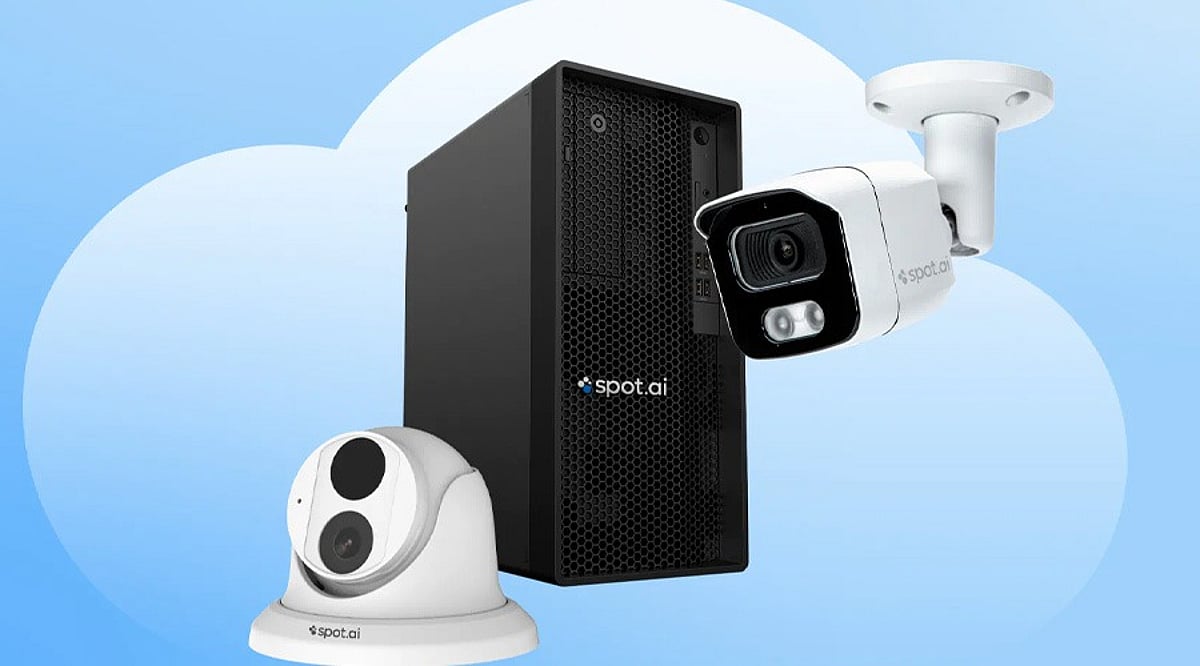
Home security cameras have become easier to install and manage, with many models now connecting directly to smartphones and home networks. Cloud storage adds another layer of convenience by keeping recorded footage accessible without relying on physical storage cards. However, cloud storage often comes with a subscription fee, and some cameras combine cloud services with local storage options. The right choice depends on your home, budget, privacy needs, and storage preferences. Here are some strong options to consider.
Ring
Ring remains a popular choice for connected home security. Its cameras integrate closely with the wider Ring ecosystem. The Ring Pan-Tilt Indoor Cam is one notable indoor option, offering 1080p video and broad room coverage. Ring’s subscription plans provide cloud video history and smart alerts, with current plans retaining recorded events for up to 180 days. This makes Ring useful for homeowners who regularly review older footage. The ecosystem also works well with other Ring security products. However, recorded video features generally require a paid subscription, so buyers should include that recurring cost in their budget.
Google Nest
Google’s Nest cameras are designed around the Google Home ecosystem, providing live video through compatible smartphones and smart displays. Cloud storage is available through Google’s paid home security plans, which also add features such as longer event history and advanced alerts. Google’s cameras can identify different types of activity, allowing users to receive alerts involving people, animals, vehicles, and packages. This makes Nest attractive for households already using Google smart home products. The main consideration is the recurring subscription, and continuous recording requires a higher-tier plan.
Arlo
Arlo offers cameras for both indoor and outdoor security, including models with higher-resolution video and advanced detection. The company’s subscription plans provide cloud storage and additional security features, such as alerts for people, vehicles, animals, and packages. Arlo also offers advanced features for users seeking more detailed security monitoring. The downside is cost: Arlo’s cloud plans can become expensive across multiple cameras. It suits users who value advanced features and video quality, but buyers should compare the total subscription cost before purchasing.
Blink
Blink offers a simpler approach to connected home security. Its cameras are compact and easy to install. The Blink Mini 2K+ is one option for indoor monitoring, recording at 2K resolution and supporting cloud or local storage. Blink’s subscription plans add cloud recording and smart detection features, with the basic plan positioned as a lower-cost option for individual cameras. This makes Blink suitable for buyers building a basic security setup, renters, and smaller homes. However, some advanced features depend on a subscription, so buyers should check which functions remain available without one.
Eufy and Wyze: Alternatives to Expensive Subscriptions
Eufy is worth considering for users who prefer local storage. Many Eufy systems use a local hub instead of relying entirely on cloud storage, reducing recurring costs and keeping footage closer to home. Some models also provide advanced detection without requiring a cloud subscription. Wyze offers another alternative for budget-conscious buyers. The Wyze Cam v3 supports MicroSD storage and limited free cloud storage. Local storage can be a major advantage during internet outages, but footage stored directly on a camera can be lost if the camera is stolen. A separate hub or recorder can better protect important recordings.
How to Choose the Right Cloud Security Camera
Start by deciding where to install the camera. Indoor cameras have different requirements from outdoor models; outdoor cameras should have appropriate weather resistance, and battery-powered models can simplify installation. Next, check video resolution and night vision. Full HD can work for basic monitoring, while higher-resolution cameras provide more detail when viewing distant subjects. Cloud storage deserves equal attention: check how long recordings remain available and how many cameras each plan covers. Users should also consider privacy and internet dependence, as cloud cameras need connectivity to upload recordings and provide remote access. Subscription costs can become significant over several years, so a cheaper camera may cost more over time. For many households, the best option is a balance of good video quality, reliable alerts, suitable storage, and manageable long-term costs.
Frequently Asked Questions
What is cloud storage in a CCTV camera?
Cloud storage allows a security camera to upload recorded footage to remote servers. Users can then access recordings through an app or web service. This protects footage if the physical camera is damaged or stolen, but extended cloud storage often requires a monthly or annual subscription.
Which CCTV camera is best with cloud storage in 2026?
There is no single best camera for every household. Ring, Google Nest, Arlo, Blink, Eufy, and Wyze target different users. Ring suits Amazon households, Nest fits Google ecosystems, Arlo focuses on video quality, and Eufy and Wyze provide attractive local-storage alternatives.
Do CCTV cameras require a cloud storage subscription?
Not always. Some cameras provide local storage through MicroSD cards or dedicated hubs. Other brands offer limited free cloud storage but charge for longer video history. Ring, for example, requires a subscription for saved video storage. Buyers should check the exact model and plan before purchasing.
How much does CCTV cloud storage cost?
Cloud storage prices vary significantly between brands and plans. Some services cost only a few dollars monthly for basic coverage, while higher plans can cost considerably more, especially when multiple cameras are included. Buyers should calculate annual costs rather than focusing only on the camera’s upfront price.
Is cloud storage better than local storage for security cameras?
Neither option is universally better. Cloud storage protects recordings if someone steals the camera. Local storage avoids recurring subscription fees and keeps footage closer to home. Some systems combine both approaches. The right choice depends on privacy preferences, budget, internet reliability, and security requirements.