
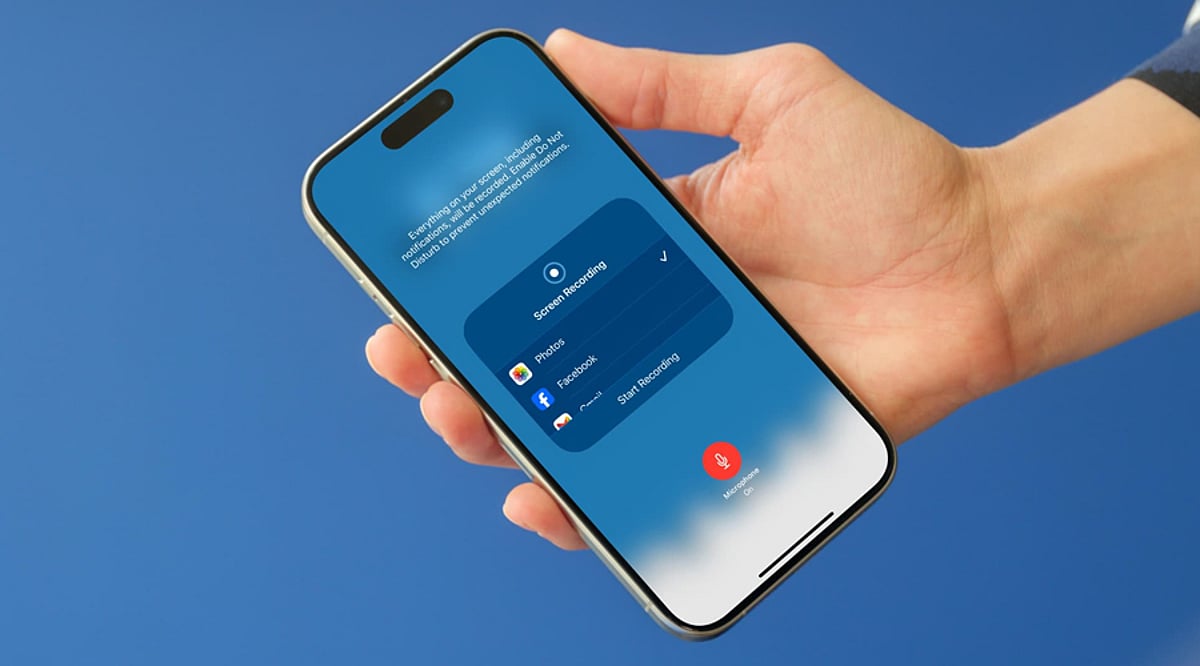
Your iPhone can capture studio-quality audio with the right setup. Small adjustments can dramatically improve clarity. Whether you’re creating podcasts, interviews, or videos, these tips will help you achieve professional sound.
Use the Voice Memos App Correctly
Apple’s Voice Memos app records excellent-quality audio. Always select a quiet environment before starting. Hold the iPhone with the microphone facing the speaker. Review recordings immediately to catch any issues.
Choose an External Microphone
An external microphone delivers cleaner and richer audio than the built-in mic. Lavalier and USB-C microphones work well for interviews and content creation. They also reduce background noise significantly. It’s one of the best upgrades for creators.
Adjust Recording Settings
Record in lossless quality whenever possible for maximum detail. Disable unnecessary notifications to prevent interruptions. Keep Low Power Mode off during long recording sessions. Sufficient storage space also helps maintain smooth performance.
Reduce Background Noise
Find a quiet room with soft furnishings to minimize echo. Close windows, switch off fans, and silence nearby devices. Speak consistently at a comfortable distance from the microphone. Better surroundings produce cleaner recordings.
Use Professional Recording Apps
Apps like Ferrite, Dolby On, and Riverside offer advanced recording controls. They include noise reduction, editing tools, and audio enhancement features. These apps are ideal for podcasts, interviews, and professional content. They provide more flexibility than basic recording apps.
Edit Before You Share
Trim unnecessary sections and normalize audio volume before publishing. Remove background hiss using AI-powered editing tools if needed. Always listen through headphones to catch imperfections. A polished recording creates a more professional final result.