
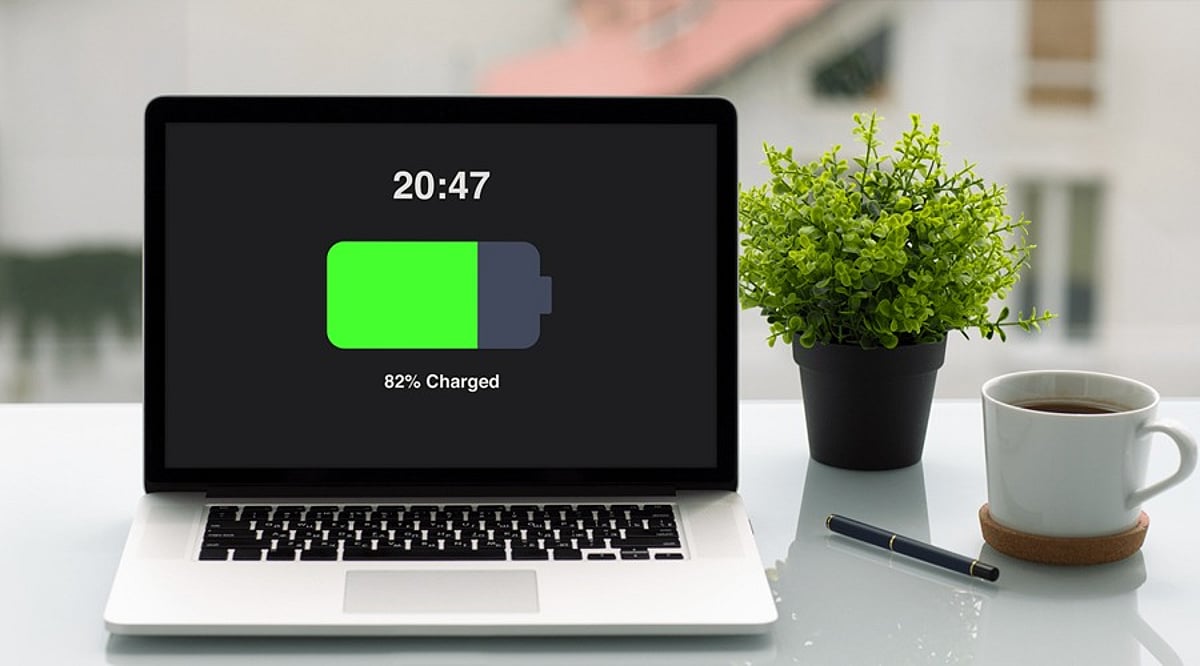
Running out of battery in the middle of work can be frustrating, especially when you don’t have access to a charger. While modern laptops offer better battery life, your daily habits still play a significant role in how long a charge lasts. By making a few simple adjustments, you can reduce unnecessary power consumption and get more usable hours from your laptop between charges.
7 Simple Tips to Save Laptop Battery
1. Lower Screen Brightness
The display is one of the biggest power consumers. When working indoors, reduce the brightness to a comfortable level. You don’t need maximum brightness all the time, and even a small reduction can help stretch your remaining battery.
2. Enable Battery Saver Mode
When your battery gets low, turn on your laptop’s built-in power-saving mode. Windows offers Energy Saver, while MacBooks have Low Power Mode. These settings automatically reduce background activities and other power-hungry processes to keep your laptop running longer.
3. Close Unused Apps
Leaving multiple programs open, including browsers with many tabs, editing software, and cloud apps, consumes system resources in the background. Close anything you’re not currently using to reduce battery drain and improve responsiveness.
4. Reduce Background Activity
Some apps continue to sync files, check for updates, or perform tasks even when not visible. Check which apps are allowed to run in the background and disable permissions for those you rarely use.
5. Set Your Laptop to Sleep Sooner
If you often step away from your laptop, reduce the inactivity time before the display turns off and the laptop enters sleep mode. This prevents battery waste when you’re not using the computer.
6. Unplug Unnecessary Accessories
External drives, USB devices, and wireless accessories draw power even when not in use. Disconnect peripherals you don’t need, especially when battery is low.
7. Use Battery Health Features
Modern laptops include battery care options like Smart Charging on Windows or Optimized Battery Charging on MacBooks. Enable these features to support long-term battery health and extend overall lifespan.
Final Thoughts
You don’t need to obsess over battery usage. Simple changes like lowering brightness, closing apps, and enabling power-saving mode can make a big difference. Also, remember to disconnect extra devices and let your laptop sleep faster. For long-term care, use your laptop’s battery health tools.
By incorporating these habits, you can enjoy longer battery life and a more efficient laptop experience.