Overview
Running cost, consumable availability, and document handling matter more than headline print speed for most buyers. Ink tank printers dominate the Indian market for their lower long-term cost compared with cartridge models. The right printer depends on monthly print volume and the number of devices that need to connect to it.
The wrong printer can quietly turn into one of the most expensive devices in a home or office. Cheap cartridges, slow output, paper jams, and manual double-sided printing add up fast. A low price today often hides a high cost later. The smarter move is to judge a printer by the work it does, not the number on its box.
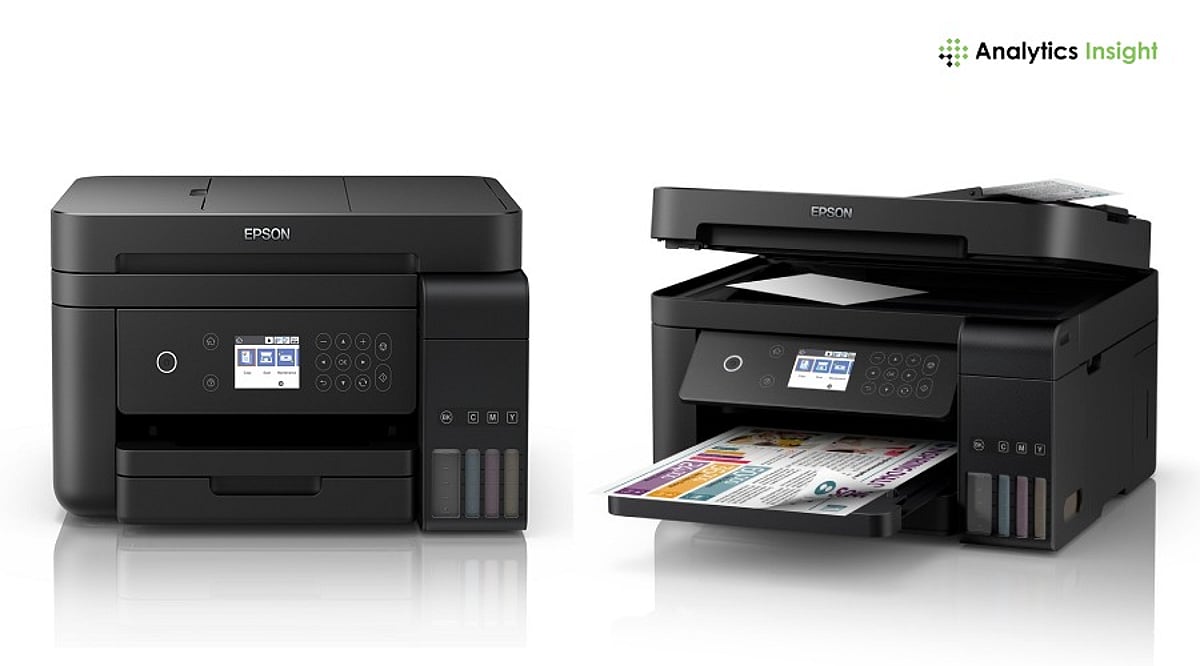
Five models stand out this year for different needs: Epson EcoTank L3252, Canon PIXMA G2012, Brother DCP-T730DW, Canon PIXMA G3730, and HP Smart Tank 750. Each one fits a specific workload, from student assignments to daily office paperwork.
Quick Comparison Table
| Model | Key Features | Best For | Connectivity |
|---|---|---|---|
| Epson EcoTank L3252 | 5760 dpi, refillable ink tank, compact | Home users who print occasionally | Wi-Fi, Wi-Fi Direct, USB |
| Canon PIXMA G2012 | Low B&W running cost, simple operation | Single-computer households on a budget | USB only |
| Brother DCP-T730DW | 20-sheet ADF, auto duplex, 27 ppm black | Small offices with multi-page documents | Dual-band Wi-Fi, USB |
| Canon PIXMA G3730 | 4800 dpi, 2-year warranty, wireless | Connected families and students | Wi-Fi |
| HP Smart Tank 750 | 35-sheet ADF, auto duplex, Ethernet, up to 3 users | Shared higher-volume workflows | Wi-Fi, Bluetooth LE, LAN, USB |
Note: ipm and ppm figures come from each manufacturer’s own testing. Treat cross-brand comparisons as directional. Check current spec sheets before purchase.
Detailed Reviews
Epson EcoTank L3252: The Balanced Home Option
The L3252 wins the top spot for combining low running costs, Wi-Fi, and a compact body without increasing the price. It prints at up to 5760 dpi and connects over Wi-Fi, Wi-Fi Direct, and USB. The refillable ink tank system cuts down how often ink needs replacing and how much it costs each time.
The trade-off shows up in document handling. There is no automatic document feeder and no automatic duplex, so anyone scanning a multi-page file or printing on both sides has to feed pages by hand. For a household printing occasional documents and photos, that limitation rarely gets in the way.
Canon PIXMA G2012: The Simplest Low-Cost Option
The G2012 strips away features a single-computer household rarely uses, and that is its strength. It handles printing, scanning, and copying from a compact body, and its black-and-white running cost sits well below its color cost, according to Canon’s own figures.
Connectivity runs through USB only. That makes it a strong fit for one computer, not for a household with several devices needing to print wirelessly. Students and home offices working on a tight budget, with print jobs that lean heavily black-and-white, get the most value here. Warranty terms and included consumables vary by SKU, so check Canon’s current India listing before buying.
Brother DCP-T730DW: The Document Workflow Option
Small offices that scan and print multi-page documents need a machine that does not demand manual feeding for every job. The DCP-T730DW solves that directly. Its 20-sheet automatic document feeder and automatic duplex printing matter more here than raw speed, since they remove one of the most repetitive steps in office paperwork.
Dual-band Wi-Fi and USB round out the connectivity, with rated speeds up to 27 ppm in black and 23 ppm in color. Ink bottles carry high page yields across both black and color, per Brother’s specifications. The trade-offs are a higher price and a larger footprint than single-tray home printers, a fair exchange for offices that print in volume.
Canon PIXMA G3730: The Connected Family Option
Homes and students printing occasional color work alongside everyday documents find a well-rounded fit in the G3730. Wireless connectivity matters more here than print speed. A phone, a laptop, and a child’s tablet can all print from the same machine, with nobody needing to sit near a tethered PC.
A two-year standard warranty adds weight for buyers who value after-sales cover, and print resolution reaches up to 4800 dpi. Running costs stay well below cartridge-based printers, in line with other ink tank models. There is no ADF, so repetitive scanning is not its strength. This is a home and student pick rather than an office one.
HP Smart Tank 750: The Shared Higher-Volume Option
The Smart Tank 750 fits users who have moved past occasional home printing and need a machine built for shared document workflows. Its 35-sheet ADF and automatic two-sided printing matter more than resolution for this kind of use, cutting down manual handling during repetitive scanning and double-sided jobs.
Connectivity includes Wi-Fi, Bluetooth LE, LAN, and USB, so it can easily connect to different devices. HP also says it is designed for teams of up to three users. The combination of Ethernet and automatic duplex lets it sit on a shared network without needing a dedicated computer link. In-box ink carries a high page yield in both black and color, cutting how often a small office reorders consumables. Its higher price than single-user models reflects that added capacity.
How to Choose the Right Printer
Start with monthly page volume. Light, occasional printing favors a compact single-user model like the L3252 or G2012. As volume rises, especially with multiple people printing, an ADF-equipped model like the Brother or HP becomes worth the extra cost.
Connectivity comes next. A USB-only printer works fine for one computer, but a household or office with several devices needs Wi-Fi or LAN. Duplex printing and scanning matter too: anyone handling multi-page or double-sided documents regularly will find automatic duplex and an ADF save enough manual effort to justify a higher price. Running cost deserves attention over the printer’s full expected workload, not just the price of an ink bottle. A machine that costs more upfront but offers automatic duplexing, higher ink yields, or better document handling often delivers more value across regular use. For occasional printing, paying extra for office-grade features rarely makes financial sense.
Frequently Asked Questions
1. Which type of all-in-one printer is best for home use?
An ink-tank all-in-one printer is generally a strong choice for home users who print regularly. It combines printing, scanning, and copying while keeping ink replacement costs lower than many cartridge-based models.
2. Is an ink-tank printer better than a laser printer for a small office?
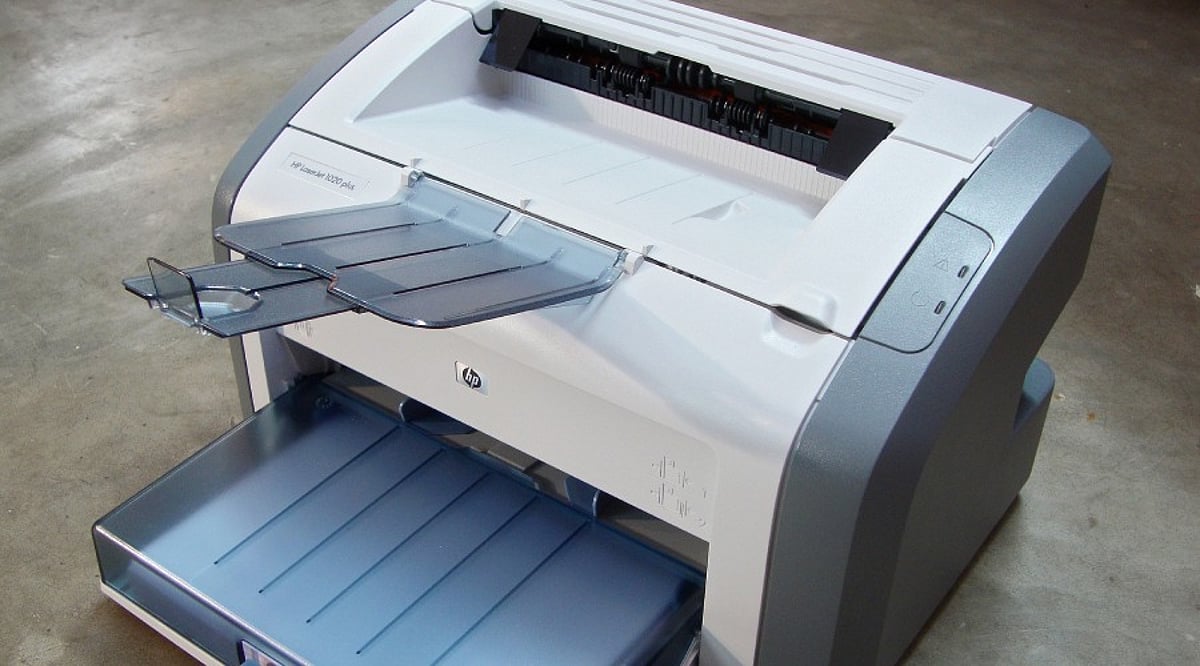
It depends on the workload. Ink-tank printers are better suited to offices that need economical colour printing, while monochrome laser printers are usually preferable for businesses that produce large volumes of text-heavy documents and value higher print speeds.
3. Is automatic duplex printing important in an all-in-one printer?
Yes, especially for office use. Automatic duplex printing prints on both sides of a sheet without requiring manual page turning, reducing paper consumption and making longer documents easier to handle.
4. What should I check before buying an all-in-one printer?
Look at the expected monthly page volume, ink or toner costs, print speed, duplex support, ADF availability, connectivity options, warranty and replacement consumables. These factors have a greater impact on long-term ownership than print resolution alone.
5. Are ink-tank printers cheaper to operate than cartridge printers?
Generally, yes. Ink-tank printers use refillable reservoirs and high-yield bottles, which can reduce the cost per printed page. However, actual savings depend on ink prices, page coverage and how frequently the printer is used.
Final Thoughts
The best printer isn’t the one with the most features, but the one that fits how you actually work. It handles your regular print volume, keeps pace with your daily routine, and stays affordable in the long run.