
Tag: computational photography

  • 7 Smartphone Camera Settings That Improve Night Photography

    7 Smartphone Camera Settings That Improve Night Photography

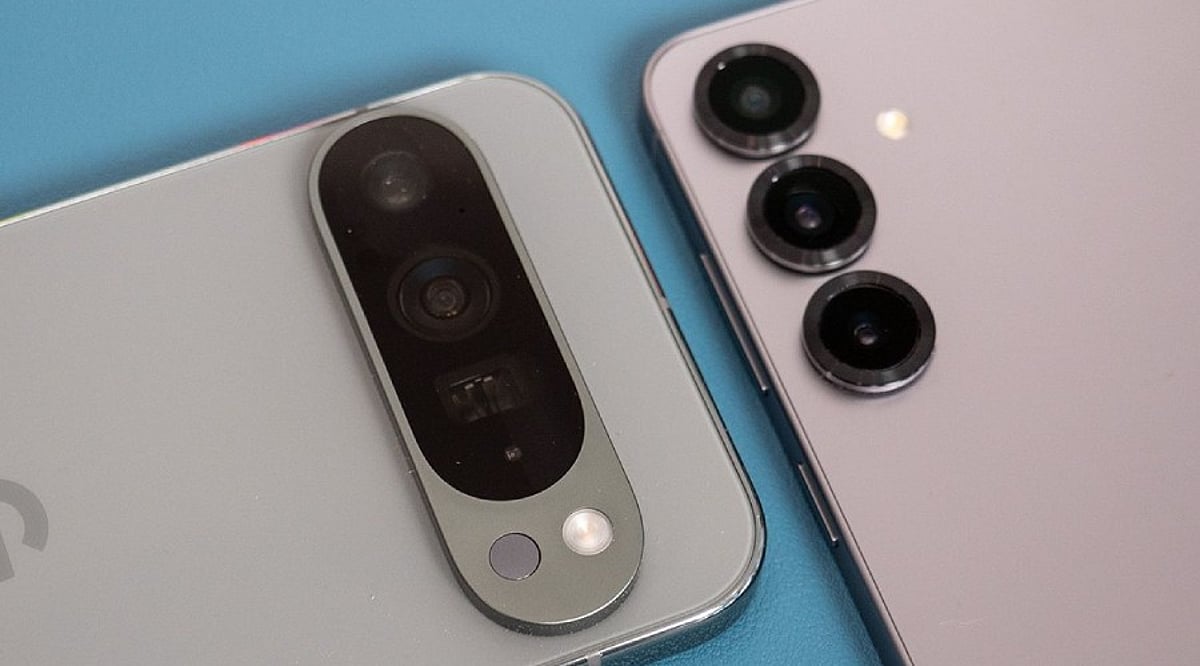
    Night photography exposes the limits of even the best smartphone cameras. Dark scenes provide much less light for the sensor, often resulting in grainy images, motion blur, weak colors, and lost detail. However, the problem isn’t always the hardware. A few key settings can make a noticeable difference after sunset. Many phones also use computational photography to improve low-light results automatically. Before blaming your device, try these seven adjustments.

    1. Turn On Night Mode

    Night mode should be your first check in low light. It captures more light over a longer period, combining multiple frames for a brighter, cleaner image. On iPhones, Night mode activates automatically in dark environments, and you can adjust the capture time. Samsung Galaxy phones offer a dedicated Night mode, while Google Pixel devices use Night Sight. Keep the phone still during the exposure to avoid ghosting and blur.

    2. Adjust Exposure

    A dark image isn’t always fixed by increasing brightness. Too much exposure can wash out signs, lights, and buildings. Tap the main subject and adjust the exposure slider if your phone allows it. Small tweaks preserve natural darkness, especially around streetlights and illuminated structures.

    3. Control ISO Sensitivity

    ISO controls the camera’s sensitivity to light. Higher ISO brightens dark scenes but adds noise. Phones usually manage ISO automatically, but some Android devices offer manual controls. In Samsung’s Pro mode, you can set ISO manually — use the lowest practical value for stationary night scenes to keep the image clean.

    4. Manage Shutter Speed

    Shutter speed determines how long the sensor collects light. A slower shutter produces brighter photos but is more sensitive to movement. Samsung Pro mode provides manual shutter controls. Use a tripod for very long exposures, and consider a timer or remote shutter to avoid camera shake.

    5. Check Focus Manually

    Autofocus can struggle in extremely dark scenes. Tap the subject manually before shooting. Some phones offer manual focus in Pro modes. Google Pixel cameras include a Far focus option for distant subjects like night skies. Focus carefully when photographing buildings, landscapes, or distant lights.

    6. Avoid Excessive Digital Zoom

    Zoom makes nighttime image quality worse by amplifying noise and softening details. Use the phone’s main camera whenever possible — it usually has the best low-light performance. Some newer phones combine frames to improve zoom clarity, but extreme zoom still reduces detail. Move closer when safe and practical.

    7. Try Pro or RAW Modes

    Advanced users can gain more control with Pro or RAW photography. Samsung Pro mode lets you adjust ISO, shutter speed, exposure, white balance, and focus. Apple ProRAW preserves more editing information on supported models, giving greater control over exposure and color. RAW files require more storage and editing, so for casual shots, computational Night mode may be easier.

    Why Night Photos Still Go Wrong

    Even perfect settings can’t overcome every limitation. Small sensors have less light available than larger dedicated cameras. Bright signs create difficult exposure differences, and moving people or vehicles introduce blur during long exposures. Clean lenses matter too — fingerprints and dust can create haze around lights. Before changing every setting, wipe the lens, then try Night mode with steady hands and modest adjustments.

    Frequently Asked Questions

    Why do smartphone photos look worse at night?

    Smartphone cameras receive much less light after sunset. The camera may use higher sensitivity or longer exposures, introducing noise, motion blur, reduced detail, and inaccurate colors.

    What is the best camera setting for night photography?

    Night mode is usually the simplest starting point. It’s designed for low-light scenes and often combines multiple frames. Results depend on the phone model, lighting, and subject movement.

    Should I always use Night mode?

    Not necessarily. Night mode works best in genuinely dark scenes. In moderately bright environments, regular Photo mode may produce a more natural result. Some phones activate low-light processing automatically when needed.

    Does increasing ISO improve night photos?

    Higher ISO can brighten a darker image but introduces more visible noise. On phones with manual controls, a lower practical ISO can produce cleaner results when enough light is available.

    How can I reduce blurry night photos?

    Keep the phone as still as possible during capture. Use a tripod or stable surface for longer exposures. Avoid moving subjects when the camera needs more time to collect light.
  • From Film to AI: The Digital Camera Revolution

    From Film to AI: The Digital Camera Revolution

    Photography was once a painstaking chemical process. Each roll of film offered only a limited number of exposures, and photographers had to wait until development to see their results. Every shot demanded careful exposure and composition, because mistakes could not be corrected in an instant.

    The arrival of digital cameras fundamentally changed this. By replacing film with CCD and CMOS sensors, light was converted into electronic data, allowing images to be stored as digital files. LCD screens provided instant previews, enabling photographers to check, delete, and retake shots immediately.

    Memory cards replaced film rolls, offering unprecedented flexibility. Instead of carrying and developing multiple rolls, photographers could store hundreds or even thousands of images. Digital files could be edited, copied, shared, and backed up with ease.

    As sensors and processors improved, cameras became smarter. Higher resolution, better low-light performance, autofocus, image stabilization, HDR, and noise reduction expanded what photographers could capture. Software editing also moved many traditional darkroom tasks into tools like Photoshop and Lightroom.

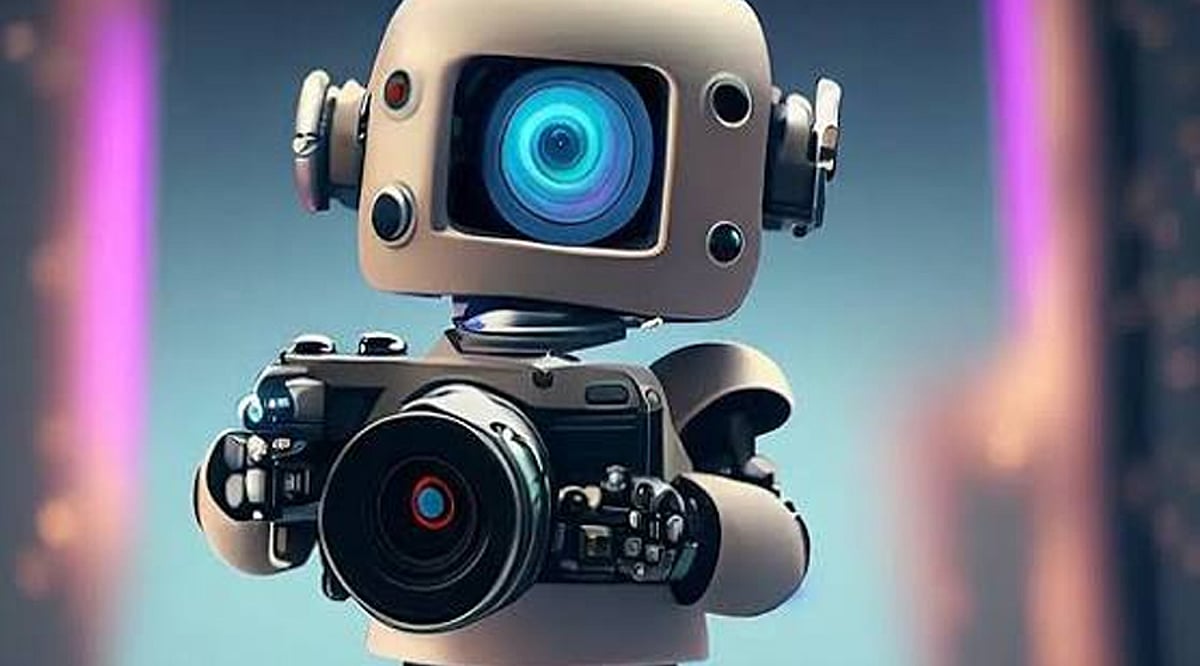
    Now, AI is taking digital photography another step forward. Computational photography combines multiple frames to reduce noise, improve dynamic range, and capture more detail. Modern systems can also recognize scenes and subjects to make smarter adjustments automatically.

    AI has also transformed photo editing. Intelligent tools can recognize subjects, remove unwanted elements, improve images, and automate complex adjustments. This makes advanced editing accessible to everyday users, not just experienced photographers.

    From film to digital and now AI, photography has shifted from a chemical process to a computational one. Technology has made images faster and easier to create, but it has also raised a new question: where does photography end and AI-generated imagery begin?

  • Google Pixel 11 Pro Launch Nears: Expected India Price, Tensor G6, and AI-Powered Features

    Google Pixel 11 Pro Launch Nears: Expected India Price, Tensor G6, and AI-Powered Features

    Google is gearing up to unveil its next-generation flagship, the Pixel 11 Pro, in just a few weeks. The device is expected to debut alongside the standard Pixel 11 and Pixel 11 Pro XL during the company’s annual Made by Google event, with pre-orders likely opening shortly after the presentation.

    Expected India Price

    The Pixel 11 Pro is anticipated to carry a premium price tag in India. Reports suggest a launch price of around Rs. 1,09,999, though Google has not officially confirmed this. Final pricing may vary based on storage configurations, launch offers, and regional taxes.

    Powered by Tensor G6

    Google’s next flagship is expected to feature the new Tensor G6 processor. This chip promises faster AI performance, improved battery efficiency, and smoother day-to-day operation. Running Android 17 out of the box, users can expect enhanced multitasking, stronger security, and more intelligent on-device AI capabilities.

    Camera Upgrades

    The Pixel 11 Pro will likely continue Google’s focus on computational photography. Rumors point to upgraded camera sensors, better zoom quality, and smarter AI-powered editing tools. Low-light photography, video stabilization, and portrait modes are also expected to see significant improvements over previous generations.

    Display and Design

    Leaks suggest the Pixel 11 Pro will retain Google’s premium design language with subtle refinements. A bright OLED display with a high refresh rate should deliver smooth scrolling and gaming. Slim bezels, a durable build, and fresh color options are also expected.

    Battery and Charging

    Battery life is set to improve thanks to the Tensor G6 chipset and software optimizations. The Pixel 11 Pro is expected to support fast wired charging, wireless charging, and reverse wireless charging. Google may also introduce AI-driven battery management that adapts to users’ charging habits.

    AI Features and Software

    Artificial intelligence remains the biggest highlight of the Pixel 11 Pro. Google is expected to introduce smarter Gemini-powered tools for writing, photo editing, voice assistance, and productivity. Combined with long-term Android updates, these exclusive AI features could make the Pixel 11 Pro one of the smartest flagship phones available.

  • Top AI-Powered Innovations Transforming Smartphone Photography

    Top AI-Powered Innovations Transforming Smartphone Photography

    Artificial intelligence is rapidly reshaping the way we capture and edit photos on smartphones. From automatic scene adjustments to advanced generative editing, the latest AI features make it easier than ever to take professional-quality images without manual effort. Here are the key AI capabilities that are making smartphone cameras smarter.

    AI Scene Recognition

    Modern smartphones automatically identify landscapes, food, pets, documents, and portraits. The AI then adjusts exposure, colors, contrast, and white balance in real time, ensuring every shot looks its best with zero user input.

    Computational Photography

    By combining multiple frames into a single image, computational photography dramatically improves sharpness, dynamic range, and low-light performance. This technique eliminates the need for manual camera adjustments and consistently delivers detailed, balanced photos.

    Night Mode AI

    Intelligent image stacking and noise reduction allow smartphones to brighten dark scenes while preserving natural colors and fine details. Night mode AI makes low-light photography accessible and impressive, even for casual users.

    AI Portrait Mode

    Using advanced subject separation, portrait mode creates realistic depth effects with adjustable blur. The result is studio-quality portraiture that highlights the subject while smoothly blurring the background.

    Object Eraser

    Generative AI powers object eraser tools that remove unwanted people, reflections, wires, or other distractions. The surrounding background is naturally reconstructed, making the edit nearly invisible.

    AI Image Upscaling

    When enlarging photos, AI upscaling intelligently enhances resolution and restores details without introducing artificial sharpness or artifacts. This feature breathes new life into older or lower-resolution images.

    Smart HDR Processing

    Smart HDR uses AI to balance bright highlights and dark shadows, ensuring every part of the image retains realistic detail and vibrant colors. It works seamlessly in high-contrast scenes.

    Real-Time Video Enhancement

    During video recording, AI improves stabilization, lighting, autofocus, and exposure. The result is smoother, sharper, and more professional-looking footage, even in challenging conditions.

    Generative AI Editing

    Advanced editing tools now expand image backgrounds, fill missing areas, and perform complex edits using AI-generated content. These features maintain visual consistency and realism, offering creative possibilities previously reserved for desktop software.

    These AI-driven innovations are making smartphone cameras more capable than ever, putting powerful photography tools in everyone’s pocket. As AI continues to evolve, we can expect even smarter and more intuitive camera experiences.