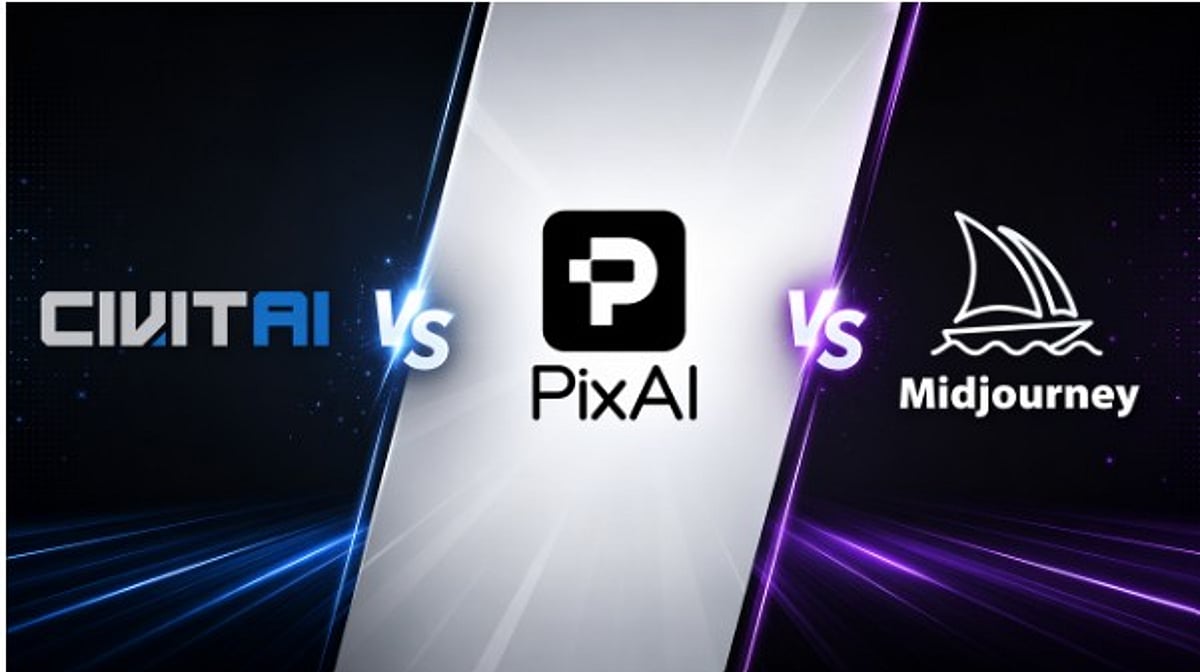
Choosing an AI art platform used to be straightforward: Midjourney for polished output, Stable Diffusion for granular control. But the landscape has evolved into specialized tools, and three names consistently surface in creator discussions: PixAI, Civitai, and Midjourney. Each serves a distinct purpose, making the choice heavily dependent on your specific creative needs and technical comfort.
Quick Comparison at a Glance
Pricing reflects publicly listed rates at the time of writing and is subject to change. Always confirm current pricing on each platform’s official website before subscribing.
What Are PixAI, Civitai, and Midjourney?
PixAI is an anime-focused AI art platform built for a browser-first workflow. Prompting, LoRA training, editing, and community sharing happen inside the same interface, with no local installation. It excels at character consistency and anime-specific model tuning, making it ideal for original character (OC) creators and anime enthusiasts who want quality without learning Stable Diffusion architecture.
Civitai functions as a community-driven repository for Stable Diffusion and Flux models. Think of it as an app store for AI models, hosting checkpoints, LoRAs, and embeddings, plus an on-site generator. Users can download models for local use or generate through Civitai’s cloud service. Its strength lies in customization and community contributions.
Midjourney is a closed, general-purpose image generation platform known for its distinctive painterly aesthetic. Initially Discord-based, it now offers a standalone web interface. It doesn’t expose its underlying model or support external LoRAs; instead, it offers a curated set of style parameters that consistently produce high-quality, artistic results.
Ease of Use: Which Is Best for Beginners?
PixAI offers the simplest onboarding. Create an account, browse visual models, and generate anime-style images within minutes — no downloads, no GPU, no complex syntax. Civitai’s learning curve varies: its browser generator is approachable, but deep usage requires understanding Stable Diffusion concepts. Midjourney falls between the two, with a Discord or web interface that uses parameter syntax (aspect ratios, stylization values) that takes some practice but becomes efficient.
Anime Quality and Model Selection
PixAI is built specifically for anime and character art, delivering consistent linework, expressive faces, and stable proportions out of the box. Civitai’s massive library includes many high-quality anime models, but consistency varies and finding the right model takes research. Midjourney can approximate anime aesthetics with careful prompting but lacks the dedicated anime tuning of PixAI.
Model Customization and LoRA Support
PixAI offers built-in LoRA support with adjustable weights, and creators can train custom LoRAs without external tools. Civitai has the deepest LoRA ecosystem, allowing composition of multiple LoRAs for granular control, but requires more technical setup. Midjourney has no LoRA workflow — customization is limited to style parameters and reference images.
Pricing and Free Tier Comparison
PixAI provides a free tier with at least 10,000 daily credits and paid plans starting at $7.99/month (annual billing). Civitai offers a free tier with limited daily generation credits and paid memberships starting around $10/month. Midjourney has no free tier; subscriptions start at $10/month for Basic, with higher tiers up to $120/month. Both PixAI and Civitai allow testing before spending; Midjourney requires commitment upfront.
Community and Social Features
PixAI’s community is anime-centric, with galleries, following, comments, and model sharing designed for that audience. Civitai’s community operates like an open marketplace and forum, with model pages featuring ratings, sample images, and prompt metadata for research. Midjourney’s community primarily lives on Discord and its public web feed, providing real-time inspiration but less structured creator profiles.
Monetization Opportunities
PixAI supports portfolio building and commission visibility through public galleries and LoRA publishing. Civitai has a formalized creator economy, including a Buzz currency system and a Creator Program for monetizing models and LoRAs. Midjourney offers commercial usage rights on all paid subscriptions, beneficial for selling finished art, but lacks built-in creator-economy features like tipping or model sales.
Character Consistency and Creative Control
PixAI’s reference image and LoRA tools keep characters stable across generations — ideal for OC creators and commission artists. Civitai supports character consistency through custom-trained LoRAs but requires manual setup. Midjourney can approximate consistency via reference images but lacks LoRA-level exact repeatability.
Technical Setup
PixAI is fully web-based, no installation needed. Civitai offers flexibility: cloud generation or local use with tools like AUTOMATIC1111 or ComfyUI (requires capable hardware). Midjourney is cloud-only, accessed via Discord or web app, with no local installation.
Learning Curve and Documentation
PixAI provides in-app guidance and tutorials aimed at quick onboarding. Civitai’s learning resources are distributed across model pages, which serve as documentation but lack a structured beginner path. Midjourney has an official documentation hub and active community for troubleshooting, assuming some baseline comfort with prompt-based tools.
Which Platform Fits Your Workflow?
- Beginner anime fan: PixAI — no technical background needed.
- Advanced Stable Diffusion user: Civitai — deep library and local flexibility.
- Designer needing quick concept art: Midjourney — fast, polished output.
- OC creator focused on consistency: PixAI — built-in reference and LoRA tools.
- Technical LoRA creator: Civitai — ecosystem and Creator Program.
Platform Stability and Long-Term Outlook
All three platforms show sustained investment. PixAI expands its anime-specific toolset, Civitai grows its open-model community, and Midjourney remains a recognized name with a stable subscriber base. Evaluate based on current features and community health rather than assuming permanence.
Should You Use Multiple Platforms?
Many creators use a combination: Civitai for model discovery and testing, PixAI for anime generation and character consistency, and Midjourney for rapid concept work. Choosing tools per project often yields better results than committing to a single ecosystem.
Final Thoughts
PixAI, Civitai, and Midjourney solve different problems. Choose PixAI for anime-focused, accessible creation with built-in community and character consistency. Choose Civitai for maximum customization and the largest model library. Choose Midjourney for a streamlined, cloud-first experience for general artistic generation. The best approach is to pick the platform that matches your skill level and project — no single tool is universally superior.