
Tag: data collection

  • How Google Maps, Amazon, and Instagram Track Your Daily Activities: Privacy Risks and Protections

    How Google Maps, Amazon, and Instagram Track Your Daily Activities: Privacy Risks and Protections

    Your smartphone reveals far more than messages or photos. Recent research shows that ordinary apps collect details about websites visited, searches, purchases, locations, device usage, and app activity. A September 2026 study by Surfshark examined 40 popular Android and iOS apps across social media, e-commerce, messaging, and generative AI categories. The findings highlight how app tracking is widespread and how users can take steps to protect their privacy.

    Key Takeaways

    • App tracking is widespread: 18 of 40 apps (45%) in the study reported collecting browsing history.
    • Data creates detailed profiles: Combining location, searches, purchases, websites, and app activity reveals patterns about everyday behavior.
    • Privacy tools are available: iPhone’s App Privacy Report and Google Play’s Data Safety disclosures help users understand app data practices.

    How Apps Collect Your Data

    Different apps collect different types of information. A single app may gather one kind of data, but when combined, several apps can paint a much broader picture of your habits and interests. Location, search history, purchases, websites visited, contacts, device IDs, and usage details can reveal routines without any single piece telling the full story.

    Google Maps and Location Tracking

    Google Maps can store location data through your Google Account controls. The Timeline feature creates a personal map of places, routes, and trips. When Timeline is active, precise device location is saved regularly on eligible mobile devices—even when Google apps are not open. Google offers automatic deletion options after 3, 18, or 36 months, or you can keep data until manual deletion. Additionally, Search Services History can save activity from Search, Maps, Shopping, Hotels, Flights, Translate, and News.

    Social Media Browsing History

    Instagram, Facebook, TikTok, X (formerly Twitter), YouTube, and Pinterest all reported collecting browsing history on both Android and iOS in the Surfshark study. These platforms use browsing data to refine interest profiles, target ads, and shape feed content based on websites visited outside the app. Reddit, LinkedIn, and Snapchat showed browsing-history collection on Android but not iOS. Discord reported no browsing-history collection on either platform.

    E-Commerce and Shopping Apps

    Amazon Shopping collects more than just product searches. A separate August 2026 Surfshark study of 171 Apple App Store apps found that Amazon apps often collect device IDs, email addresses, names, performance data, product interaction data, and crash data. Amazon Shopper also reported browsing-history collection. A 2025 study found that Amazon collected 25 of 35 examined data types among popular U.S. shopping apps. eBay, Shopee, and Shopify reported browsing-history collection on both platforms; Taobao on iOS; and AliExpress on Android. These apps connect browsing interests with product activity for better recommendations and advertising.

    Messaging and AI Apps

    Rakuten Viber, Messenger, and LINE also reported browsing-history collection. Among generative AI apps in the 40-app study, Google Gemini stood alone with reported browsing-history collection. Poe was included after Surfshark replaced Windsurf, which lacks a mobile app. WhatsApp, Uber, and Spotify were not part of this specific browsing-history study, but they collect other types of data—WhatsApp handles contacts and communication metadata, Uber relies on trip and location data, and Spotify records music and podcast activity.

    Browser Tracking and Privacy Tools

    Chrome, Safari, and Edge reported browsing-history collection in Surfshark’s separate browser analysis, while Firefox, Aloha, and DuckDuckGo did not. Browsers can access a large record of web activity, and other apps can also collect browsing information outside a traditional browser.

    Apple provides iPhone users with the App Privacy Report, which shows access to location, photos, camera, microphone, contacts, and other sensitive resources over the previous seven days, along with network activity and frequently contacted domains. Android offers Google Play Data Safety, requiring developers to describe data collection, sharing, security practices, and other privacy details. Developers must keep disclosures accurate and consistent with their privacy policies.

    Recent Regulatory Developments

    A major 2026 development came from the U.S. Federal Trade Commission (FTC). On June 26, 2026, the FTC announced an order against data broker Kochava that prohibits the sale, licensing, transfer, sharing, or disclosure of sensitive location data without affirmative express consent. The FTC stated that Kochava had faced allegations tied to location data from hundreds of millions of mobile devices.

    The Bigger Picture

    The issue extends beyond any single app. Maps reveal places, social platforms reveal interests, retailers reveal purchases, browsers reveal websites, and AI tools record prompts or account activity. Each category offers a different view of your digital life. The combined picture can become far more detailed than any one app suggests.

    Frequently Asked Questions

    Which popular apps reported collecting browsing history?

    Surfshark’s September 2026 study found browsing-history collection reported by apps including Instagram, Facebook, TikTok, X, YouTube, Pinterest, Amazon Shopping, eBay, Shopee, and Shopify, among others.

    Does Google Maps track my location?

    Google Maps can store location information through Google Account features such as Timeline when location history is enabled. Users can configure automatic deletion periods.

    How can I check what apps access on my iPhone?

    Apple’s App Privacy Report shows access to sensitive resources such as location, photos, camera, microphone, and contacts, along with network activity from the previous seven days.

    How can Android users check app data practices?

    Google Play’s Data Safety section provides developer disclosures about data collection, sharing, security practices, and related privacy information.

    Why is app tracking a privacy concern?

    Information collected by different apps can potentially be combined to create a detailed picture of your interests, routines, purchases, locations, and online behavior.

  • LG Smart TVs Under Fire: Researchers Find Audio Recording and Network Scanning in Standby Mode

    LG Smart TVs Under Fire: Researchers Find Audio Recording and Network Scanning in Standby Mode

    A new investigation by technology researchers has raised serious privacy concerns about LG smart televisions. According to findings from Gamers Nexus and Level1Techs, certain LG TV models continue to scan home networks and record audio through their built-in microphones even when the television appears to be switched off.

    The Investigation

    The research, conducted on retail LG OLED sets including the G5 model, revealed that the devices actively scan for other gadgets on the home network—such as smartphones, smartwatches, computers, and printers—and collect internal IP addresses as well as information about nearby Wi-Fi networks like names and signal strength. Most alarmingly, the microphones captured clear audio even after the display shut down, and when disconnected from the internet, the TV stored recordings locally before uploading them once connectivity returned.

    Security Flaws in webOS

    Beyond data collection, the team also identified remote code execution vulnerabilities in LG’s webOS software. These flaws were reported to LG through responsible disclosure. Although LG allows users to disable voice recognition in the settings, the investigation found no physical hardware switch to cut power to the microphone, leaving a potential backdoor for always-on listening.

    How to Protect Yourself

    As of now, LG has not issued an official statement. In the meantime, users can take several precautions:

    • Install the latest firmware updates regularly.
    • Review privacy settings under the Settings or Privacy & Terms menu.
    • Read all agreements carefully before accepting them.
    • Keep the TV on a separate guest network to isolate it from sensitive devices.
    • Disable UPnP on the router and avoid exposing TV services directly to the internet.

    These steps can help reduce the risk of unwanted data collection while awaiting an official fix from LG.

  • How to Stop Google’s AI From Learning From Your Search Uploads: A Step-by-Step Guide

    How to Stop Google’s AI From Learning From Your Search Uploads: A Step-by-Step Guide

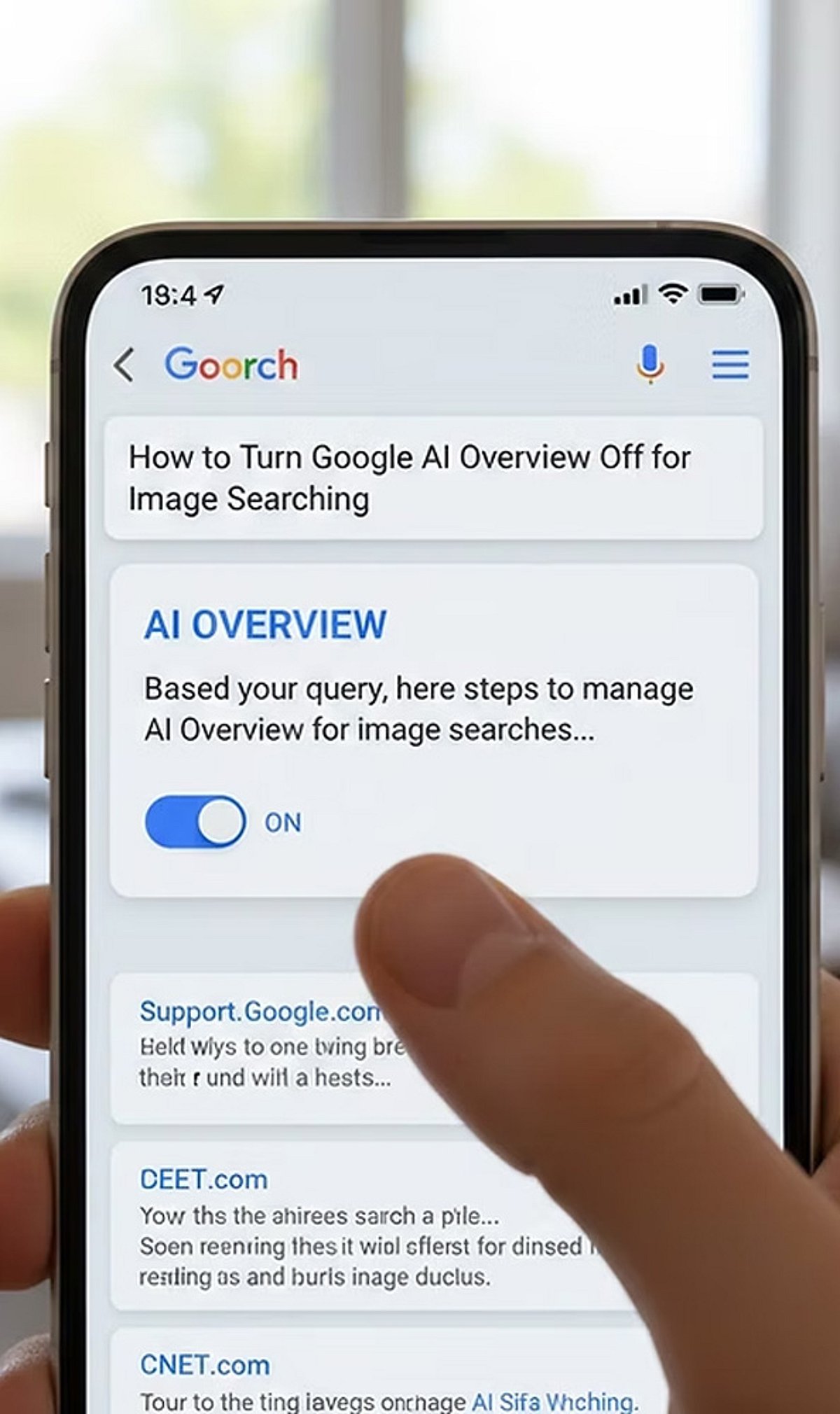
    Google’s AI models can learn from your search uploads and interactions to improve their performance. While this enables personalized features, it also raises privacy concerns. If you prefer to limit how Google uses your data for AI training, follow these straightforward steps to disable sharing and manage your activity.

    1. Open Search Settings: Sign in to your Google account and navigate to Search settings. Here you can review privacy and AI-related data collection preferences.
    2. Find AI Controls: Locate the AI or Search personalization settings where data-sharing preferences for AI improvement are managed.
    3. Disable Upload Sharing: Turn off the setting that allows Google to use your Search uploads and interactions to improve its AI models.
    4. Review Activity Controls: Visit the Web & App Activity section to understand what Search data Google stores and how it may be used.
    5. Delete Existing Data: Remove previously saved Search uploads and activity if you do not want them retained in your Google account.
    6. Manage Auto-Save: Disable automatic saving of Search activity where available to reduce future data collection for personalization and AI development.
    7. Adjust Product Settings: Check settings for Google Photos, Gemini, Drive, and other services that may have separate AI data-sharing controls.
    8. Use Incognito Mode: Search in Incognito mode when appropriate to minimize the amount of browsing activity linked to your Google account.
    9. Review Settings Regularly: Google periodically updates privacy controls, so revisit your account settings to ensure your AI preferences remain unchanged.

    By taking these steps, you can better control how your search data influences Google’s AI training while still enjoying the core search functionality.

  • Everyday Digital Footprints: How Your Online Activities Reveal Personal Data

    Everyday Digital Footprints: How Your Online Activities Reveal Personal Data

    Every time you search, like, shop, or stream, you leave behind a digital footprint that companies and platforms use to build detailed profiles of your behavior. Understanding these traces is the first step toward protecting your privacy.

    Search History

    Each search query helps search engines compile a comprehensive profile of your interests, habits, preferences, and future purchasing intentions.

    Social Media Activity

    Every like, comment, share, and follow reveals personal interests, relationships, opinions, and behavioral patterns to platforms and advertisers.

    Location Services

    Smartphone GPS continuously records your movements, creating location histories used for navigation, targeted advertising, analytics, and personalized recommendations.

    Online Shopping

    Every purchase, wishlist item, and browsing session provides retailers with valuable insights into your spending habits, product preferences, and future buying behavior.

    Streaming Platforms

    The movies you watch, songs you play, and viewing duration help streaming services personalize recommendations while tracking your entertainment preferences over time.

    Fitness Apps

    Health trackers collect information about steps, sleep, workouts, heart rate, and wellness routines, generating highly detailed personal health profiles.

    Smart Home Devices

    Connected speakers, cameras, and appliances gather usage patterns, voice commands, and automation preferences to improve personalized home experiences.

    Email Activity

    Email providers analyze communication patterns, subscriptions, and interactions to filter spam, personalize services, and improve user engagement.

    Public Wi-Fi Usage

    Connecting to public networks may expose your browsing habits and device information, highlighting the importance of secure internet practices.