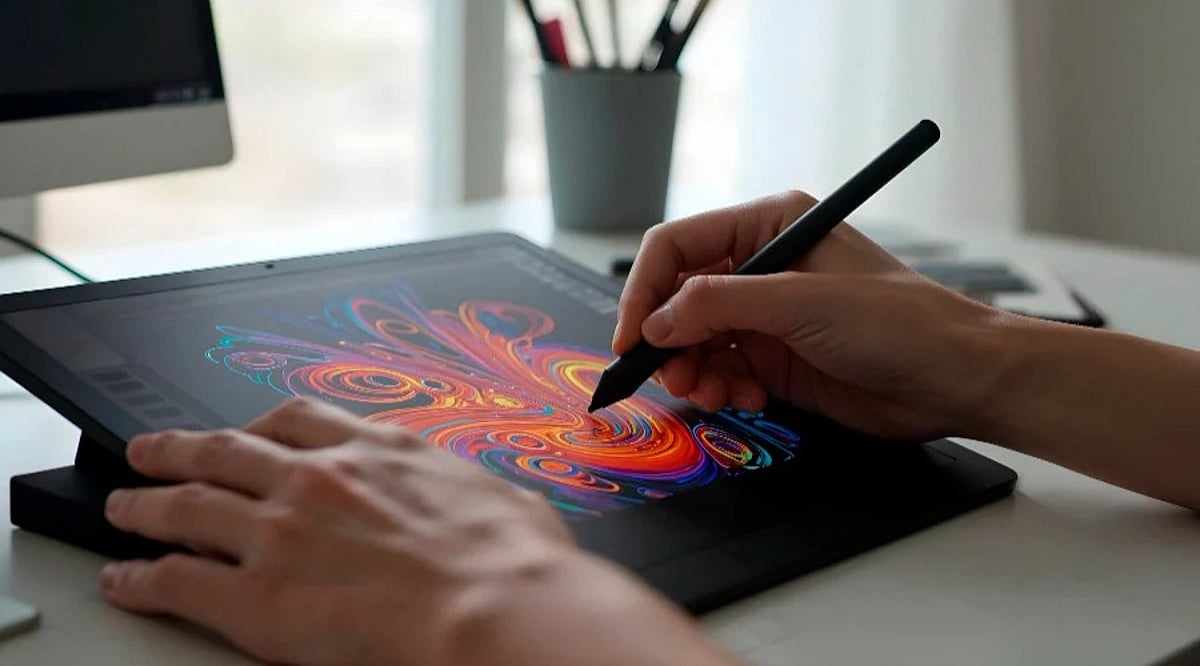
Text-to-image artificial intelligence has changed the way people create digital visuals. AI image generators can turn written descriptions into images, letting users create everything from photorealistic scenes and illustrations to product concepts and creative artwork.
The technology combines natural-language processing with image-generation techniques to interpret a user’s instructions and produce a visual result. While different AI systems use different architectures, diffusion models are among the techniques used by modern image generators.
What is Text-to-Image AI?
Text-to-image AI refers to generative AI applications that produce images based on a natural language prompt. These applications learn to generate images from text prompts since they are trained on large amounts of image data paired with corresponding text.
When the user inputs the text prompt, the application interprets it and produces an image based on the input. The more detail the user provides in the prompt, the more specific the instructions they give the model. Google has described how AI systems learn relationships between textual descriptions and visual features during training, allowing them to generate images from written prompts.
How AI Image Generators Create Images
Many modern image-generation systems use diffusion-based techniques. During training, a model learns what happens when noise progressively affects an image. It then learns how to reverse that process and reconstruct an image.
During generation, the process generally begins with random noise. The user’s text prompt guides the model as it progressively removes noise. As the process continues, shapes, textures, colors, and other visual elements emerge until the system produces a finished image.
Amazon Web Services describes diffusion models as systems that learn to generate images by reversing a noise process. This approach has become a key method for modern text-to-image generation.
However, not every image-generation system uses the same architecture. Earlier systems used other approaches. OpenAI’s DALL-E, for example, used autoregressive transformer-based generation.
What Can Users Create with AI?
The range of visuals AI image generators can create is much larger than before.
- Photographic-style Visuals: AI image generators can create images intended to look as realistic as photographs.
- Digital Art: You can generate illustrations, paintings, concept art, or images in various artistic styles.
- Product Visuals: Generated images may be used for creating concepts for products and promoting them.
- Character and Scene Generation: Writers or game developers can generate fictional characters, settings, and scenes.
- Social Media Visuals: AI-generated visuals can be used for social media posts and digital content creation.
- Creative Concepts: It is possible to visualize various creative ideas.
Modern AI image tools can also do more than generate an image from text. Depending on the platform, users may be able to edit existing images, transform one image into another, modify backgrounds, or make targeted changes to visual elements.
Why Prompt Matters
Prompting remains essential to image generation. Users can specify elements such as the subject, setting, lighting, composition, atmosphere, and how visuals should be treated, giving the model more detailed instructions.
But AI image generators do not always include every instruction in the generated visuals. Complicated prompts may result in missing elements, unanticipated elements, or wrong connections between objects.
Google has observed that image-generation models can sometimes leave out elements from the prompt or add new ones not mentioned, especially when prompts have complicated instructions.
This suggests that image generation is an iterative process, not a one-prompt task.
Where AI Image Generation is Heading
Text-to-image AI has disrupted visual creation by letting users engage with creative software through language rather than starting with a blank page or creating visuals from scratch.
The advent of text-to-image AI also raises legal and ethical considerations around copyright infringement, training data, bias, and responsible use.
While these concerns matter when discussing the implications of text-to-image AI, at its core, the concept is simple: tell the AI what you want to see in your image.