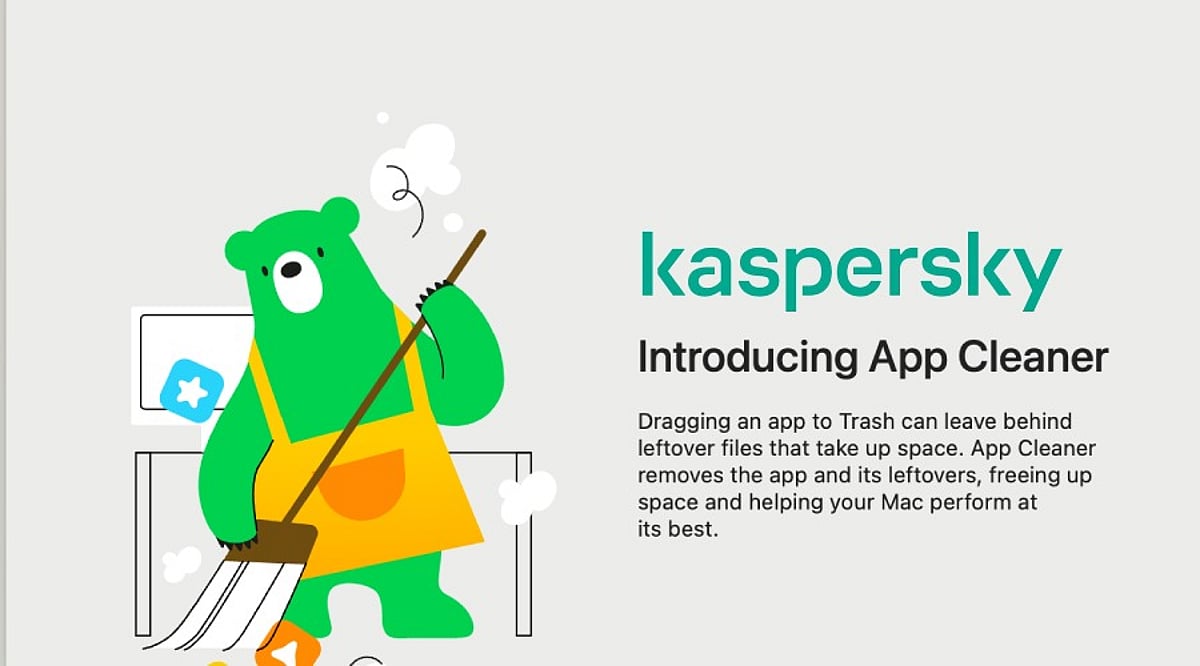
Kaspersky has introduced a new feature called App Cleaner as part of Kaspersky Premium for macOS, designed to tackle a persistent issue for Mac users: leftover files that remain even after applications are uninstalled. When users drag an app to the Trash, caches, preferences, support files, and other associated data often stay behind, gradually consuming disk space and contributing to digital clutter. App Cleaner ensures complete removal of apps without leaving traces, and also detects and deletes leftover files from previously uninstalled applications.
The Hidden Cost of Uninstalling Apps
A recent Kaspersky survey revealed that macOS users are generally proactive about managing digital clutter. Nearly 56% clear browser history, cookies, cache, and temporary files, while 54% manage or delete unnecessary files like photos and videos. However, only 44% regularly delete unused or rarely used apps. Removing leftover files from uninstalled apps remains an overlooked challenge.
When an app is deleted by dragging it to the Trash, users often assume it is completely gone. In reality, settings, caches, logs, support files, and other associated data may persist on the disk. These leftovers can be difficult to locate and, in some cases, occupy more space than the original application—especially for browsers. Some app components may also be hidden from the standard macOS interface, making them hard to detect.
Leftover files may contain sensitive information, including account tokens, saved passwords, activity logs, IP addresses, usernames, document fragments, images, chats, and personal folder paths. If an attacker gains access to the device, or if it is sold or given away without being fully wiped, these files could be used to recover passwords, steal personal data, or access user accounts.
How App Cleaner Works
App Cleaner solves this problem by detecting and deleting associated files when a user removes an app. It can also find and remove leftover app-specific files from applications that were uninstalled in the past. The exception is shared files—App Cleaner will not delete files used by other apps, such as common components shared between Microsoft Office apps. These files can only be deleted along with the last application that uses them.
Security Beyond Cleanup
While macOS has long been considered more secure, today’s threats are not limited to viruses. Ransomware, trojans, spyware, online scams, phishing credential theft, and other threats pose risks to Mac users. Kaspersky specialists have even identified cases where malware was disguised as legitimate cleaning software, impersonating tools like CleanMyMac, Mole, or CCleaner Pro. The company warns users to stay vigilant when downloading any cleaning software, especially from third-party websites.
Irina Ermilova, Vice President for Consumer Product Management at Kaspersky, commented: “We’ve seen growing demand for device management tools as users accumulate more digital content. Yet a patchwork of third‑party utilities is both inconvenient and risky. With App Cleaner, macOS users can clean up digital leftovers without installing additional software – keeping their devices secure and clutter‑free.”
Essential Security Practices for Mac Users
Beyond using App Cleaner, Kaspersky experts recommend the following practices to keep Mac devices secure:
- Use a dedicated security solution. While macOS has built‑in protections, security software adds a crucial layer of real‑time defense against threats that the system alone cannot block. Kaspersky Premium for macOS protects against ransomware, trojans, spyware, phishing, and hacking attacks.
- Grant necessary permissions. For any security software to function properly, it needs full disk access and the ability to install system extensions and network content filtering. Without these permissions, protection features may not work as intended.
- Keep apps and OS updated. Regular updates include critical security patches and new features.
- Be cautious with downloads and links. Phishing attacks rely on social engineering and can appear in emails, messages, or websites. Avoid opening suspicious links or downloading unverified software.
- Remove sensitive data before handing over your Mac. If you lend or transfer your device, remove sensitive files and sign out of personal accounts. Before selling or giving away your Mac, perform a complete factory reset.
The survey was conducted by Kaspersky’s market research center in March 2026, with 7,200 respondents from 18 countries.
Kaspersky is a global cybersecurity and digital privacy company founded in 1997. It protects over a billion devices and serves consumers, businesses, critical infrastructure, and governments worldwide.