

Tag: digital wellbeing

  • Simple Tech for Less Screen Time: Minimalist Gadgets That Support Digital Detox

    Simple Tech for Less Screen Time: Minimalist Gadgets That Support Digital Detox

    Digital detoxes do not always require abandoning technology altogether. A growing category of minimalist gadgets is designed to keep useful functions—calls, messages, maps, music, reading, and note-taking—while removing the endless feeds, alerts, and app loops that make smartphones hard to put down.

    What Makes a Gadget Minimalist?

    Minimalist devices usually do one thing well, or a small set of things, instead of trying to be an all-purpose entertainment hub. The goal is not deprivation. It is fewer interruptions, clearer boundaries, and more intentional use of screens.

    Phones With Fewer Distractions

    The Light Phone III is built around essentials such as calls, texts, directions, and music. It avoids social media, advertising, and infinite scroll, which can make it a useful secondary phone or a step-down device for people who want to stay reachable without staying plugged in.

    The Mudita Kompakt takes a different approach with a 4.3-inch E Ink display and a distraction-free operating system. It includes essential tools and offline maps, aiming for calmer phone use with less visual noise and fewer reasons to keep checking the screen.

    E-Readers for Reading and Notes

    Dedicated e-readers such as Kindle, Kobo, reMarkable, and Kindle Scribe can replace a phone or tablet for reading and note-taking. Because they are not built around notifications and social apps, they reduce the pull to switch tasks. Some current models also support dedicated note-taking, making them useful for focused work as well as books.

    Simple Phones for Basic Communication

    Devices such as the Punkt MP02 and Nokia feature phones focus on calls and messages rather than app-heavy experiences. They can be a practical choice for weekends, vacations, focused work periods, or anyone who wants a reliable way to stay in contact without constant scrolling.

    Analog Tools That Create Screen-Free Time

    Not every digital detox tool needs a battery. A physical alarm clock, paper planner, Pomodoro timer, or notebook can handle everyday tasks without requiring a smartphone. These low-tech options are especially helpful in bedrooms and during deep-work sessions, where even a quick glance at a phone can turn into a long detour.

    Phone Lockboxes Add Friction

    Timed phone lockboxes create a physical barrier between you and your device. They can keep a smartphone out of reach during meals, bedtime, focused work, or family time, making accidental checking harder. The added friction is the point: it turns a mindless habit into a deliberate choice.

    Minimalist Audio Without the Feed

    A basic MP3 player or simple headphones can provide music and podcasts without opening social media, news feeds, or other apps. For people who mainly use their phone for audio, a dedicated player can remove a common gateway to distraction.

    Start Small Before Switching Phones

    A full device switch is not the only way to begin. Try grayscale mode, remove social apps from your home screen, disable non-essential notifications, or set Digital Wellbeing limits. A 7–14 day trial can help you learn which changes actually make focus easier and which ones feel impractical.

    Minimalist gadgets are not a cure-all, but they can support better digital habits by making the useful parts of technology easier to access and the distracting parts easier to avoid.
  • How to Clean Up Your X (Twitter) Feed: Stop Unwanted Tweets and Improve Your Experience

    How to Clean Up Your X (Twitter) Feed: Stop Unwanted Tweets and Improve Your Experience

    Are you tired of seeing irrelevant, annoying, or offensive tweets on your X (Twitter) timeline? You’re not alone. Fortunately, the platform offers several built-in tools to help you curate a more enjoyable experience. Below, we break down the most effective methods to reduce unwanted posts and take control of your feed.

    Mute Keywords

    Hide any tweet containing specific words, hashtags, or phrases. This is perfect for avoiding spoilers, political arguments, or topics you simply don’t care about.

    Mute Accounts

    Silence posts from specific users without unfollowing them. They won’t know you’ve muted them, and their tweets will no longer clutter your timeline.

    Block Problematic Users

    For those who are truly disruptive, blocking prevents them from interacting with you or appearing in your feed at all. Use this when muting isn’t enough.

    Mark ‘Not Interested’

    When X recommends a post you dislike, tap the three-dot menu and select “Not interested.” This helps train the algorithm to show you better recommendations.

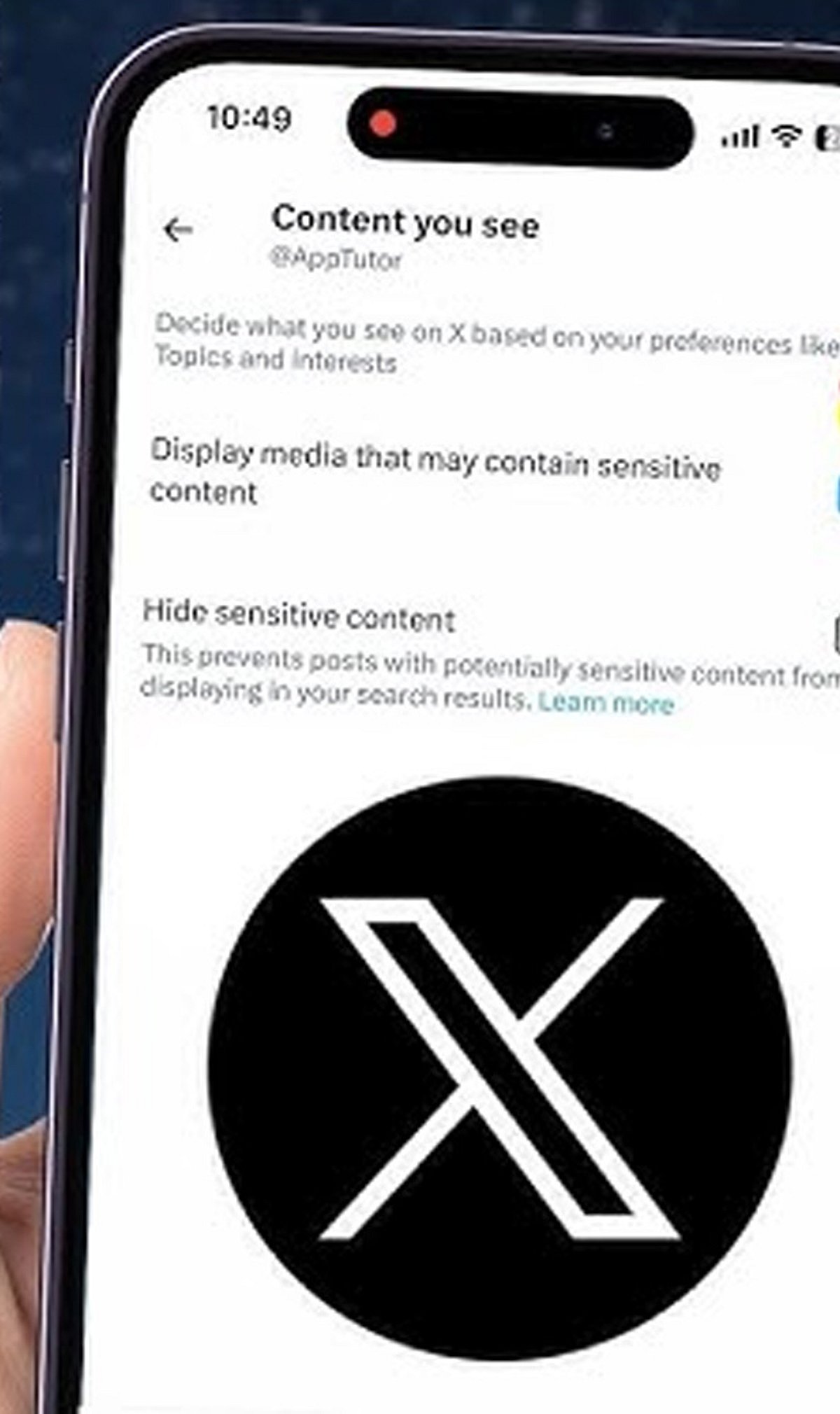
    Adjust Sensitive Content Settings

    You can limit exposure to sensitive or explicit media. Go to your privacy settings and toggle the “Display media that may contain sensitive content” option.

    Unfollow Noisy Accounts

    If an account no longer aligns with your interests, don’t hesitate to unfollow. A leaner timeline means fewer distractions.

    Manage Notifications

    Reduce interruptions by filtering notifications. You can choose which types of interactions (likes, retweets, replies) you want to be alerted about.

    Customize Your Following Feed

    Switch between the “Following” (chronological posts from people you follow) and “For You” (algorithmic recommendations) tabs. Prioritize “Following” to see only content from accounts you chose.

    By applying these settings, you can transform your X experience from noisy to enjoyable. Start with one or two changes and gradually refine your feed.

  • Google and YouTube Release Free Digital Wellbeing Guidebook for Indian Families to Foster Healthy Tech Habits

    Google and YouTube Release Free Digital Wellbeing Guidebook for Indian Families to Foster Healthy Tech Habits

    Google and YouTube have unveiled the Digital Wellbeing Guidebook for Indian Families, a free resource designed to help parents, caregivers, and educators guide children through the digital world. Developed with input from mental health, child development, and education experts, the guidebook addresses the unique needs of Indian households.

    Tailored for Indian Households

    The guidebook acknowledges that many Indian families share smartphones and tablets among members. Instead of simply advocating reduced screen time, it offers practical strategies for navigating privacy, child safety, and age-appropriate content in shared-device environments. Google emphasizes ongoing parent-child conversations and collaborative boundary-setting rather than unilateral restrictions.

    Expert-Backed Recommendations

    Created in consultation with specialists from the National Institute of Mental Health and Neurosciences (NIMHANS), Fortis Healthcare, and education experts, the guidebook provides actionable tips such as establishing technology-free zones, creating family media agreements, and modeling positive online behavior. The aim is to translate research into everyday practices.

    Built-In Safety Features

    The resource highlights Google’s existing digital wellbeing tools, including supervised YouTube and YouTube Kids sessions, Family Link parental controls, the Family Center, Take a Break reminders, Bedtime and School Time modes, and the ‘Who’s Watching’ feature. This last tool enables multiple family members to use the same device while preserving individual privacy and enhancing child safety.

    Promoting Responsible Technology Use

    With this guidebook, Google and YouTube encourage families to focus on responsible technology use rather than solely limiting screen time. Through open communication, realistic expectations, and thoughtful decision-making, the companies believe families can build healthy digital habits that integrate seamlessly into daily life.

    The guidebook is available for free download and represents a significant step toward empowering Indian families to navigate the digital age safely and effectively.

  • Simple Phone Settings That Slashed My Screen Time by Hours

    Simple Phone Settings That Slashed My Screen Time by Hours

    Like many people, I found myself constantly checking my phone throughout the day. Social media, notifications, and endless scrolling consumed hours without me realizing it. Instead of deleting apps completely, I explored built-in phone settings that encouraged mindful usage. These simple adjustments helped me regain focus and improve my daily routine.

    Turning Off Unnecessary Notifications

    The first change was disabling notifications from social media, shopping, and entertainment apps. Constant alerts were the biggest trigger for checking my phone. I kept only essential notifications for calls, messages, email, and work-related apps. Fewer interruptions made it easier to stay focused and reduced unnecessary screen pickups throughout the day.

    Setting App Time Limits

    I used my phone’s Digital Wellbeing or Screen Time feature to set daily limits for distracting apps. Social media, streaming platforms, and games each received a fixed time allowance. Once the limit expired, I had to decide whether to continue, making me more conscious of how I spent my time online.

    Using Grayscale and Organizing Apps

    Switching the display to grayscale made colorful apps less appealing and reduced the urge to scroll endlessly. I also moved distracting apps into folders on the last home screen page. That extra step created a small pause before opening them, helping me break the habit of mindless phone usage.

    Activating Focus Mode and Bedtime Mode

    Focus Mode temporarily blocked distracting apps during work hours, helping me stay productive without constant interruptions. Bedtime Mode automatically silenced notifications and dimmed the screen at night. These features reduced late-night scrolling, improved my sleep quality, and encouraged healthier digital habits without requiring drastic lifestyle changes.

    Tracking My Progress

    Weekly screen time reports showed exactly how much time I spent on different apps. Seeing the numbers motivated me to make better decisions and celebrate small improvements. Tracking progress turned screen time reduction into an achievable goal rather than an overwhelming challenge, making it easier to stay consistent.

    The Results and Key Takeaway

    Within a few weeks, my screen time dropped noticeably. I became more productive, slept better, and spent more time reading, exercising, and connecting with family. The biggest lesson was that small adjustments to app settings can create lasting habits. You don’t need a digital detox—just smarter control over your phone.