
Instagram has evolved beyond static photos and captions. Now you can add music to photo posts and carousels, letting you pair visuals with songs that match the mood. Whether you’re sharing travel snapshots or celebratory moments, music adds an extra layer of emotion.
This guide walks you through adding and editing music on Instagram, from choosing a track to adjusting the clip before publishing.
How to Add Music to an Instagram Photo Post
- Open Instagram – Launch the app and log into your account.
- Create a new post – Tap the “+” icon, select “Post,” then choose an image (or multiple images for a carousel) from your gallery.
- Edit your photo – Tap “Next,” then apply filters or make other adjustments as desired.
- Select the music option – On the caption screen, find the “Add Music” button and tap it to access Instagram’s music library.
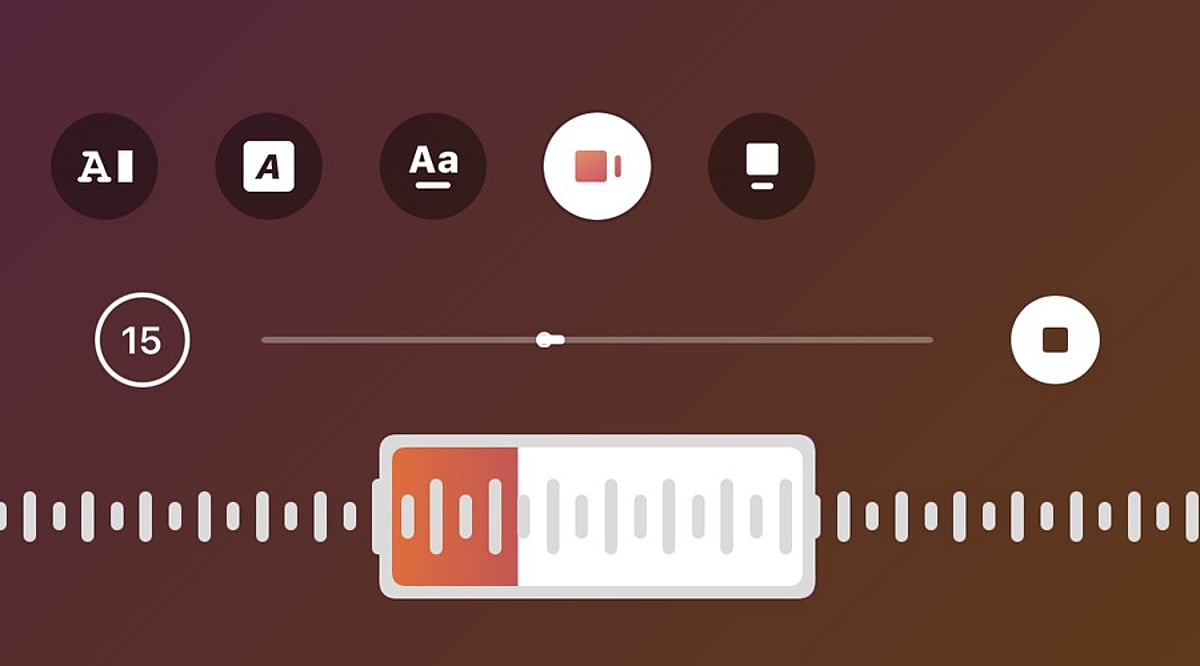
- Choose a song – Search for a specific track or browse. Select the song you want. Instagram will let you pick a section of the song to play.
- Adjust the music clip – Use the music selector to choose the exact part of the song. Confirm your selection and return to the sharing screen.
- Publish the post – Add a caption, tags, or other details, then tap “Share.” The music will play alongside your photo or carousel.
How to Edit Music Before Posting
If you change your mind about the song before publishing, go back to the edit or post details page and tap the music icon again. Choose a new track from the library and customize the portion you want. This is especially useful if the first song doesn’t match the mood of your photos.
Can You Edit Music After Posting?
Editing options after publishing vary based on your account type, app version, and post type. If the music editing option isn’t available, you may need to delete the post and re-upload it with your chosen song. Before deleting, save a copy of the images and captions to reuse.
Tips for Choosing Music
- Select a song that suits the mood of your images. For travel or lifestyle photos, a soothing track works well. For celebrations, choose upbeat music.
- Test different sections of a song to find the perfect clip that complements your visual story.
Frequently Asked Questions
Can you add music to an Instagram photo post?
Yes, Instagram allows you to add songs to photo posts. Select a track from the music library and choose the section that plays with your photo.
Can you add music to an Instagram carousel?
Yes, Instagram supports music on photo carousels. Select multiple images while creating a post, tap Add Music, choose a song, and adjust the desired portion.
Can you change the music before publishing an Instagram post?
Yes, you can change the selected song before publishing. Return to the music option, choose another track, and adjust the section you want to include.
Can you edit Instagram post music after publishing?
Music editing options after publishing can vary. If editing is unavailable, you may need to recreate the post with different music.
Why can’t I find the Add Music option on Instagram?
The Add Music option may depend on your account, region, post type, app version, or music licensing availability. Updating Instagram may help restore missing features.