
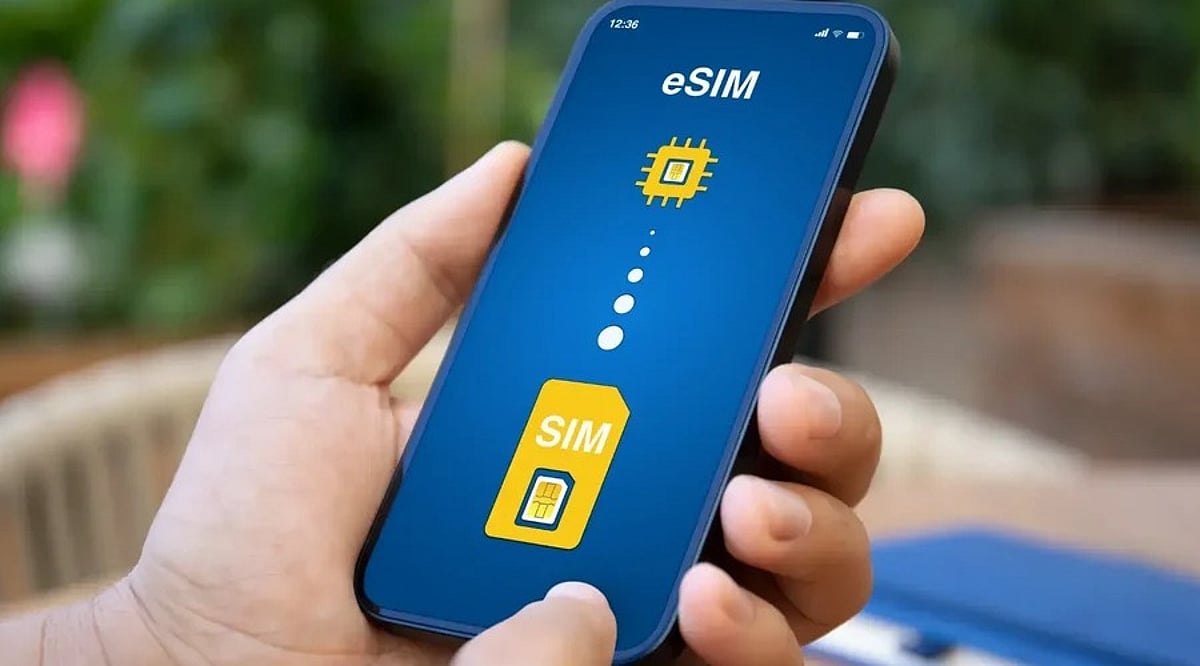
Travel eSIMs have quickly become a mainstream solution for staying connected abroad. According to GSMA Intelligence, 12% of international travelers used an eSIM in the past year, and global eSIM smartphone penetration is expected to keep rising through 2026. The appeal is clear: store multiple operator profiles on one device, switch between them remotely, and skip the hassle of hunting for a physical SIM at the airport. But securing a decent eSIM plan is only half the battle. Real savings come from how you manage data after activation.
Check Usage Early
The easiest way to overspend is to treat mobile data like an endless bucket. App refreshes, photo backups, map loading, message sync, and a few reels while waiting for a train can quietly drain your plan. Apple lets you view data usage by app and reset the statistics window, making it easier to spot drains. Android users can leverage built-in Data Saver controls and app-by-app update settings. The first move should always be to see what your phone is actually doing.
Activate Data Controls Before You Fly
Many travelers skip this step and wonder why a short trip burns through a full plan. On iPhone, Low Data Mode pauses automatic updates and background tasks on cellular. You can also toggle cellular data on or off for individual apps. On Android, Google’s Data Saver keeps most apps on Wi-Fi for background activity, while the Play Store offers auto-update options like Wi-Fi only or no automatic updates.
Use Offline Maps
Navigation is a major data drain. Google Maps supports offline maps on both Android and iPhone. According to Google, an offline map can guide you as long as the full route is within the downloaded area. However, offline transit, bicycling, and walking directions are unavailable on Android, and traffic updates disappear. The smart move: download the parts of the city you need before leaving Wi-Fi, and save live data for unexpected detours.
Stop Streaming from Eating Your Data
Videos can quietly blow your travel budget. Netflix offers controls for cellular data use and Wi-Fi-only downloads. The same logic applies to any streaming habit. Use lower-quality streaming, offline content, and manual control instead of letting apps decide for you. The goal is not to avoid entertainment but to prevent it from setting your data bill.
Restrict Background Activity
Background data is the sneaky culprit. Every phone has a feature to restrict network use when you’re not actively using an app. Experts warn travelers about auto-updates, cloud sync, and misconfigured backup apps that can wreck a small eSIM plan before lunch.
Watch Roaming and Wi-Fi Traps
Data Roaming should be turned off to avoid charges. Apple’s Wi-Fi Assist may switch you to cellular when Wi-Fi is weak, quietly burning through your eSIM. Use your travel eSIM for the data line you want, keep your home line from roaming by default, and ensure your device isn’t jumping onto cellular every time a hotel Wi-Fi login screen gets flaky.
Use Wi-Fi as a Bulk-Download Window
Public Wi-Fi should have a specific job: download maps, update apps, save tickets, and pull down content for later. Experts recommend preloading maps and entertainment before travel.
Why This Approach Beats Buying a Bigger Plan
The temptation is to solve everything with a larger data pack, but that often leads to lazy spending. A smarter approach: buy the right-sized eSIM, keep background use under control, download offline maps, tame streaming, and avoid accidental roaming. GSMA’s 2026 research highlights that travel eSIMs are becoming mainstream, yet provider differences matter. The cheapest connection isn’t the one with the biggest number on the sales page—it’s the one that matches your actual habits while away.