
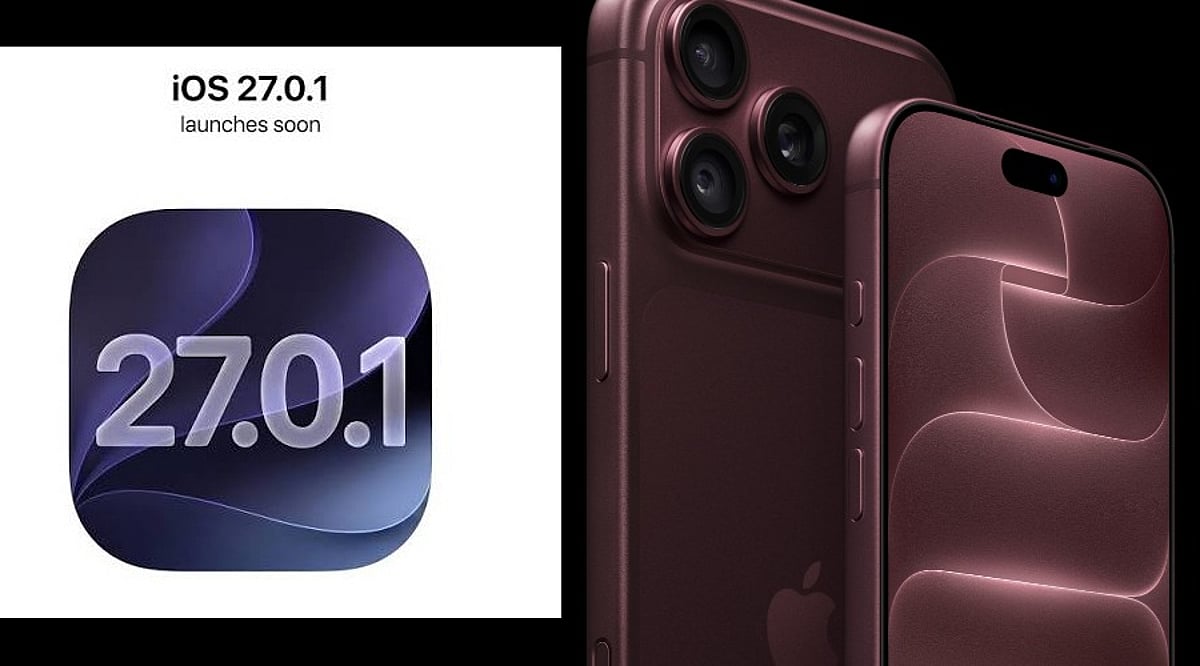
Apple has released iOS 27.0.1, a minor but important update for iPhone users, particularly those with the iPhone 18 Pro and iPhone 18 Pro Max. Rolling out on Monday, September 28, the update addresses three significant issues that emerged after the iOS 27 launch. Users can install the patch by navigating to Settings > General > Software Update, and Apple recommends connecting to Wi-Fi and powering the device during installation.
Key Fixes in iOS 27.0.1
The first fix targets a Face ID-related problem that could cause unexpected restarts. According to Apple, the iPhone 18 Pro models “may unexpectedly restart when Face ID fails to authenticate.” This issue left devices frozen before returning users to the lock screen, particularly after failed biometric checks within protected apps and secure areas. The redesigned Face ID system on the iPhone 18 Pro, which places the infrared camera behind the display to enable a shorter Dynamic Island, may have contributed to the glitch.
The second correction addresses a camera bug that produced color artifacts in 2x photos under specific lighting conditions. Apple notes that a small number of iPhone 18 Pro and Pro Max devices could show unwanted color shifts when capturing at 2x zoom with an f/1.48 aperture. The update resolves this artifact, improving photo quality for users who rely on the telephoto lens.
The third fix resolves a touchscreen failure that occurred when Notification Center and Control Center were opened simultaneously. This interaction glitch made touch input unresponsive, disrupting normal device use. iOS 27.0.1 corrects this behavior without introducing major new features.
Additional Improvements
While Apple’s release notes focus on these three issues, older iPhone models may also benefit from smaller bug fixes and background performance enhancements. The company often includes undocumented improvements in incremental updates, so users across compatible devices are encouraged to install the update.
How to Install
To download iOS 27.0.1, go to Settings > General > Software Update on your iPhone. Ensure you are connected to Wi-Fi and have a power source available to avoid interruptions. The update is free and available for all compatible models.
For more tech news and updates, follow our coverage of the latest Apple releases and industry developments.