
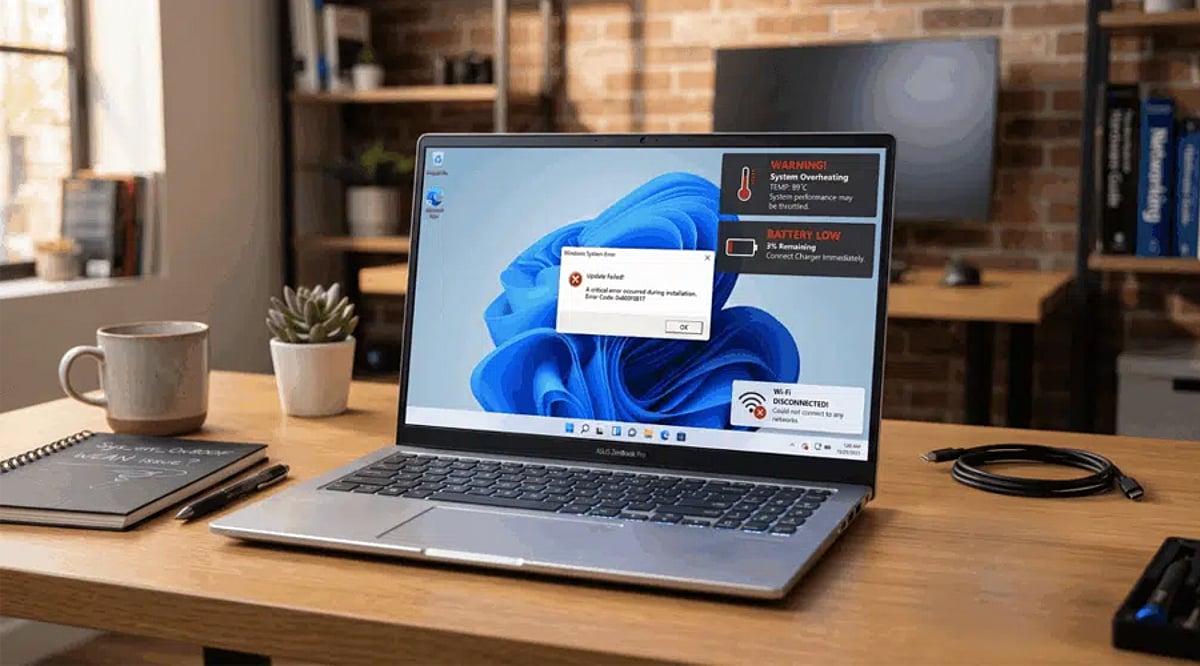
Gaming laptops deliver impressive performance, but they aren’t immune to everyday problems that can disrupt gameplay. From slowdowns to overheating, understanding these common issues and their solutions can keep your rig running smoothly. Here’s a breakdown of the most frequent laptop headaches gamers face in 2026 and how to fix them.
Why Gaming Laptops Slow Down
Performance degradation is common as games become more demanding. Background applications, outdated drivers, thermal throttling, and limited storage space all contribute to lag and stuttering. Regular maintenance—keeping software updated and minimizing startup programs—helps maintain consistent frame rates.
Overheating and Thermal Throttling
High temperatures remain a top concern in 2026. Dust buildup, blocked vents, aging thermal paste, and demanding graphics settings force CPUs and GPUs to throttle performance. Clean cooling vents regularly, invest in a quality cooling pad, and tweak in-game graphics to lower temperatures during long sessions.
FPS Drops and Stuttering
Unexpected frame rate drops often stem from outdated drivers, background updates, insufficient RAM, or power-saving settings. Install the latest GPU drivers, enable high-performance power mode, close unused apps, and reduce graphics-intensive effects for a smoother experience.
Battery Drain While Gaming
Modern games consume significant power, draining batteries quickly even on newer laptops. For best performance, play while plugged into the original charger and activate performance mode. Lowering screen brightness and disabling unnecessary wireless features also helps conserve battery during lighter gaming.
Network Lag and Online Issues
Competitive multiplayer games demand stable connections. Wi-Fi interference, outdated network drivers, and crowded networks increase latency and packet loss. Use a Wi-Fi 6 or Ethernet connection, update network drivers, and prioritize gaming traffic via router QoS settings to improve online performance.
Storage Running Out Too Quickly
Today’s popular games often exceed 100GB, making limited SSD capacity a common frustration. Regularly remove unused games, clear temporary files, and upgrade to a larger NVMe SSD where supported. This ensures faster loading times and enough space for future installations.
Keep Your Gaming Laptop Running Smoothly
Routine maintenance is the easiest way to extend your laptop’s lifespan. Update Windows and graphics drivers, clean cooling systems, monitor hardware temperatures, and back up important files regularly. Combining these habits with optimized game settings delivers reliable performance and a better gaming experience in 2026.