
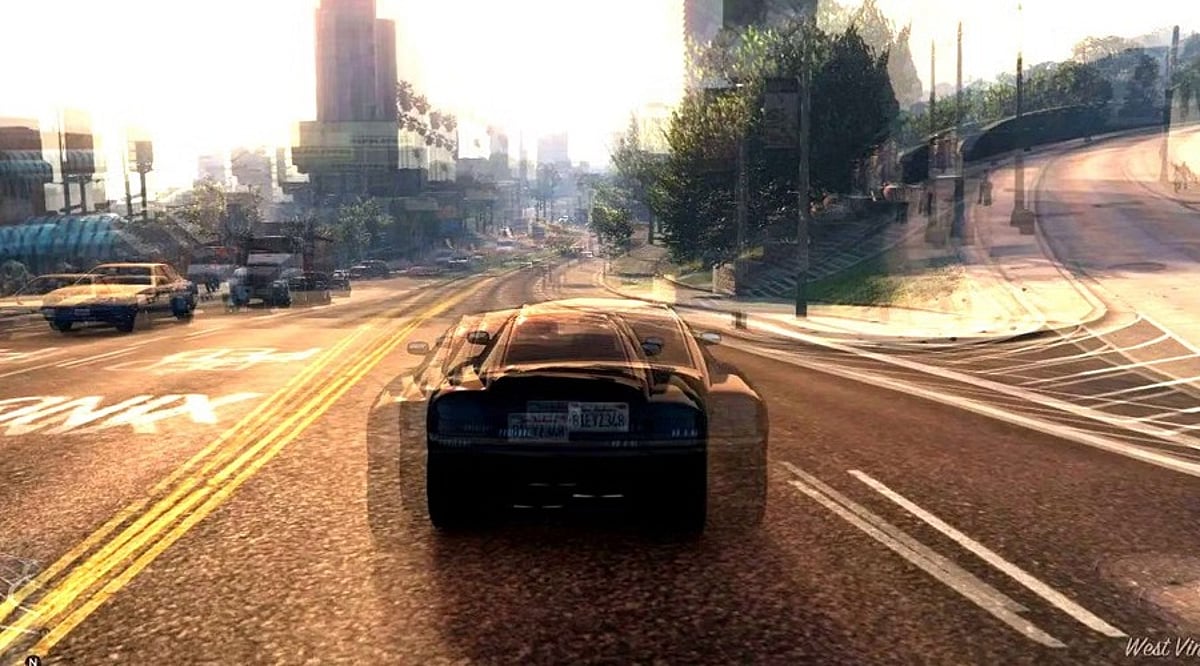
Lowering graphics settings reduces GPU workload, which can raise FPS, but only when the GPU is the actual performance limit. Not all settings carry equal weight. Resolution, shadows, and anti-aliasing tend to have the largest impact on frame rate. Frame-time consistency matters as much as average FPS. A stable 80 FPS often feels smoother than an inconsistent 100 FPS.
Just switching everything to Low doesn’t fix your game. It only masks the problem. Your FPS might go up, but the real slowdown could still be there. So the first step is figuring out what’s actually causing it. The GPU renders your visuals. The CPU handles logic, AI, and physics. If the GPU’s overloaded, cutting back on visual settings lightens its work. That gives you smoother, steadier frame rates.
What Changes When Graphics Go Low
Not every setting affects performance equally. Here is what actually moves the needle.
- Resolution is often the single most effective lever. Fewer pixels mean less work per frame. Dropping from 1440p to 1080p can produce a meaningful FPS improvement when the GPU is already under pressure.
- Shadows are expensive in games with complex real-time lighting. Reducing shadow quality from Ultra to Medium frequently delivers a solid performance gain with very little visible difference during fast-paced gameplay.
- Anti-aliasing is more nuanced. Some techniques are relatively light. Others, like supersampling, are demanding. The performance impact depends on which method the game uses and which options are available. Switching to a less demanding AA method often helps.
- Textures work differently. High-resolution textures consume VRAM rather than raw processing power. If the GPU has enough VRAM for the game’s recommended settings, texture quality often has a smaller effect on FPS. Keeping textures higher while reducing other settings is generally a smart trade when VRAM headroom allows it.
When Lower Settings Do Not Help
This is the part most guides skip. Lowering graphics only improves performance when the GPU is the limiting factor. When something else is holding the game back, the settings become almost irrelevant.
A struggling CPU produces stutters and inconsistent frame pacing rather than a simple FPS drop. Games that are heavy on AI, physics, or large open worlds stress the CPU more than the GPU. Turning shadows down will not help if the processor is already at its limit.
Insufficient RAM can cause the system to rely on slower storage, which leads to stuttering regardless of what the graphics settings are set to. A slow storage drive can create asset-streaming delays in open-world games that continuously load terrain and objects. These are system-level problems. They need system-level solutions.
How to Find the Real Bottleneck
There is a quick test worth doing before changing any settings. Run the game at the normal resolution and note the FPS. Then drop the resolution substantially and check again. If FPS rises sharply, the GPU is the limiting factor. Lowering graphics settings will help. If FPS stays roughly the same, the GPU was not the constraint. The problem lies with the CPU, RAM, or another system component. Lowering graphics settings in that case will change how the game looks without improving how it runs.
Monitoring GPU and CPU utilization during gameplay adds more evidence. Utilization numbers alone are not conclusive, but they help narrow down where the strain is concentrated.
FPS Is Not the Full Picture
Average FPS is the number most players watch. It is not the only thing that matters. Frame-time consistency describes how evenly frames are delivered. A game producing 100 FPS but spiking unevenly will feel rougher than one holding 80 FPS steadily. Lowering graphics settings can stabilize frame delivery even when the average FPS change is modest. The improvement in smoothness is real, even if the numbers look similar.
Where to Start
The goal is not minimum settings across the board. It is removing the settings with the highest performance cost while keeping the ones that preserve visual quality.
- Lower resolution or render scale first, especially when GPU load is high.
- Reduce shadow quality to medium.
- Switch to a lighter anti-aliasing method if alternatives are available.
- Keep texture quality higher as long as VRAM usage stays within the card’s limit.
If these changes produce a clear FPS improvement, the GPU was the constraint. If the numbers barely move, the issue lies elsewhere and needs a different approach.
Final Thoughts
Graphics settings are a tool for managing hardware load, not a quality sacrifice. The players who get the most out of their systems are not the ones who blindly select Low. They are the ones who understand what each setting costs and what the hardware can actually handle. As game engines grow more complex and rendering pipelines continue to evolve, that diagnostic understanding will matter more, not less.
FAQs
- Does lowering graphics settings increase FPS? Yes, lowering graphics settings can increase FPS when the GPU is the main performance bottleneck. The improvement depends on the game, hardware, and settings changed.
- Which graphics setting affects FPS the most? Resolution is often one of the biggest performance factors because it directly changes the number of pixels the GPU must render. Shadows, reflections, and demanding effects can also have a major impact.
- Does lowering texture quality improve gaming performance? Not always. Texture quality mainly affects VRAM usage. If your GPU has enough VRAM, lowering textures may provide little FPS improvement compared with reducing resolution or demanding visual effects.
- Why does my game still stutter on Low graphics? Stuttering can occur even on Low settings if the CPU, RAM, storage, thermals, or game engine is limiting performance. Frame-time consistency also matters, not just average FPS.
- How can I tell if my GPU is causing low FPS? Lower the game’s resolution significantly and compare the FPS. A sharp increase suggests the game is likely GPU-limited, while little change may indicate a CPU or other system limitation.

