
Tag: future-proofing

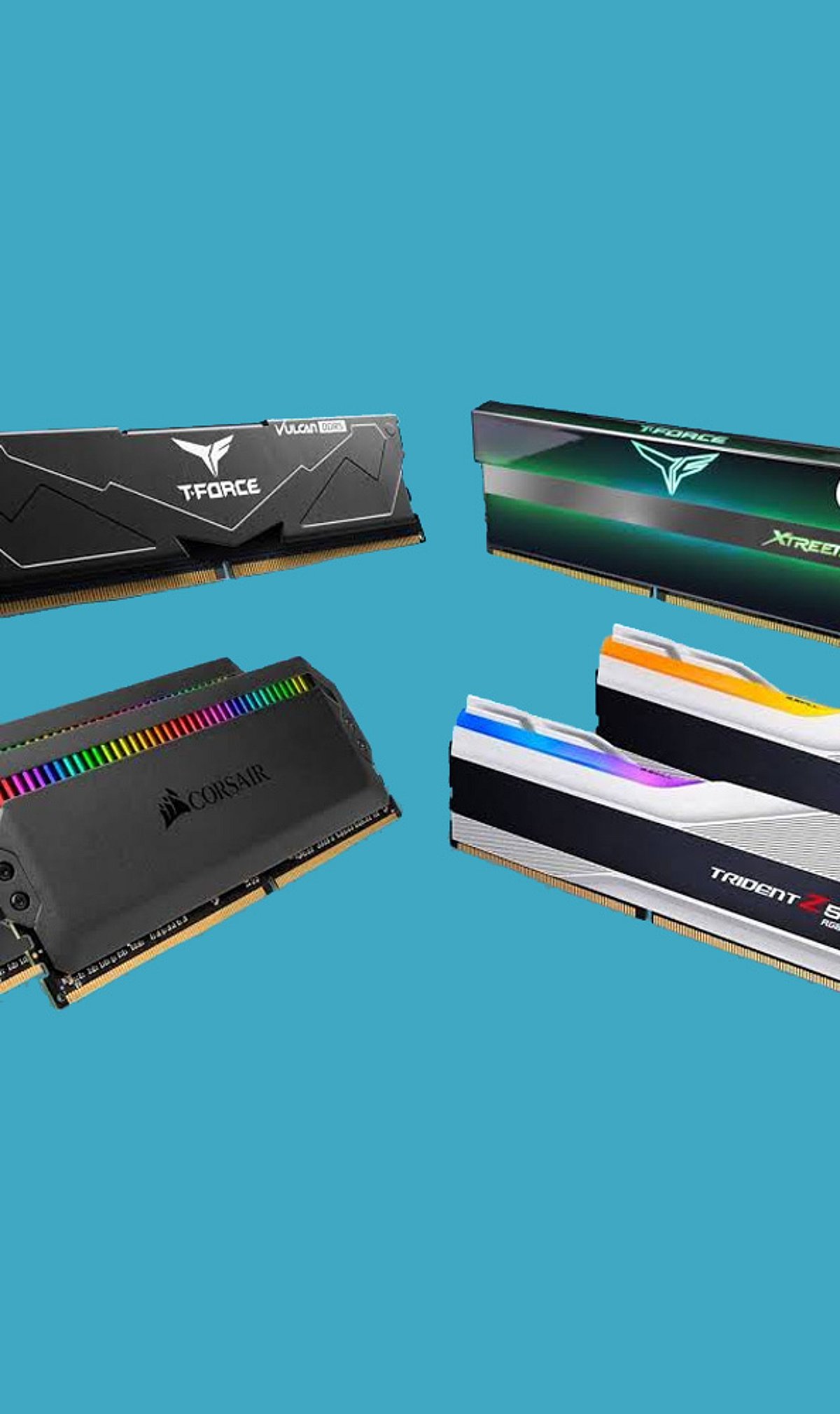
  • DDR4 vs DDR5 RAM: The Definitive Guide for Gamers and PC Builders in 2026

    DDR4 vs DDR5 RAM: The Definitive Guide for Gamers and PC Builders in 2026

    As we approach 2026, the debate between DDR4 and DDR5 RAM remains a critical decision for PC builders and gamers. Both memory standards offer distinct advantages, but choosing the right one depends on your budget, performance needs, and future‑proofing goals. Here is a comprehensive breakdown to help you decide.

    DDR4: Affordable and Reliable

    DDR4 memory has been the industry standard for years and continues to deliver excellent gaming performance for budget and mid‑range PCs. Its mature ecosystem means lower prices and broad compatibility with existing motherboards and processors. For gamers who prioritize value and are building a system without cutting‑edge demands, DDR4 remains a smart choice.

    DDR5: Higher Bandwidth and Future‑Ready

    DDR5 offers significantly higher bandwidth and faster data transfer rates, which translate to better multitasking and improved performance in modern workloads. It operates at a lower voltage (1.1 V vs. 1.2 V for DDR4) and includes advanced power management for greater efficiency. New Intel and AMD platforms increasingly favor DDR5, making it the forward‑looking option.

    Gaming Performance: Where It Matters

    In most games, the difference in frame rates between DDR4 and DDR5 is modest. However, CPU‑intensive titles—such as open‑world games and real‑time strategy—benefit noticeably from DDR5’s higher bandwidth. Gamers who play demanding simulators or esports titles at high refresh rates may see tangible improvements, while casual players will likely be satisfied with DDR4.

    Content Creation and Productivity

    For video editing, 3D rendering, and AI workloads, DDR5’s increased memory bandwidth provides a clear advantage. Tasks that involve large datasets or frequent memory access run noticeably faster, making DDR5 the preferred choice for creators and professionals who rely on their PC for work.

    Power Efficiency

    DDR5 not only uses less voltage but also incorporates on‑module power management and improved data integrity features. This leads to lower overall power consumption and heat output, which can be beneficial in compact builds or systems where thermal management is a priority.

    Cost and Upgrade Path

    DDR4 systems remain significantly cheaper to build today. The memory itself is less expensive, and compatible motherboards and processors are widely available at lower price points. In contrast, DDR5 requires a newer motherboard and processor, increasing the upfront investment. However, as DDR5 matures, its prices continue to drop.

    Future‑Proofing

    Looking ahead, new Intel and AMD platforms are designed with DDR5 in mind. Choosing DDR5 now ensures your system can take advantage of upcoming CPU architectures and software optimizations. For builders who plan to keep their PC for several years, DDR5 is the smarter long‑term investment.

    Who Should Choose Which?

    Choose DDR4 if: You are building a budget‑focused gaming PC and want the best performance per dollar without needing the latest platform.

    Choose DDR5 if: You are building a high‑end gaming rig, a workstation for content creation, or simply want the most future‑proof memory available.

    Ultimately, both standards are viable in 2026. Your decision should balance current needs, budget, and how long you plan to keep your system before upgrading again.
  • 7 Common Mistakes to Avoid When Buying Your First Gaming Laptop

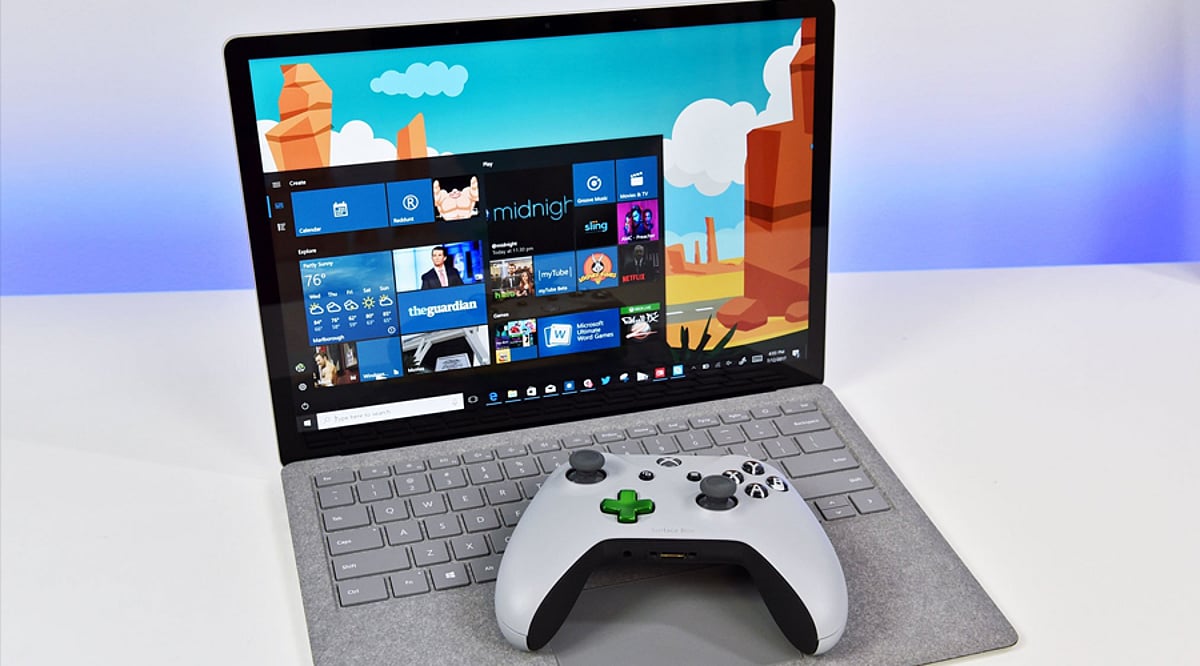
    7 Common Mistakes to Avoid When Buying Your First Gaming Laptop

    Buying your first gaming laptop is an exciting step, but it’s easy to get sidetracked by flashy features or overlook critical components. To help you make a smart investment, we’ve identified seven common mistakes that first-time buyers often make—and how to avoid them.

    1. Prioritizing RGB Over Performance

    A flashy design, RGB lighting, and futuristic styling may look appealing, but they don’t improve gaming performance. Focus first on the graphics card, processor, RAM, and cooling system. A laptop with balanced hardware will deliver smoother gameplay and better longevity than one that simply looks impressive.

    2. Ignoring the GPU

    The graphics card is the most important component in a gaming laptop. Many first-time buyers focus only on the processor while overlooking GPU performance. Choose a laptop with a modern dedicated graphics card that matches the types of games you play and offers enough performance for future game releases.

    3. Buying Without Checking Cooling Performance

    Powerful hardware generates significant heat during gaming sessions. A laptop with poor thermal management may experience overheating, loud fan noise, and reduced performance due to thermal throttling. Before purchasing, check the cooling design, airflow, and long-term thermal performance to ensure consistent gaming and hardware reliability.

    4. Choosing Too Little RAM or Storage

    Modern games require more memory and storage than ever before. Buying a laptop with insufficient RAM or limited SSD capacity can affect performance and leave little room for new titles. Consider configurations with upgrade options so your laptop remains capable as game sizes and system requirements continue growing.

    5. Overlooking Display Quality

    A powerful GPU deserves a quality display. Many buyers ignore refresh rate, response time, brightness, and color accuracy, even though these directly affect the gaming experience. A higher refresh rate and smoother visuals can make competitive games feel more responsive while also improving everyday productivity and entertainment.

    6. Ignoring Battery and Port Selection

    Gaming laptops aren’t known for exceptional battery life, but connectivity still matters. Check for enough USB ports, HDMI, fast charging support, Wi-Fi standards, and other essential connections. A well-equipped laptop provides greater flexibility for gaming accessories, external displays, and everyday work without requiring multiple adapters.

    7. Not Considering Future Needs

    A gaming laptop is a long-term investment, so avoid buying only for today’s requirements. Consider upcoming game demands, software updates, and potential upgrades. Selecting hardware with extra performance headroom helps extend the laptop’s usable lifespan, providing better value and reducing the need for an early replacement.