
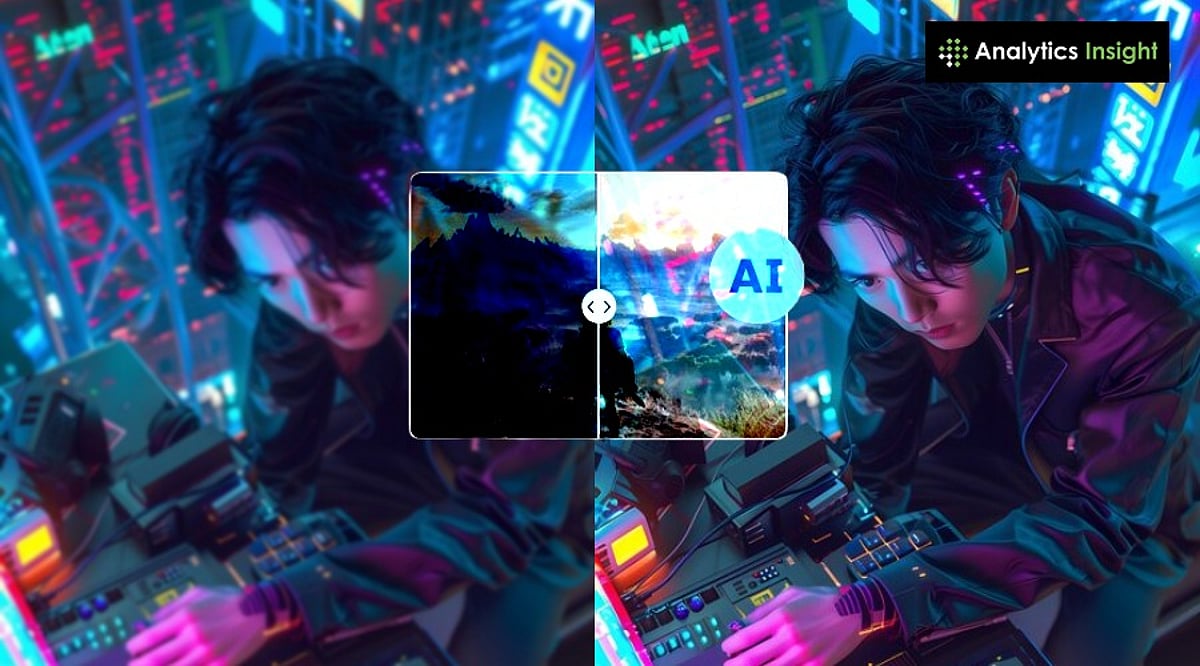
AI upscaling has revolutionized PC gaming, enabling players to enjoy high-resolution visuals and smooth frame rates without requiring the most expensive hardware. Instead of forcing the graphics card to render every pixel at full resolution, AI generates a sharp, detailed image from a lower-resolution source. This approach reduces the GPU’s workload while preserving visual fidelity.
How AI Upscaling Works
Traditionally, a graphics card renders each frame at the target resolution—4K demands significantly more power than 1080p. AI upscaling flips this process: the game renders at a lower resolution, then an AI model analyzes the image and fills in missing details before output. The result is a clear, high-resolution picture with much less computational strain.
Key Technologies: DLSS, FSR, and XeSS
Three major technologies dominate the market: NVIDIA’s DLSS (Deep Learning Super Sampling), AMD’s FSR (FidelityFX Super Resolution), and Intel’s XeSS (Xe Super Sampling). Each works differently but shares the same goal—boosting performance without sacrificing image quality. Games like Cyberpunk 2077, Alan Wake 2, and Black Myth: Wukong rely on these tools to maintain high frame rates with ray tracing enabled. Tests show frame rate gains of 30–100% or more, depending on the title and hardware.
Benefits Beyond Speed
AI upscaling also extends the life of existing GPUs, allowing mid-range PCs to run demanding titles smoothly. This democratizes access to modern games, letting more players experience rich, detailed worlds without frequent hardware upgrades.
Current Limitations
Despite its advances, AI upscaling isn’t perfect. Fast motion can introduce blurry edges, and fine details like text or thin objects may appear slightly off. DLSS requires NVIDIA RTX cards, while FSR and XeSS are more cross-compatible but perform best on their respective hardware. There’s also a concern that studios might lean too heavily on AI rather than optimizing games natively.
AI Enhances, Not Replaces, Human Creativity
AI upscaling does not generate stories, characters, or game worlds—it simply improves how those elements look on screen. Artists, writers, and programmers remain the heart of game development. AI is a powerful helper, not a substitute for human imagination.
The Future of AI in Gaming
As the technology matures, image quality will improve and artifacts will diminish. AI upscaling will likely become a standard feature, making future games more accessible while empowering developers to create even more ambitious worlds. For now, it’s one of the best ways to get more performance from your existing PC.
