
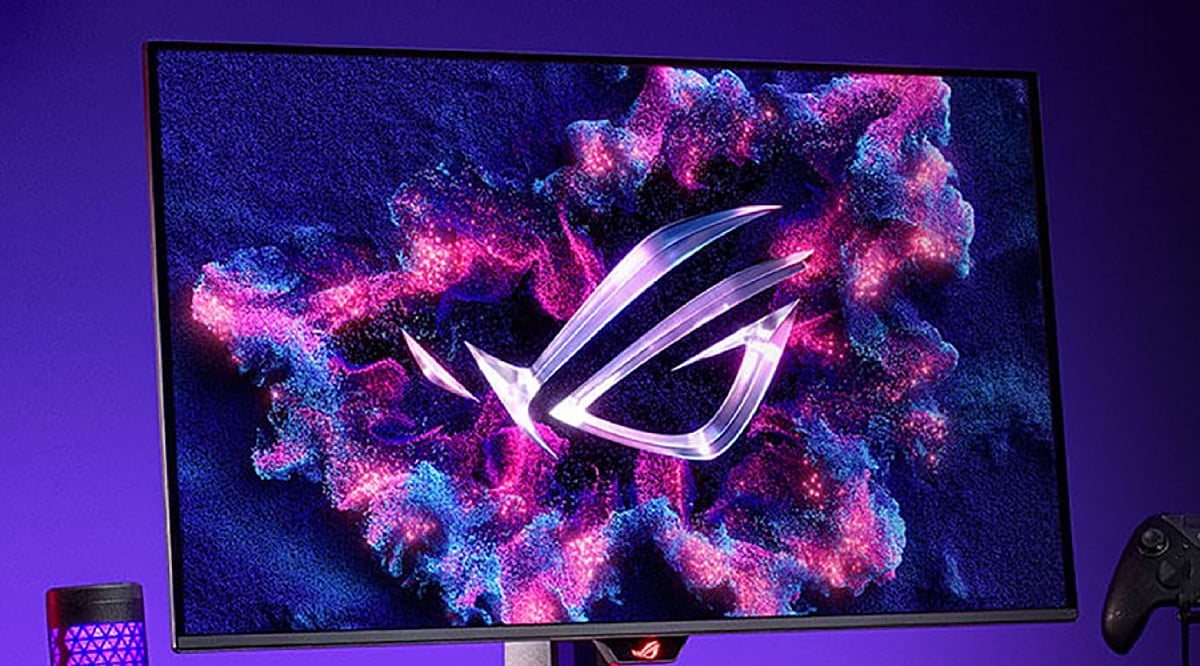
Tag: gaming monitor

  • 2026 Computer Monitor Buying Guide: From Full HD to 8K Resolutions and Beyond

    2026 Computer Monitor Buying Guide: From Full HD to 8K Resolutions and Beyond

    Choosing the right computer monitor involves more than just picking a high resolution. Factors like display technology, refresh rate, HDR support, color accuracy, and connectivity all play a critical role in determining the best monitor for work, gaming, creative tasks, and entertainment.

    Understanding Screen Resolutions

    Resolution refers to the number of pixels a monitor can display. Higher resolutions deliver sharper images. Here’s a quick breakdown:

    • Full HD (1920 × 1080): 2.07 million pixels – the entry-level standard.
    • QHD / 1440p (2560 × 1440): 3.69 million pixels – about 1.78 times more than Full HD.
    • 4K (3840 × 2160): 8.29 million pixels – exactly four times Full HD.
    • 5K: 14.7 million pixels – roughly seven times Full HD.
    • 8K (7680 × 4320): 33.18 million pixels – 16 times Full HD.

    Beyond Resolution: Key Features Buyers Look For

    Modern buyers evaluate several additional features before making a purchase:

    • Display technology: IPS (color accuracy and wide viewing angles), VA (deep blacks and high contrast), OLED (true blacks, vivid colors, instant response), Mini-LED (excellent HDR brightness with many local dimming zones).
    • HDR certification: Look for DisplayHDR 600, 1000, True Black, or True Black 1400 for superior brightness and contrast.
    • Refresh rate: 60–75 Hz for office work, 100–144 Hz for general use and console gaming, 240–360 Hz for competitive PC gaming, and up to 500 Hz for esports.
    • Color accuracy: 100% sRGB for photography, DCI-P3 for video editing, Adobe RGB for printing. Many monitors now offer factory calibration and built-in calibration tools.
    • Connectivity: HDMI 2.1, DisplayPort 2.1, USB-C with power delivery (65–140W), Thunderbolt 4, USB hubs, and KVM switches. HDMI 2.2 is also emerging for even higher resolutions and refresh rates.
    • Burn-in warranty and ClearMR ratings are also becoming important considerations.

    Choosing the Right Resolution for Your Needs

    • Full HD: Suitable for budget builds and basic office tasks.
    • QHD: The sweet spot for most users – excellent balance of image quality, performance, and price, especially for gamers.
    • 4K: The premium standard for creative professionals and anyone who demands maximum detail.
    • 5K: Ideal for designers, photographers, CAD professionals, and Mac users who work with fine text or graphics.
    • 8K: Best for specialized applications like video production, medical imaging, scientific research, and large-format photography.

    Screen Size Matters

    Match screen size to resolution for the best experience:

    • Full HD: 22–25 inches
    • QHD: 27 inches
    • 4K: 27–32 inches
    • 5K and 8K: 32 inches or larger

    Why Choosing the Right Monitor Matters

    A well-chosen monitor boosts productivity, enhances gaming, and improves entertainment. A poor choice can lead to eye strain, lower efficiency, and wasted money. With rapid advancements in display technology, informed decisions are essential.

    Final Thoughts

    The best monitor is not necessarily the one with the highest resolution. It’s the model that combines the right screen size, display technology, refresh rate, HDR support, color accuracy, and modern connectivity for your specific needs. Full HD remains adequate for basic tasks, QHD is the all-around sweet spot, 4K is the premium mainstream choice, and 5K/8K are best left to professionals with specialized workflows.

    FAQs

    1. Is 4K always better than QHD? Not necessarily. QHD offers an excellent balance of image quality, performance, and affordability, while 4K is ideal for creative professionals and users who want maximum detail.
    2. Which panel type is best in 2026? IPS is great for color accuracy, VA delivers higher contrast, OLED offers the best picture quality, and Mini-LED provides excellent HDR brightness.
    3. What refresh rate should I choose? 60–75Hz is suitable for office work, 100–144Hz is ideal for everyday use and gaming, while competitive gamers benefit from 240Hz or higher.
    4. Why is HDR important? HDR improves brightness, contrast, and color depth, creating a more realistic and immersive viewing experience, especially for movies, games, and HDR content.
    5. Which monitor resolution is best for professionals? Most creative professionals prefer 4K, while photographers, designers, CAD users, and Mac users may benefit from 5K. 8K is best suited for specialized professional workflows.
  • Top Weekend Monitor Deals on Amazon India: ASUS, Acer, Lenovo & ZEBRONICS (July 2026)

    Top Weekend Monitor Deals on Amazon India: ASUS, Acer, Lenovo & ZEBRONICS (July 2026)

    A quality monitor can transform both productivity and gaming experiences. This weekend, Amazon India is offering significant discounts on popular models from ASUS, Acer, Lenovo, and ZEBRONICS. Whether you’re a competitive gamer, a remote worker, or someone looking for a secondary display, these deals cover a range of needs and budgets.

    Below, we break down the best current offers, focusing on real tracked prices rather than inflated MRPs. Remember, a big discount doesn’t always mean the best value—refresh rate, panel type, resolution, and connectivity matter more than the percentage off.

    Comparison at a Glance

    ASUS TUF Gaming VG249Q3A – Fast Panels for the Price

    The TUF Gaming VG249Q3A is a 24-inch Full HD Fast IPS monitor priced at ₹12,999. Its Fast IPS panel, 180Hz refresh rate, and Adaptive Sync make it ideal for fast-paced competitive gaming where motion clarity is critical.

    For a cheaper alternative, the TUF Gaming VG259Q3A offers a 24.5-inch Full HD panel at ₹9,649 (tracked lowest price) and works well as a backup option if the VG249Q3A goes out of stock.

    BUY NOW

    Acer EK240Y P6 – The Value Pick for Mixed Use

    The Acer EK240Y P6 is a 23.8-inch IPS Full HD monitor with AMD FreeSync and both VGA and HDMI inputs. Acer rates it at up to 144Hz, though actual performance depends on the connected device and settings. It suits buyers who split time between office work and casual gaming without needing a dedicated gaming rig.

    For a bigger screen, the Nitro VG270U X1 offers a 27-inch WQHD panel at ₹14,998—a solid step up for spreadsheet-heavy work or anyone wanting more vertical space.

    BUY NOW

    Lenovo L24D-4C – Built for the Home Office

    The Lenovo L24D-4C, priced under ₹15,000, focuses on office productivity with an ergonomic design, good color consistency, and multiple connectivity options. It is not built for gaming, and that’s the point—buyers who spend most of the day in documents, spreadsheets, or video calls get a monitor tuned for comfort over speed.

    The L-Series L22e-30, a smaller 21.5-inch Full HD option at ₹7,990, works as a lower-cost alternative for a compact desk or a second monitor setup.

    BUY NOW

    ZEBRONICS ZEB-AC32 FHD – Budget and Secondary Display Picks

    ZEBRONICS covers the lower end of the market well. The ZEB-AC32 FHD is a 32-inch curved Full HD monitor at 75Hz, priced at ₹9,999—one of the most affordable 32-inch curved monitors available. For sharper detail, the ZEB-S32A steps up to Quad HD at ₹17,999. Neither model targets color-critical work, but both are strong picks for a secondary screen, a media display, or a first upgrade from a laptop-only setup.

    BUY NOW

    Which One to Pick

    • ASUS: Best for fast, competitive gaming on a budget.
    • Acer: Best for a balance of gaming and office use at a lower price point.
    • Lenovo: Best for a work-from-home setup that prioritizes comfort over speed.
    • ZEBRONICS: Best for the largest screen size per rupee, or as a secondary display.

    Prices above are GST-inclusive and reflect tracked pricing as of early July 2026. Amazon India pricing changes frequently during sale windows, so confirm the live price before purchase. Comparing specifications alongside live pricing helps you choose a monitor that fits your needs rather than simply selecting the product with the largest advertised discount.

    Final Thoughts

    A monitor is a long-term investment, and the cheapest isn’t always the best. ASUS, Acer, Lenovo, and ZEBRONICS all focus on different needs, from gaming to office productivity and everyday use. In addition to looking at specifications, it’s important to check live pricing so you can distinguish between true value and a deal that looks good on paper. Choosing the right monitor for your job and budget will benefit you well after the weekend sale ends.

    FAQ

    1. Which monitor brand offers the best value during Amazon weekend sales? ASUS, Acer, Lenovo, and ZEBRONICS each cater to different users. ASUS is ideal for gaming, Acer balances gaming and office work, Lenovo focuses on productivity, while ZEBRONICS offers affordable options for budget-conscious buyers.
    2. What monitor specifications should I check before buying? Focus on panel type, resolution, refresh rate, screen size, and connectivity options such as HDMI or DisplayPort. These specifications have a greater impact on everyday performance than the discount percentage alone.
    3. Is a 144Hz monitor worth buying for everyday use? A 144Hz monitor provides smoother motion and is especially useful for gaming. For web browsing, office work, and video streaming, a 60Hz to 100Hz monitor is generally sufficient.
    4. Which monitor size is best for work and gaming? A 24-inch Full HD monitor suits most users, while a 27-inch QHD monitor offers more workspace and sharper visuals for multitasking, content creation, and immersive gaming.
    5. Do Amazon weekend monitor deals include warranty coverage? Yes. Monitors purchased from authorized sellers on Amazon India typically include the manufacturer’s standard warranty. Always verify the warranty period and seller details before placing your order.