Tag: gaming

  • Xbox CTO Scott Van Vliet Apologizes After Widespread Service Outage Disrupts Digital Gaming

    Xbox CTO Scott Van Vliet Apologizes After Widespread Service Outage Disrupts Digital Gaming

    Xbox has broken its silence following a massive service outage that left thousands of players unable to access digital games and online services for nearly 20 hours. Chief Technology Officer Scott Van Vliet issued a public apology on X (formerly Twitter), acknowledging the frustration and promising improvements.

    “A licensing service that sits outside of Xbox, but which Xbox depends upon, caused some sign-in scenarios to fail, and it caused many scenarios that require an entitlement check to also fail,” Van Vliet explained. The outage, linked to error code 0x87e107df, prevented users from launching games, using Game Pass, making purchases, or accessing online features. The team restored services by 2:30 PM PDT, but Van Vliet called the situation “unacceptable” and stated that Xbox “must do better.”

    Microsoft has not disclosed every technical detail, but improving system stability is now a top priority. The outage also impacted several publishing and store partners relying on the same backend licensing systems. Going forward, experts suggest Xbox can rebuild trust by providing faster updates during disruptions and strengthening offline access to digital libraries.

    As gaming platforms increasingly depend on online verification, this incident highlights the need for more resilient infrastructure and transparent communication—lessons Xbox appears committed to learning.

  • Ubisoft Cancels Unannounced Far Cry Extraction Shooter, Focuses on New Open-World FPS

    Ubisoft Cancels Unannounced Far Cry Extraction Shooter, Focuses on New Open-World FPS

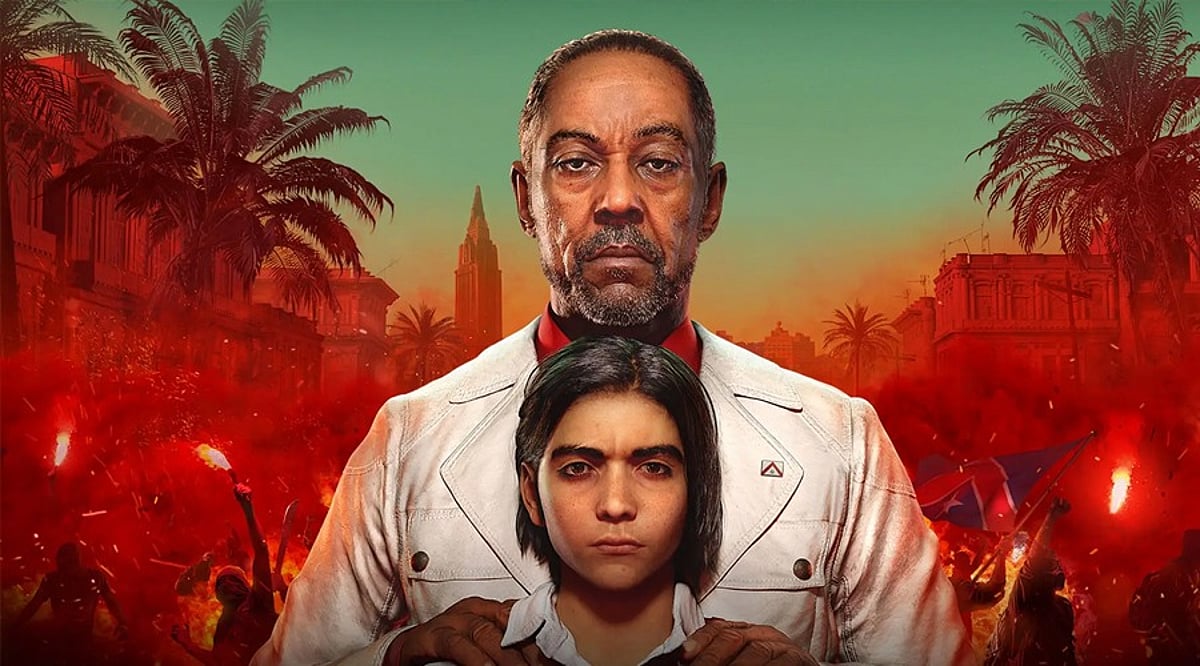
    Ubisoft has reportedly canceled an unannounced Far Cry multiplayer project as part of a strategic shift in its development plans. According to industry insider Tom Henderson, the studio has shelved a game codenamed Maverick, an extraction shooter that had been in development for several years.

    The cancellation does not affect the next mainline entry, Far Cry 7—also known as Project Blackbird—which remains in active development. Henderson reports that the replacement project, codenamed Kodiak, is an ambitious open-world first-person shooter where player interactions and player-driven stories take center stage.

    Far Cry 7 has faced multiple internal delays, but Ubisoft appears to be consolidating resources to focus on a single high-quality single-player release rather than dividing efforts across multiple titles. Early leaks suggest the game may be set in Alaska and feature an extraction mode where players battle brutal wildlife in a race for survival, though Ubisoft has not confirmed these details.

    While fans may have to wait longer for Far Cry 7, the extra development time could help deliver a stronger, more polished experience. The series’ future remains bright, with Ubisoft prioritizing quality over quantity.

  • Leaked Video Offers First Glimpse of Assassin’s Creed Netflix Series’ Ancient Rome Setting

    Leaked Video Offers First Glimpse of Assassin’s Creed Netflix Series’ Ancient Rome Setting

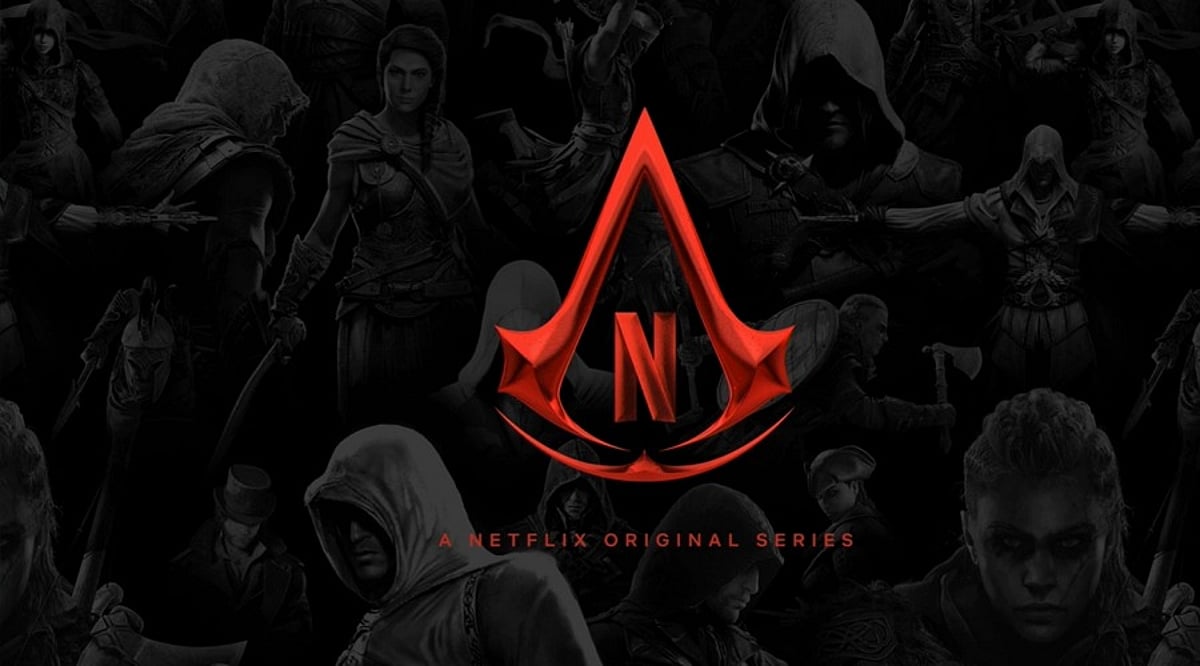
    A leaked video from the upcoming Assassin’s Creed Netflix series has given fans their first glimpse of what appears to be an Ancient Rome set, fueling anticipation for the show’s expected 2027 release. The footage, which surfaced on TikTok and was later shared on X by user @616riddler, shows a crew member walking through a destroyed room featuring large Roman pillars and a stone throne bearing the Assassin’s Creed logo.

    Neither Ubisoft nor Netflix has confirmed that the location is part of the final story, and both companies have remained silent about the leaked footage. The series is still in production, and an exact release date has not been announced.

    The Netflix show is part of Ubisoft’s broader strategy to expand the Assassin’s Creed franchise beyond video games. The company recently released Assassin’s Creed Shadows, set in feudal Japan, and launched the Animus Hub, a platform that unifies various Assassin’s Creed titles. Ubisoft is also developing live-service content to keep players engaged and is leveraging TV shows and other media to grow the franchise.

    Even though the leaked video is short, it has sparked considerable discussion among fans. An Ancient Rome setting has long been one of the most requested ideas for the series, and the new footage has only heightened that excitement. Fans will have to wait for an official trailer or further updates from Netflix.

  • Free Fire MAX Redeem Codes July 27: Unlock Premium Skins, Bundles, and More

    Free Fire MAX Redeem Codes July 27: Unlock Premium Skins, Bundles, and More

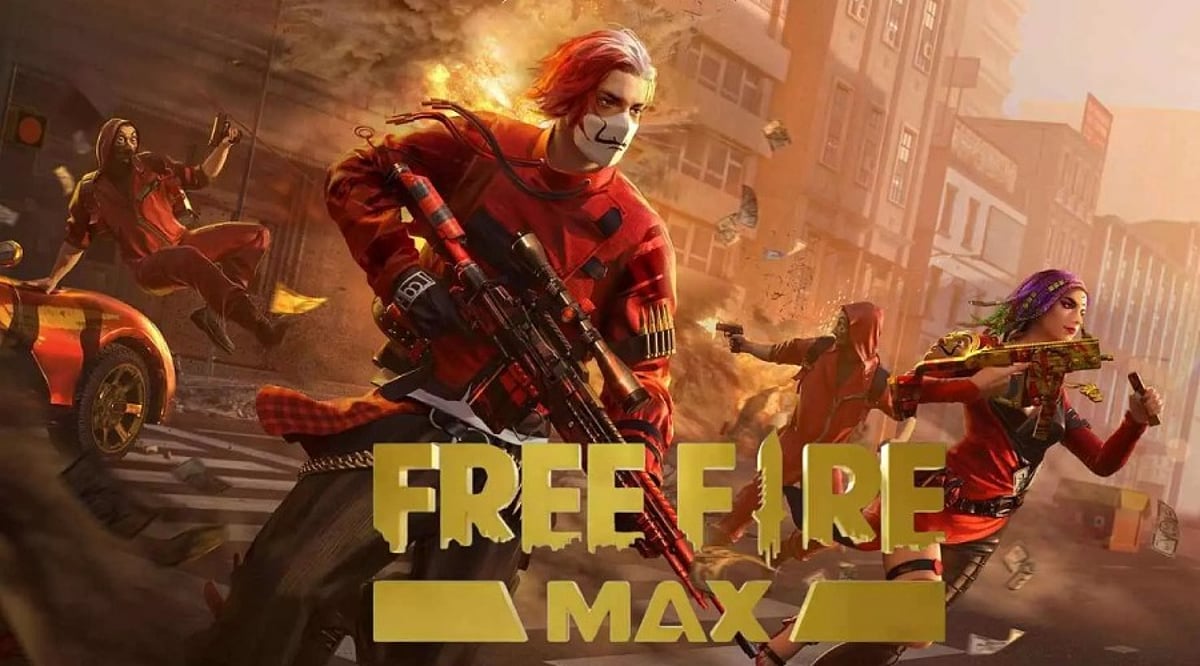
    Garena Free Fire MAX has released a fresh batch of redeem codes for July 27, giving players the chance to unlock premium skins, bundles, emotes, and other exclusive rewards without spending a dime. These codes are time-sensitive, so act fast to claim your loot.

    Today’s Free Fire MAX Redeem Codes (July 27, 2026)

    Here is the complete list of active codes for today. Copy and paste them into the official redemption site to grab your rewards:

    • FF7TRD2SQA9FF
    • SGT7KNFQ2XFP
    • STQ7MXNPY54N
    • 8M2XL9R1G36K
    • WMFJVMQQYGFF
    • B2GH3KJL56FF
    • RSX4CYHLLQFF
    • SKTXVQF2NRFF
    • DMNSW9KG2FFC
    • BRAXQTS9SFF8
    • HG3JK5L0PFF5
    • B6YUHBVF3FFR
    • 3GT5YJH76H8Y
    • C4TN6VKQ9B1R
    • K7C5ZL8YT4ST
    • 1ZTBZBRP9BR4
    • 3FMAPYEZZUPQ
    • 7X5NMJ64VS9Q
    • K2L6VP3MRFFK
    • 7XC8P0N3MFF1
    • V2CB34ERTJ3Z
    • KQ57Z2P2P3IB
    • BMSL7AK8GB3G
    • 7A22TWDR7X

    All codes listed above were valid at the time of writing. However, they expire quickly, so redeem them as soon as possible.

    How to Redeem Free Fire MAX Codes

    Follow these steps to redeem your codes:

    1. Visit the official Garena Free Fire MAX redemption website.
    2. Log in using your preferred method (Facebook, X, or Google). Make sure your game account is linked to the same social account.
    3. Enter the code carefully in the text box. Copy and paste to avoid typos.
    4. Click “Confirm” to submit. A success message will appear if the code is valid.
    5. Wait up to 24 hours for the rewards to appear in your in-game mail.

    Tips for Successful Redemption

    • Act fast: Most codes expire within 18–24 hours.
    • Be early: Many codes are limited to the first 1,000 redemptions.
    • Link your account: Guest accounts cannot redeem codes.
    • Stay updated: Follow official channels and streamers for new codes.

    Final Thoughts

    Free Fire MAX redeem codes are the easiest way to score rare items without grinding. Remember to redeem promptly and ensure your account is linked. Happy gaming!

  • Top Metaverse Crypto Coins to Watch in July 2026

    Top Metaverse Crypto Coins to Watch in July 2026

    The metaverse continues to reshape digital economies, and several cryptocurrencies are at the forefront of this transformation. Here are the top metaverse crypto coins to consider for investment in July 2026.

    Decentraland (MANA)

    MANA powers a virtual world where users can create experiences, own digital land, and participate in a growing blockchain-based metaverse economy. It enables a decentralized, community-driven platform for social interaction, gaming, and commerce.

    The Sandbox (SAND)

    SAND allows creators to build, monetize, and trade immersive gaming experiences using blockchain technology. It provides a secure ecosystem for virtual asset ownership and user-generated content, fostering a vibrant creator economy.

    ApeCoin (APE)

    ApeCoin supports gaming, digital communities, and metaverse initiatives. Its utility is expanding through ecosystem partnerships and decentralized governance, offering holders a voice in the development of the broader metaverse landscape.

    Axie Infinity (AXS)

    Axie Infinity drives blockchain gaming with a play-to-earn model. Players earn rewards while contributing to the ecosystem’s growth. AXS is central to governance and staking, supporting continuous development and community participation.

    Render (RENDER)

    Render provides decentralized GPU rendering services essential for creating realistic metaverse graphics, virtual experiences, and AI-powered digital content. It addresses the computational demands of high-fidelity virtual worlds efficiently.

    Immutable (IMX)

    Immutable offers scalable blockchain infrastructure for NFT games, enabling secure transactions, lower fees, and seamless gaming experiences. It is designed to support developers in building and scaling Web3 games.

    Beam (BEAM)

    Beam focuses on blockchain gaming infrastructure, providing developers with tools to enhance game economies and digital asset ownership across platforms. It aims to streamline the integration of blockchain into gaming.

    Gala (GALA)

    Gala powers decentralized gaming ecosystems where players enjoy true ownership of in-game assets. It supports developer innovation through blockchain technology, enabling a player-driven economy.

    Floki (FLOKI)

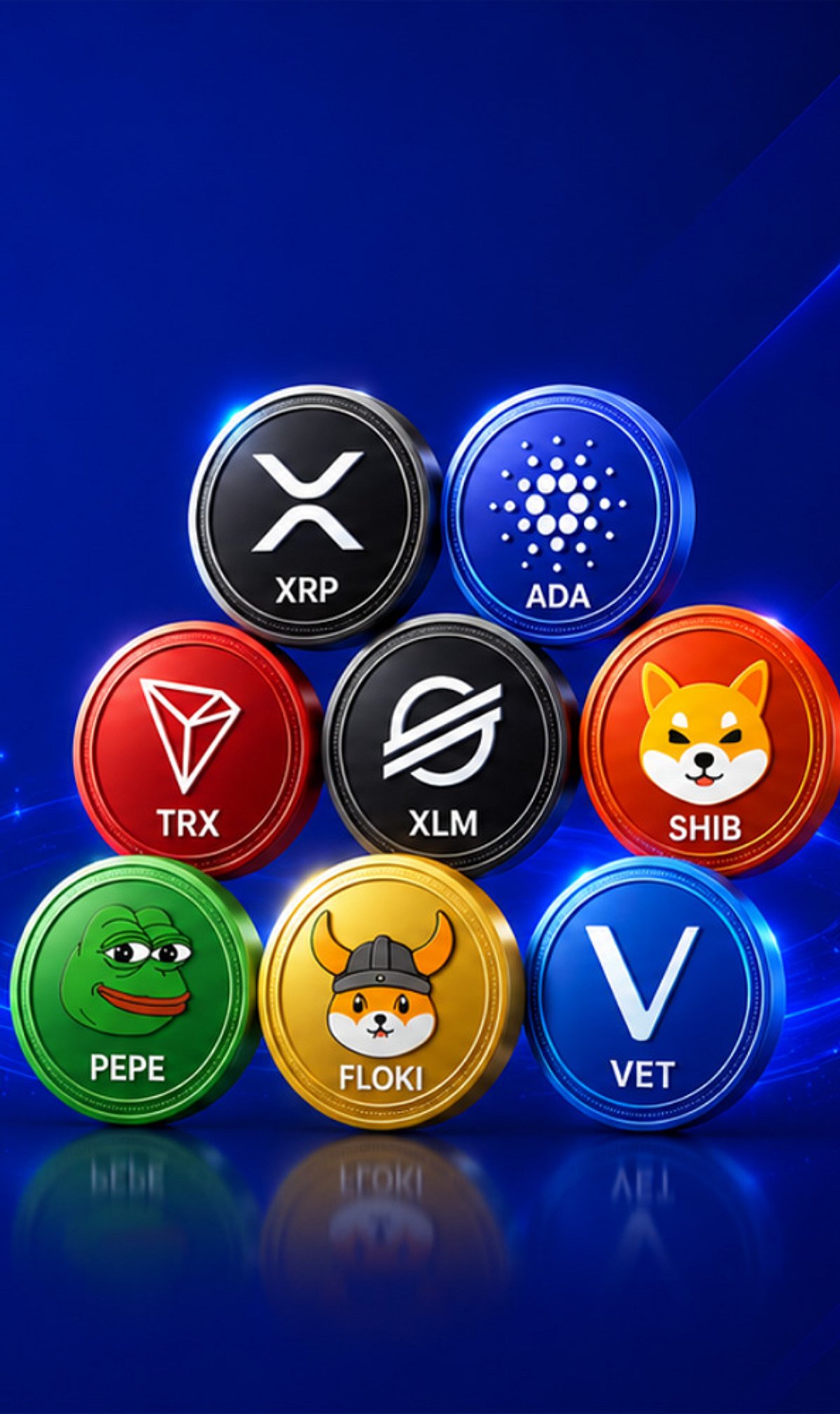
    Floki has expanded beyond its meme origins into metaverse projects, gaming utilities, and ecosystem growth. The project focuses on increasing long-term community adoption through practical applications and partnerships.

    These coins represent diverse opportunities within the metaverse and blockchain gaming sectors. As always, conduct thorough research before investing.

  • Best RPGs to Play in 2026: Must-Play Role-Playing Games

    Best RPGs to Play in 2026: Must-Play Role-Playing Games

    Role-playing games (RPGs) offer players the freedom to explore new worlds, meet unforgettable characters, and shape their own journey through meaningful choices, tactical battles, and story-driven adventures. From action-packed combat to slow, thoughtful storytelling, every RPG delivers a unique experience. Whether you’re new to the genre or a longtime fan, these titles deserve a spot on your 2026 gaming list.

    RPGs That Tell Great Stories

    Kingdom Come: Deliverance 2

    Developer: Warhorse Studios | Platforms: PC, PlayStation 5, Xbox Series X|S

    If you enjoy realistic adventures, Kingdom Come: Deliverance 2 is hard to ignore. No magic or fantasy monsters here—instead, the game drops you into medieval Europe and lets you experience life during that era. Every sword fight feels meaningful, and every choice can change the story. The detailed world makes exploration just as rewarding as completing the main quests.

    Assassin’s Creed Shadows

    Developer: Ubisoft | Platforms: PC, PlayStation 5, Xbox Series X|S

    Assassin’s Creed Shadows finally delivers the Japan-set adventure fans have awaited for years. You can switch between two main characters, each with a distinct combat style—one stealthy, the other aggressive. The world is beautiful, the missions are engaging, and there’s always something new to discover.

    Yakuza 0

    Developer: Ryu Ga Gotoku Studio | Platforms: PC, PlayStation, Xbox

    Years after its release, Yakuza 0 remains one of the best RPGs ever made. It follows Kazuma Kiryu and Goro Majima as they navigate Japan’s 1980s criminal underworld. The game balances serious drama with laugh-out-loud moments, ensuring there’s never a dull hour between emotional beats and fun side activities.

    RPGs That Feel Different

    Octopath Traveler 0

    Developer: Square Enix | Platforms: Nintendo Switch 2

    Octopath Traveler 0 retains the series’ stunning HD-2D art style and classic turn-based battles. Each character has a unique story, keeping the adventure fresh from start to finish. The combat rewards smart planning rather than button mashing, offering a nostalgic yet modern JRPG experience.

    Unicorn Overlord

    Developer: Vanillaware | Platforms: Nintendo Switch, PlayStation 5, PlayStation 4, Xbox Series X|S

    Unicorn Overlord blends role-playing with strategy in an accessible way. Build your army, recruit allies, and reclaim your kingdom. Every battle requires thoughtful tactics. The hand-drawn art gives the game its own identity, and the growing roster of characters keeps each fight interesting.

    Fable 2

    Developer: Lionhead Studios | Platforms: Xbox

    Some games never lose their charm, and Fable 2 is one of them. The world feels alive, and your choices matter from start to finish. You can become a hero, take a darker path, or simply explore towns and forests. The lighthearted humor, memorable characters, and relaxing pace make it an easy recommendation even today.

    Which RPG Should You Start With?

    There’s no single right answer—it depends on the adventure you want. If story is your priority, begin with Yakuza 0 or Kingdom Come: Deliverance 2. Both offer characters and moments that stay with you long after the credits roll.

    If you enjoy open-world exploration, Assassin’s Creed Shadows is a great pick. Prefer slower, tactical battles? Look at Unicorn Overlord. Fans of classic JRPGs will feel right at home with Octopath Traveler 0, while Fable 2 remains one of the easiest fantasy RPGs to enjoy.

    Final Thoughts

    A good RPG isn’t just about winning battles—it’s about losing yourself in another world for a few hours, meeting characters you care about, and making decisions that feel important. Each game on this list offers something different: emotional stories, exploration, or strategy. If you’re looking for your next adventure, these titles are all well worth your time.

    FAQs

    1. Which RPG has the best story on this list? Yakuza 0 and Kingdom Come: Deliverance 2 are widely praised for their strong storytelling, memorable characters, and emotional moments.
    2. Is Assassin’s Creed Shadows an RPG? Yes. It includes character progression, quests, exploration, and combat with many role-playing elements.
    3. Which game is best for strategy lovers? Unicorn Overlord is a great choice because it mixes tactical battles with RPG progression and character building.
    4. Is Fable 2 still worth playing in 2026? Yes. Its fun world, meaningful choices, and charming characters still make it one of the best fantasy RPGs to revisit.
    5. Which RPG should JRPG fans choose first? Octopath Traveler 0 is a great place to start, combining classic turn-based gameplay with beautiful visuals and engaging character stories.

  • Top Open-World Games You Can Beat in Less Than 20 Hours

    Top Open-World Games You Can Beat in Less Than 20 Hours

    Open-world games are known for their sprawling maps and endless side quests, but not everyone has dozens of hours to spare. The following titles deliver rich, immersive experiences that can be completed in under 20 hours—perfect for gamers with limited time. Here are the best picks:

    Marvel’s Spider-Man: Miles Morales

    Swing through a snowy New York as Miles Morales, enjoy fast-paced combat, and complete this emotional superhero adventure in around 10 to 12 hours. The story is tight and focused, making it an ideal short open-world experience.

    A Short Hike

    Explore a peaceful island, meet charming characters, collect hidden treasures, and finish this relaxing open-world adventure in just a few hours. It’s a delightful escape that proves big worlds don’t need long playtimes.

    Sable

    Glide across stunning deserts, solve light puzzles, discover ancient ruins, and complete Sable’s coming-of-age journey in under 15 hours. Its unique art style and gentle exploration make it a memorable short trip.

    Mafia: Definitive Edition

    Drive through a beautifully recreated 1930s city while experiencing a gripping crime story that wraps up in roughly 12 hours. The game focuses on narrative and atmosphere, without unnecessary padding.

    Bully: Scholarship Edition

    Attend classes, explore the school grounds, complete quirky missions, and finish Jimmy Hopkins’ memorable adventure in about 15 to 18 hours. It’s a classic open-world experience with a compact scope.

    The Pathless

    Race across mysterious islands, solve environmental puzzles, bond with your eagle companion, and complete this adventure in under 10 hours. Its fluid movement system and minimalist design keep the pacing brisk.

    Maneater

    Play as a revenge-driven shark, explore coastal waters, evolve powerful abilities, and finish this unique action RPG within 15 hours. The game combines open-world exploration with satisfying growth mechanics.

    Dredge

    Sail across eerie waters, catch strange fish, uncover dark secrets, and complete this atmospheric open-world fishing adventure in around 12 hours. Its Lovecraftian horror elements add a unique twist to the genre.

    Ghostwire: Tokyo

    Explore a supernatural version of Tokyo, battle ghostly enemies, master magical powers, and complete the main story in about 15 to 18 hours. The dense urban setting and fast combat keep the experience fresh.

    These games prove that open-world adventures don’t have to be epic time sinks. Whether you crave action, mystery, or relaxation, there’s a short but satisfying world waiting for you.

  • Free Fire MAX Redeem Codes for July 25: Unlock Free Skins, Emotes, and Exclusive Rewards Now

    Free Fire MAX Redeem Codes for July 25: Unlock Free Skins, Emotes, and Exclusive Rewards Now

    Garena has released a fresh batch of Free Fire MAX redeem codes that let players unlock free weapon skins, character bundles, emotes, vouchers, and other exclusive rewards. Redeem them quickly before they expire or reach their redemption limit.

    Players in Garena Free Fire MAX have the chance to unlock different in-game rewards through the redeem codes that the game developers give out. These codes allow them to unlock different weapon skins, character skins, vouchers, pets, loot crates, emotes, and other in-game premium content without spending any diamonds in the process. But the redeem codes are valid only for a certain amount of time and also come with geographical restrictions.

    Free Fire MAX Redeem Codes

    • FFCBRAXQTS9S
    • FFSGT7KNFQ2X
    • FPSTQ7MXNPY5
    • 4N8M2XL9R1G3
    • H8YC4TN6VKQ9
    • FF6YH3BFD7VT
    • B1RK7C5ZL8YT
    • 4ST1ZTBZBRP9
    • BR43FMAPYEZZ
    • UPQ7X5NMJ64V
    • S9QK2L6VP3MR
    • FFR4G3HM5YJN
    • 6KWMFJVMQQYG
    • FZ5X1C7V9B2N
    • FT4E9Y5U1I3O
    • FP9O1I5U3Y2T
    • FM6N1B8V3C4X
    • FA3S7D5F1G9H
    • FK3J9H5G1F7D
    • FU1I5O3P7A9S
    • F7F9A3B2K6G8
    • FE2R8T6Y4U1I
    • FQ9W2E1R7T5Y

    How To Redeem Free Fire MAX Codes

    Redeeming Free Fire MAX codes is a simple process. To do that:

    1. Visit the website for claiming rewards for Garena Free Fire MAX.
    2. Sign in to the website using the account linked to your Free Fire MAX profile account. You can sign in using credentials from Google, Facebook, Apple, X, VK, or Huawei. Guest accounts cannot use codes.
    3. Input one of the available codes in the box exactly as it is given.
    4. Click on the Confirm button.
    5. The reward codes will be automatically sent to your in-game mailbox within 24 hours after you input the right code.
    6. Launch Garena Free Fire MAX and claim the rewards in the Mail tab.

    Keep in mind that the redeem codes have an expiry date and work in specific geographical areas. Furthermore, some redeem codes may have limitations. This means the code can be redeemed only a certain number of times, after which it becomes inactive. If you receive an error while entering a code, it may mean that it is expired, already used, or does not work for your server.

  • Steam Overhauls Gifting with Guest Checkout and Email Delivery

    Steam Overhauls Gifting with Guest Checkout and Email Delivery

    Valve has rolled out a significant update to Steam, introducing guest checkout, email-based gifting, and improved wishlist tools. The changes are designed to make buying and sending games much simpler for all users.

    The headline addition is guest checkout. Previously, only Steam account holders could purchase games for gifting. Now, anyone can buy a game as a gift without creating an account. Valve has also added email gifting, allowing buyers to send games directly to a recipient’s email address. Additional features include cross-region price adjustments and wishlist sharing tools, which are now rolling out.

    Steam Wishlists have also been upgraded. Users can organize games into custom categories and generate shareable, filtered links. Anyone who receives a link can open it and purchase the game directly, even if they are not connected as friends on Steam.

    Buying Games Is Now Much Easier

    The new system removes many previous steps. Sending a game no longer requires a Steam account or a friend list connection. Buyers can simply enter a recipient’s email address, streamlining the process for birthdays, holidays, and sales events.

    A Better Experience Could Mean More Game Sales

    These improvements may boost sales during major promotions, as the removal of account creation for gift purchases reduces friction. The updated wishlist also helps players track desired games during discounts. While the core selling model remains unchanged, the overall shopping experience has become smoother for both new and existing users.

  • PS5 System Software Update: Step-by-Step Installation Guide (Internet, USB, Safe Mode)

    PS5 System Software Update: Step-by-Step Installation Guide (Internet, USB, Safe Mode)

    Key Takeaways

    • PS5 system software updates improve performance, security, and compatibility with newly released games.
    • The console can update through the internet, a USB storage device, or Safe Mode when errors occur.
    • Automatic updates allow the system to download new software versions in the background.

    Updating your PlayStation 5 (PS5) system software is essential for smooth performance, stronger security, and access to the latest features from Sony. Updates typically include bug fixes, stability improvements, and compatibility support for new games. The PS5 can update automatically online or install updates manually using a USB device when internet access is unavailable. Below are the easiest ways to update your PS5 system software.

    Method 1: Update via the Internet

    Updating over the internet is the most popular method. When your console is connected to the internet, it can download the latest update directly from Sony’s servers.

    1. Turn on your PS5 and go to the home screen.
    2. Select Settings (the gear icon in the top-right corner).
    3. Scroll down and choose System.
    4. Select System Software.
    5. Open System Software Update and Settings.
    6. Select Update System Software.
    7. Choose Update Using Internet.

    After this, the system checks for the latest software version. If a new update is available, the PS5 begins downloading and installing it. During installation, the console may restart automatically—this is normal.

    Method 2: Update via a USB Drive

    A USB update is useful when your console cannot connect to the internet or when you need a manual installation. The update file is downloaded on a computer and then transferred to the console using a USB drive.

    1. Format a USB drive as FAT32 or exFAT on your computer.
    2. Create a folder named PS5 on the USB drive.
    3. Inside that folder, create another folder named UPDATE.
    4. Download the latest PS5 system software file from the official PlayStation website.
    5. Save the file inside the UPDATE folder with the name PS5UPDATE.PUP.
    6. Insert the USB drive into your PS5.
    7. Go to Settings > System > System Software > System Software Update and Settings.
    8. Select Update from USB Storage Device and confirm the installation.

    Once confirmed, the console installs the update and restarts automatically.

    Method 3: Update in Safe Mode

    Safe Mode is used when the console has difficulty starting or when a normal update fails. This mode provides troubleshooting options that allow you to update the system software.

    1. Turn off your PS5 completely.
    2. Press and hold the Power button until you hear a second beep (after a few seconds).
    3. Connect your controller with a USB cable and press the PS button.
    4. Select Update System Software from the Safe Mode menu.
    5. Choose Update Using Internet or Update from USB Storage Device.

    Enabling Automatic Updates

    Automatic updates let your PS5 download system software in the background without manual intervention.

    1. Open Settings.
    2. Select System.
    3. Choose System Software Update and Settings.
    4. Turn on Download Update Files Automatically and Install Update Files Automatically.

    Conclusion

    Regularly updating your PS5 system software keeps your console running properly and ensures support for new games and features. You can update via the internet, a USB device, or Safe Mode. Staying up to date helps maintain stability and enhances overall performance.

    Frequently Asked Questions

    How often should I update my PS5 system software?

    You should update whenever a new version is released to maintain stability and security.

    Can I update my PS5 without internet access?

    Yes, you can download the update on a computer and install it via a USB drive.

    What happens if my PS5 turns off during an update?

    An unexpected shutdown may interrupt the installation. In that case, try reinstalling the update in Safe Mode.

    Why are system software updates important for new games?

    Many modern games require the latest system software to run properly and support new features.

    Can Safe Mode help fix update errors?

    Yes, Safe Mode provides repair tools and allows you to update the system software if a normal installation fails.