
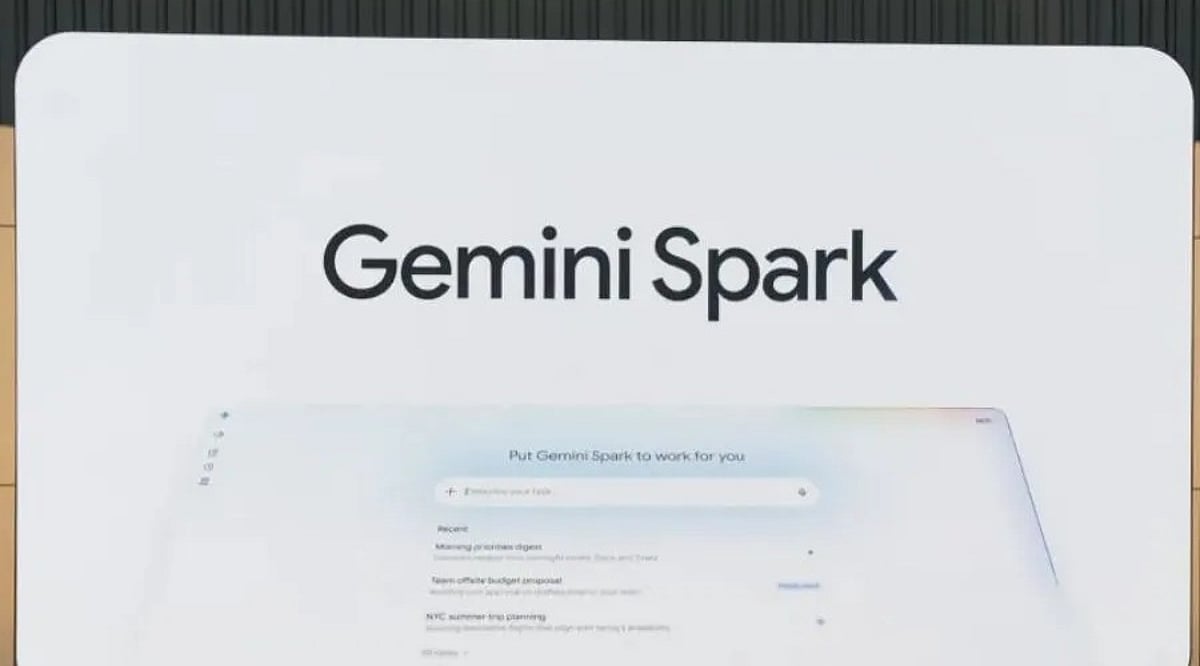
Tag: Gemini Spark

  • Google Launches Always-On Gemini Spark AI Agent in India for 24/7 Task Automation

    Google Launches Always-On Gemini Spark AI Agent in India for 24/7 Task Automation

    Google has officially launched Gemini Spark in India, a cloud-based AI agent that operates continuously in the background — even when your phone is locked or your laptop is closed. Initially previewed at Google I/O 2026, the rollout begins for Google AI Ultra subscribers, with Google AI Pro subscribers gaining access in the coming weeks.

    An Agent That Works While You Sleep

    Unlike traditional AI assistants that respond to individual prompts, Gemini Spark is designed to autonomously complete multi-step tasks over time. It runs on Google’s cloud infrastructure and requires no active user involvement once a task is set. Built on the upgraded Gemini 3.6 Flash model, the agent integrates natively with Google Workspace apps including Gmail, Google Docs, Google Sheets, and Calendar — with no manual setup required.

    Tasks range from organizing emails in a personalized style and summarizing wedding RSVPs to planning travel itineraries across multiple services and managing recurring subscriptions.

    How Tasks, Schedules, and Skills Work

    Gemini Spark operates using three core components:

    • Task – The outcome the user wants the AI to achieve, from simple inbox clearing to complex multi-step workflows like coordinating a business trip.
    • Schedule – Recurring automations, such as a weekly summary of unread emails every Monday morning.
    • Skill – Specific capabilities Spark can apply, which will expand over time through updates. The agent can also interact with websites on the user’s behalf via a browser-based environment.

    Google has not yet confirmed which web capabilities will be available immediately in India. The launch comes shortly after OpenAI released ChatGPT Work, targeting a similar productivity and enterprise niche.

    User Control and High-Stakes Approval

    Users maintain full control over what Gemini Spark can access and do. They can limit connected apps or disable the agent entirely. For high-stakes, irreversible actions — such as sending an email without prior review, making a purchase, or any difficult-to-reverse action — Spark is designed to ask for explicit approval before proceeding.

    Google describes this human-in-the-loop design as a deliberate safeguard, positioning Spark as an agent that operates under user supervision. The India launch marks the company’s clearest step yet toward agentic AI that handles repetitive digital work autonomously.
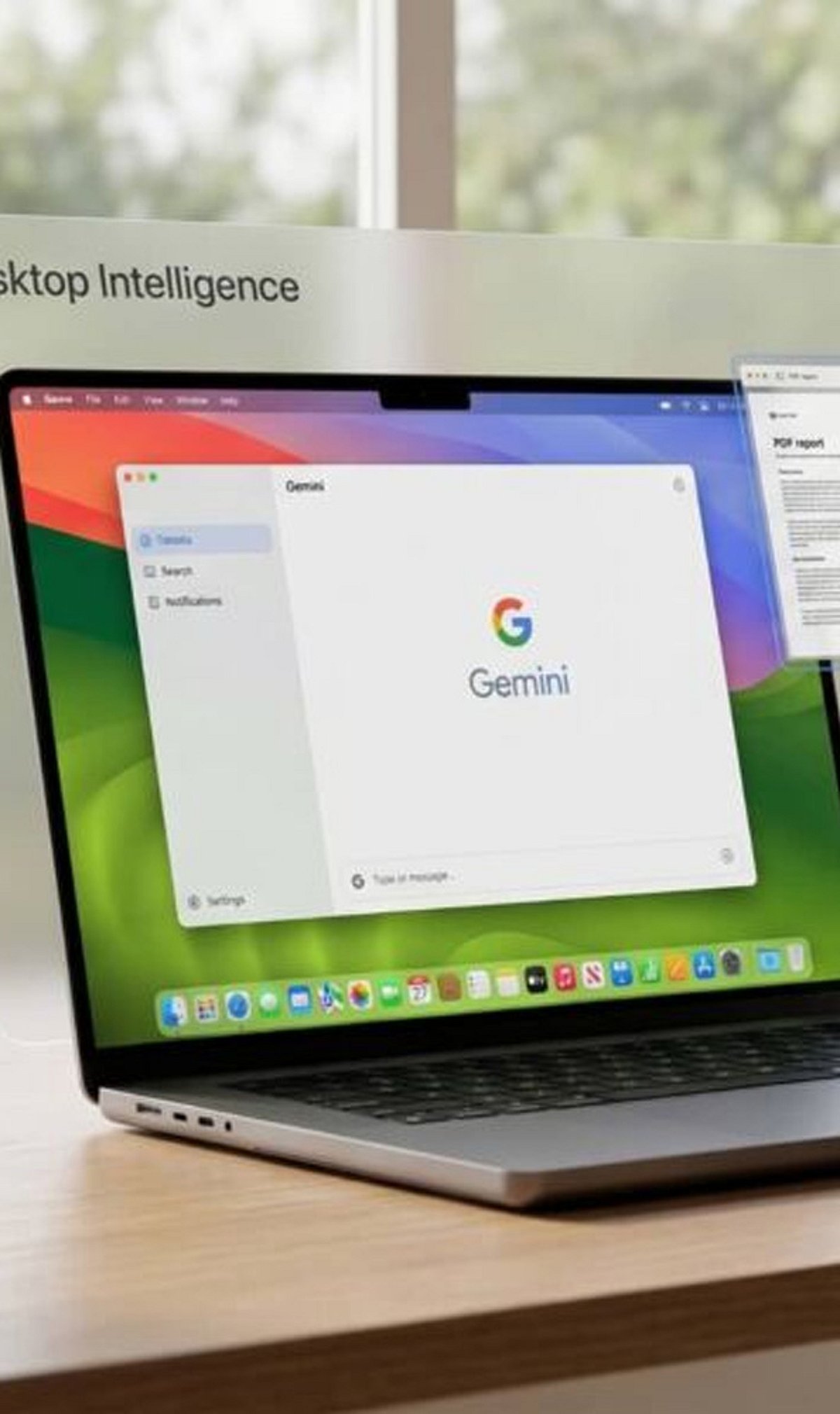
  • Master Gemini Spark on macOS: A Guide to AI-Powered Productivity

    Master Gemini Spark on macOS: A Guide to AI-Powered Productivity

    Google has expanded the Gemini experience across devices, and Gemini Spark on macOS helps users quickly access AI-powered assistance for writing, coding, brainstorming, and research.

    Getting Started with Gemini Spark

    Download and install the latest Gemini app for macOS, then sign in with your Google account to access Gemini Spark features. The setup process is straightforward and takes only a few minutes.

    Core Capabilities

    Gemini Spark lets you summarize long documents, draft emails, generate ideas, and answer complex questions without switching between multiple apps. Its versatility makes it an essential tool for professionals and creatives alike.

    For Developers

    Developers can use Gemini Spark for code generation, debugging, explaining code snippets, and creating scripts in multiple programming languages. This streamlines development workflows and boosts efficiency.

    Integration with Google Workspace

    The app integrates with Google Workspace services, making it easier to work with Docs, Gmail, Drive, and Calendar where supported. You can leverage AI assistance directly within your everyday tools.

    File Analysis

    Users can upload PDFs, images, and other supported files, allowing Gemini Spark to analyze content and provide summaries or insights. This feature is particularly useful for research and data review.

    Voice and Conversational Features

    Voice input and conversational interactions make it easy to ask follow-up questions and refine responses naturally. The AI understands context and maintains coherent dialogues.

    Best Practices

    For the best experience, keep the app updated, verify AI-generated information, and review privacy settings before sharing sensitive data. As Google continues to enhance Gemini with new AI models and productivity tools, Gemini Spark is becoming a valuable assistant for Mac users.

    Stay tuned for more updates and features as Google expands its AI ecosystem on macOS.