Tag: Google AI

  • Is a Chromebook Ready for Everyday Use? Key Considerations for 2026

    Is a Chromebook Ready for Everyday Use? Key Considerations for 2026

    Chromebooks have evolved far beyond their reputation as simple web-only devices. With the introduction of the Chromebook Plus line, improved hardware, long software support, and integrated AI tools, they now present a compelling option for daily computing. However, software compatibility with Windows and macOS applications remains a critical factor to evaluate before making a purchase.

    ChromeOS has matured into a robust platform for web research, email, document editing, video calls, media consumption, and cloud storage. Google services like Gmail, Drive, Docs, Sheets, and Slides work offline after initial setup—a vital feature for travelers, students, and professionals in areas with unreliable internet. The simplicity of the desktop, centered around the browser, appeals to users who rely primarily on online tools rather than heavy local software.

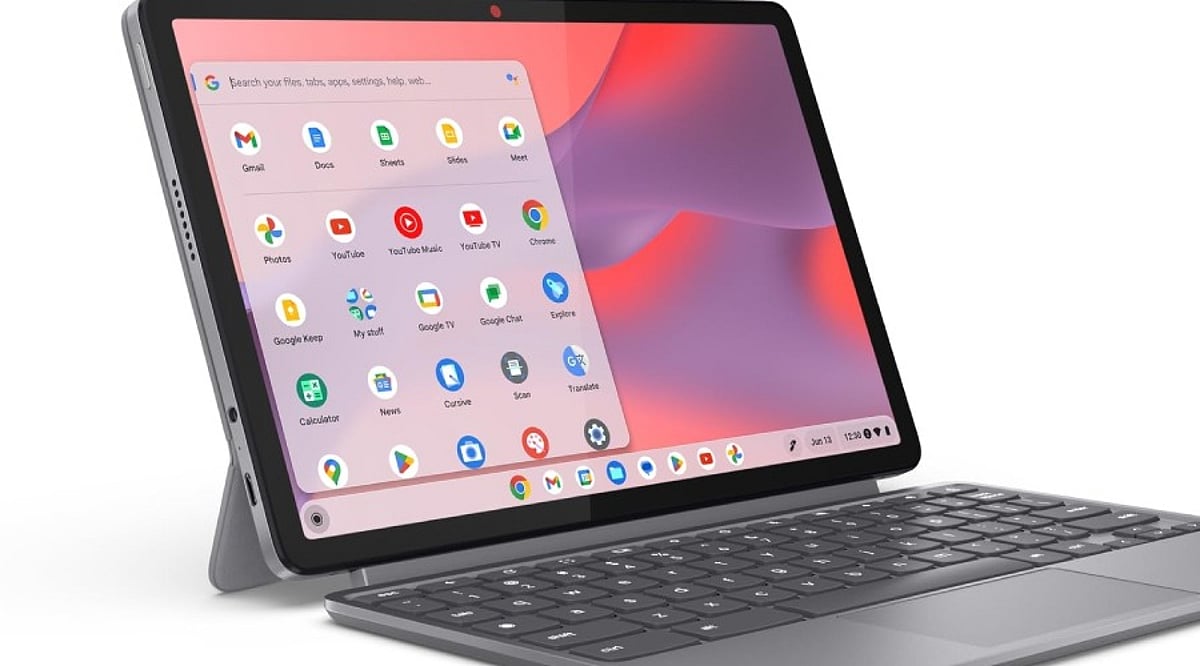
    The Chromebook Plus category represents a significant step forward. Models such as the Lenovo Chromebook Plus 14, equipped with MediaTek Kompanio Ultra 910 chips, 16GB of RAM, OLED displays, and over 13 hours of battery life, rival premium laptops. These devices handle multitasking with ease and offer a premium experience, making them suitable as a primary computer.

    AI features are now integral to Chromebook Plus. Gemini integration enables complex topic explanations, article summarization, cross-page comparisons, and in-browser task assistance. The “Help me Read” tool can summarize pages, answer questions about content, and simplify selected text. “Help me Write” assists in drafting, rewriting, shortening, or adjusting tone. While not a replacement for a creative workstation, these tools boost productivity in office, academic, and research contexts.

    Long-term value is another strength. Google now offers up to 10 years of automatic updates for eligible Chromebooks. Older models (pre-2021) may receive extended updates at the cost of losing Android app and Google Play Store access, but newer devices avoid this trade-off. Models with update support through 2033, 2035, or 2036 justify a higher initial investment.

    However, software limits persist. ChromeOS excels with web apps, Android apps, Linux tools, and cloud services. Applications built exclusively for Windows or macOS—such as Adobe Photoshop, Premiere, DaVinci Resolve, specialized CAD tools, certain enterprise software, and many local PC games—remain hurdles. Web versions of Microsoft 365 and cloud gaming services can cover some gaps, but they don’t replace every desktop application. A thorough check of essential apps before purchase is essential.

    Hardware recommendations for a primary Chromebook: at least 8GB of RAM and 128GB of storage, a 1080p webcam for quality video calls, a comfortable keyboard and trackpad, USB-C charging, and Wi-Fi 6E or Wi-Fi 7 support. Display quality matters more on a daily driver than on a secondary device. A premium configuration could include 8–16GB RAM, 256GB storage, a 14-inch 16:10 display, and robust build quality. Prices for premium Chromebooks can reach over $800.

    In summary, the Chromebook Plus lineup offers strong hardware, AI capabilities, and long-term support. The decision hinges on software: if all critical applications have viable web, Android, or Linux alternatives, ChromeOS provides a smooth, efficient daily experience. If not, a traditional laptop remains the safer choice.

    Frequently Asked Questions

    Q: Can a Chromebook be used as a main computer?
    A: Yes—it handles browsing, email, documents, video calls, media, cloud storage, and many productivity tasks effectively.

    Q: Is Chromebook Plus better than a regular Chromebook?
    A: Generally yes for demanding daily use; Plus models offer stronger hardware, better multitasking, and additional AI capabilities.

    Q: How long do Chromebooks receive updates?
    A: Google provides eligible ChromeOS devices with up to 10 years of automatic updates, depending on the model.

    Q: Can Chromebooks run Windows applications?
    A: Not all Windows apps have native ChromeOS versions. Web, Android, Linux, and cloud services cover some needs but not every desktop program.

    Q: What should I check before buying a Chromebook?
    A: Verify essential software compatibility first, then consider RAM, storage, display, webcam, keyboard, trackpad, ports, wireless connectivity, battery life, and the device’s update-support period.
  • 10 Free Google AI Tools You Should Know About

    10 Free Google AI Tools You Should Know About

    Google’s AI Toolkit for Everyone

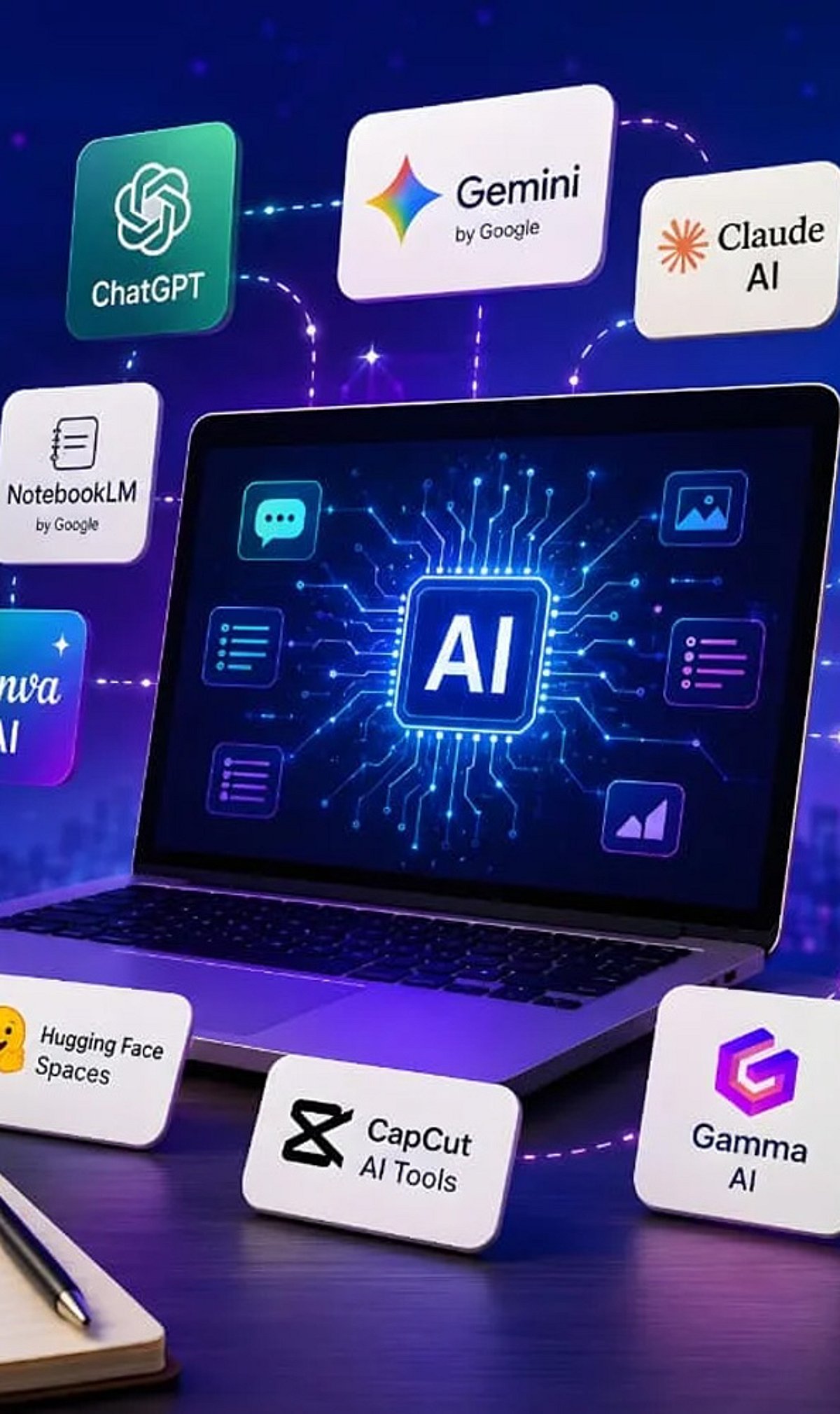
    Google offers a wide range of free artificial intelligence tools that can help with writing, coding, research, image generation, translation, and more. Here are ten of the best free AI-powered products from Google you can start using today.

    1. Gemini

    Gemini is Google’s versatile AI assistant. It helps with writing, coding, brainstorming, research, summarization, image generation, and everyday questions. It works seamlessly across multiple devices, making it a powerful productivity companion.

    2. NotebookLM

    NotebookLM transforms your uploaded documents into AI-powered summaries, study guides, FAQs, podcasts, and insights. It only uses your sources, so information stays relevant and doesn’t mix with unrelated data.

    3. Google AI Studio

    Google AI Studio lets developers and beginners experiment with Gemini models, build AI applications, test prompts, and prototype workflows—all through a free, user-friendly interface.

    4. Gemini Code Assist

    Gemini Code Assist offers free AI coding support with code generation, debugging, explanations, autocomplete, and programming assistance directly inside supported development environments.

    5. Google Translate

    Google Translate uses AI to translate text, speech, images, and conversations across numerous languages. It improves accuracy and context, delivering natural language understanding.

    6. Google Lens

    Google Lens identifies objects, translates text, solves homework, recognizes plants, and searches visually using AI through your smartphone camera in real time.

    7. Google Photos AI Editor

    Google Photos offers AI-powered photo editing features, including Magic Editor, object removal, background improvements, lighting adjustments, and automatic enhancement for eligible users.

    8. Learn About

    Learn About is Google’s experimental AI learning tool. It explains complex topics conversationally, encourages curiosity, answers follow-up questions, and supports deeper educational understanding naturally.

    9. Google Earth AI Features

    Google Earth uses AI-powered mapping and visualization tools to explore locations, analyze geographic information, and understand environmental changes through interactive satellite imagery.

    10. Google AI Search Features

    While not a standalone tool, Google’s AI-powered search features (like AI Overviews) enhance how you find and summarize information online. These are integrated into the main search experience.

    These tools demonstrate Google’s commitment to making AI accessible to everyone, from students and hobbyists to developers and professionals.

  • Today’s Tech Roundup: Tata Chip Plant, Google AI Coding, Nubia Smartphone, JPMorgan India Hiring, Samsung Foldable Price Increase

    Today’s Tech Roundup: Tata Chip Plant, Google AI Coding, Nubia Smartphone, JPMorgan India Hiring, Samsung Foldable Price Increase

    In today’s top tech news, Tata’s new chip factory is set to boost India’s semiconductor ambitions, Google is strengthening its AI coding capabilities, Nubia has leaked details of an upcoming AI smartphone, JPMorgan is expanding hiring in India, and Samsung foldable phones may become more expensive.

    Stay tuned for more updates and in-depth analysis on these stories.

  • Google Launches Gemini 3.6 Flash and 3.5 Flash-Lite, Begins Training Next-Gen Gemini 4

    Google Launches Gemini 3.6 Flash and 3.5 Flash-Lite, Begins Training Next-Gen Gemini 4

    Google has expanded its Gemini AI family with the introduction of Gemini 3.6 Flash and Gemini 3.5 Flash-Lite, two new models engineered to deliver faster performance, lower latency, and reduced operational costs for developers and enterprises. The company also unveiled Gemini 3.5 Flash Cyber, a specialized cybersecurity-focused model, and confirmed that development of the next-generation Gemini 4 is already underway.

    Gemini 3.6 Flash, the successor to Google’s workhorse model, is designed specifically for coding, knowledge-intensive tasks, multimodality, and AI agents. It processes text, images, videos, audio, and PDFs, and offers improved coding abilities, better computer control functionality, and enhanced multimodality without latency issues. Google claims the model is more token-efficient and requires fewer reasoning steps to complete complex workflows, saving developers both time and money on inference.

    For high-volume AI workloads, Google launched Gemini 3.5 Flash-Lite, a cost-effective version of the Flash series ideal for tasks such as document parsing, classification, data extraction, translation, and large-scale automation. Flash-Lite supports multimodal inputs and provides fast responses, making it suitable for building lightweight AI agents or processing high-volume data.

    Alongside these general models, Google announced Gemini 3.5 Flash Cyber, a dedicated cybersecurity model designed to detect software vulnerabilities, ensure code security, and help remediate threats. Initially available only to governments and trusted partners, the model aims to speed up security assessments and reduce costs associated with repetitive code scans.

    Both Gemini 3.6 Flash and Gemini 3.5 Flash-Lite are now available through Google AI Studio, Gemini API, Android Studio, and other Google enterprise AI solutions. Google has also begun deploying the Flash-Lite version in consumer apps such as Google Search.

    While expanding its lightweight AI portfolio, Google has not yet provided a release date for the long-awaited Gemini 3.5 Pro model. Originally expected earlier this year, the model is still undergoing performance testing for coding tasks. According to Google, its release will follow additional validation work, while development of Gemini 4 has already started.

  • Today’s Top Tech Roundup: Gemini AI Voice Tests, India’s Semiconductor Mission, Meta AI Safety, and More

    Today’s Top Tech Roundup: Gemini AI Voice Tests, India’s Semiconductor Mission, Meta AI Safety, and More

    Stay ahead with the latest tech developments making headlines today. From Google’s Gemini AI voice experiments to India’s ambitious semiconductor push, here is your quick roundup of top tech news.

    Google Tests Custom Gemini Voices

    Google is reportedly testing custom voice options for its Gemini AI assistant, giving users more personalized interactions. The move signals growing competition in the AI voice assistant space as companies race to differentiate through natural language capabilities.

    India Launches Semiconductor Mission 2.0

    India approved a massive ₹1.27 lakh crore investment under Semiconductor Mission 2.0 to build a self-reliant global semiconductor ecosystem. The initiative aims to boost domestic chip manufacturing, reduce import reliance, and foster innovation in chip design and fabrication.

    Meta Adds AI Safety Alerts

    Meta is rolling out new AI safety alerts across its platforms, aiming to protect users from potential harms such as misinformation, hate speech, and malicious AI-generated content. The step aligns with broader industry efforts to implement responsible AI guardrails.

    IT Hiring Rebounds

    After a period of slowdown, IT hiring is showing signs of recovery. Companies are increasingly recruiting for roles in artificial intelligence, data science, and cybersecurity, driven by demand for digital transformation and emerging technologies.

    Microsoft Expands Beyond OpenAI

    While continuing its partnership with OpenAI, Microsoft is actively exploring other AI partnerships and internal projects. This diversification strategy aims to reduce dependency on a single vendor and accelerate AI integration across its product suite.

    These stories underscore the rapid pace of change in technology. For deeper insights, explore related coverage on India’s Semicon 2.0 and other breaking tech news.

  • 3 Google AI Tools to Streamline Your Job Search in 2026

    3 Google AI Tools to Streamline Your Job Search in 2026

    Finding the right job involves more than submitting applications. Google’s AI tools can support different stages of the process, from exploring career options to improving application materials and practicing interviews. Using them together creates a more structured and focused job-search workflow.

    Career Dreamer Maps Direction, with a Catch

    Career Dreamer takes a person’s past roles, interests, and strengths and turns them into a career identity statement — a summary meant to describe fit rather than list job history. It works well for people whose experience spans industries or does not sit neatly under one job title.

    Career changers, people returning after a break, and professionals with mixed skill sets tend to get the most from it, since the tool surfaces adjacent roles a plain keyword search would miss. Someone who has spent years in operations but wants to move toward program management, for example, often struggles to describe that shift in a way recruiters recognize. Career Dreamer is built for exactly that translation problem.

    One limitation matters here: Career Dreamer is currently available only in the United States. Job seekers outside that market cannot open the tool directly, though the underlying exercise still works elsewhere. Gemini can build a similar transferable-skills assessment when prompted with a list of past roles and strongest outcomes, though it does not replicate Career Dreamer’s dedicated workflow or its structured output format.

    NotebookLM Compares, Rather than Writing

    NotebookLM works differently from a standard writing assistant. Its real strength is comparison. Upload a resume alongside several job postings in the same field, and it can identify which requirements repeat across all of them — a pattern that shows exactly what to emphasize before editing the resume itself. NotebookLM grounds its answers in the documents supplied, so it tends to stay closer to a person’s experience than a generic prompt would, reducing the risk of a resume drifting toward generic corporate language.

    A Google employee’s own account of using these tools followed a different order than the official pitch suggests. She started with NotebookLM, feeding it job postings and profiles that caught her attention before settling on any single direction. Only after spotting recurring themes did she turn to Career Dreamer, then finally to Gemini for evaluating specific roles against her longer-term goals. This example suggests the tools work best as flexible entry points rather than a fixed sequence.

    Gemini Live Tests: What Reads Well but Sounds Weak

    Reading a list of behavioral questions is not the same as answering them aloud. Speaking exposes filler words, weak transitions, and stories that sound thinner out loud than they read on paper. Gemini Live can be set up as a hiring manager for a specific role, offering live feedback while a candidate runs through STAR-format answers. STAR, short for Situation, Task, Action, Result, gives interview responses a clear shape that holds up under pressure.

    What the Tools Cannot Fix

    None of the tools mentioned above replaces judgment. Career Dreamer suggests directions without confirming employability. NotebookLM sharpens framing but cannot invent substance that is not already there. Gemini Live builds confidence, not guaranteed outcomes. A quieter risk sits underneath all three: as more applicants lean on the same tools, resumes and interview answers start converging in tone, making it harder for any single application to stand apart from the pile. The tools remove friction from preparation. They do not remove the need for something distinct to offer an employer.

    Final Thoughts

    The real advantage in this workflow is not the tools themselves. It is the willingness to treat a job search as a process with distinct stages, each demanding a different kind of thinking. Direction, positioning, and delivery rarely improve from the same habit repeated three times. As AI tools spread further into hiring on both sides, the applicants who stand out will likely be the ones using preparation time to sharpen a genuine point of view, not just polish the surface.

    Frequently Asked Questions

    Which Google AI tool should I use first for a job search?

    Start with Career Dreamer, as it helps identify transferable skills, create a career identity statement, and explore roles that match your experience and interests before preparing applications.

    Can NotebookLM help improve resumes and cover letters?

    Yes. NotebookLM can organize resumes, job descriptions, and research materials, making it easier to tailor resumes and cover letters for specific roles.

    How does Gemini Live help with interview preparation?

    Gemini Live lets users practice interview questions through spoken conversations, helping improve responses, communication, confidence, and overall interview readiness.

    Are Google’s AI career tools free to use?

    Some Google AI career tools are available at no cost, while access to certain Gemini features may depend on the app, region, or subscription plan. Check Google’s latest availability for details.

    Why use all three Google AI tools instead of just one?

    Each tool supports a different stage of the job search. Career Dreamer helps discover suitable careers, NotebookLM strengthens application materials, and Gemini Live prepares candidates for interviews, creating a complete AI-assisted job-search workflow.

  • Master Gemini Spark on macOS: A Guide to AI-Powered Productivity

    Master Gemini Spark on macOS: A Guide to AI-Powered Productivity

    Google has expanded the Gemini experience across devices, and Gemini Spark on macOS helps users quickly access AI-powered assistance for writing, coding, brainstorming, and research.

    Getting Started with Gemini Spark

    Download and install the latest Gemini app for macOS, then sign in with your Google account to access Gemini Spark features. The setup process is straightforward and takes only a few minutes.

    Core Capabilities

    Gemini Spark lets you summarize long documents, draft emails, generate ideas, and answer complex questions without switching between multiple apps. Its versatility makes it an essential tool for professionals and creatives alike.

    For Developers

    Developers can use Gemini Spark for code generation, debugging, explaining code snippets, and creating scripts in multiple programming languages. This streamlines development workflows and boosts efficiency.

    Integration with Google Workspace

    The app integrates with Google Workspace services, making it easier to work with Docs, Gmail, Drive, and Calendar where supported. You can leverage AI assistance directly within your everyday tools.

    File Analysis

    Users can upload PDFs, images, and other supported files, allowing Gemini Spark to analyze content and provide summaries or insights. This feature is particularly useful for research and data review.

    Voice and Conversational Features

    Voice input and conversational interactions make it easy to ask follow-up questions and refine responses naturally. The AI understands context and maintains coherent dialogues.

    Best Practices

    For the best experience, keep the app updated, verify AI-generated information, and review privacy settings before sharing sensitive data. As Google continues to enhance Gemini with new AI models and productivity tools, Gemini Spark is becoming a valuable assistant for Mac users.

    Stay tuned for more updates and features as Google expands its AI ecosystem on macOS.

  • Google’s Gemini 3.5 Flash Gains Computer Control: AI Agents Can Click, Fill Forms, and Execute Tasks

    Google’s Gemini 3.5 Flash Gains Computer Control: AI Agents Can Click, Fill Forms, and Execute Tasks

    Google has unveiled a significant upgrade to its Gemini 3.5 Flash model, introducing a new ‘Computer Use’ capability that allows developers to build AI agents capable of interacting with applications and performing tasks on a computer. This move positions Gemini beyond a simple chat and text-generation platform, enabling AI agents to click buttons, fill out forms, and complete complex workflows autonomously.

    The feature, announced on June 24 via Google’s official blog, is now accessible through the Gemini API and the Gemini Enterprise Agent Platform. Previously, Gemini 3.5 Flash was available only as a standalone model. With the built-in Computer Use, developers can create custom agents that ‘see, reason, and take action across browser, mobile, and desktop environments.’ The AI mimics human decision-making by pausing to consider before clicking an option, rather than relying on rigid pre-coded prompts.

    This development marks a shift from traditional language models, which primarily handle text-based tasks. While earlier AI tools could explain how to complete a process, they could not execute it. Now, Gemini-powered agents can help with repetitive office work, software testing, scheduling, data entry, and other routine jobs, potentially saving businesses time and reducing manual effort.

    The rise of such AI agents may begin to blur the lines between chatbots and digital assistants. Virtual assistants have long followed commands; AI agents now carry out entire workflows. This could benefit workplace productivity, customer support, and individual users for scheduling and online bookings. However, experts caution that human workers will still be needed for judgment, creativity, and decision-making.

    With greater autonomy come new risks. Allowing software to control a computer raises security and privacy concerns, such as unauthorized access to sensitive files or personal data. Poorly managed permissions could lead to serious consequences, and there is also the potential for misuse by cybercriminals. Google’s latest step indicates where the industry is heading, but ensuring safe and responsible use remains a key challenge.