
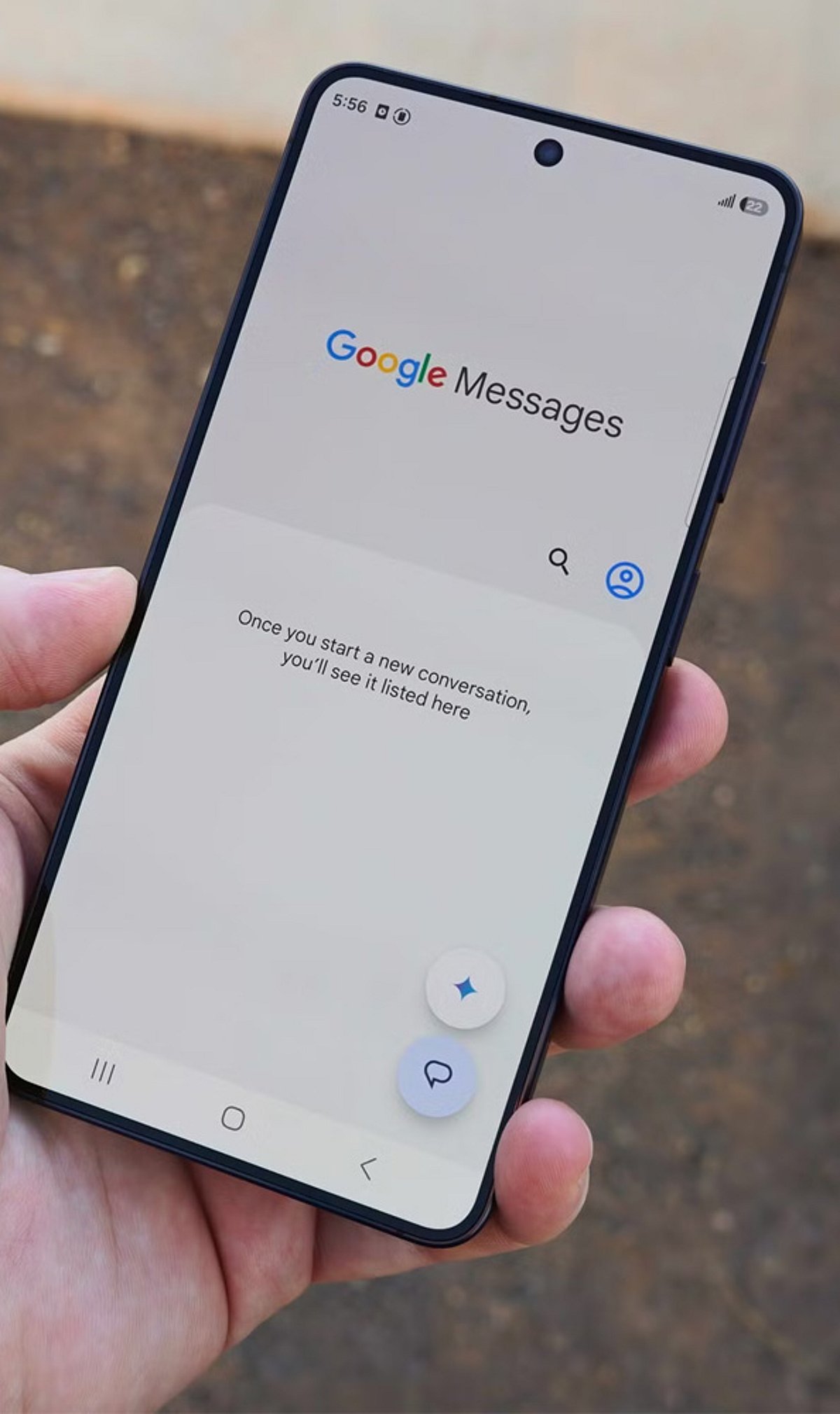
Google Messages is getting a major update packed with quality-of-life improvements. From richer personalization options to smarter RCS controls, Android users will soon see a more flexible and connected messaging experience. Here are the nine new features rolling out to Google Messages.
1. Personalized Chat Themes
Users can now customize individual conversations with custom colors and wallpapers. Google Messages also supports personal photos and curated background collections, making it easy to give every chat its own look and feel.
2. Google Keep Integration
Google Keep notes can now be created, edited, and shared directly inside conversations. This integration helps users manage collaborative lists and planning tasks without switching between apps.
3. Precise Copying
The redesigned long-press menu allows users to select and copy specific portions of a message. Instead of copying an entire text, you can now grab just the part you need.
4. Swipe for Timestamps
Swiping left anywhere within a conversation now reveals message timestamps and RCS encryption information. The new gesture makes it quicker and more convenient to check message details.
5. Updated Reply Gesture
Google Messages has changed the reply interaction: a right swipe on a message bubble now opens direct replies. This replaces the previous left-swipe gesture and makes responding more intuitive.
6. Official Feature Chat
Google is introducing an official RCS chat where users can learn about new Google Messages features and receive in-app updates. This dedicated channel keeps users informed directly within their conversations.
7. Android-iPhone RCS Replies
RCS conversations between Android and iPhone users now support inline quoted replies and actual emoji reactions to photos, starting with iOS 27. Cross-platform chats will feel more expressive and responsive.
8. Read Receipt Redesign
Google Messages is testing a refreshed read receipt design with easier access to timestamps and encryption details. The new swipe-based conversation controls put key message information just a gesture away.
9. Messages for Web
Messages for web is moving toward Google Account sign-in as the primary login method. QR-code pairing is being phased out as the newer, more streamlined authentication approach rolls out to users.
These updates reflect Google’s focus on making Messages more personal, efficient, and secure for Android users. Keep an eye on the app for these features as they become available.