Tag: Google Photos

  • Google Gemini Now Uses Google Photos as References for Personalized AI Images

    Google Gemini Now Uses Google Photos as References for Personalized AI Images

    Google Gemini is taking personalized image creation further by tapping into your existing Google Photos library. With Personal Intelligence enabled, the AI can pull relevant photos as visual references and combine them with Nano Banana’s image-generation capabilities to produce images that reflect the people, pets, places, and moments you care about.

    Key Takeaways

    • Gemini can use relevant Google Photos as visual references when Personal Intelligence has access.
    • Private Google Photos libraries are not directly used to train Gemini models.
    • Personal Intelligence availability varies by country, and some Nano Banana features are limited to eligible US users.
    • Users can review and change the photo reference with the Sources option.

    A Photo Library That Does More Than Store Memories

    For years, Google Photos has been a place to organize and preserve memories. Now those same photos can act as source material for new AI-generated images. When Personal Intelligence is connected to Google Photos, Gemini can search the library for visual context, select a relevant image, and use it as a reference for a new creation.

    This removes the need to upload a separate photo for every request. You can simply describe a scene that involves a familiar person or pet, and Gemini will locate a suitable photo from the connected library, then transform it into a new style, setting, or situation.

    How Gemini Chooses the Right Photo

    Personal Intelligence gives Gemini access to selected Google services, including Google Photos. According to Google, the system works with named face groups in Google Photos, which helps Gemini recognize family members and pets. When you make a request, Gemini can search for relevant photo context and hand the chosen image to Nano Banana, the model family responsible for generating the final picture.

    The process supports far more than a single selfie. If your library contains years of family trips, celebrations, or pet photos, those images give Gemini extra context for producing a more personal result.

    Google also included a transparency feature: the Sources option shows which photo Gemini used as a reference. If the selection is off, you can choose another image from the library instead.

    Privacy and AI Training: What Google Says

    Privacy is the biggest question surrounding this feature. Google says Gemini does not directly train its models on private Google Photos libraries. The connected photo data is instead used as context for individual requests when Personal Intelligence has permission.

    This distinction matters: allowing Gemini to access a specific photo for a task does not mean the entire private library is treated as training material. At the same time, Google notes that some Gemini prompts and model responses may support service improvement, depending on the user’s settings and applicable policies.

    Users also have control over connected services. Through Personal Intelligence, you can connect or disconnect Google Photos, Gmail, YouTube, Search, or other services at any time. Control options may vary by feature, location, account type, and age.

    Availability: India, the United States, and Beyond

    Google expanded Personal Intelligence to India in April 2026. Users there can optionally connect Gemini to Google Photos, Gmail, YouTube, and Search. India also received a related Google Photos tool called Help me edit, which lets users describe changes in natural language, such as removing sunglasses or altering an expression.

    However, Personal Intelligence availability does not guarantee every Gemini photo feature is available in every market. Google’s help documentation currently describes the Nano Banana feature with Personal Intelligence as available in the United States for eligible users aged 18 and above.

    In January 2026, Google launched Personal Intelligence in the United States. By June, personalized image access expanded to all eligible US users, including free accounts. A July update added the ability to place a person into an image through an avatar, avoiding the need to upload a photo repeatedly.

    What This Means for the Future of AI Image Creation

    The shift is bigger than a smarter image editor. Gemini can now treat personal visual context as part of a creative request. The photo library supplies the reference, Personal Intelligence provides the context, and Nano Banana turns both into a brand-new image.

    This changes the role of a photo library. It is no longer just a record of what happened in the past. With permission, selected photos can become building blocks for new digital scenes, making AI image generation feel far more personal.

    FAQ

    Can Gemini use photos from Google Photos for AI images?

    Yes. Gemini can use relevant Google Photos as references when Personal Intelligence has access to the connected service.

    Does Google train Gemini directly on private Google Photos?

    Google says it does not directly train its models on private Google Photos libraries.

    Can Gemini show which photo it used?

    Yes. The Sources option shows which photo was selected as a reference, and you can replace it with another image.

    Is Personal Intelligence available in India?

    Yes. Google launched Personal Intelligence in India in April 2026, although specific features may differ by region.

    What role does Nano Banana play?

    Nano Banana provides the image generation capabilities that turn personal photo references and written requests into new AI images.

  • Samsung Gallery Ends OneDrive Backup: Google Photos Emerges as Likely Replacement

    Samsung Gallery Ends OneDrive Backup: Google Photos Emerges as Likely Replacement

    Samsung Gallery is set to end its auto-sync feature with Microsoft OneDrive for photos on September 30, 2026. As this deadline approaches, evidence suggests that Samsung is preparing a new backup solution that will leverage Google Cloud instead.

    According to reports, a new version of Samsung’s Gallery Cloud Sync service (version 1.6.09.31) has been spotted on the Galaxy Store. The listing indicates that the service will support Google Photos, allowing Galaxy users to back up photos and videos from Samsung Gallery directly to Google’s cloud. Users will likely be able to view their backed-up content through both Samsung Gallery and Google Photos, with the service requiring a Samsung account and being tied to Samsung devices.

    It is important to note that users who currently have photos stored in OneDrive must back them up before October 1, 2026, or risk losing access. A transition to Google Photos could simplify the process for Galaxy users and bring Samsung Gallery closer to the widely used Google Photos platform.

    Samsung’s Evolving Photo Backup Strategy

    This move reflects a broader trend in the smartphone industry, where manufacturers are increasingly partnering with major cloud platforms rather than building and maintaining their own infrastructure. This approach offers users more storage options while reducing operational complexity for companies.

    For Galaxy users, the key concerns revolve around the ease of migration and the fate of existing OneDrive photos. Samsung has not yet officially confirmed the Google Cloud link, so users should await an official announcement. If implemented, the new service could provide a seamless and secure way for Galaxy owners to manage their photo backups.

  • Top Android Widgets Recommended by Users for Enhanced Productivity and Convenience

    Top Android Widgets Recommended by Users for Enhanced Productivity and Convenience

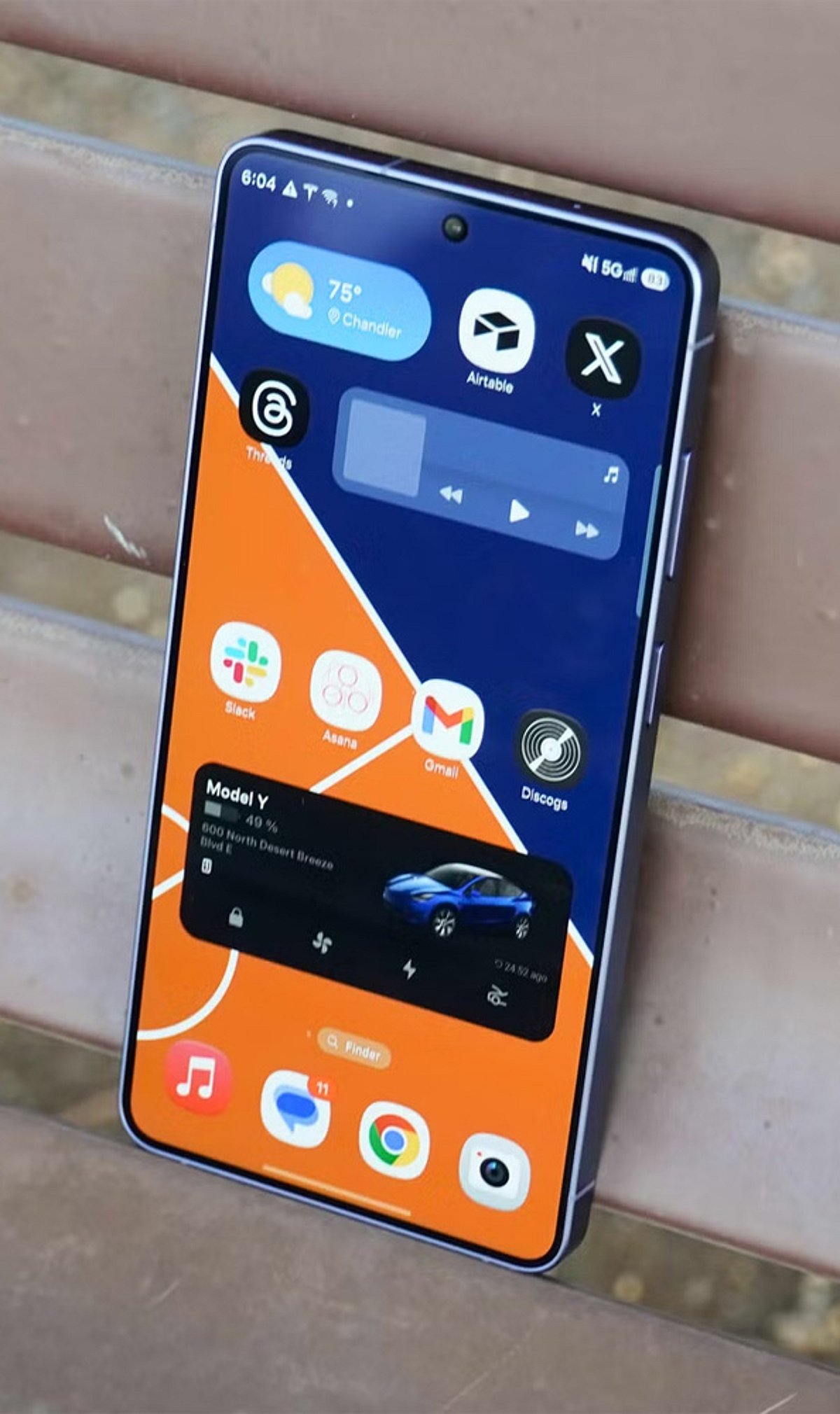
    Make your Android home screen smarter! These widgets boost productivity, improve convenience, and keep essential information just a glance away.

    • Google Keep: Quickly capture notes, checklists, and reminders directly from your home screen without opening the app.
    • Google Calendar: Stay on top of meetings, events, and reminders with a clean, customizable calendar widget.
    • Weather & Clock Widget: Get real-time weather updates, forecasts, and the current time in one convenient widget.
    • Spotify: Control your music, podcasts, and playlists instantly without unlocking your phone.
    • Battery Widget Reborn: Monitor battery percentage, charging speed, and device health with detailed insights.
    • Google Maps: Access navigation, saved places, and commute information with a single tap.
    • Todoist: Track tasks, deadlines, and daily goals using an easy-to-read productivity widget.
    • Google Photos Memories: Relive your favorite moments as the widget automatically showcases recent memories.

    Read more stories and join our WhatsApp Channel to get the latest news, exclusives, and videos on WhatsApp.