
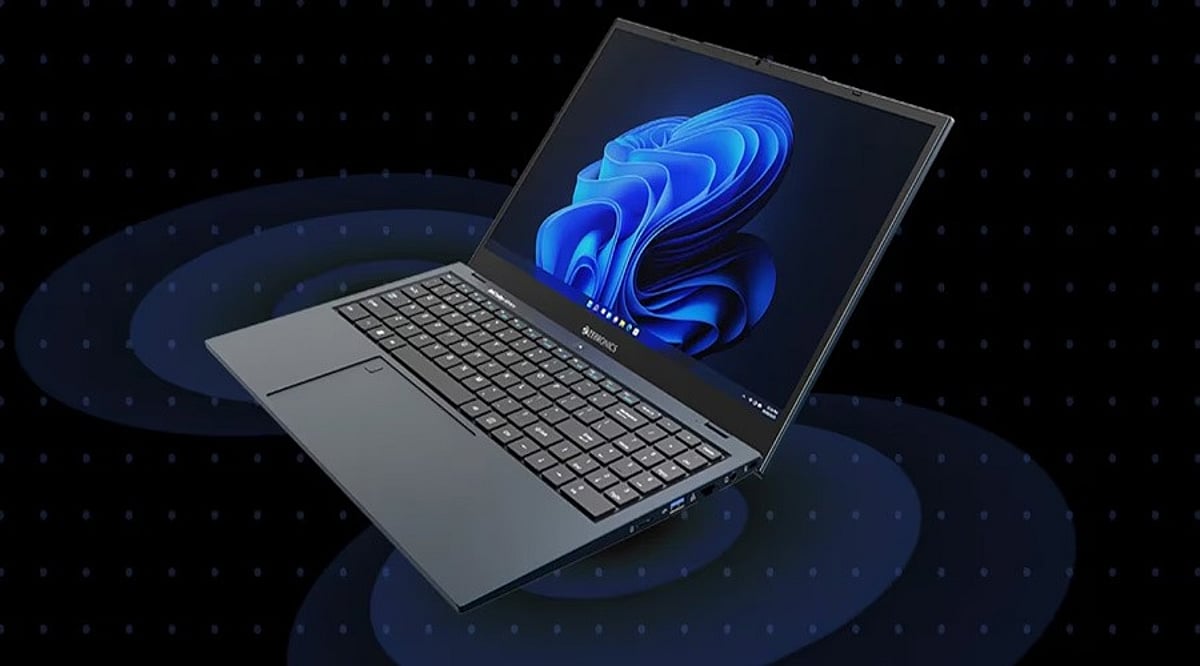
Tag: immersive audio

  • Top Dolby Atmos Laptops for Immersive Audio in 2026: Expert Picks

    Top Dolby Atmos Laptops for Immersive Audio in 2026: Expert Picks

    Immersive audio is becoming a key factor in laptop buying decisions, with premium models integrating advanced speaker systems and Dolby Atmos support. However, a Dolby Atmos label alone doesn’t guarantee superior sound—speaker placement, chamber design, amplification, and tuning all shape the listening experience.

    This guide compares the best Dolby Atmos laptops across different designs, use cases, display qualities, and price ranges, focusing on what actually delivers richer built-in sound.

    How We Selected These Laptops

    Every laptop on this list required manufacturer-confirmed Dolby Atmos support, real multi-speaker hardware, a strong display, and a verifiable India price. Certification alone wasn’t enough—speaker placement, amplifier design, chassis build, and tuning partner all mattered. Movie-focused use received extra weight: speaker placement, low-end capability, display quality, and soundstage width were key. Any model that couldn’t be cross-checked against a live, manufacturer-confirmed spec sheet was excluded. That’s why this list holds four laptops instead of five.

    Comparison Table

    *Prices marked with an asterisk are indicative and depend on configuration, retailer discounts, and availability. Always check the live price on the retailer page before purchase.

    Dell XPS 13 (2026): Best Compact Dolby Atmos Laptop

    XPS 13 comes with Dolby Atmos built in, not as an add-on. It features four speakers, a 13.4-inch screen with up to 120 Hz, and weighs close to 1 kg. Battery life reaches up to 17 hours, lasting through long viewing sessions. It costs less than every other laptop here and still offers a touchscreen.

    Lenovo Yoga 9i 2-in-1 (Gen 10, 14-inch): Best Premium 2-in-1 for Audio

    Lenovo Yoga 9i has strong speakers: woofers on the sides and tweeters near the hinge. Bowers & Wilkins tunes the sound, and a Smart Amplifier powers it. Music sounds fuller and wider than on most thin laptops. Note that Lenovo now sells a newer Gen 11 model with different specs, so check which generation you’re buying.

    ASUS Zenbook Duo (2025): Best Dual-Screen Experience

    Zenbook Duo has two 14-inch OLED screens, unlike any other laptop on this list. Harman Kardon speakers sit across its wide body and support Dolby Atmos. That width helps spread the sound. It suits anyone who wants two screens and good audio together.

    Samsung Galaxy Book5 Pro (2025): Best Battery and Audio Balance

    Galaxy Book5 Pro has four speakers split between woofers and tweeters, tuned for Dolby Atmos. It also has a 14-inch AMOLED screen at 120Hz. Battery life reaches 25 hours, the best on this list. Samsung phone owners get extra perks like Quick Share and using their phone as a webcam.

    Final Thoughts

    Dolby Atmos on a laptop works best as a starting point rather than a promise. What actually shapes the listening experience is the hardware behind the badge: speaker count, placement, amplifier design, and the tuning partner. The Dell XPS 13 leads on portability, the Yoga 9i on premium 2-in-1 audio, the Zenbook Duo on its dual-screen format, and the Galaxy Book5 Pro on the balance of battery and sound. Before assuming two laptops with the same Dolby Atmos label will sound alike, check what sits behind that label.

    FAQs

    1. Are laptops with Dolby Atmos good for watching movies? Yes. Laptops with Dolby Atmos can deliver a wider and more immersive soundstage than basic stereo laptop speakers. The actual experience depends on speaker placement, driver size, amplifier power, and audio tuning.
    2. Does Dolby Atmos mean a laptop has better speakers? Not necessarily. Dolby Atmos is an audio technology, but it does not determine the physical quality of the speakers. A laptop with better speaker hardware and tuning can sound better than another laptop carrying the same Dolby Atmos support.
    3. Which laptop is best for immersive audio in 2026? The best choice depends on the use case. The Dell XPS 13 is a strong compact option, while the Lenovo Yoga 9i is better suited to buyers seeking a premium 2-in-1 with enhanced audio. The Samsung Galaxy Book5 Pro is a strong choice for users who also prioritize battery life.
    4. Can Dolby Atmos laptop speakers replace headphones? For movies, music, video calls, and casual gaming, a good Dolby Atmos laptop can reduce the need for headphones. However, headphones or external speakers remain better when you need stronger bass, higher volume, or more precise positional audio.
    5. What should I check before buying a Dolby Atmos laptop? Look beyond the Dolby Atmos label. Check the number of speakers, their placement, amplifier technology, driver configuration, display quality, and the manufacturer’s audio tuning. These factors have a major effect on the laptop’s real-world sound quality.
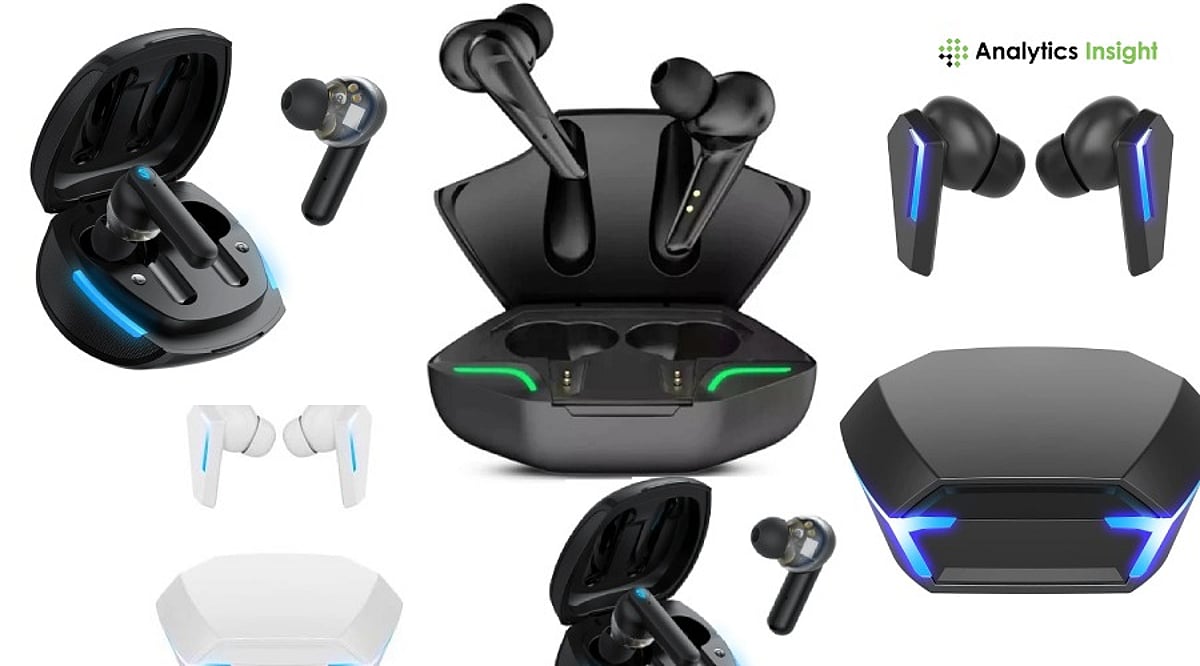
  • Top Gaming TWS Earbuds for Ultra-Low Latency and Immersive Audio in 2026

    Top Gaming TWS Earbuds for Ultra-Low Latency and Immersive Audio in 2026

    Whether you are grinding through ranked matches in BGMI, Call of Duty: Mobile, or Valorant Mobile, or enjoying immersive single-player adventures, investing in quality gaming true wireless (TWS) earbuds can dramatically enhance your experience. Low latency is crucial for syncing in-game sound effects with visual cues, while high-quality drivers, spatial sound technology, and long battery life are essential features for any serious gamer.

    Here are some of the best gaming TWS earbuds to consider in 2026, offering ultra-low latency, immersive audio, reliable connectivity, long battery life, and excellent microphone performance for both competitive and casual gamers.

    Razer Hammerhead HyperSpeed

    The Razer Hammerhead HyperSpeed remains a top choice for competitive gaming. It features both Bluetooth and a 2.4 GHz wireless USB-C adapter, delivering minimal latency across PC, console, and mobile devices. Active noise cancellation (ANC), customizable RGB lighting, and THX certification add to its appeal. Dual environmental noise-cancellation microphones ensure clear communication with teammates.

    Best for: Competitions on multiple devices.

    ASUS ROG Cetra True Wireless SpeedNova

    ASUS has upgraded its gaming headphone lineup with the ROG Cetra True Wireless SpeedNova. These earbuds use a hybrid link with both Bluetooth and a built-in 2.4 GHz wireless receiver, designed to reduce audio lag for better in-game timing. AI-powered microphone noise reduction, adaptive ANC, and hi-resolution audio support make them suitable for more than just gaming.

    Best for: PC gamers and esports players.

    Sony INZONE Buds

    The Sony INZONE Buds offer premium audio quality and gaming-specific features. Leveraging Sony’s spatial audio technologies, they deliver precise directional audio to help track opponents’ footsteps and other cues. A low-latency USB-C connection reduces lag, while battery life reaches up to 12 hours on a single charge. These earbuds also support PlayStation 5’s Tempest 3D Audio technology.

    Best for: PlayStation and PC gamers.

    JBL Quantum TWS Air

    The JBL Quantum TWS Air strikes an excellent balance between affordability and quality. JBL Quantum Sound technology provides high-quality audio with good detail. Gaming mode minimizes latency, and dual beamforming microphones ensure crystal-clear voice capture. Their lightweight design makes them suitable for everyday use beyond gaming.

    Best for: Budget-conscious gamers.

    OnePlus Buds 4

    The OnePlus Buds 4 offer an ultra-low-latency gaming mode, dynamic drivers, and adaptive noise cancellation. They work particularly well with OnePlus phones but also support high-resolution audio, dual-device pairing, and solid battery performance.

    Best for: Mobile gamers with Android smartphones.

    Redmi Buds 6 Pro

    The Redmi Buds 6 Pro is feature-rich and easy on the wallet. It includes a gaming mode that reduces audio lag while maintaining a stable wireless connection. Users get solid sound quality thanks to high-resolution audio support, hybrid ANC, and a three-driver audio system. Fast charging is a handy bonus during gaming sessions.

    Best for: Gamers seeking high-end features at an affordable price.

    boAt Nirvana X TWS

    Indian audio brand boAt has launched the Nirvana X TWS gaming earbuds, featuring BEAST Mode to significantly reduce audio latency for better audio-visual synchronization. Dynamic drivers deliver rich bass, while ENx technology enhances microphone clarity during voice and video calls.

    Best for: Casual gamers and everyday users.

    How to Choose Gaming TWS Earbuds

    Consider the following factors when purchasing gaming earbuds:

    • Latency: Look for earbuds with latency below 60 ms in gaming mode.
    • Connection: A dual connection using Bluetooth and 2.4 GHz wireless provides the lowest latency in games.
    • Battery: Aim for 6 to 8 hours of battery life per charge, with 24+ hours from the charging case.
    • Microphone: AI noise-cancellation technology helps teammates understand you clearly.
    • Comfort: Lighter earbuds with multiple ear tip options are preferable.
    • Audio: Look for spatial audio, larger drivers, and equalizer options.

    Final Thoughts

    When choosing gaming TWS earbuds, many models bring features typically reserved for premium gaming headsets. Whether you want a latency-free competitive edge, story-rich immersion, or steady everyday listening, there are great options available even on a budget. For the lowest possible latency, consider the Razer Hammerhead HyperSpeed and the ASUS ROG Cetra True Wireless SpeedNova. For clean sound quality and PlayStation compatibility, the Sony INZONE Buds are a solid pick. Budget-friendly options include the JBL Quantum TWS Air, Redmi Buds 6 Pro, and boAt Nirvana X TWS.