

Tag: Learning Management System

  • LMS Buying Guide: Features That Drive Business Growth and Employee Development

    LMS Buying Guide: Features That Drive Business Growth and Employee Development

    Business growth depends on capable employees, consistent workflows, and training that adapts to evolving demands. A learning management system (LMS) can bring these pieces together by organizing courses, tracking learner progress, and giving leaders evidence they can act on. However, selecting the right platform takes more than scanning feature lists. Decision-makers need to evaluate workforce priorities, learner behavior, administrative workload, reporting requirements, privacy controls, and expansion plans. The ideal LMS supports both current training needs and future initiatives, improving participation, accountability, and measurable performance.

    Define Your Growth Goals Before Choosing an LMS

    An LMS should align with the organization’s business direction. One company may need faster onboarding, while another may emphasize regulatory compliance, customer education, or leadership development. A strong selection process starts with clear audiences, priority skills, expected enrollment, and measurable outcomes. These details help leaders separate essential capabilities from costly extras that do not improve results.

    Check Ease of Use and Employee Experience

    An LMS can dramatically improve employee experience, but only when it is easy to use. Employees and administrators should be able to locate core functions without lengthy instruction. Intuitive menus, reliable search, simple enrollment, and mobile access encourage consistent participation. Training teams also need efficient tools for assigning lessons, sending reminders, and checking completion. If the interface causes confusion, learners may postpone coursework and administrators may waste time answering avoidable questions.

    Review Content Support and Maintenance

    Training materials often include videos, manuals, assessments, live sessions, and interactive exercises. The chosen platform should accept common formats and support recognized learning standards. Updating a course should require minimal technical effort, with version controls to prevent old files from remaining accessible. Strong search features are also important for employees who need quick access to procedures, safety instructions, or product details.

    Measure Training Results with Actionable Reports

    Reports should help managers make decisions, not just display decorative figures. Useful metrics include completion rates, test scores, time spent learning, certification status, and progress across departments. Export tools and integrations should connect learning data with performance indicators. Permission settings also matter, because supervisors need relevant reports without gaining unnecessary access to confidential personnel records.

    Examine Integration Options

    As organizations grow, their technology stacks often expand. An LMS should connect with HR software, identity systems, collaboration apps, customer databases, and content repositories. Features such as single sign-on simplify access, while automated data transfers reduce duplicate entry. Buyers should confirm which connections are included, which cost extra, and which require support from internal technical staff.

    Consider Administration Needs and Automation

    Training departments need dependable control without repetitive manual work. Useful functions include automated enrollment, group-based rules, recurring assignments, reminders, certificates, and approval processes. Role-based permissions allow multiple administrators to manage specific areas without exposing unrelated records. An audit trail can also show who edited a course, changed a requirement, or approved a learner’s completion.

    Test Scalability and Long-Term Pricing

    A platform that works for one department may struggle during rapid hiring or regional expansion. Buyers should examine user limits, system speed, language support, scheduling options, and business-unit separation. Storage allowances and service commitments deserve close review. Pricing should remain straightforward as enrollment grows, since unexpected charges can disrupt budgets and long-term planning.

    Protect Learner Data and Privacy

    Security must be evaluated before implementation. Vendors should provide clear answers about encryption, storage locations, access controls, backups, incident response, and record retention. Organizations must also identify privacy duties involving employees, contractors, customers, or students. Independent certifications provide useful evidence, but internal security teams should still review contracts, administrator privileges, and handling procedures for sensitive records.

    Assess Personalization and Skill Development

    Relevant recommendations can help employees find courses that match their roles, existing skills, or professional goals. Personalization should be transparent and easy to manage. Training leaders also need authority over required courses, suggested materials, and progression rules. Skill profiles can support workforce planning, provided employees receive clear information about data collection, access, and permitted use.

    Compare Vendor Support and Implementation Quality

    Implementation quality strongly affects long-term adoption. Vendors should provide practical setup guidance, technical documentation, administrator training, and responsive support. Buyers should ask about response times, named contacts, migration support, and post-launch reviews. References from organizations with similar staffing or regulatory requirements can reveal how support performs during periods of operational pressure.

    Calculate Total Value Beyond the Subscription Fee

    The license fee is only part of the investment. Organizations should also account for setup, data migration, integrations, content production, support, storage, and additional users. Labor savings deserve equal attention. A more expensive product may deliver better value if it reduces administrative work, lifts completion rates, limits compliance gaps, and gives managers timely evidence for workforce decisions.

    Conclusion: Choose an LMS That Supports Sustainable Growth

    Selecting an LMS for growth requires careful attention to usability, content handling, reporting, security, integrations, administration, and total cost. The right platform helps employees build practical skills while giving leaders dependable evidence about progress and capability. A disciplined review reduces unnecessary spending and strengthens adoption after launch. By connecting platform functions to defined business outcomes, organizations can build training operations that serve current needs and remain ready for future expansion.

  • Moodle Review: Features, Benefits, and Challenges of the Open-Source Learning Platform

    Moodle Review: Features, Benefits, and Challenges of the Open-Source Learning Platform

    Overview

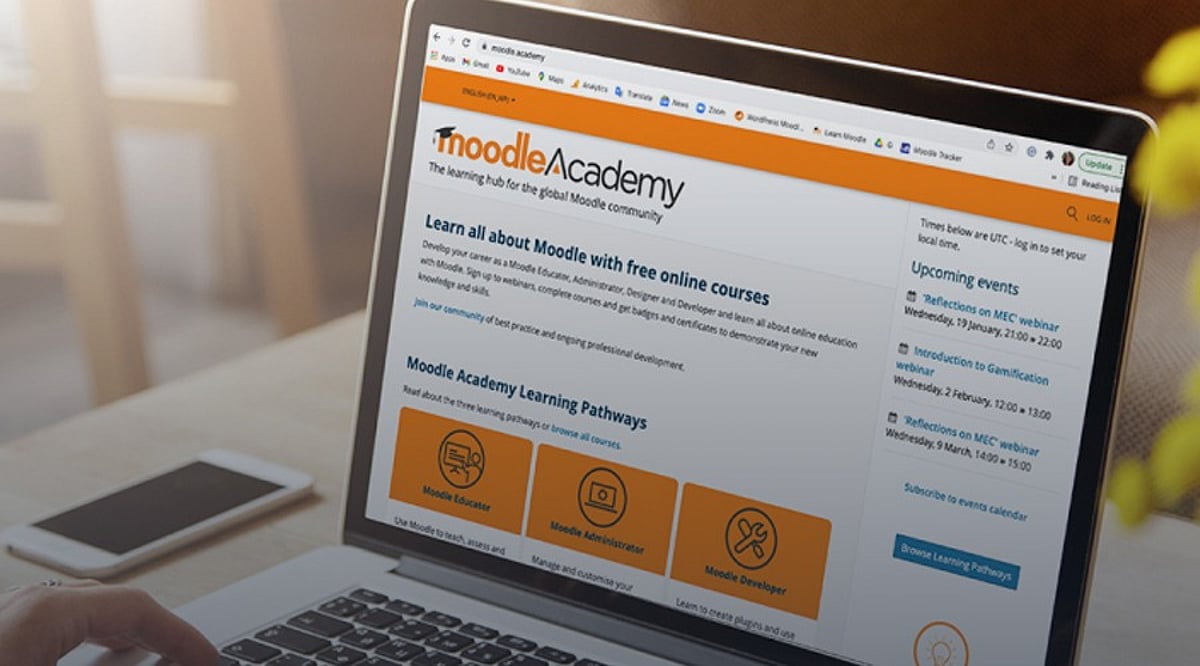
    Moodle is a powerful open-source learning platform used by educators worldwide to deliver online courses. It supports millions of students and institutions with tools for course management, collaboration, assessment, and content sharing. Designed as a flexible alternative to commercial solutions, Moodle offers mobile and cloud-based learning options.

    General Information

    • Launch Date: August 2002
    • Target Audience: Universities, educational institutions, government and public sector, corporations, enterprises, non-profit and global organizations
    • Platform Support: Web browsers, Windows, macOS, Linux, iOS, Android
    • Download: Click Here

    Main Features of Moodle

    • Modern web interface with a personalized dashboard accessible from browsers and mobile apps
    • Integrated calendar for tracking assignments, deadlines, meetings, and course activities
    • Built-in text editor for formatting content, inserting images, and creating structured learning materials
    • Cloud storage integration supporting Dropbox and Google Drive uploads
    • Collaboration tools including quizzes, forums, chats, wikis, surveys, and peer assessment workshops

    Benefits of Moodle

    • Open-source license allows free use and modification
    • Highly customizable to meet specific institutional requirements
    • Mobile apps (iOS and Android) enable learning anytime, anywhere
    • Simplified content creation with text editor and course management tools
    • Extensive plugin ecosystem, updates, and community resources for continuous improvement

    Challenges of Moodle

    • Limited direct customer support; relies on community forums and documentation
    • Some users report bugs, crashes, and performance issues
    • Initial setup requires technical expertise or IT personnel
    • Certified service providers for hosting and maintenance incur additional costs
    • Steep learning curve for new users unfamiliar with learning management systems

    Subscription Information

    Moodle is distributed under the GPL open-source license, meaning it is free to download and use. Organizations can deploy it on their own servers or opt for hosting and support from certified Moodle partners, who provide implementation, maintenance, and technical assistance for a fee.

    Support Options

    • Help Center: Extensive documentation, setup guides, and tutorials covering course creation, user management, and mobile learning. Community forums offer troubleshooting assistance.
    • Customer Support: Primarily community-based. Direct technical support is available through Moodle Certified Service Providers.

    Conclusion

    Moodle remains one of the most popular open-source learning platforms globally. While it demands technical expertise for setup and maintenance, its comprehensive features, collaboration capabilities, and zero licensing cost make it an effective solution for educational institutions, universities, and organizations seeking digital learning tools.

  • Zoho Launches AI-Powered Classes 2.0 Across India with Support for 22 Languages

    Zoho Launches AI-Powered Classes 2.0 Across India with Support for 22 Languages

    Zoho has unveiled Zoho Classes 2.0, an advanced Learning Management System (LMS) that leverages artificial intelligence to simplify teaching and learning. The platform introduces a suite of new tools designed for students, teachers, schools, colleges, and universities. Notably, Zoho is offering the platform free of charge to government educational institutions across India.

    Originally launched during the COVID-19 pandemic as a tool for teachers to collect assignments online, Zoho Classes has evolved significantly based on educator feedback. Zoho Classes 2.0 now functions as a comprehensive learning platform that supports everyday classroom activities.

    AI Tools Enhance Teaching and Learning

    One of the standout features is the AI tutor, which only answers questions related to the subjects a student is studying. This ensures learners stay focused on their curriculum rather than receiving answers on unrelated topics. The platform also offers daily practice questions and rewards consistent learning through simple streaks.

    Teachers benefit from time-saving AI tools that can quickly generate lesson plans, course details, learning objectives, and classroom content. Educators can review and customize materials before sharing them with students, significantly speeding up lesson preparation.

    Another valuable addition is AI-based grading, which evaluates computer science assignments and prepares feedback for teachers. Teachers retain final control before releasing marks to students. Zoho states this feature can reduce hours of manual grading each semester, allowing educators to dedicate more time to student interaction.

    New Features for Schools and Colleges

    Educational institutions gain tools to streamline administrative tasks. Many schools and colleges must prepare reports for government and education authorities. Zoho Classes 2.0 helps collect course information and learning records, simplifying and accelerating report generation.

    The platform supports all 22 scheduled Indian languages, enabling students and teachers from diverse regions to use it comfortably. Zoho says the AI understands multiple Indian languages, making learning more natural for users.

    Safety features are also enhanced. The AI tutor restricts answers to classroom subjects, and schools can decide whether to enable AI features for students. The mobile app allows students to view saved lessons offline for a limited time, though full downloads are not available.

    Free Access for Government Institutions

    Zoho is providing Zoho Classes 2.0 at no cost to central and state government schools, colleges, and universities. Individual teachers can use it free for up to 100 students. Private institutions can subscribe for Rs 500 per teacher per month.

    With Zoho Classes 2.0, the company aims to make education more accessible and efficient. The platform reduces routine tasks for teachers, offers better learning support for students, and helps schools manage academic operations smoothly. Its intuitive AI features and multilingual support are expected to drive digital learning adoption across India in the coming years.