
Overview
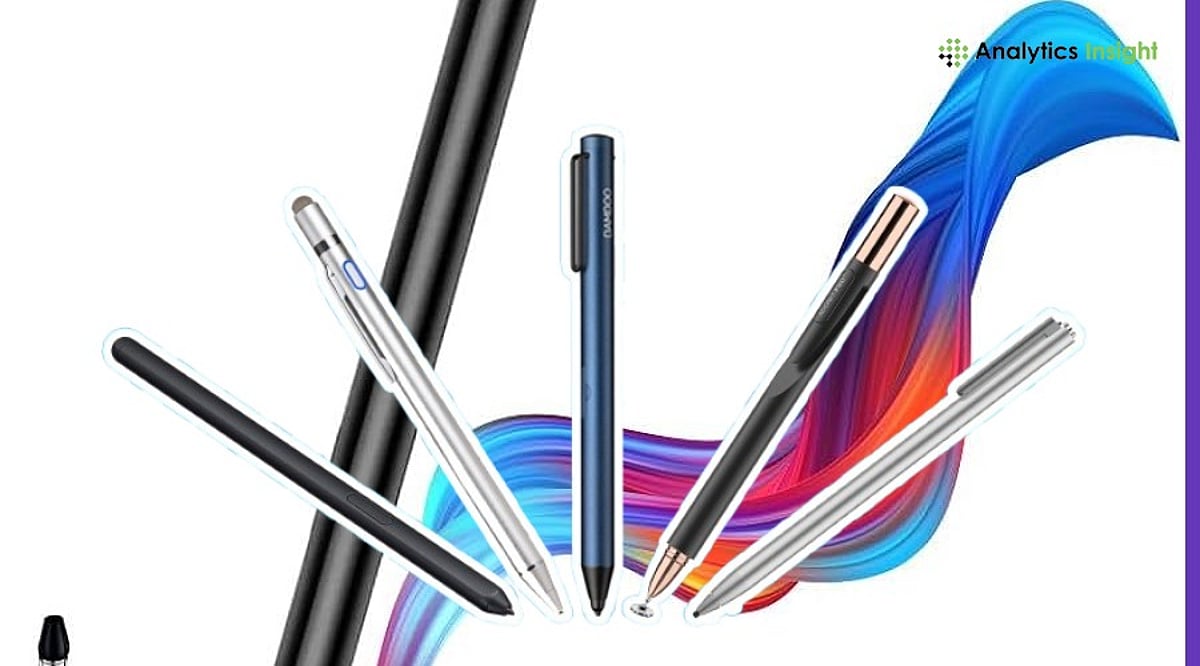
Discover top tablet pens compatible with iPad, Android, and Windows devices for every budget and workflow. Compare essential stylus features including pressure sensitivity, charging methods, compatibility, and productivity-focused capabilities before purchasing. Find the ideal tablet pen for note-taking, sketching, studying, creative work, and professional productivity tasks.
Global demand for tablets continues to rise, and so does the need for capable stylus pens. Worldwide tablet shipments reached 151.9 million units in 2025, marking a 5% year-on-year increase, according to IDC. The global stylus pen market was valued at $19.45 billion and is projected to exceed $40 billion by 2034.
Top Stylus Pens for iPad, Android, and Windows Tablets
With more users embracing digital note-taking, sketching, and hybrid working, selecting a compatible stylus has become as crucial as selecting the tablet itself.
Apple Pencil Pro
Apple Pencil Pro is the highest-performing stylus designed specifically for creators and professionals. This stylus features pressure and tilt sensing, haptics, squeezing, barrel rotation, and Find My capabilities. Apple Pencil Pro can be magnetically docked and charged to compatible iPads.
Buy Now!
Apple Pencil (USB-C)
Apple Pencil (USB-C) makes for an excellent iPad stylus that does not cost a great deal if you want quality and reliability. This stylus offers pixel-level accuracy, tilt functionality, magnetic attachment, and USB-C charging. Pressure sensitivity may be missing from the list, but it works well for annotation.
Buy Now!
Samsung S Pen
Samsung’s S Pen is included with many Samsung Galaxy Tab models and is among the most affordable styluses on the market. This stylus includes 4,096 pressure levels, low latency, palm rejection technology, and tilt functionality. It does not require charging to function properly.
Buy Now!
Xiaomi Focus Pen
Xiaomi Focus Pen is specifically designed for Xiaomi Pad series tablets. The pen features 8,192 levels of pressure sensitivity, shortcut buttons, and USB-C charging. It gives you an accurate writing and drawing tool at an affordable price.
Buy Now!
Microsoft Surface Slim Pen 2
Surface Slim Pen 2 is designed to work flawlessly with any Microsoft Surface device. The pen has 4,096 pressure levels, supports tilt, provides haptic feedback, and supports wireless charging. It has a comfortable grip and is ideal for note-taking and sketching with Windows Ink.
Buy Now!
Lenovo Digital Pen 2
Lenovo Digital Pen 2 is a good choice for all compatible Lenovo tablets and Windows computers. It offers pressure sensitivity of up to 4,096 levels, tilt recognition, custom buttons, and long battery life. This ergonomic pen will suit both students and professionals.
Buy Now!
Tablet Pen Features Compared Side-By-Side
When comparing these styluses, key factors include pressure sensitivity levels, tilt support, charging method, and ecosystem compatibility. The Apple Pencil Pro leads with haptic feedback and barrel rotation, while the Xiaomi Focus Pen offers the highest pressure sensitivity at 8,192 levels. The Samsung S Pen stands out for not requiring a battery for basic functions, and the Microsoft Surface Slim Pen 2 integrates haptic feedback for a more natural writing experience.
Final Take
The right tablet pen depends on the device you use and how you plan to use it. The use of advanced styluses with features such as pressure sensitivity and tilt may benefit artists. In contrast, affordable mid-range styluses may be more advantageous for students and professionals in terms of cost savings. One must consider the stylus’s compatibility with their tablets before purchasing.
Frequently Asked Questions
Which tablet pen is best for iPads in 2026?
Apple Pencil Pro is the best choice for compatible iPads, offering pressure sensitivity, tilt support, haptic feedback, and wireless charging. Apple Pencil (USB-C) is a more affordable alternative for everyday note-taking, document annotation, and casual creative work.
Can I use the same stylus on iPad, Android, and Windows tablets?
Most active styluses are built for specific tablet ecosystems and may not work across different brands. Universal capacitive styluses offer broader compatibility but usually lack premium features such as pressure sensitivity, palm rejection, and tilt support.
Is pressure sensitivity important in a tablet pen?
Pressure sensitivity is especially valuable for artists, designers, and illustrators because it allows natural line variation while drawing. For students and professionals focused on writing or annotating documents, it is less important.
Does the Samsung S Pen require charging?
The Samsung S Pen does not need charging for regular writing, drawing, or navigation. However, Bluetooth-enabled Air Actions available on select Galaxy Tab models may require the stylus to be charged periodically.
What should I consider before buying a tablet pen?
Before purchasing, check whether the stylus is compatible with your tablet model. Also compare features such as pressure sensitivity, tilt support, palm rejection, charging method, battery life, and overall comfort for your intended use.