
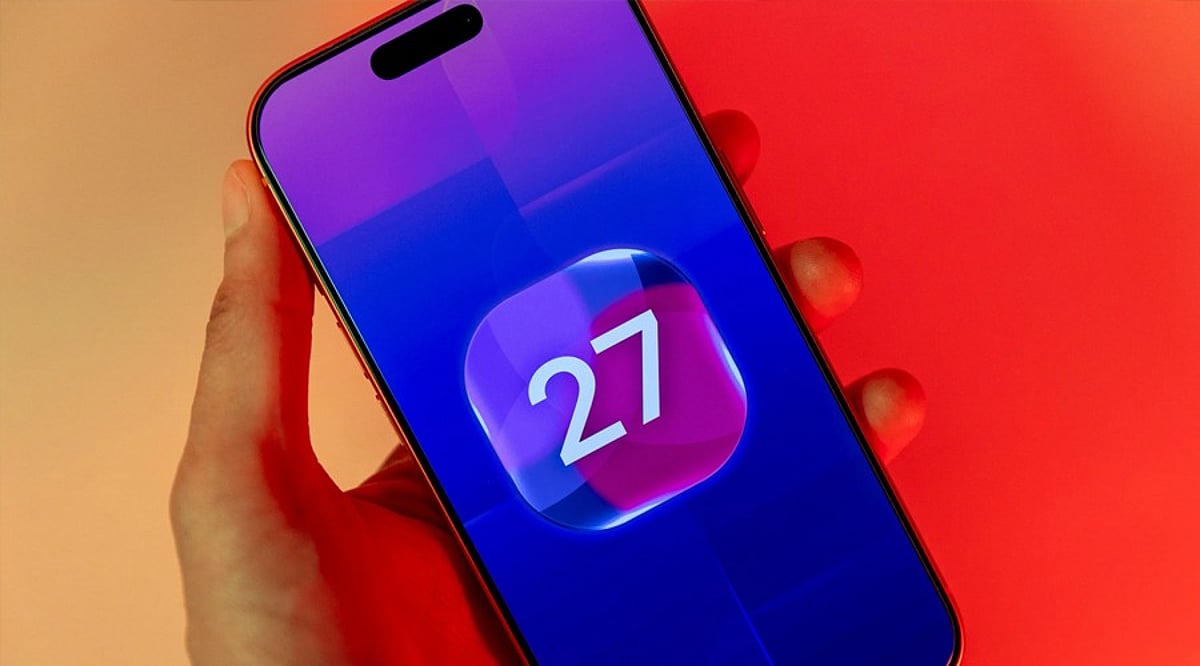
Tag: Liquid Glass

  • How to Uncover Apple’s Dogcow Easter Egg in iOS 27: A Nostalgic Surprise

    How to Uncover Apple’s Dogcow Easter Egg in iOS 27: A Nostalgic Surprise

    Apple has slipped a nostalgic surprise into iOS 27, giving longtime Mac users another reason to explore the operating system beyond its headline features. The Easter egg is hidden inside the Liquid Glass appearance settings and brings back Clarus the Dogcow, one of the most recognizable characters from Apple’s early software history. The hidden character also appears in iPadOS 27.

    How to Find Clarus the Dogcow in iOS 27

    Unlike conventional features Apple announces, this Easter egg is tucked inside an everyday interface element. To find it:

    1. Open Settings.
    2. Tap Appearance.
    3. Select Liquid Glass.
    4. Locate the demonstration window used to preview the appearance.
    5. Scroll through the demonstration area — keep going even after it seems to have reached its natural stopping point.

    A search bar eventually appears, followed by the word ‘Moof!’ being entered automatically. Clarus the Dogcow then appears as the hidden Easter egg. The same discovery process applies to iPadOS 27. The key is to keep scrolling instead of stopping when the demonstration appears to have ended.

    Clarus Dates Back to 1984

    Clarus the Dogcow has a strong connection to Apple’s early design history. Susan Kare created the Dogcow glyph for the Cairo font on the original Macintosh in 1984. Over the years, Clarus became a sentimental mascot for Mac users and the Macintosh team.

    Apple has used Clarus before as a nostalgic reference to its Macintosh heritage. The character has appeared in unexpected places, including an Apple Watch Hermès product about a year ago and the Page Setup window in macOS Ventura.

    The inclusion in iOS 27 adds personality to Liquid Glass, the visual design language introduced across Apple’s operating systems. While the hidden Dogcow does not change how Liquid Glass works, it gives curious users a small reward for exploring the interface.

    For longtime Apple fans, the Easter egg links today’s iPhone software to Apple’s early Macintosh era, carrying a character created decades ago into the company’s latest operating systems.
  • iOS 27: Release Date, New Features, and Compatible iPhone Models

    iOS 27: Release Date, New Features, and Compatible iPhone Models

    Apple’s iOS 27 update is set to arrive on September 14, bringing a redesigned Liquid Glass interface, a revamped Siri AI, performance boosts, and new features across core apps. The update supports iPhone 11 and newer models, including the iPhone SE (2nd generation and later).

    iOS 27 Release Date and Installation

    iOS 27 will be publicly available on September 14. Users can install it over the air by going to Settings > General > Software Update on compatible iPhones. The update was previewed at WWDC 2026 and introduces several improvements to enhance everyday iPhone use.

    Siri AI Gets a Major Upgrade

    One of the biggest additions is the next-generation Apple Intelligence and revamped Siri AI. The new assistant understands natural requests better, maintains context across interactions, and can perform tasks across supported apps. Siri AI also arrives as a standalone app, letting users access previous conversations. It combines Apple’s Foundation Models with Google’s Gemini AI models.

    Apple also introduced new parental controls, including Time Allowances and Schedules, plus an Ask to Browser feature that lets children request access to new websites.

    Faster Performance and Liquid Glass Changes

    iOS 27 refines Apple’s Liquid Glass design language, adding a slider to control opacity. Performance sees notable gains: apps launch up to 30% faster, photos load up to 70% faster, and AirDrop transfers complete up to 80% faster. The update includes an optimized CPU scheduler to improve performance across supported devices.

    More Changes Across iPhone Apps

    The Phone app gets a redesign and can display important information from Mail. Messages and Mail offer suggestions under certain messages. Safari can group tabs by topic and notify users when websites update, including price or product availability changes.

    iOS 27 Compatible iPhones

    iOS 27 supports iPhone 11 and newer models, along with iPhone SE (2nd generation and later). The lineup includes:

    • iPhone 11 series
    • iPhone 12 series
    • iPhone 13 series
    • iPhone 14 series
    • iPhone 15 series
    • iPhone 16 series
    • iPhone 17 series
    • iPhone Air
    • iPhone 17e
    • iPhone SE (2nd gen and later)

    Apple Intelligence features remain limited to iPhone 15 Pro models and later devices.