
Tag: location services

  • How to Use Google Maps to Remember Where You Parked Your Car

    How to Use Google Maps to Remember Where You Parked Your Car

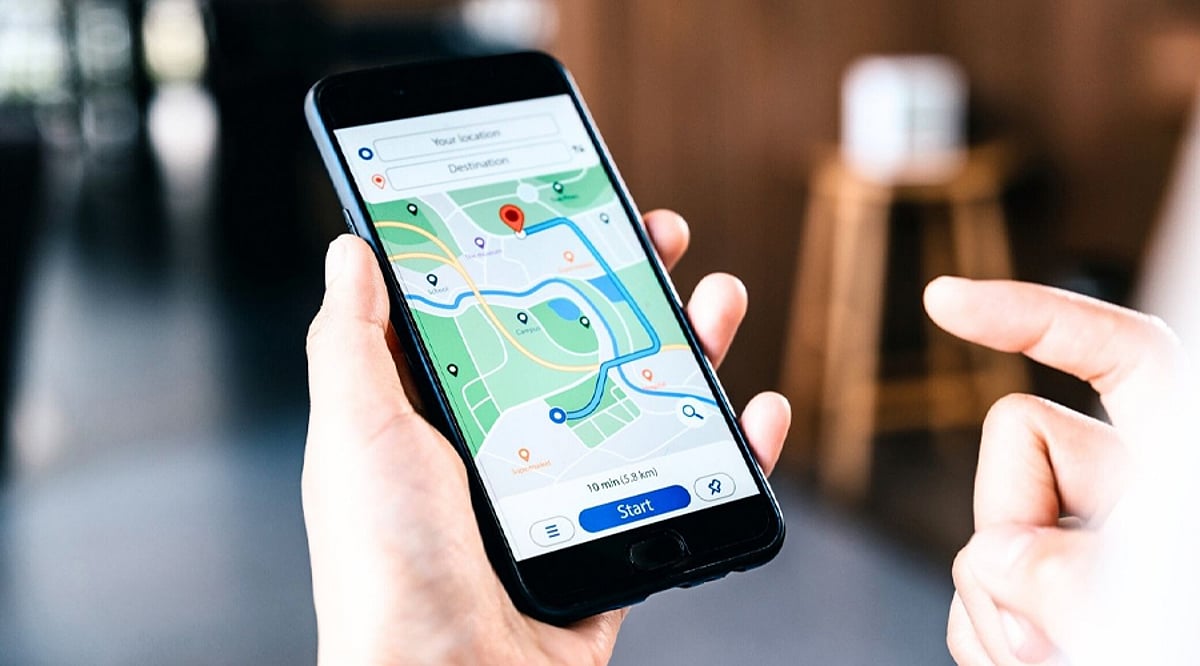
    Forgetting where you parked can be frustrating, especially in large parking lots or unfamiliar areas. Google Maps includes a parking feature that lets users save their location. Once the car is parked, users can mark the spot directly inside the app for easier access later.

    How To Save Your Parking Location

    After parking, open Google Maps and tap the blue dot representing your current location. From the available options, select “Save parking”. Google Maps then places a parking marker on the map, showing where the vehicle was left and allowing users to return to the location later.

    Add Notes To Your Parking Spot

    The saved parking location can include additional information. Google Maps lets users modify the location, share it with someone else, add notes, and set a timer. These options can be useful when parking in large complexes, airports, shopping centers, or other places where remembering the exact spot is difficult.

    Find Your Car Using Google Maps

    When it is time to return to the vehicle, open Google Maps and select the saved parking marker. The app displays the saved location on the map, helping users identify where they parked. The accuracy of the location can depend on the availability and reliability of location services.

    iPhone Can Save Parking Automatically

    Google Maps also supports automatic parking detection on iPhone and iPad. After connecting the device to a vehicle using USB, Bluetooth, or CarPlay, Maps can automatically save the parking location after the connection ends. The saved parking position can remain available for up to 48 hours.

    Enable Motion-Based Parking Detection

    iPhone users can enable a setting that allows Google Maps to use motion information for parking detection. Open Google Maps, tap the profile icon, select Settings, and then Navigation. Users can enable “Let Maps use your motion to save your parking” when the option is available.

    Remove The Parking Location Later

    Once you reach your vehicle, the saved parking location can be cleared from Google Maps. Select the parking marker and choose the option to clear it. Users can also modify or share the saved location, while timers can help track parking sessions where time limits apply.

  • Everyday Digital Footprints: How Your Online Activities Reveal Personal Data

    Everyday Digital Footprints: How Your Online Activities Reveal Personal Data

    Every time you search, like, shop, or stream, you leave behind a digital footprint that companies and platforms use to build detailed profiles of your behavior. Understanding these traces is the first step toward protecting your privacy.

    Search History

    Each search query helps search engines compile a comprehensive profile of your interests, habits, preferences, and future purchasing intentions.

    Social Media Activity

    Every like, comment, share, and follow reveals personal interests, relationships, opinions, and behavioral patterns to platforms and advertisers.

    Location Services

    Smartphone GPS continuously records your movements, creating location histories used for navigation, targeted advertising, analytics, and personalized recommendations.

    Online Shopping

    Every purchase, wishlist item, and browsing session provides retailers with valuable insights into your spending habits, product preferences, and future buying behavior.

    Streaming Platforms

    The movies you watch, songs you play, and viewing duration help streaming services personalize recommendations while tracking your entertainment preferences over time.

    Fitness Apps

    Health trackers collect information about steps, sleep, workouts, heart rate, and wellness routines, generating highly detailed personal health profiles.

    Smart Home Devices

    Connected speakers, cameras, and appliances gather usage patterns, voice commands, and automation preferences to improve personalized home experiences.

    Email Activity

    Email providers analyze communication patterns, subscriptions, and interactions to filter spam, personalize services, and improve user engagement.

    Public Wi-Fi Usage

    Connecting to public networks may expose your browsing habits and device information, highlighting the importance of secure internet practices.