Apple’s tvOS 27 update, released on September 14, 2026, brings a host of new features to supported Apple TV 4K models. While the update did not receive a major spotlight at Apple’s software event, it includes five significant additions: high-resolution lossless Apple Music, video podcasts, faster performance, improved accessibility options, and new parental controls. Here’s a detailed breakdown of what’s new and which devices are compatible.
Lossless Apple Music Arrives on Apple TV
Apple TV 4K can now play lossless music at up to 24-bit and 192 kHz—a feature that has been available on other Apple devices since 2021. This update also introduces AutoMix, which blends songs with tempo matching and crossfading for a seamless listening experience, perfect for parties or extended listening sessions.
Video Podcasts Come to the TV Screen
The redesigned Podcasts app now supports video shows with a new sidebar navigation. Video is delivered via HTTP Live Streaming, improving picture quality and enabling ad insertion for creators. Viewers can switch between audio and video, adjust playback speed from 0.5x to 3x, and access content in over 170 countries. Some users have noted that custom feeds like Patreon links may be harder to find in the new app.
Performance Boost and Faster AirPlay
Apple claims apps launch up to 30% faster, with smoother animations and a more responsive Control Center. AirPlay connections also start quicker when sharing content from an iPhone, iPad, or Mac. Additionally, software updates can now be initiated from the Home app on iPhone, making it easier to update multiple Apple TV units or HomePods at once.
Enhanced Accessibility: Bigger Text and Transcribed Audio
Dynamic Text support allows users to choose a preferred text size across supported apps, aiding those with low vision or who sit far from the screen. Transcribed audio generates text for content without standard captions, improving accessibility for older viewers or shared living spaces.
Parental Control: App Blocking for Profiles
Parents can now block specific apps for individual user profiles, closing a gap where children could bypass content restrictions by opening other apps. This feature aligns with Apple’s broader parental control updates in iOS 27.
Compatibility and Smaller Updates
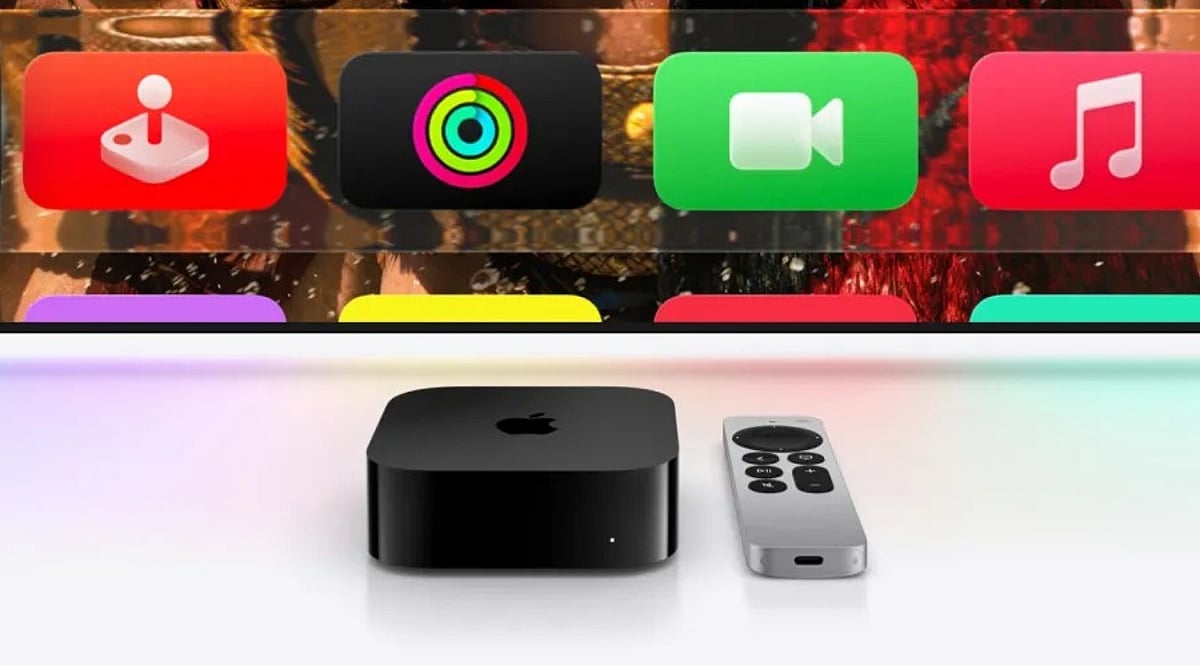
tvOS 27 is available on the second- and third-generation Apple TV 4K models. The first-generation Apple TV 4K and Apple TV HD are not supported. Other improvements include smart downloads for media, a redesigned Apple TV Remote app for iPhone, and bug fixes from public beta 5. Notably, the new Siri AI features found on other Apple devices are not included in this release.
What’s Next for Apple TV?
Reports suggest a fourth-generation Apple TV 4K with an A17 or newer chip and Apple Intelligence support may launch later this year. The current third-generation model starts at $199 for 64GB. Apple has not confirmed any upcoming hardware.
FAQ
What are the main new features in tvOS 27?
Lossless Apple Music, video podcasts, faster app launches, improved AirPlay, Dynamic Text, transcribed audio, and individual app blocking for parental controls.
Which Apple TV models support tvOS 27?
Second- and third-generation Apple TV 4K models. The first-generation Apple TV 4K and Apple TV HD are not supported.
What audio improvements does tvOS 27 bring?
Lossless playback up to 24-bit/192 kHz, AutoMix, and Crossfade for smoother music transitions.
Does tvOS 27 include the new Siri AI?
No, the new Siri AI features are not part of this update.
What parental control feature was added?
Parents can block specific apps for individual user profiles, giving more control over children’s app access.