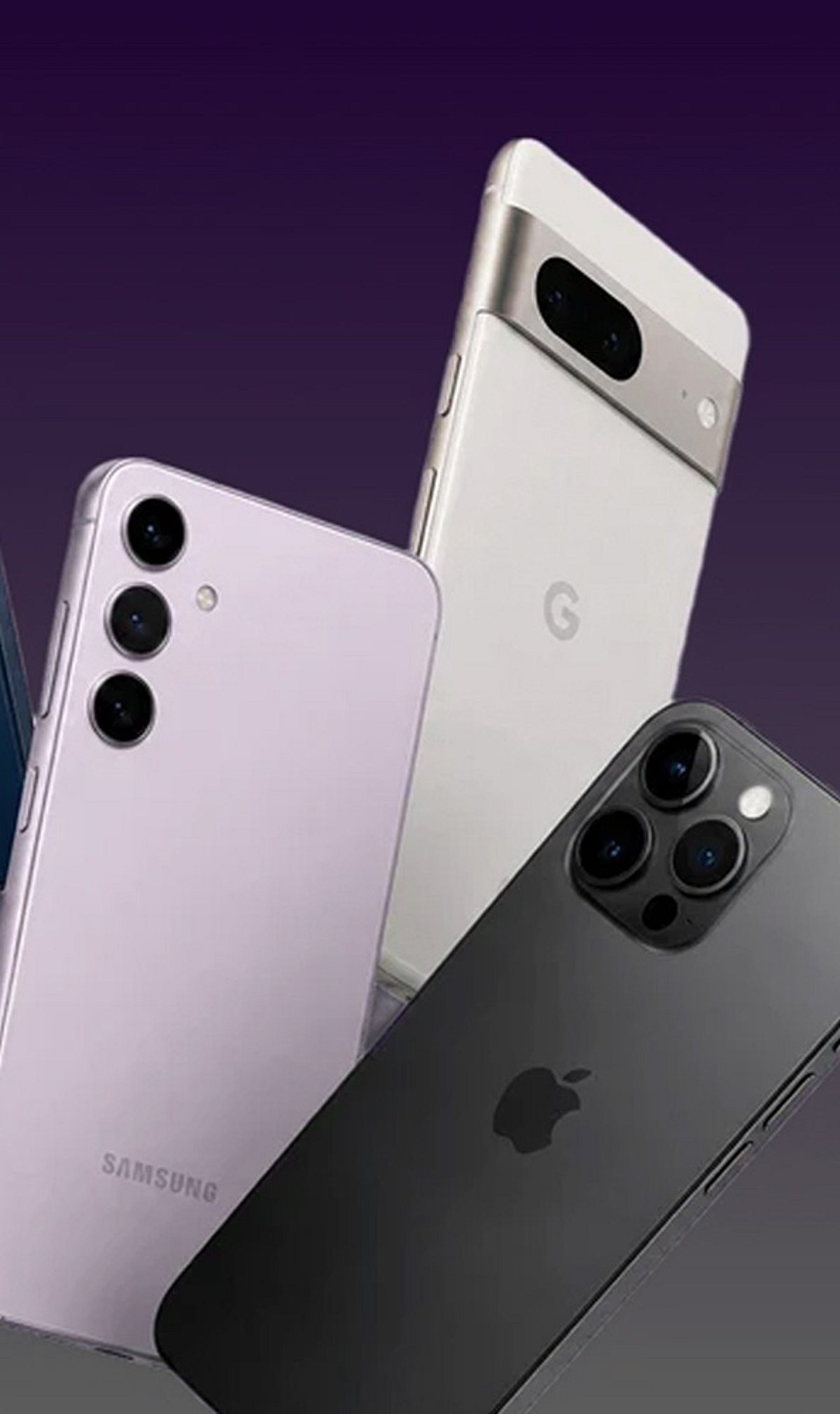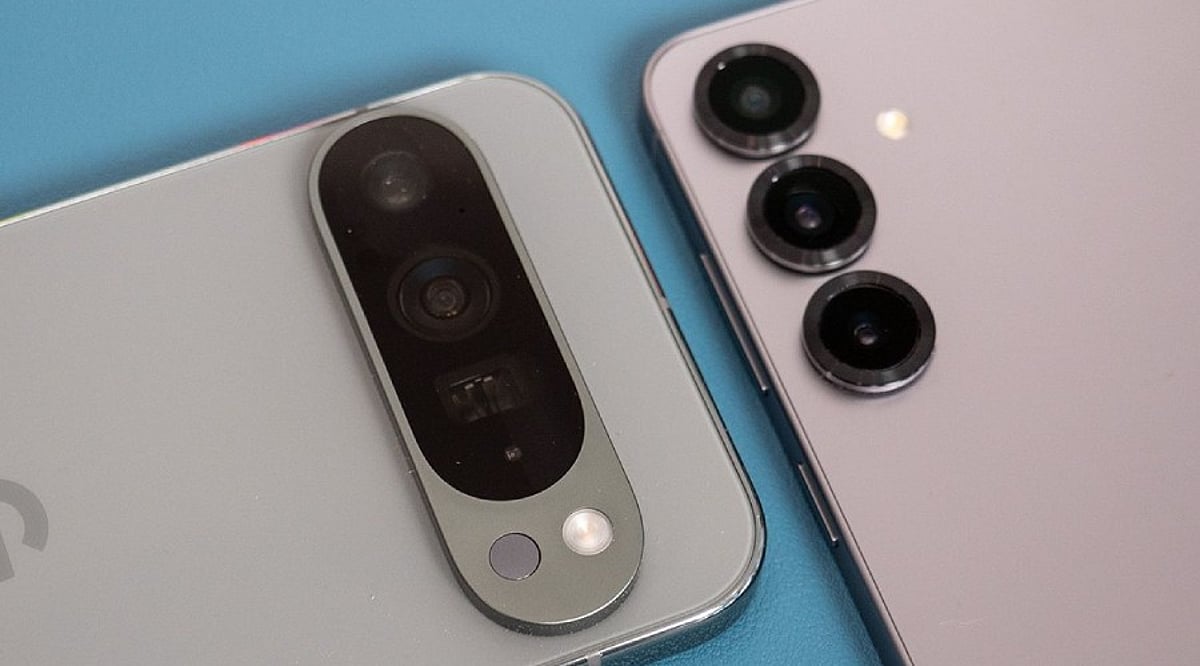
Night photography exposes the limits of even the best smartphone cameras. Dark scenes provide much less light for the sensor, often resulting in grainy images, motion blur, weak colors, and lost detail. However, the problem isn’t always the hardware. A few key settings can make a noticeable difference after sunset. Many phones also use computational photography to improve low-light results automatically. Before blaming your device, try these seven adjustments.
1. Turn On Night Mode
Night mode should be your first check in low light. It captures more light over a longer period, combining multiple frames for a brighter, cleaner image. On iPhones, Night mode activates automatically in dark environments, and you can adjust the capture time. Samsung Galaxy phones offer a dedicated Night mode, while Google Pixel devices use Night Sight. Keep the phone still during the exposure to avoid ghosting and blur.
2. Adjust Exposure
A dark image isn’t always fixed by increasing brightness. Too much exposure can wash out signs, lights, and buildings. Tap the main subject and adjust the exposure slider if your phone allows it. Small tweaks preserve natural darkness, especially around streetlights and illuminated structures.
3. Control ISO Sensitivity
ISO controls the camera’s sensitivity to light. Higher ISO brightens dark scenes but adds noise. Phones usually manage ISO automatically, but some Android devices offer manual controls. In Samsung’s Pro mode, you can set ISO manually — use the lowest practical value for stationary night scenes to keep the image clean.
4. Manage Shutter Speed
Shutter speed determines how long the sensor collects light. A slower shutter produces brighter photos but is more sensitive to movement. Samsung Pro mode provides manual shutter controls. Use a tripod for very long exposures, and consider a timer or remote shutter to avoid camera shake.
5. Check Focus Manually
Autofocus can struggle in extremely dark scenes. Tap the subject manually before shooting. Some phones offer manual focus in Pro modes. Google Pixel cameras include a Far focus option for distant subjects like night skies. Focus carefully when photographing buildings, landscapes, or distant lights.
6. Avoid Excessive Digital Zoom
Zoom makes nighttime image quality worse by amplifying noise and softening details. Use the phone’s main camera whenever possible — it usually has the best low-light performance. Some newer phones combine frames to improve zoom clarity, but extreme zoom still reduces detail. Move closer when safe and practical.
7. Try Pro or RAW Modes
Advanced users can gain more control with Pro or RAW photography. Samsung Pro mode lets you adjust ISO, shutter speed, exposure, white balance, and focus. Apple ProRAW preserves more editing information on supported models, giving greater control over exposure and color. RAW files require more storage and editing, so for casual shots, computational Night mode may be easier.
Why Night Photos Still Go Wrong
Even perfect settings can’t overcome every limitation. Small sensors have less light available than larger dedicated cameras. Bright signs create difficult exposure differences, and moving people or vehicles introduce blur during long exposures. Clean lenses matter too — fingerprints and dust can create haze around lights. Before changing every setting, wipe the lens, then try Night mode with steady hands and modest adjustments.
Frequently Asked Questions
Why do smartphone photos look worse at night?
Smartphone cameras receive much less light after sunset. The camera may use higher sensitivity or longer exposures, introducing noise, motion blur, reduced detail, and inaccurate colors.
What is the best camera setting for night photography?
Night mode is usually the simplest starting point. It’s designed for low-light scenes and often combines multiple frames. Results depend on the phone model, lighting, and subject movement.
Should I always use Night mode?
Not necessarily. Night mode works best in genuinely dark scenes. In moderately bright environments, regular Photo mode may produce a more natural result. Some phones activate low-light processing automatically when needed.
Does increasing ISO improve night photos?
Higher ISO can brighten a darker image but introduces more visible noise. On phones with manual controls, a lower practical ISO can produce cleaner results when enough light is available.
How can I reduce blurry night photos?
Keep the phone as still as possible during capture. Use a tripod or stable surface for longer exposures. Avoid moving subjects when the camera needs more time to collect light.