

Tag: malware

  • Top Threats to Your External Hard Drive: How to Avoid Damage and Data Loss

    Top Threats to Your External Hard Drive: How to Avoid Damage and Data Loss

    External hard drives are convenient for storing backups, media, and important files, but they are vulnerable to several types of damage. Understanding these risks can help you protect your device and the data it holds. Below are the most common threats and practical tips to avoid them.

    Physical Damage

    Drops, bumps, and rough handling are leading causes of hard drive failure. Mechanical drives contain spinning platters and moving read/write heads that can be easily misaligned or broken by sudden shocks. Even if the outer casing appears undamaged, internal components may still suffer. Always place your drive on a stable surface and handle it with care to reduce the risk of physical failure.

    Heat Exposure

    Excessive heat can degrade performance and shorten your drive’s lifespan. Avoid leaving it in direct sunlight, near heaters, or inside a hot car. When transferring large files or using the drive continuously, ensure adequate ventilation around it. Overheating can cause components to expand, leading to read/write errors or permanent damage.

    Unsafe Ejection

    Disconnecting a drive without using the “Safely Remove Hardware” option can corrupt data. The operating system may still be writing to the drive when the cable is pulled. Always use your computer’s eject function before unplugging to ensure all read/write operations have finished.

    Power Problems

    Sudden power interruptions, unstable connections, or incompatible power adapters can harm external drives—especially those that rely on external power. Use high-quality cables, the original power adapter, and a surge protector to minimize the risk of electrical damage or data corruption.

    Water and Moisture

    Liquids and electronics do not mix. Spills, high humidity, or accidental immersion can short-circuit internal components and damage connectors. Keep your drive away from drinks and damp areas. If it gets wet, do not power it on immediately; let it dry completely before attempting use.

    Dust and Dirt

    Dust accumulation can block ventilation, causing overheating, and can also degrade ports and connectors over time. If you work in a dusty environment, store the drive in a clean case or bag. Regularly inspect cables and ports for debris, and keep ventilation openings unobstructed.

    Malware and Data Threats

    Not all threats are physical. Malware, ransomware, and other malicious software can corrupt or encrypt files stored on your external drive. Avoid connecting your drive to untrusted computers, maintain separate backups, and regularly scan devices with up-to-date antivirus software. Following basic cybersecurity practices helps protect your data.

    By being aware of these risks and taking simple precautions, you can significantly extend the life of your external hard drive and keep your valuable data safe.

  • WhatsApp Malware Campaign Uses Fake Invoices to Hijack Accounts

    WhatsApp Malware Campaign Uses Fake Invoices to Hijack Accounts

    Cybersecurity firm Kaspersky has issued a warning about a rapidly spreading malware campaign on WhatsApp. Attackers are hijacking legitimate WhatsApp accounts and using them to send malicious attachments disguised as everyday business documents, such as invoices, billing statements, and payment notices.

    The campaign has already impacted users in multiple countries, including India, Brazil, Mexico, Singapore, the UK, Spain, Taiwan, Australia, Russia, Vietnam, and Malaysia. Because the malicious files appear to come from known contacts, recipients are far more likely to open them without suspicion.

    How the Scam Works

    According to Kaspersky researcher Fareed Radzi, the attackers exploit trust within messaging platforms by using compromised accounts to deliver malicious attachments that appear to originate from familiar people. The files are VBScript attachments carefully named to resemble financial reports and account notices.

    Once a victim opens the file, it triggers a staged infection chain that quietly downloads and executes additional harmful components from external servers. In many cases, this ultimately installs a remote access tool, granting attackers control over the infected device without the user’s knowledge.

    Safety Recommendations

    Kaspersky advises users to treat unexpected attachments with caution, even when they come from known contacts. Specifically, avoid opening script or executable files such as VBS, EXE, BAT, and JS unless their legitimacy is confirmed.

    India’s Cyber Crime Coordination Centre has also issued a similar alert, noting that fraudsters often name these files “View Details” or “Invoice” to appear genuine. Officials recommend verifying any unexpected document with the sender directly, preferably through a phone call, before opening it. A single click can compromise an entire WhatsApp account and its contact list.

    Stay vigilant and always double-check the unexpected, even if it comes from a trusted name.

  • How Telegram Accounts Can Be Hacked Without an OTP: Risks and Prevention Strategies

    How Telegram Accounts Can Be Hacked Without an OTP: Risks and Prevention Strategies

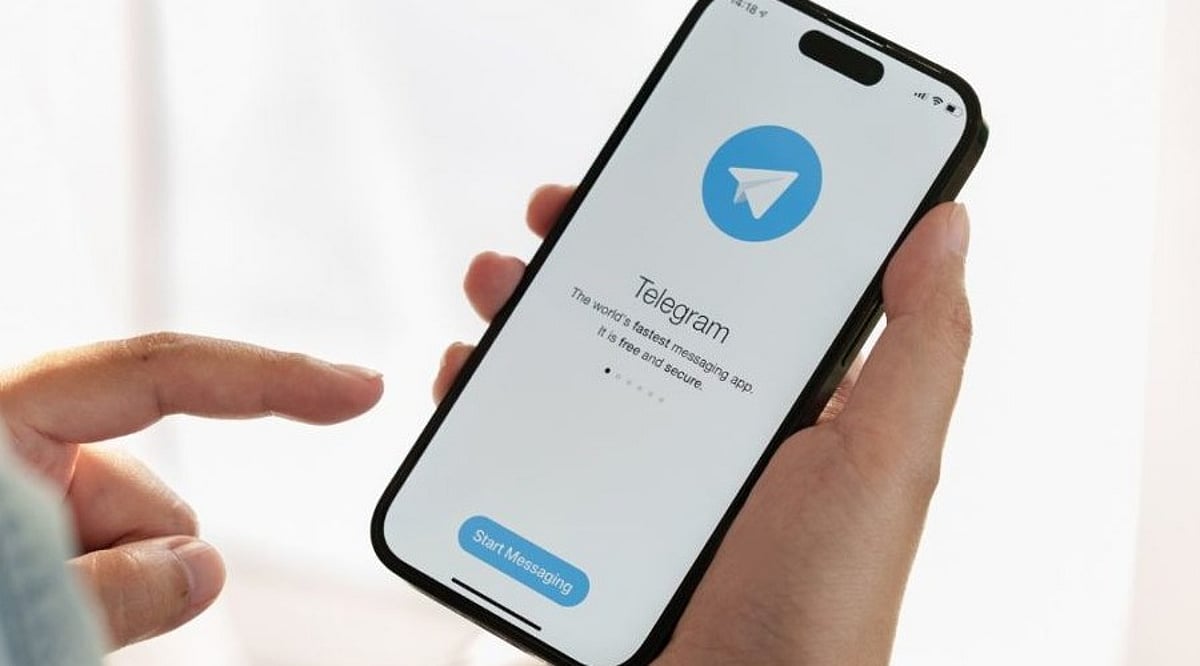
    Telegram sends a one-time password (OTP) to verify new logins, but that alone does not guarantee account safety. Hackers, scammers, and even someone with brief physical access to your phone can still compromise a Telegram account without ever requesting that OTP. This risk affects everyone—casual users, business owners, and community channel managers alike. The methods typically exploit stolen sessions, malware, or lingering login sessions rather than breaking Telegram’s own systems.

    Understanding Telegram Account Security Risks

    Telegram allows a single account to remain logged in on multiple devices simultaneously, and each active session works without re-entering the OTP. If a hacker steals an active session—via malware on the device or a fake app that copies login credentials—they can instantly access the account. Security researchers warn that malicious files, often disguised as APKs on Android, can silently extract session data stored on the device. Once that data reaches an attacker, they can open Telegram as if they were the legitimate user, with no password or code required.

    Public Wi-Fi networks add another layer of vulnerability. Experts note that unsecured networks make it easier for attackers to intercept data flowing between a phone and Telegram’s servers, especially when using Telegram Web on a shared or public computer.

    Phishing remains a common threat on Telegram. A fake login page that looks identical to Telegram’s real site can trick users into entering their credentials directly, handing over access without any OTP involved.

    Steps to Keep Your Telegram Account Safe

    Adopting a few simple habits can significantly reduce the risk of such hacks:

    • Turn on Two-Step Verification in Telegram’s settings to add an extra password layer.
    • Add a passcode lock inside the app so it cannot be opened even on an unlocked phone.
    • Regularly check the Devices section and log out of any sessions you do not recognize.
    • Avoid downloading APK files or clicking links from unknown senders.
    • Keep the app updated, as Telegram regularly releases security patches.

    These measures together make it much harder for anyone to slip into your account unnoticed.

  • FBI Arrests 21-Year-Old in Steam Malware Scheme That Stole $220,000 in Cryptocurrency

    FBI Arrests 21-Year-Old in Steam Malware Scheme That Stole $220,000 in Cryptocurrency

    A 21-year-old Florida man has been arrested for allegedly helping run a malware campaign that used malicious games on Steam to steal more than $220,000 in cryptocurrency from users. The arrest follows an FBI investigation that traced stolen funds through digital gift cards and food delivery orders.

    According to an FBI criminal complaint, the campaign operated between May 2024 and February 2026, infecting nearly 8,000 devices and compromising almost 80 cryptocurrency wallets. The malware was hidden in games uploaded to Steam, allowing attackers to gain access to victims’ systems and steal digital assets.

    The accused, Zyaire Wilkins of North Lauderdale, Florida, has been charged with conspiracy to obtain information by computer for private financial gain. If convicted, he faces a maximum sentence of 10 years in prison.

    Eight Steam Games Named in Complaint

    Investigators allege the group distributed eight malware-infected games through Steam over nearly two years. Once installed, the games deployed malware capable of accessing cryptocurrency wallets on infected computers. The games named in the complaint include:

    • BlockBlasters
    • Chemia
    • Dashverse (DashFPS)
    • Lampy
    • Lunara
    • PirateFi
    • Tokenova

    Some of the titles were removed from Steam after security concerns were reported. The FBI says the games were promoted through Discord, Telegram, X (formerly Twitter), and LinkedIn, targeting users known to own or trade cryptocurrency.

    FBI Followed Cryptocurrency Transactions

    The investigation advanced after agents traced stolen cryptocurrency used to purchase more than 150 digital gift cards through Bitrefill. According to court documents, many of those gift cards were redeemed for Uber Eats orders. Investigators used the associated phone numbers, delivery addresses, and transaction records to identify Wilkins as a suspect.

    The criminal complaint was filed in Washington state, where Valve, the company behind Steam, is based.

    Investigation Underway

    Federal agents claim that this was a team effort and that investigations are ongoing. They are trying to find more victims and establish the role played by other suspects. The FBI says this malware attack affected around 8,000 devices, accessed 80 crypto wallets, and stole at least $220,000 worth of cryptocurrency.

    Wilkins faces charges but has not been found guilty. The accusations made in the criminal complaint will be proved or refuted in court.

  • How Hackers Use Clean GitHub Repos to Trick AI Coding Assistants into Installing Malware

    How Hackers Use Clean GitHub Repos to Trick AI Coding Assistants into Installing Malware

    Cybersecurity experts are warning developers about a new attack vector that exploits AI coding assistants. A seemingly clean GitHub repository can contain hidden instructions that trick AI agents into executing malicious code, ultimately installing malware on the developer’s machine.

    At first glance, the repository looks legitimate: normal documentation, clean code, and standard project structure. However, attackers embed malicious instructions in places that AI tools—not human developers—are most likely to read. This technique, known as prompt injection, takes advantage of how AI coding agents parse and follow instructions.

    When a developer uses an AI coding assistant to analyze or work with such a repository, the AI may unknowingly execute harmful commands. This can lead to compromised dependencies, hidden scripts, or silent malware installation inside the development environment. The attack is particularly dangerous because it targets the supply chain: one compromised repository can affect thousands of downstream projects, and developers may never notice the infection because the visible code appears harmless.

    Security researchers recommend stronger validation and sandboxing for AI coding agents. Developers should verify repositories thoroughly, review all dependencies, and never rely solely on AI-generated actions. As AI tools become more integrated into development workflows, understanding and mitigating these risks is critical.