
Tag: music

  • How to Add and Edit Music on Instagram: A Step-by-Step Guide for Photos and Carousels

    How to Add and Edit Music on Instagram: A Step-by-Step Guide for Photos and Carousels

    Instagram has evolved beyond static photos and captions. Now you can add music to photo posts and carousels, letting you pair visuals with songs that match the mood. Whether you’re sharing travel snapshots or celebratory moments, music adds an extra layer of emotion.

    This guide walks you through adding and editing music on Instagram, from choosing a track to adjusting the clip before publishing.

    How to Add Music to an Instagram Photo Post

    1. Open Instagram – Launch the app and log into your account.
    2. Create a new post – Tap the “+” icon, select “Post,” then choose an image (or multiple images for a carousel) from your gallery.
    3. Edit your photo – Tap “Next,” then apply filters or make other adjustments as desired.
    4. Select the music option – On the caption screen, find the “Add Music” button and tap it to access Instagram’s music library.
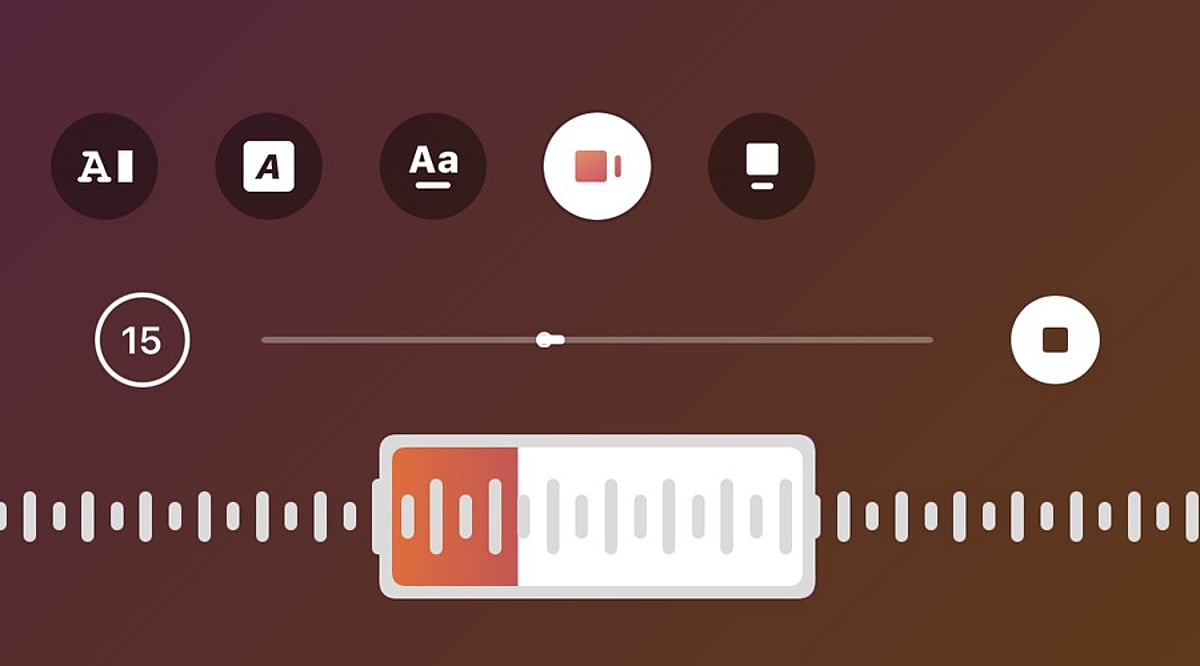
    5. Choose a song – Search for a specific track or browse. Select the song you want. Instagram will let you pick a section of the song to play.
    6. Adjust the music clip – Use the music selector to choose the exact part of the song. Confirm your selection and return to the sharing screen.
    7. Publish the post – Add a caption, tags, or other details, then tap “Share.” The music will play alongside your photo or carousel.

    How to Edit Music Before Posting

    If you change your mind about the song before publishing, go back to the edit or post details page and tap the music icon again. Choose a new track from the library and customize the portion you want. This is especially useful if the first song doesn’t match the mood of your photos.

    Can You Edit Music After Posting?

    Editing options after publishing vary based on your account type, app version, and post type. If the music editing option isn’t available, you may need to delete the post and re-upload it with your chosen song. Before deleting, save a copy of the images and captions to reuse.

    Tips for Choosing Music

    • Select a song that suits the mood of your images. For travel or lifestyle photos, a soothing track works well. For celebrations, choose upbeat music.
    • Test different sections of a song to find the perfect clip that complements your visual story.

    Frequently Asked Questions

    Can you add music to an Instagram photo post?

    Yes, Instagram allows you to add songs to photo posts. Select a track from the music library and choose the section that plays with your photo.

    Can you add music to an Instagram carousel?

    Yes, Instagram supports music on photo carousels. Select multiple images while creating a post, tap Add Music, choose a song, and adjust the desired portion.

    Can you change the music before publishing an Instagram post?

    Yes, you can change the selected song before publishing. Return to the music option, choose another track, and adjust the section you want to include.

    Can you edit Instagram post music after publishing?

    Music editing options after publishing can vary. If editing is unavailable, you may need to recreate the post with different music.

    Why can’t I find the Add Music option on Instagram?

    The Add Music option may depend on your account, region, post type, app version, or music licensing availability. Updating Instagram may help restore missing features.
  • Apple September 2026 Keynote Soundtrack: Full Playlist for iPhone 18 Pro, iPhone Duo, and More

    Apple September 2026 Keynote Soundtrack: Full Playlist for iPhone 18 Pro, iPhone Duo, and More

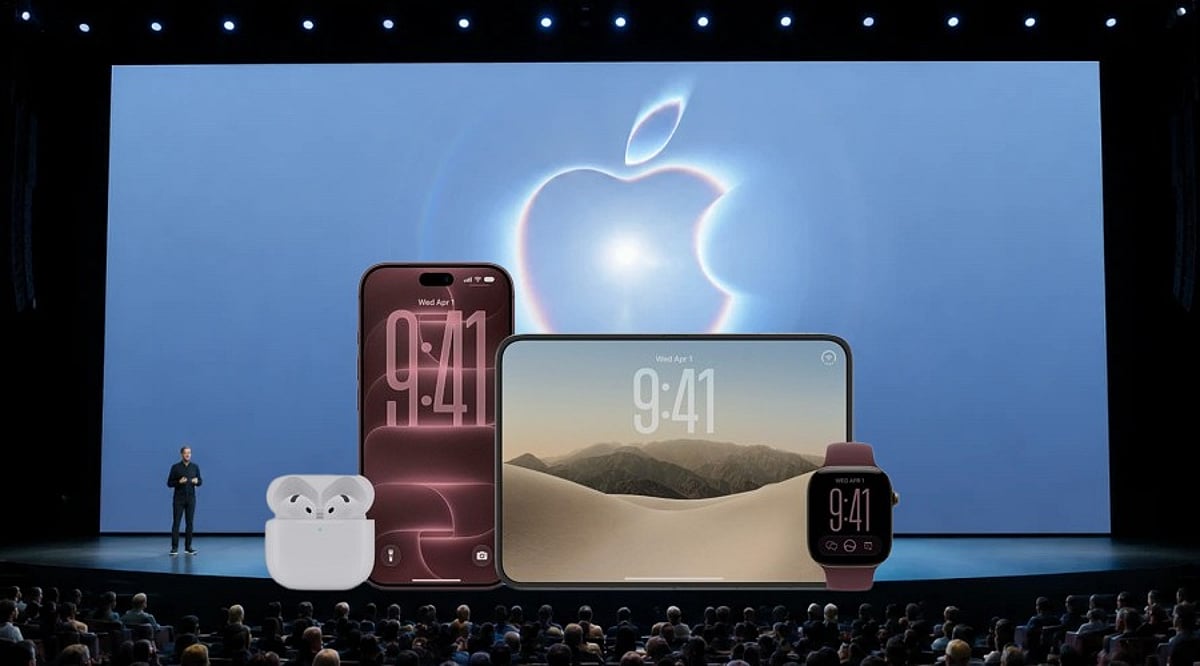
    Apple’s “Surprise and Shine” keynote on September 9, 2026, was not only a showcase of new hardware but also a carefully curated musical experience. Independent trackers reconstructed the full soundtrack, revealing 20 songs that played across every major product reveal — from the iPhone 18 Pro series to the first foldable iPhone, the iPhone Duo.

    The event marked John Ternus’s debut as Apple CEO, taking the stage at the Steve Jobs Theater just eight days after succeeding Tim Cook on September 1, 2026. The soundtrack added an emotional and energetic layer to an already momentous presentation.

    iPhone 18 Pro Reveal: Genesis Owusu’s ‘STAMPEDE’

    Genesis Owusu’s “STAMPEDE” accompanied the unveiling of the iPhone 18 Pro and iPhone 18 Pro Max. The track, released in February 2026, is the lead single from his album Redstar Wu & the Worldwide Scourge.

    The keynote’s opening film featured RUMTUM’s “Aspect of a Dream,” setting the tone for the iPhone as an “intelligent, personal hub.” SMH’s “Camera (data cluster Remix)” played during the A20 Pro chip segment, while “if I was a pony, this would be the last time” underscored the thermal management and battery life discussion. The gaming segment, showcasing Monster Hunter Outlanders, used Mike D’s “True Colors.”

    AirPods, Apple Watch, and Audio Intelligence

    The transition to AirPods 5 was accompanied by “DON’T LISTEN” from Scottish trombonist and producer corto.alto (Liam Shortall). Masego’s “Hello” then played during the AirPods 5 introduction.

    Apple Watch health and fitness features were paired with horsegiirL’s “rivers run free,” while Marina Herlop’s “Vas volant” (featuring Adri Goor) accompanied the new Audio Intelligence feature. The track was released in August 2026.

    iPhone Duo: Two Key Musical Moments

    Apple’s first foldable iPhone, the iPhone Duo, was revealed with Dylan Thom’s “SAS.” WILLOW’s “Talk On The Hill” played during the iOS 27 segment on the foldable, and Michigander’s “Taxi” closed the product film.

    The full running order also included tracks from Barry Can’t Swim, Overmono, ANOTR, TOMORA, Sam Ewing, CRi, Airmow, and Joy Anonymous. The official soundtrack spanned from the opening walk-in music through the closing credits.

    Apple’s music team has historically curated keynote soundtracks, including the annual WWDC playlist. This year’s playlist was reconstructed independently after the event — it remains an unofficial but accurate fan compilation.

  • Essential Gadgets for Music Lovers: The Ultimate 2026 Guide

    Essential Gadgets for Music Lovers: The Ultimate 2026 Guide

    Whether you are a casual listener or a dedicated audiophile, the right gadgets can transform your music experience. From wireless headphones that cancel out the world to turntables that bring vinyl to life, here is a curated look at the must-have devices every music lover should consider in 2026.

    Wireless Headphones for Immersive Listening

    Modern wireless headphones offer advanced noise cancellation, improved sound quality, and longer battery life. With personalized audio features, they deliver an immersive listening experience whether you are at home or on the go.

    Wireless Earbuds for Everyday Listening

    Compact and portable, today’s wireless earbuds combine active noise cancellation with high-quality sound and reliable connectivity. They are ideal for commuting, workouts, and enjoying music throughout your day.

    Portable Bluetooth Speakers for Outdoor Music

    Portable Bluetooth speakers pack powerful sound into compact designs. Newer models boast longer battery life, improved durability, and enhanced audio performance, making them perfect for outdoor gatherings and adventures.

    Portable DACs for Better Digital Audio

    Portable digital-to-analog converters (DACs) improve digital audio playback from compatible devices. They help music enthusiasts achieve clearer, more detailed sound, especially when paired with quality wired headphones.

    Turntables for Vinyl Music Lovers

    Vinyl remains a beloved format, and turntables in 2026 offer easier setup, improved playback, and modern connectivity features while preserving the warm analogue sound that enthusiasts cherish.

    Smart Speakers for Multi-Room Audio

    Smart speakers let you stream music across multiple rooms with wireless connectivity and smartphone controls. Voice-assisted playback adds convenience, creating a seamless whole-home audio experience.

    High-Fidelity Speakers for Home Audio

    Serious listeners still turn to high-fidelity speakers. Newer models focus on clearer vocals, deeper bass, detailed sound reproduction, and improved wireless connectivity for a rich home listening experience.

    Headphone Amplifiers for Better Performance

    Headphone amplifiers provide extra power for compatible wired headphones, improving volume control and overall performance. They are essential for getting the most out of demanding high-quality audio equipment.

    Music Streamers for High-Resolution Playback

    Dedicated music streamers offer convenient access to digital libraries and streaming services. They support high-resolution formats and wireless connections, making them a flexible hub for home listening.

    No matter your musical taste or listening habits, these gadgets can elevate your experience. From the practicality of earbuds to the nostalgia of vinyl, there is something here for every music lover.