Tag: NotebookLM

  • 10 Free AI Tools That Can Save You Hours Every Week

    10 Free AI Tools That Can Save You Hours Every Week

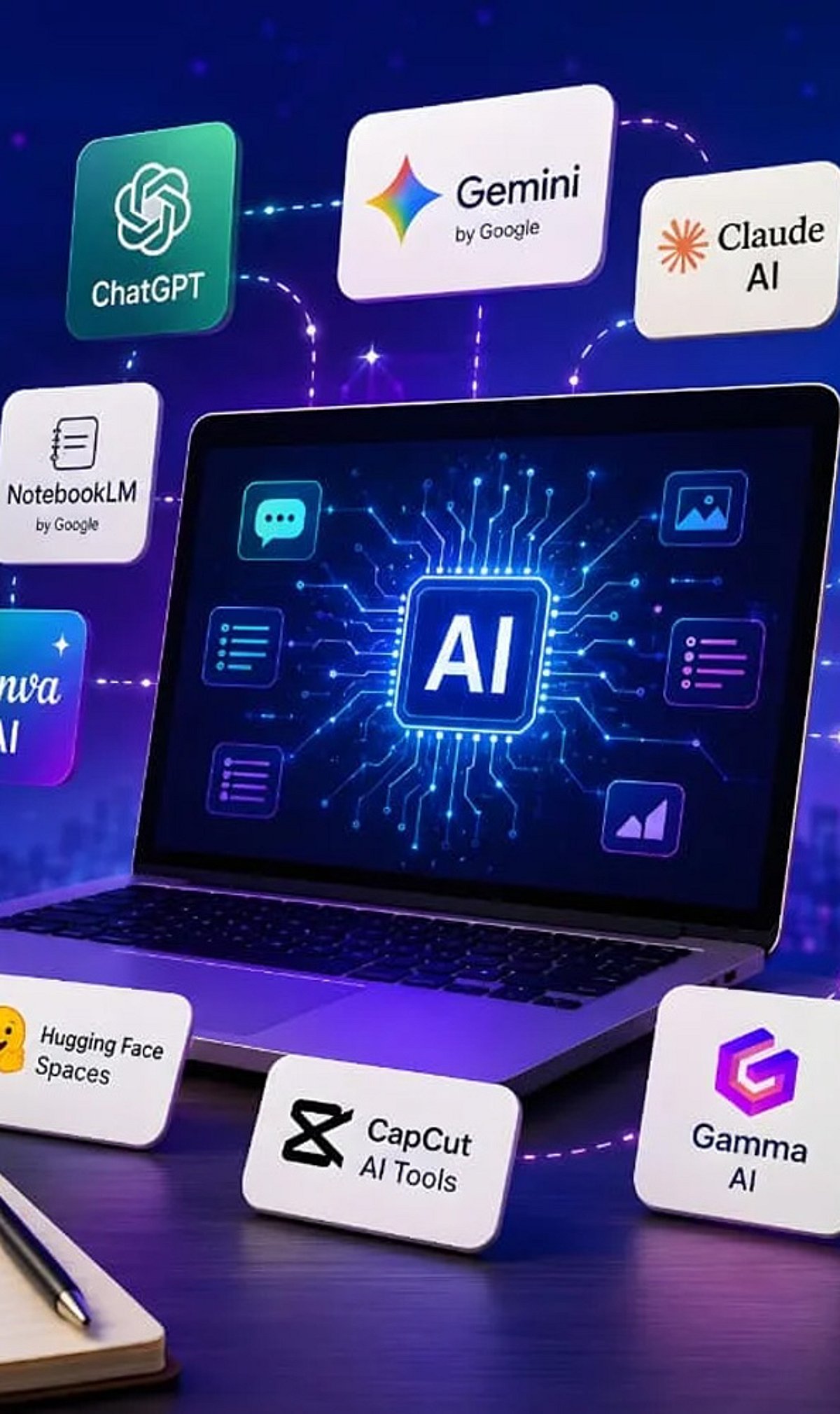
    Artificial intelligence tools have become indispensable for boosting productivity and streamlining workflows. Whether you need to generate content, research a topic, organize documents, or automate meeting notes, there is a free AI tool that can help. Here is a curated list of 10 powerful free AI tools that can save you hours every week.

    1. ChatGPT

    ChatGPT is one of the most versatile AI assistants available. Use it to generate content, brainstorm ideas, summarize documents, answer questions, and automate everyday writing tasks. Its conversational interface makes it easy to get started.

    2. Google Gemini

    Google Gemini integrates seamlessly with Google Workspace to help you research topics, summarize lengthy files, analyze images, and streamline both personal and professional workflows. It’s a great choice for anyone already using Google’s ecosystem.

    3. Microsoft Copilot

    Microsoft Copilot works directly inside Microsoft 365 applications and Windows. Draft emails, create presentations, analyze spreadsheets, and even get assistance with coding—all without leaving your workflow.

    4. Perplexity AI

    Perplexity AI provides accurate, source-backed answers instantly with real-time web search. It makes research, fact-checking, and learning significantly faster than traditional search engines.

    5. Canva AI

    Canva’s AI-powered design tools let you create social media graphics, presentations, videos, and marketing visuals without needing professional design experience. It’s a time-saver for content creators and marketers.

    6. Grammarly

    Grammarly helps improve grammar, clarity, tone, and writing quality across emails, documents, and websites. Its instant suggestions make writing more efficient and polished.

    7. NotebookLM

    NotebookLM by Google is an AI-powered research assistant that helps you organize research materials, summarize documents, generate study guides, and ask questions using your uploaded sources. It’s ideal for students and professionals.

    8. Claude

    Claude is an AI assistant capable of summarizing long reports, writing polished content, analyzing documents, and handling complex reasoning tasks. Its natural, conversational responses make it easy to work with.

    9. Otter.ai

    Otter.ai automatically records meetings, transcribes conversations, generates summaries, and captures action items. It reduces manual note-taking and improves collaboration efficiency for teams.

    10. Additional Bonus Tools

    While the list includes nine core tools, many other free AI applications can further boost your productivity. Experiment with different tools to find the ones that best fit your needs.

    Start using these free AI tools today to reclaim hours of your week and focus on what matters most.

  • 10 Free Google AI Tools You Should Know About

    10 Free Google AI Tools You Should Know About

    Google’s AI Toolkit for Everyone

    Google offers a wide range of free artificial intelligence tools that can help with writing, coding, research, image generation, translation, and more. Here are ten of the best free AI-powered products from Google you can start using today.

    1. Gemini

    Gemini is Google’s versatile AI assistant. It helps with writing, coding, brainstorming, research, summarization, image generation, and everyday questions. It works seamlessly across multiple devices, making it a powerful productivity companion.

    2. NotebookLM

    NotebookLM transforms your uploaded documents into AI-powered summaries, study guides, FAQs, podcasts, and insights. It only uses your sources, so information stays relevant and doesn’t mix with unrelated data.

    3. Google AI Studio

    Google AI Studio lets developers and beginners experiment with Gemini models, build AI applications, test prompts, and prototype workflows—all through a free, user-friendly interface.

    4. Gemini Code Assist

    Gemini Code Assist offers free AI coding support with code generation, debugging, explanations, autocomplete, and programming assistance directly inside supported development environments.

    5. Google Translate

    Google Translate uses AI to translate text, speech, images, and conversations across numerous languages. It improves accuracy and context, delivering natural language understanding.

    6. Google Lens

    Google Lens identifies objects, translates text, solves homework, recognizes plants, and searches visually using AI through your smartphone camera in real time.

    7. Google Photos AI Editor

    Google Photos offers AI-powered photo editing features, including Magic Editor, object removal, background improvements, lighting adjustments, and automatic enhancement for eligible users.

    8. Learn About

    Learn About is Google’s experimental AI learning tool. It explains complex topics conversationally, encourages curiosity, answers follow-up questions, and supports deeper educational understanding naturally.

    9. Google Earth AI Features

    Google Earth uses AI-powered mapping and visualization tools to explore locations, analyze geographic information, and understand environmental changes through interactive satellite imagery.

    10. Google AI Search Features

    While not a standalone tool, Google’s AI-powered search features (like AI Overviews) enhance how you find and summarize information online. These are integrated into the main search experience.

    These tools demonstrate Google’s commitment to making AI accessible to everyone, from students and hobbyists to developers and professionals.

  • 3 Google AI Tools to Streamline Your Job Search in 2026

    3 Google AI Tools to Streamline Your Job Search in 2026

    Finding the right job involves more than submitting applications. Google’s AI tools can support different stages of the process, from exploring career options to improving application materials and practicing interviews. Using them together creates a more structured and focused job-search workflow.

    Career Dreamer Maps Direction, with a Catch

    Career Dreamer takes a person’s past roles, interests, and strengths and turns them into a career identity statement — a summary meant to describe fit rather than list job history. It works well for people whose experience spans industries or does not sit neatly under one job title.

    Career changers, people returning after a break, and professionals with mixed skill sets tend to get the most from it, since the tool surfaces adjacent roles a plain keyword search would miss. Someone who has spent years in operations but wants to move toward program management, for example, often struggles to describe that shift in a way recruiters recognize. Career Dreamer is built for exactly that translation problem.

    One limitation matters here: Career Dreamer is currently available only in the United States. Job seekers outside that market cannot open the tool directly, though the underlying exercise still works elsewhere. Gemini can build a similar transferable-skills assessment when prompted with a list of past roles and strongest outcomes, though it does not replicate Career Dreamer’s dedicated workflow or its structured output format.

    NotebookLM Compares, Rather than Writing

    NotebookLM works differently from a standard writing assistant. Its real strength is comparison. Upload a resume alongside several job postings in the same field, and it can identify which requirements repeat across all of them — a pattern that shows exactly what to emphasize before editing the resume itself. NotebookLM grounds its answers in the documents supplied, so it tends to stay closer to a person’s experience than a generic prompt would, reducing the risk of a resume drifting toward generic corporate language.

    A Google employee’s own account of using these tools followed a different order than the official pitch suggests. She started with NotebookLM, feeding it job postings and profiles that caught her attention before settling on any single direction. Only after spotting recurring themes did she turn to Career Dreamer, then finally to Gemini for evaluating specific roles against her longer-term goals. This example suggests the tools work best as flexible entry points rather than a fixed sequence.

    Gemini Live Tests: What Reads Well but Sounds Weak

    Reading a list of behavioral questions is not the same as answering them aloud. Speaking exposes filler words, weak transitions, and stories that sound thinner out loud than they read on paper. Gemini Live can be set up as a hiring manager for a specific role, offering live feedback while a candidate runs through STAR-format answers. STAR, short for Situation, Task, Action, Result, gives interview responses a clear shape that holds up under pressure.

    What the Tools Cannot Fix

    None of the tools mentioned above replaces judgment. Career Dreamer suggests directions without confirming employability. NotebookLM sharpens framing but cannot invent substance that is not already there. Gemini Live builds confidence, not guaranteed outcomes. A quieter risk sits underneath all three: as more applicants lean on the same tools, resumes and interview answers start converging in tone, making it harder for any single application to stand apart from the pile. The tools remove friction from preparation. They do not remove the need for something distinct to offer an employer.

    Final Thoughts

    The real advantage in this workflow is not the tools themselves. It is the willingness to treat a job search as a process with distinct stages, each demanding a different kind of thinking. Direction, positioning, and delivery rarely improve from the same habit repeated three times. As AI tools spread further into hiring on both sides, the applicants who stand out will likely be the ones using preparation time to sharpen a genuine point of view, not just polish the surface.

    Frequently Asked Questions

    Which Google AI tool should I use first for a job search?

    Start with Career Dreamer, as it helps identify transferable skills, create a career identity statement, and explore roles that match your experience and interests before preparing applications.

    Can NotebookLM help improve resumes and cover letters?

    Yes. NotebookLM can organize resumes, job descriptions, and research materials, making it easier to tailor resumes and cover letters for specific roles.

    How does Gemini Live help with interview preparation?

    Gemini Live lets users practice interview questions through spoken conversations, helping improve responses, communication, confidence, and overall interview readiness.

    Are Google’s AI career tools free to use?

    Some Google AI career tools are available at no cost, while access to certain Gemini features may depend on the app, region, or subscription plan. Check Google’s latest availability for details.

    Why use all three Google AI tools instead of just one?

    Each tool supports a different stage of the job search. Career Dreamer helps discover suitable careers, NotebookLM strengthens application materials, and Gemini Live prepares candidates for interviews, creating a complete AI-assisted job-search workflow.

  • 7 AI Tools for Writing, Coding, and Research That Go Beyond ChatGPT and Gemini

    7 AI Tools for Writing, Coding, and Research That Go Beyond ChatGPT and Gemini

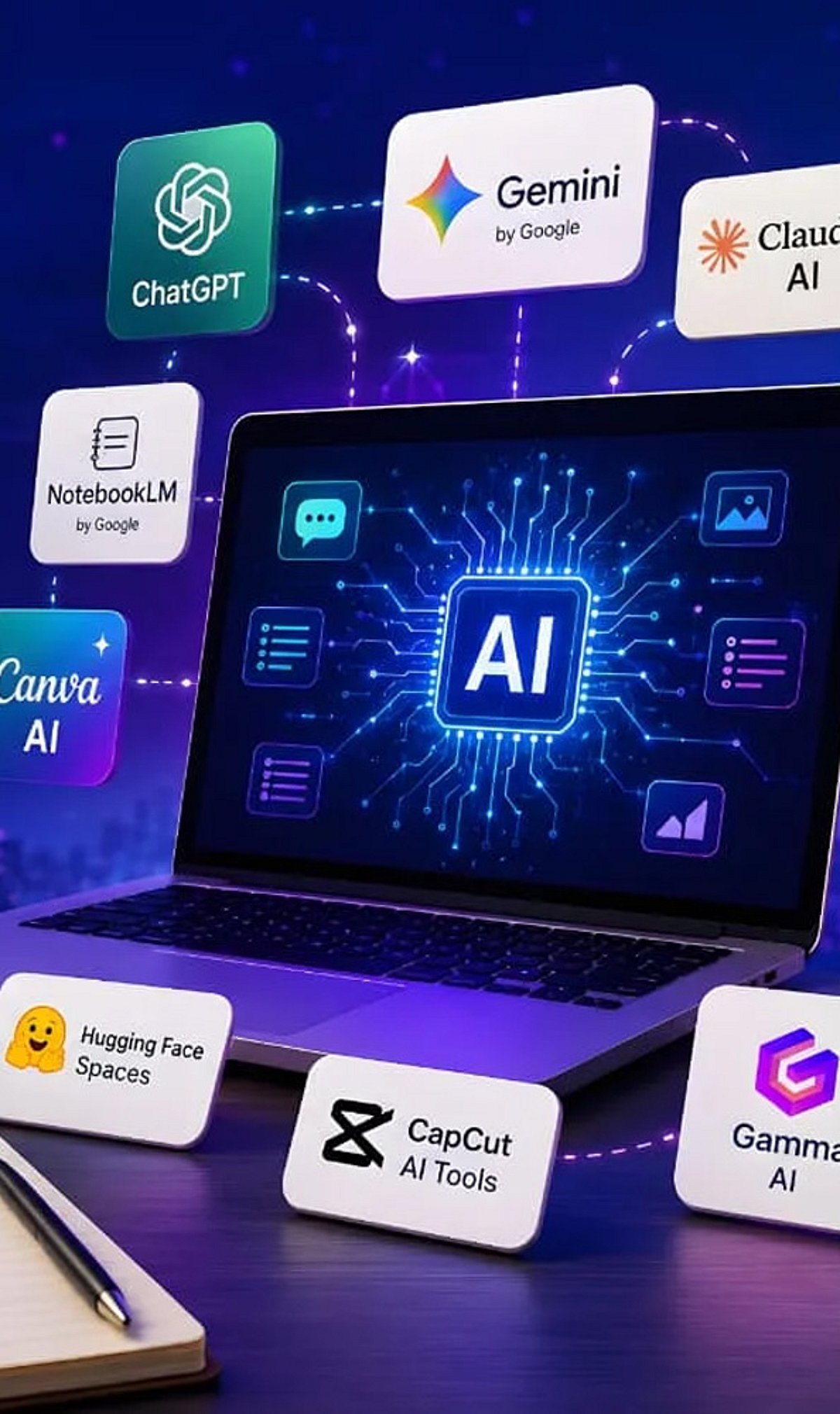
    Looking for more AI tools beyond ChatGPT and Gemini? These powerful platforms help with writing, coding, research, and productivity across different industries. Whether you need long-form content, accurate research, or efficient code development, these AI tools offer specialized capabilities to enhance your workflow.

    • Claude – Excels at long-form writing, document analysis, and thoughtful conversations with strong reasoning capabilities.
    • Perplexity AI – Delivers AI-powered answers with web citations, making research faster and more reliable.
    • Cursor AI – Helps developers write, edit, debug, and understand code using AI directly inside the editor.
    • GitHub Copilot – Speeds up coding by suggesting functions, code snippets, and complete solutions.
    • NotebookLM – Google’s AI tool that helps users summarize documents, generate insights, and organize research.
    • Grok – Built by xAI, Grok combines real-time information with conversational AI for news and research.
    • You.com AI – Combines AI chat with search, coding, writing, and productivity tools in one platform.

    Different AI tools excel at different tasks. Pick the right one based on your workflow and daily needs to maximize your productivity.

  • Top 9 AI Tools Trending This Week You Should Know About

    Top 9 AI Tools Trending This Week You Should Know About

    The world of artificial intelligence is evolving rapidly, and every week brings new tools that capture the attention of professionals and enthusiasts alike. Here are nine AI tools everyone is talking about this week, spanning productivity, creativity, research, and coding.

    ChatGPT – All-in-One AI Assistant

    ChatGPT helps users write, code, research, analyze documents, generate images, and automate workflows, making it the most versatile AI platform today.

    Google Gemini – AI Across Google Apps

    Gemini integrates with Gmail, Docs, Search, and Android, enabling seamless AI-powered writing, research, coding, planning, and multimodal content understanding across devices.

    Claude – Enterprise AI for Long Documents

    Claude excels at analyzing lengthy documents, summarizing reports, answering complex questions, and supporting enterprise workflows with strong contextual reasoning and safety.

    Perplexity AI – Search with Trusted Sources

    Perplexity AI combines conversational search with web citations, helping users quickly discover accurate information, compare sources, and conduct efficient online research.

    Microsoft Copilot – Workplace Productivity Booster

    Microsoft Copilot enhances productivity by drafting emails, summarizing meetings, creating presentations, analyzing spreadsheets, and automating repetitive tasks across Microsoft 365.

    Runway – AI Video Creation Platform

    Runway enables creators to generate videos, edit footage, remove backgrounds, create visual effects, and produce professional-quality content using advanced generative AI.

    Midjourney – High-Quality AI Image Generator

    Midjourney creates stunning, artistic images from text prompts, helping designers, marketers, and artists rapidly visualize creative ideas and marketing campaigns.

    Cursor – AI-Powered Coding Companion

    Cursor accelerates software development by generating code, explaining functions, fixing bugs, and assisting developers with intelligent programming suggestions inside the editor.

    NotebookLM – AI Research and Knowledge Assistant

    NotebookLM analyzes uploaded documents, PDFs, and notes to deliver contextual answers, summaries, and insights grounded in users’ own trusted source material.

    These tools represent the cutting edge of AI this week. Which one will you try first?