
Tag: office technology

  • Best Duplex Laser Printers for Home and Office in 2026

    Best Duplex Laser Printers for Home and Office in 2026

    Discover the top laser printers with automatic duplex printing for homes and offices. Compare features, speeds, connectivity, and multifunction capabilities to choose the ideal printer that boosts productivity while reducing paper usage and printing costs.

    Top Laser Printers with Duplex Printing for Faster, Smarter Document Handling

    Whether used for office work, school assignments, invoices, or contracts, a laser printer that automatically duplex prints greatly increases efficiency and decreases paper waste. Manual double-sided printing is not as efficient as laser printers with duplex capability, which allow you to print double-sided automatically without compromising efficiency or professionalism. Today’s laser printers offer Wi-Fi and mobile printing, as well as higher toner yields.

    Here are seven of the best duplex laser printers worth considering in 2026.

    Brother HL-L2460DW

    The Brother HL-L2460DW is arguably one of the best printers in its class for balance. Designed for document-intensive users, it prints at speeds of up to 34 ppm with auto-duplexing as standard. Features include dual-band Wi-Fi, LAN, USB connectivity, and a 250-sheet paper tray. Brother also includes a high-yield starter toner, helping lower running costs. Its compact size makes it great for home offices and professionals with limited desk space.

    HP Laser MFP 323sdnw

    Those who print, copy, and scan regularly should consider the HP Laser MFP 323sdnw. It offers automatic duplexing, printing, scanning, and copying at 30 ppm. Wireless printing, Ethernet connection, and an easy-to-use interface make it perfect for small companies handling regular paperwork.

    Canon imageCLASS MF284dw

    The Canon imageCLASS MF284dw is another option for everyday use. It includes automatic duplexing, wireless connectivity, and a 35-sheet automatic document feeder, plus clear 1,200 dpi printouts.

    Brother DCP-L2640DW

    The Brother DCP-L2640DW is affordable yet productive, combining print, copy, and scan functions with automatic duplex printing and wireless capabilities. High print speeds, mobile printing ease, and reliable monochrome prints make it a good choice for students, freelancers, and home-based professionals.

    Pantum M7136DW

    Pantum printers offer excellent cost-to-benefit ratio. The Pantum M7136DW comes with automatic duplex printing, Wi-Fi, Ethernet, and an automatic document feeder, all at a budget-friendly price. If you’re looking for a less expensive model with essential office features, this is a good choice.

    HP Laser 335dw

    The HP Laser 335dw belongs to the HP M300 series and is designed for businesses wanting reliable monochrome printing. It delivers 33 pages per minute with automatic duplex printing to save paper.

    Canon imageCLASS LBP243dw

    If you need a dedicated printing machine, the Canon imageCLASS LBP243dw is ideal. With a print speed of 36 ppm and automatic duplex printing, it works effectively in a busy office where speed is a priority.

    Which One Should You Buy?

    Your printer selection depends on your requirements. For fast document printing only, choose the Brother HL-L2460DW or Canon imageCLASS LBP243dw. For scanning and copying, consider the HP Laser MFP 323sdnw or Canon imageCLASS MF284dw. Budget-conscious users will appreciate the Pantum M7136DW, while enterprises can invest in the HP Laser 335dw. In any case, automatic duplex printing remains a key feature that saves money and increases efficiency.

    FAQs

    What is duplex printing in a laser printer?

    Duplex printing automatically prints on both sides of a sheet, reducing paper consumption, printing costs, and manual effort during large jobs.

    Is automatic duplex printing better than manual?

    Yes. Automatic duplex printing is faster, more convenient, and reduces the risk of page-order errors compared to manual double-sided printing.

    Are duplex laser printers suitable for home use?

    Yes. Compact duplex laser printers are ideal for home offices, students, and remote workers who regularly print assignments and documents.

    Do duplex laser printers support wireless printing?

    Most modern duplex laser printers offer Wi-Fi, mobile printing, and cloud printing, allowing users to print directly from smartphones and laptops.

    Which is better: print-only or all-in-one duplex laser printer?

    Print-only models suit frequent document printing, while all-in-one printers add scanning and copying, making them better for office and business use.
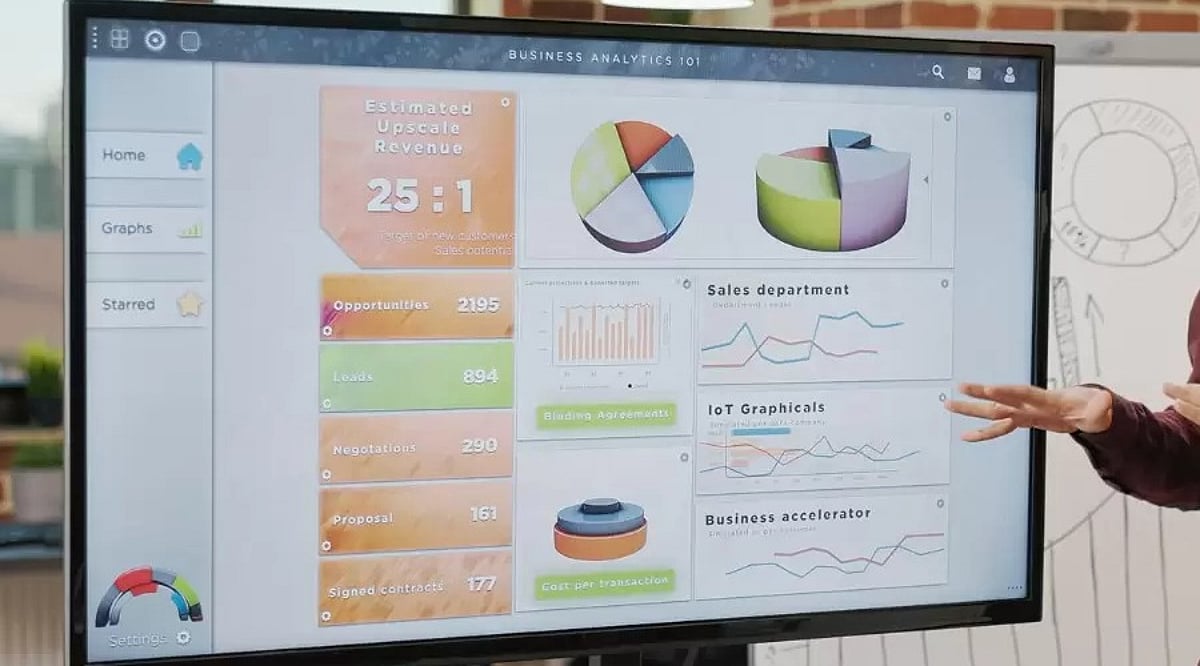
  • 2026 Guide to the Best Digital Whiteboard Displays for Business Collaboration

    2026 Guide to the Best Digital Whiteboard Displays for Business Collaboration

    Digital whiteboard displays are transforming business collaboration by combining interactive touch, video conferencing, and cloud connectivity. This guide compares leading 2026 models and highlights essential buying factors for choosing the right solution.

    Why Businesses Are Switching to Digital Whiteboards

    A traditional whiteboard has a major limitation: Once erased, the ideas it contains are lost unless someone photographs it beforehand. A digital whiteboard overcomes this limitation automatically. Every note, sketch, and diagram can be saved without manual effort and can be retrieved for a future meeting or shared with anyone unable to attend.

    These screens also allow a team to combine multiple elements such as a slide deck, spreadsheet, product photo, and live video call on a single surface. This makes the presentation an interactive work session.

    Top Digital Whiteboard Displays

    • Samsung Flip Pro – Known for its sharp UHD picture and a screen that can rotate between landscape and portrait mode. It suits teams that switch between presentations and long lists or notes.
    • Microsoft Surface Hub – Built around Microsoft 365. This board accommodates offices that use apps like Teams, Outlook, and OneNote. Its security features and management tools appeal to larger enterprises.
    • Cisco Webex Board – Strength lies in video conferencing and encrypted storage. This display suits security-conscious industries such as finance and legal services.
    • ViewSonic ViewBoard – Budget-friendly option with solid warranty coverage and a straightforward Android interface. Popular among mid-sized businesses.
    • NearHub S Series – All-in-one board offering 4K resolution across multiple screen sizes, with native integration for Zoom, Teams, and Google Meet.

    Comparison at a Glance

    Model Key Feature Best For
    Samsung Flip Pro Rotating UHD display Teams needing flexibility
    Microsoft Surface Hub Deep Microsoft 365 integration Enterprise Microsoft shops
    Cisco Webex Board Encrypted video conferencing Security-sensitive industries
    ViewSonic ViewBoard Affordable Android-based board Mid-sized businesses
    NearHub S Series 4K with multi-platform conferencing Hybrid teams

    What to Look for Before Buying One

    Not every display is suitable for office workflows. Here are some points worth checking:

    • Size and Resolution: For smaller huddle rooms, a 55-inch screen works well, but boardrooms require a 65-inch display. 4K resolution is now common, and clearer text improves the overall experience.
    • Touch Technology: Capacitive touch gives a similar experience to writing on glass with a thin pen. Infrared boards offer multiple touch points simultaneously, useful when several people use the board.
    • Operating System: Windows OS makes it easier to incorporate Microsoft 365 software, while Android gives access to a larger app store. Some manufacturers also have their own OS.
    • Conferencing Capabilities: Built-in camera, microphone, and speaker are necessary for hybrid teams. Lack of these requires external equipment.
    • Application Support: Support for Zoom, Microsoft Teams, and Google Meet is becoming almost mandatory.
    • Mobility: A rolling stand helps move the display between rooms; wall-mounted boards offer a permanent setup.

    Points Worth Keeping in Mind

    Price should not be the only factor. Many boards carry an annual software or storage fee in addition to the purchase cost. A heavy 55-inch or larger display often requires a wall bracket or wheeled stand, which must be purchased separately. Warranty periods vary considerably, ranging from 90 days to 3 years, so review terms carefully. Staff training on the new system also requires time—a board that impresses in a showroom can prove cumbersome if the interface is not intuitive for non-technical employees.

    Final Word

    Digital whiteboard displays are not cheap, but the decision depends heavily on the company’s scope and use case. If your office is dominated by Microsoft tools, Surface Hub is a great option. A security-focused company might prefer Cisco’s Webex Board. For a modestly sized team with a limited budget, ViewSonic or NearHub are decent choices. Focus on compatibility with your needs and existing technology stack rather than just the spec sheet.

    Frequently Asked Questions

    1. Which digital whiteboard display is best for business collaboration?

    The ideal digital whiteboard depends on your business requirements. Microsoft Surface Hub suits Microsoft-centric organisations, Cisco Webex Board prioritises security, while Samsung Flip Pro, ViewSonic ViewBoard, and NearHub offer excellent collaboration for different budgets.

    2. What features should businesses consider before buying a digital whiteboard?

    Evaluate screen size, 4K resolution, touch technology, operating system, built-in conferencing tools, application compatibility, mobility options, warranty coverage, and any recurring software or cloud subscription costs.

    3. Are digital whiteboard displays suitable for hybrid work environments?

    Yes. Most modern models support Zoom, Microsoft Teams, and Google Meet, allowing in-office and remote employees to collaborate, annotate documents, share screens, and participate in meetings seamlessly.

    4. Do digital whiteboards require additional software subscriptions?

    Some include free collaboration tools, while others charge annual fees for cloud storage, advanced software, device management, or premium conferencing features. Always review total ownership cost before purchasing.

    5. Which screen size is recommended for office meeting rooms?

    A 55-inch display works well for smaller huddle spaces, while 65-inch or larger screens are better suited for boardrooms and larger meeting rooms, ensuring clear visibility for every participant.