
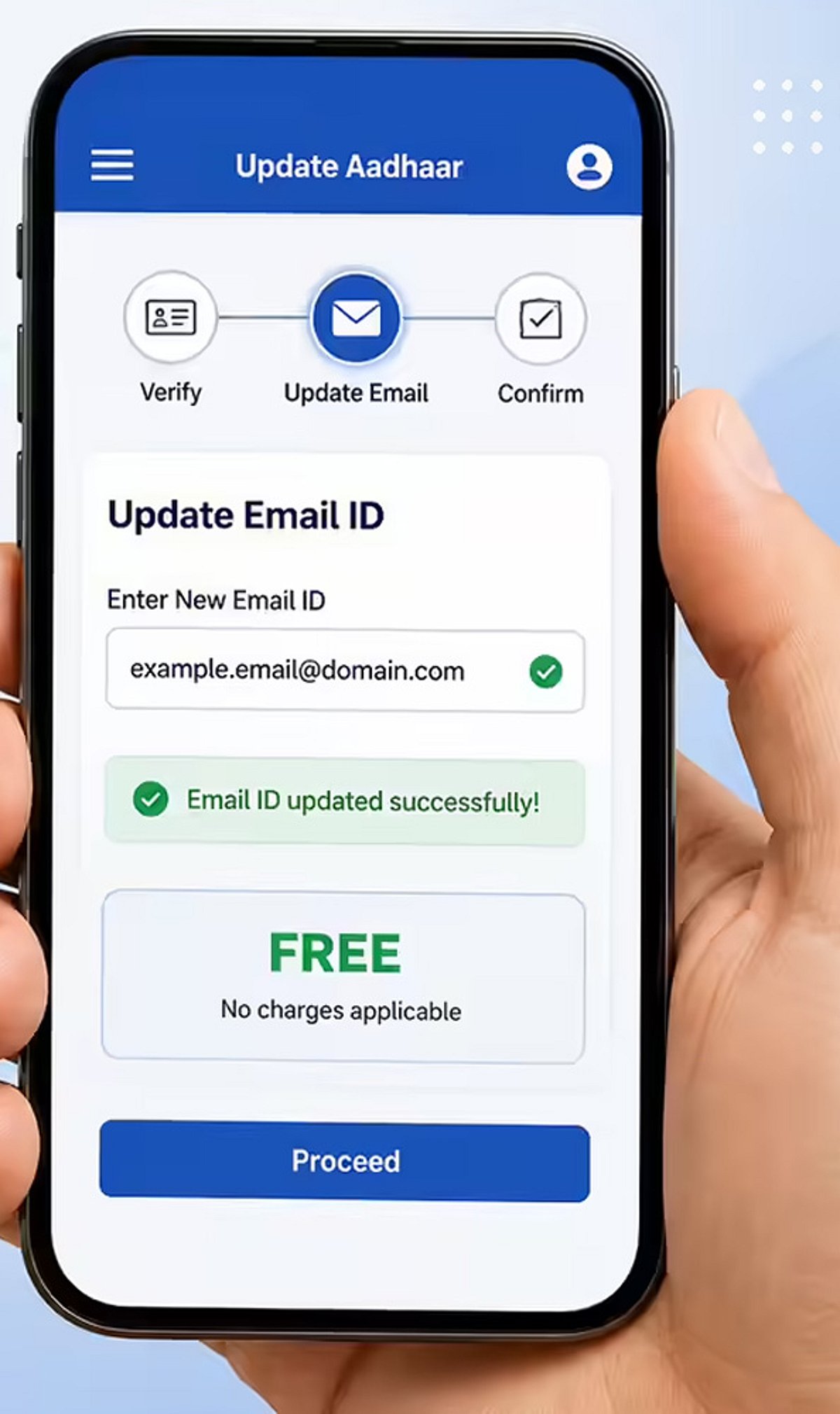
Updating your Aadhaar email ID has become significantly easier thanks to online services available through the myAadhaar portal. An email ID linked with your Aadhaar helps you receive important updates and access digital services more conveniently.
- Visit the myAadhaar portal and log in using your Aadhaar number and the OTP sent to your registered mobile number.
- Select the profile or update section to check whether an email ID is already linked with your Aadhaar.
- Enter the new email ID carefully and complete the verification process, if prompted.
- Review all details before submitting the request to avoid delays or incorrect updates.
- Keep your registered mobile number active since OTP authentication is required for online Aadhaar services.
Important note: If your mobile number is not linked with Aadhaar, online email update services may not be available. A linked email ID makes it easier to receive Aadhaar-related alerts and access several digital government services.
For the latest news, exclusives, and videos, join our WhatsApp Channel.