
Tag: OpenClaw

  • Deploy Your Own AI Agents on a VPS: A Step-by-Step Guide Using Ollama and OpenClaw

    Deploy Your Own AI Agents on a VPS: A Step-by-Step Guide Using Ollama and OpenClaw

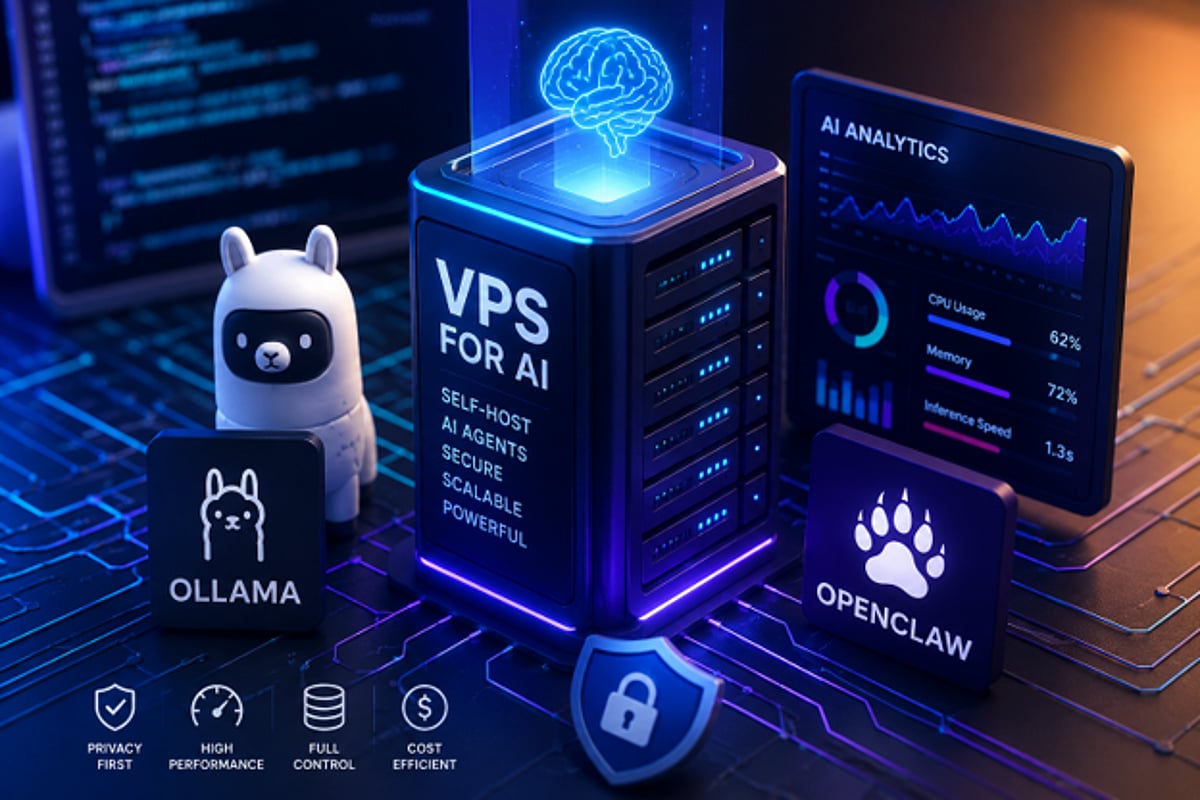
    As artificial intelligence continues to evolve, concerns around privacy, performance limitations, and recurring subscription fees have driven many developers and businesses to seek alternatives. Self-hosting AI agents on a virtual private server (VPS) offers greater control over data and infrastructure compared to cloud-based AI services. Tools like Ollama and OpenClaw make it possible to run AI workloads in a flexible, scalable manner directly on your own VPS.

    By using a VPS for AI, developers, researchers, and companies can create a dedicated environment to test, automate, analyze, and generate AI workflows without relying on third-party cloud providers. This approach ensures data sovereignty, customizable configurations, and predictable resource availability.

    Why Choose Self-Hosted AI Agents?

    AI agents can handle tasks such as automation, internal process management, and private data analysis. Hosting your own AI agents on a VPS puts you in full control of your data, system configuration, and security policies. Unlike public AI services, self-hosting allows you to tailor how your agent operates, manage resources efficiently, and reduce dependency on external platforms.

    With a dedicated VPS, you also avoid resource contention. CPU, RAM, and disk space are consistently available for your AI applications, leading to predictable performance—critical for production environments.

    Understanding Ollama and OpenClaw

    Ollama simplifies deploying and managing large language models (LLMs). You can set up AI models on your local machine or VPS with just a few commands. It provides a command-line interface for downloading, launching, and interacting with AI models.

    OpenClaw works alongside Ollama as an open-source platform for building and operating AI agents. These agents can generate content, conduct research, automate tasks, and analyze data. Together, Ollama and OpenClaw form an ideal toolkit for creating personalized, locally-hosted AI solutions.

    Choosing the Right VPS

    AI workloads are more resource-intensive than typical web applications. Before installing Ollama and OpenClaw, evaluate your VPS hardware based on the model size and expected demand. Key considerations include:

    • Memory (RAM): The most critical resource; larger models require more RAM.
    • CPU cores: More cores improve processing speed, especially for concurrent tasks.
    • GPU: Optional but beneficial for heavy LLM workloads.
    • Storage speed: High-speed SSD storage significantly reduces model load times.

    Many users start with a low-cost VPS for testing, but scale up resources as needs grow.

    Setting Up Ollama and OpenClaw on Your VPS

    The installation process is straightforward:

    1. Create a Linux VPS and connect via SSH or console.
    2. Update all software packages on the system.
    3. Install Ollama following the official installation guide. Download the models you need from Ollama’s model repository and import them.
    4. Install OpenClaw and configure it to use Ollama’s APIs. OpenClaw enables your AI agent to perform tasks locally through the VPS.
    5. Both applications run on their own server, allowing you to control security settings and access permissions for each model independently.

    Analytics and Performance Benefits

    Self-hosted environments provide full visibility into AI performance metrics, including CPU usage, memory consumption, response times, and workload trends in real time. Administrators can use these insights to optimize infrastructure costs and ensure reliable operation. Performance data helps identify resource-intensive processes and potential bottlenecks—insights that are often unavailable in fully managed AI services.

    Privacy Advantages of Self-Hosted AI

    Running Ollama and OpenClaw on your own VPS gives you unmatched control over AI infrastructure, data privacy, and flexibility. This approach is ideal for internal automation services, language model testing, and AI workload analysis. As interest in AI grows, self-hosted solutions offer a path for those who want full ownership of their data, compute environment, and future AI strategy.

  • India’s AI Chip Push, Brekfuz Funding, and Trump’s Crypto Income: Top Tech News Today

    India’s AI Chip Push, Brekfuz Funding, and Trump’s Crypto Income: Top Tech News Today

    Today’s Tech Roundup

    From artificial intelligence and startups to cryptocurrency and employment debates, here are the key stories shaping the tech landscape today.

    India Doubles Down on AI Chips and Quantum Computing

    India is accelerating its digital transformation with a renewed focus on AI chips, semiconductors, and quantum technology. The government aims to boost domestic innovation, strengthen digital infrastructure, and support startups to position the country as a global tech leader.

    Gurugram AI Startup Brekfuz Secures Fresh Funding

    Brekfuz, an AI startup based in Gurugram, has raised $525,000 in a funding round that values the company at $7.5 million. The funds will be used to enhance its AI solutions, expand the team, and grow its customer base.

    Trump Reports $1.4 Billion in Cryptocurrency Income

    US President Donald Trump disclosed approximately $1.4 billion in earnings from cryptocurrency in a government financial filing. The report underscores the growing role of digital assets in his business portfolio and highlights crypto’s significance as a major income source.

    Delhi University Graduate’s Low Salary Sparks Campus Placement Debate

    A University of Delhi graduate’s post about receiving a monthly salary of Rs. 12,000 has ignited online discussions about the quality of campus placements and entry-level pay in India. Critics point to rising education costs and limited job opportunities for fresh graduates.

    OpenClaw Launches AI Agents for Android Smartphones

    OpenClaw has introduced an Android app that turns smartphones into personal automation hubs. The app supports voice commands, automation, and remote task management, aiming to make AI assistants more practical for everyday users while maintaining user control over permissions.

    Stay tuned for more updates on these rapidly evolving stories.

  • OpenClaw Android App Transforms Smartphones into AI-Powered Automation Hubs

    OpenClaw Android App Transforms Smartphones into AI-Powered Automation Hubs

    OpenClaw has officially launched its Android app, bringing its powerful AI agent to mobile devices with voice control, automation features, and user-controlled permissions through the OpenClaw Gateway. This marks a significant evolution from the open-source tool that originally debuted in November 2025, which turned an AI into a fully automated personal assistant capable of performing tasks on a computer.

    Now, for the first time, OpenClaw’s AI agent is available on smartphones via dedicated iOS and Android apps. Users can converse with the AI assistant and grant it access to device capabilities such as the camera, screen, location, images, contacts, calendar, and reminders. Unlike ordinary chatbots that simply answer queries, OpenClaw technology interacts with apps and systems to execute specific actions with user permission.

    Key Features and User Control

    • Pair the app with a private OpenClaw Gateway using a setup code or QR code.
    • Engage in direct conversations with the AI assistant via smartphone.
    • Use push-to-talk and Talk mode for real-time voice chats.
    • Review and approve actions requested by the connected gateway.
    • Allow the AI to access the camera, screen, location, and notifications on demand.
    • Receive status updates and push notifications for linked workflows.

    Users remain in full control of which device permissions to grant, ensuring privacy and security.

    Industry Impact and Future Outlook

    The launch represents a major milestone for OpenClaw, which has grown from a small-scale open-source project into a recognized brand in the AI industry. Following the integration of Peter Steinberger—the app’s creator—into OpenAI, the OpenClaw Foundation now manages the project. While the foundation has released the mobile apps, OpenAI has expressed support without specifying exact terms.

    According to the Google Play Store listing, the Android app works through the user’s personal OpenClaw Gateway, making the smartphone an ideal partner for AI-driven automation and communication. The broader shift from chatbots to AI agents that can perform real-world tasks with user consent is evident, with OpenClaw leading the charge. Moving forward, the focus will be on security, reliability, and developer adoption.