
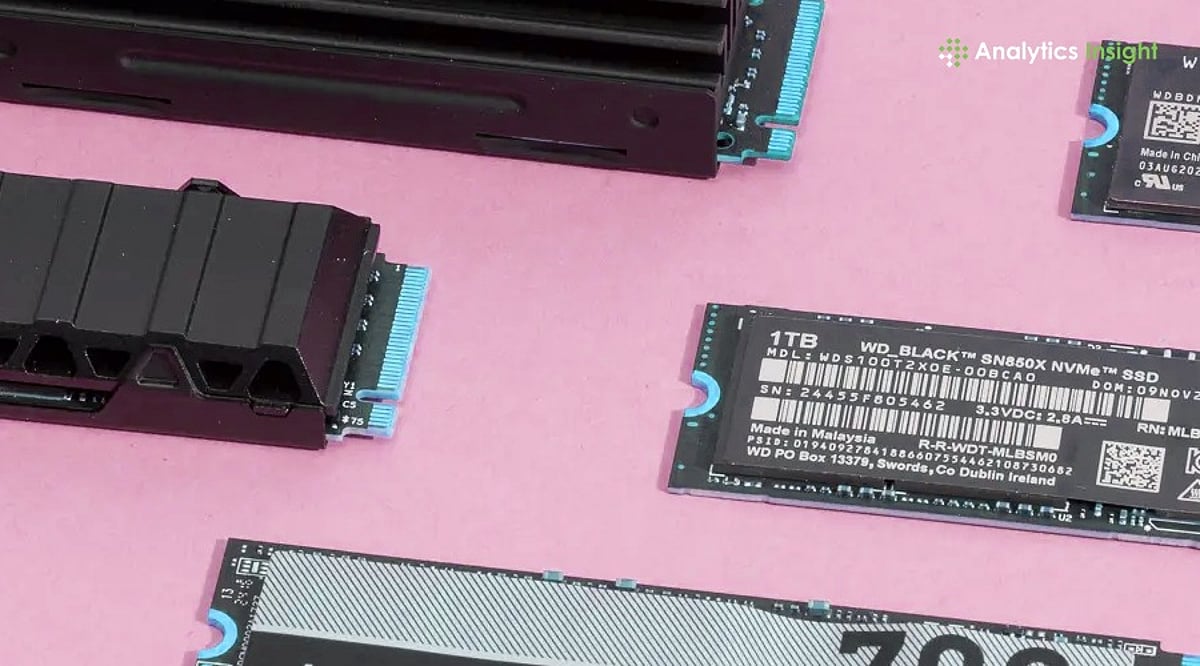
Solid State Drives (SSDs) have become the default storage option for most modern computers, offering dramatically faster performance than traditional hard drives. However, with the rapid evolution of storage technology—including PCIe 5.0 drives, rising NAND flash prices, and growing capacity demands—choosing the right SSD requires careful consideration of speed, durability, compatibility, and long-term value. This guide will help you navigate the key factors and make an informed purchase in 2026.
Understanding Different Types of SSDs
Three major categories dominate the market today:
- SATA SSDs: The most affordable option, delivering speeds up to 550 MB/s. Ideal for basic office work, web browsing, video playback, and older systems. While much faster than HDDs, they are now considered entry-level.
- NVMe PCIe 4.0 SSDs: The mainstream choice, offering speeds between 5,000 MB/s and 7,500 MB/s. Perfect for gamers, students, professionals, and content creators who need fast file transfers and responsive system performance.
- PCIe 5.0 SSDs: Premium drives like the WD Black SN8100 that reach read speeds up to 14,900 MB/s. Targeted at power users, video editors, AI workloads, and advanced workstations where maximum throughput is critical.
Choosing the Right Storage Capacity
Your capacity needs depend on your workload:
- 500GB: Suitable for basic tasks, school projects, light software use, and web browsing.
- 1TB: The most balanced option for average users, offering ample room for applications, files, and the operating system.
- 2TB: Increasingly popular among gamers, as modern AAA titles regularly exceed 150GB per installation.
- 4TB and 8TB: Best for professional creators, video editors, AI developers, and users handling huge daily file transfers. Larger SSDs often perform better due to more memory chips enabling faster internal data movement.
Why PCIe Generation Matters
SSD speed is limited by the motherboard’s PCIe connection. PCIe 3.0 maxes out at about 3,500 MB/s, PCIe 4.0 reaches nearly 7,500 MB/s, and PCIe 5.0 pushes toward 15,000 MB/s. However, PCIe 4.0 remains the best value for most users—PCIe 5.0 drives still command high prices, and the real-world difference for typical tasks is minimal. Consumer PCIe 6.0 SSDs aren’t expected before 2030.
Checking the Type of NAND Memory
The memory chips inside an SSD significantly affect speed and lifespan:
- TLC NAND (Triple-Level Cell): The preferred choice for durability, consistent speed, and long-term reliability. Most premium SSDs use TLC memory.
- QLC NAND (Quad-Level Cell): Focused on lowering cost. These drives are cheaper but can slow down during large file transfers and sustained heavy workloads. For long-term performance, TLC is the stronger option.
Understanding SSD Lifespan Through TBW
Drive endurance is measured in Terabytes Written (TBW). A budget 1TB SSD typically offers around 300 TBW, mid-range drives approach 600 TBW, and premium 2TB models often exceed 1,200 TBW. Higher endurance is important for professionals who constantly transfer large files—developers, video editors, and designers will benefit from drives with stronger ratings.
Heat Management Has Become Important
As SSD speeds increase, so does heat output, especially with PCIe 5.0 drives. Many premium SSDs now include built-in heatsinks or graphene cooling layers, and some motherboards offer dedicated SSD cooling. Without proper thermal management, the drive will throttle performance to protect itself. Always consider cooling when purchasing a high-speed SSD.
SSD Prices Are Rising in 2026
Global NAND flash shortages driven by AI infrastructure demand have pushed SSD prices sharply higher. Several high-capacity NVMe drives now cost nearly twice what they did in 2025. Analysts expect this pricing pressure to continue into 2027, making timing an important factor for buyers planning upgrades.
Final Buying Advice for 2026
For the majority of users, a PCIe 4.0 NVMe SSD offers the best balance of price and performance. SATA SSDs remain viable for older or low-end systems. PCIe 5.0 drives are reserved for professionals and enthusiasts who need the absolute fastest throughput. The global NVMe SSD market is projected to grow at a CAGR of about 18.9% over the next several years, driven by cloud computing, AI applications, and enterprise storage needs. Rather than waiting for the next technology leap, make your purchase decision based on required capacity, motherboard compatibility, endurance needs, and your long-term usage commitment.
Frequently Asked Questions
- Which SSD is best for most buyers in 2026? A PCIe 4.0 NVMe SSD remains the best option because it delivers strong performance at a reasonable price.
- Is PCIe 5.0 worth buying in 2026? PCIe 5.0 is best for professionals and advanced users; high prices make it unnecessary for regular use.
- What SSD capacity should be chosen for gaming? A 2TB SSD works best for gaming because many modern games now exceed 150GB.
- Why are SSD prices increasing in 2026? Global NAND flash shortages and rising demand from AI infrastructure have pushed storage prices much higher.
- Does SSD cooling really matter? Yes. High-speed SSDs, especially PCIe 5.0 models, produce more heat and may slow down without proper cooling.