
Tag: printer reviews

  • Best Duplex Laser Printers for Home and Office in 2026

    Best Duplex Laser Printers for Home and Office in 2026

    Discover the top laser printers with automatic duplex printing for homes and offices. Compare features, speeds, connectivity, and multifunction capabilities to choose the ideal printer that boosts productivity while reducing paper usage and printing costs.

    Top Laser Printers with Duplex Printing for Faster, Smarter Document Handling

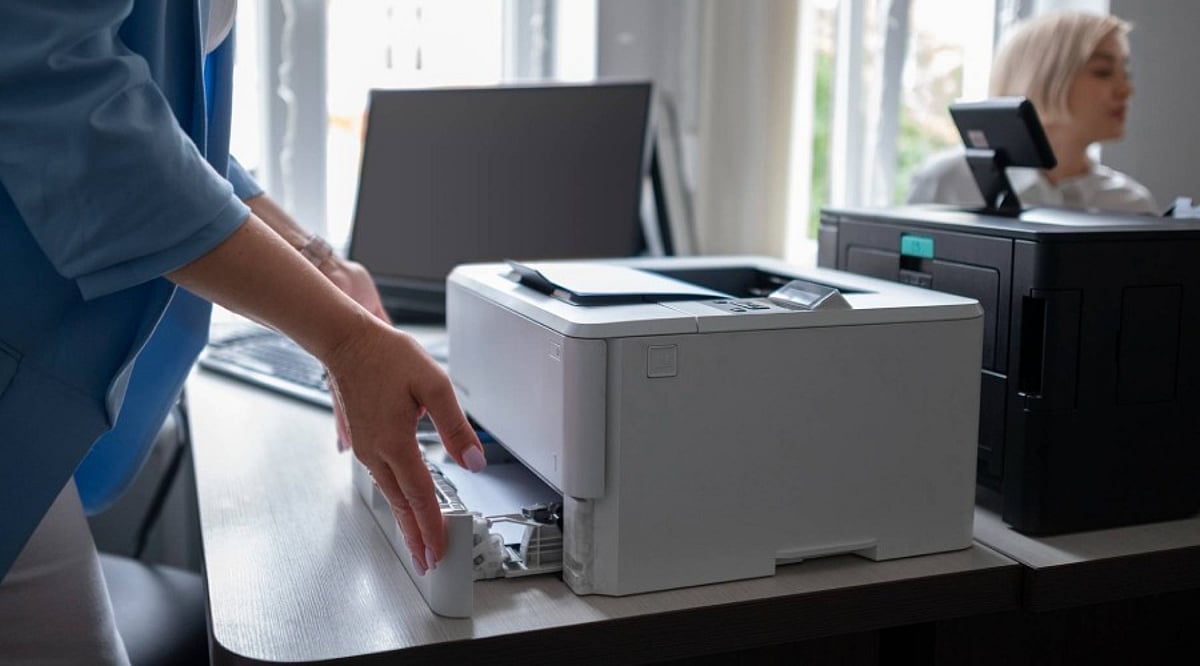
    Whether used for office work, school assignments, invoices, or contracts, a laser printer that automatically duplex prints greatly increases efficiency and decreases paper waste. Manual double-sided printing is not as efficient as laser printers with duplex capability, which allow you to print double-sided automatically without compromising efficiency or professionalism. Today’s laser printers offer Wi-Fi and mobile printing, as well as higher toner yields.

    Here are seven of the best duplex laser printers worth considering in 2026.

    Brother HL-L2460DW

    The Brother HL-L2460DW is arguably one of the best printers in its class for balance. Designed for document-intensive users, it prints at speeds of up to 34 ppm with auto-duplexing as standard. Features include dual-band Wi-Fi, LAN, USB connectivity, and a 250-sheet paper tray. Brother also includes a high-yield starter toner, helping lower running costs. Its compact size makes it great for home offices and professionals with limited desk space.

    HP Laser MFP 323sdnw

    Those who print, copy, and scan regularly should consider the HP Laser MFP 323sdnw. It offers automatic duplexing, printing, scanning, and copying at 30 ppm. Wireless printing, Ethernet connection, and an easy-to-use interface make it perfect for small companies handling regular paperwork.

    Canon imageCLASS MF284dw

    The Canon imageCLASS MF284dw is another option for everyday use. It includes automatic duplexing, wireless connectivity, and a 35-sheet automatic document feeder, plus clear 1,200 dpi printouts.

    Brother DCP-L2640DW

    The Brother DCP-L2640DW is affordable yet productive, combining print, copy, and scan functions with automatic duplex printing and wireless capabilities. High print speeds, mobile printing ease, and reliable monochrome prints make it a good choice for students, freelancers, and home-based professionals.

    Pantum M7136DW

    Pantum printers offer excellent cost-to-benefit ratio. The Pantum M7136DW comes with automatic duplex printing, Wi-Fi, Ethernet, and an automatic document feeder, all at a budget-friendly price. If you’re looking for a less expensive model with essential office features, this is a good choice.

    HP Laser 335dw

    The HP Laser 335dw belongs to the HP M300 series and is designed for businesses wanting reliable monochrome printing. It delivers 33 pages per minute with automatic duplex printing to save paper.

    Canon imageCLASS LBP243dw

    If you need a dedicated printing machine, the Canon imageCLASS LBP243dw is ideal. With a print speed of 36 ppm and automatic duplex printing, it works effectively in a busy office where speed is a priority.

    Which One Should You Buy?

    Your printer selection depends on your requirements. For fast document printing only, choose the Brother HL-L2460DW or Canon imageCLASS LBP243dw. For scanning and copying, consider the HP Laser MFP 323sdnw or Canon imageCLASS MF284dw. Budget-conscious users will appreciate the Pantum M7136DW, while enterprises can invest in the HP Laser 335dw. In any case, automatic duplex printing remains a key feature that saves money and increases efficiency.

    FAQs

    What is duplex printing in a laser printer?

    Duplex printing automatically prints on both sides of a sheet, reducing paper consumption, printing costs, and manual effort during large jobs.

    Is automatic duplex printing better than manual?

    Yes. Automatic duplex printing is faster, more convenient, and reduces the risk of page-order errors compared to manual double-sided printing.

    Are duplex laser printers suitable for home use?

    Yes. Compact duplex laser printers are ideal for home offices, students, and remote workers who regularly print assignments and documents.

    Do duplex laser printers support wireless printing?

    Most modern duplex laser printers offer Wi-Fi, mobile printing, and cloud printing, allowing users to print directly from smartphones and laptops.

    Which is better: print-only or all-in-one duplex laser printer?

    Print-only models suit frequent document printing, while all-in-one printers add scanning and copying, making them better for office and business use.
  • Top Inkjet Printers for Home and Office: Expert Reviews and Buying Guide (2026)

    Top Inkjet Printers for Home and Office: Expert Reviews and Buying Guide (2026)

    Buying a printer can be tricky. You need to check durability, features, and compatibility before making a purchase. With countless models on the shelves, each claiming to be the best, it’s easy to get confused. That’s why printing experts test these machines for months before ranking them. Their reviews save buyers from all the guesswork. Here are five expert-tested inkjet printers for home and office use, along with a quick guide to help you choose the right one for your needs and budget.

    Why Inkjet Printers Still Hold Up

    Laser printers do a fine job with plain text, but inkjets are a great choice for color printing. Parents helping with school projects, small business owners making flyers, and anyone printing photos usually reach for an inkjet. Newer models are quieter and take up less desk space than older variants. Replacement ink cartridges were a major concern, but tank-style printers have addressed that problem to a great extent.

    Top 5 Inkjet Printers Reviewed

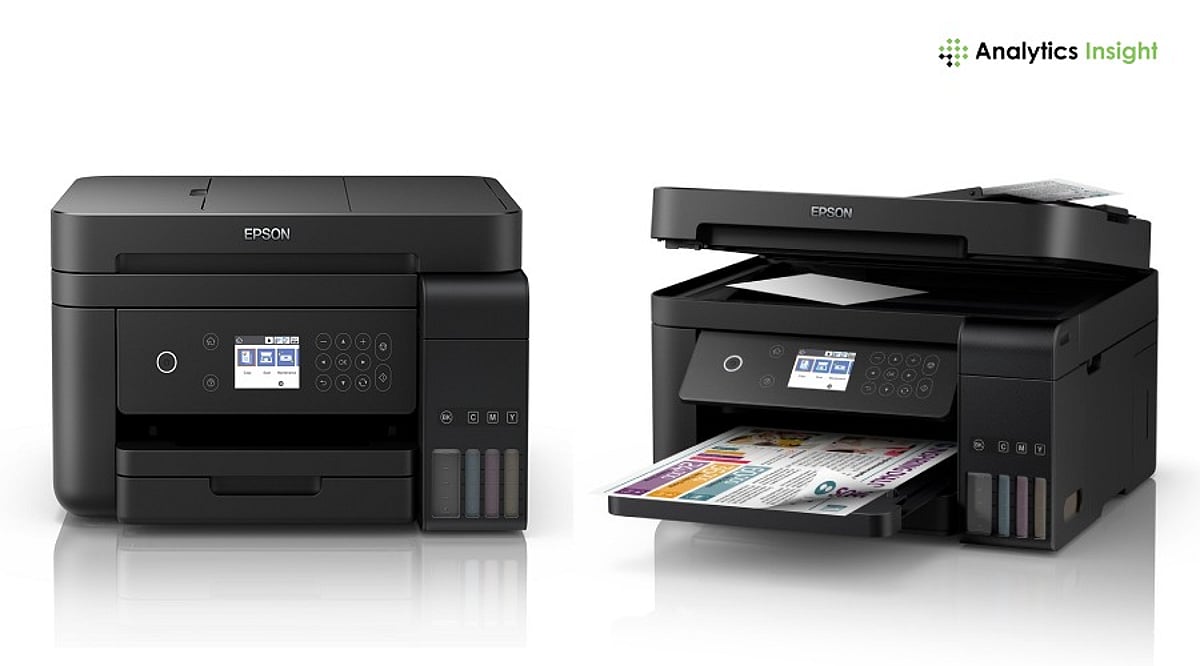
    1. Epson EcoTank Pro ET-5850

    Best for: Small offices and busy homes

    RTINGS places this printer at the top of its inkjet list. Refillable ink tanks replace cartridges, helping owners avoid constant store runs. The cost per page drops significantly over time. It features high-capacity ink tanks with replaceable 7,500 black pages and 6,000 color pages. The ET-5850 handles copying, scanning, printing, and faxing. It boasts high paper capacity and has a 4.3-inch color touchscreen. Supports Wi-Fi, Ethernet, and USB. Print quality stays steady across regular documents and color pages. Testers say setup is simple, even for first-time tank printer buyers.

    2. Epson EcoTank ET-2800

    Best for: Home offices and small classroom setups

    Consumer Reports claims that ink for a tank printer can cost as low as $5 a year, compared to nearly $100 for a cartridge printer. This model comes with Micro Piezo Heat Free technology that delivers sharp text and vibrant colors. It performs printing, scanning, and copying. The 1.4-inch LCD color display and mobile/voice-activated features make it a smart pick for steady everyday use.

    3. HP DeskJet 2855e

    Best for: Light, occasional users

    Light users don’t need a large tank printer. The HP DeskJet 2855e offers simple and affordable usage. It prints at a fair speed for casual use and connects to Wi-Fi without trouble. Setup runs through a phone app. It prints, scans, and copies in color. Supports Apple AirPrint, Wi-Fi, and Mopria Print services. Integrates the HP Smart app. Made with 60% post-consumer recycled plastics, it’s eco-friendly. Since it uses standard cartridges, the cost per page runs higher than tank models. Occasional printing is where this machine works best.

    4. Canon PIXMA TR4720

    Best for: Home users with limited desk space

    This compact printer handles printing and scanning. Reviewers note that photo print quality is better than most machines in its price range. It has a printing speed of 8.8 pages per minute and uses a hybrid ink system. Features a 100-sheet front paper cassette and an Auto Document Feeder (ADF). Supports voice commands through Amazon Alexa and Google Home. Ink costs are on the higher end since it relies on cartridges. Good for users who seldom print and scan often.

    5. Canon PIXMA G3270

    Best for: Heavy users looking for long-term savings

    This tank system printer keeps ink costs low even with frequent use. It handles scanning and copying, adding value for small office setups. The upfront price is higher than budget cartridge printers, but savings on ink make up for it within the first year. Uses squeeze-free GI-21 ink bottles for mess-free refilling. Allows wireless mobile printing via Apple AirPrint, Mopria Print services, and the Canon Print App. Ideal for small businesses that print in bulk.

    Which Printer Is Best for Whom?

    • Light users (few pages a week): Consider HP DeskJet 2855e or Canon PIXMA TR4720. Both keep upfront costs low. For frequent scanning, the TR4720 excels.
    • Daily printers (school, work, small business): Choose a tank printer. Epson EcoTank ET-2800 offers a good middle ground. Larger offices or bulk printers will get more value from Canon PIXMA G3270 or Epson EcoTank Pro ET-5850.
    • Photo lovers and all-around needs: The ET-5850 handles text, graphics, and photos with low running costs.

    Final Thoughts

    The right printer depends on usage. Light, occasional use calls for a budget pick like the HP DeskJet 2855e or Canon PIXMA TR4720. Frequent or bulk printing calls for a tank printer like the Epson EcoTank ET-2800, Canon PIXMA G3270, or Epson EcoTank Pro ET-5850. Every model on this list earned its spot through real testing, not marketing claims. Each one is a safe choice as long as it matches your actual printing habits.

    Frequently Asked Questions

    1. Which is the best inkjet printer for home use in 2026?

    The Epson EcoTank ET-2800 and Canon PIXMA TR4720 are among the best choices for home use, offering reliable performance, good print quality, and affordable running costs.

    2. Are ink tank printers better than cartridge printers?

    Yes, if you print frequently. Ink tank printers have a higher upfront cost but significantly lower ink costs over time, making them more economical for regular use.

    3. Which printer is best for a small business?

    The Epson EcoTank Pro ET-5850 and Canon PIXMA G3270 are excellent for small businesses because they offer low printing costs, high paper capacity, and all-in-one functionality.

    4. Is the HP DeskJet 2855e suitable for occasional printing?

    Yes. The HP DeskJet 2855e is designed for light home use and is a good option for users who print only a few pages each week.

    5. What should I consider before buying an inkjet printer?

    Consider your monthly print volume, ink costs, print quality, scanning and copying needs, wireless connectivity, paper capacity, and whether a tank or cartridge printer better suits your budget.