
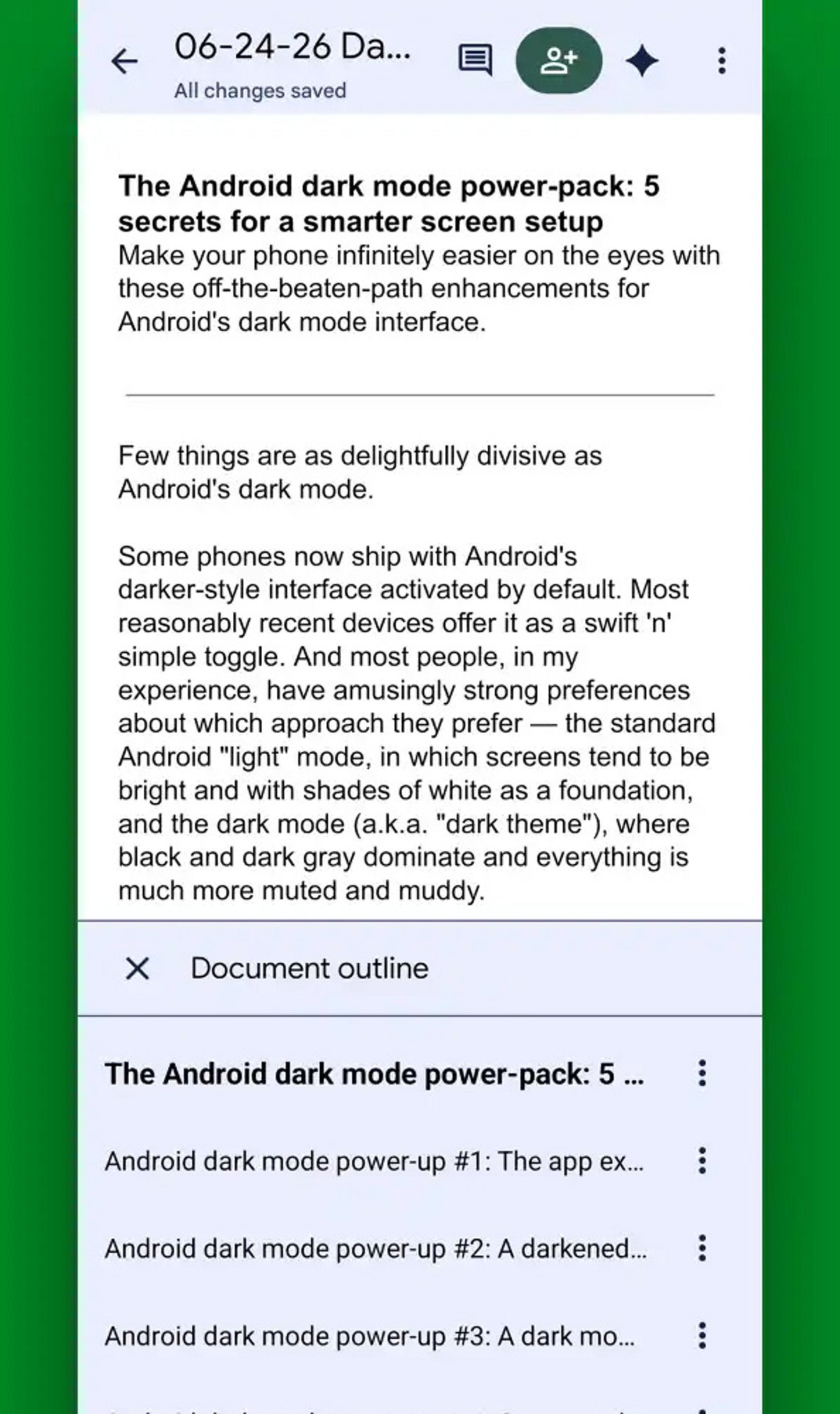
Google Docs on Android continues to evolve, offering powerful tools that make document creation, editing, and sharing easier than ever from your mobile device. Here are the best tips and tricks for maximizing your productivity in 2026.
AI-Powered Writing Assistance
Leverage built-in AI features to draft, rewrite, summarize, and polish documents directly within Google Docs. This smart assistance helps you write faster and with greater clarity.
Enhanced Voice Typing
Voice typing has become remarkably accurate, allowing you to dictate entire documents quickly while significantly reducing typing time. Perfect for on-the-go note-taking or drafting long content.
Offline Mode
Edit your files without an internet connection. Any changes you make will sync automatically once you reconnect, ensuring you never lose productivity due to connectivity issues.
Smart Chips for Better Organization
Use smart chips to link people, files, dates, and meetings directly within your document. This feature streamlines collaboration and keeps all relevant information connected.
Real-Time Collaboration
Commenting, suggesting edits, and real-time editing make teamwork seamless, even when collaborators are using different devices. Everyone stays on the same page.
Document Templates
Save time with ready-made templates for resumes, reports, meeting notes, and project plans. Simply choose a template and customize it to your needs.
Version History
Track every edit and restore previous versions of your document with ease. Version history prevents accidental loss of important content and gives you peace of mind.
Keyboard Shortcuts & Quick Formatting
Master keyboard shortcuts and quick formatting tools to speed up your workflow. Combined with Google Drive integration, these features help Android users work faster and stay organized.
Start implementing these tips today to transform your mobile document experience.