
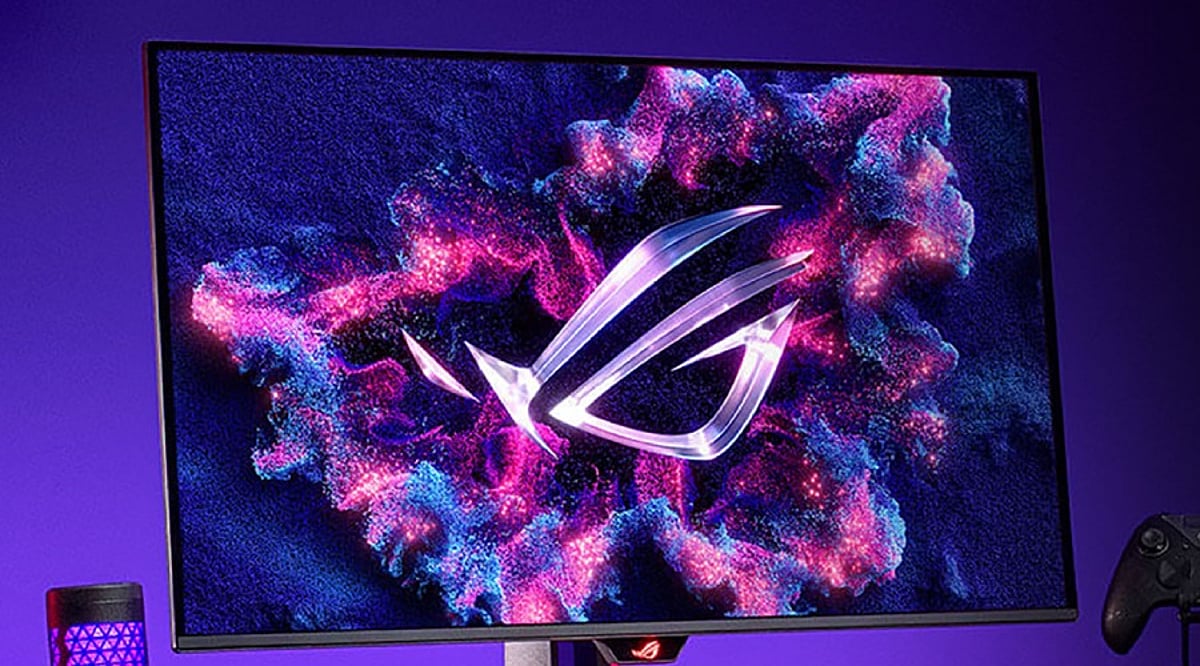
Choosing the right computer monitor involves more than just picking a high resolution. Factors like display technology, refresh rate, HDR support, color accuracy, and connectivity all play a critical role in determining the best monitor for work, gaming, creative tasks, and entertainment.
Understanding Screen Resolutions
Resolution refers to the number of pixels a monitor can display. Higher resolutions deliver sharper images. Here’s a quick breakdown:
- Full HD (1920 × 1080): 2.07 million pixels – the entry-level standard.
- QHD / 1440p (2560 × 1440): 3.69 million pixels – about 1.78 times more than Full HD.
- 4K (3840 × 2160): 8.29 million pixels – exactly four times Full HD.
- 5K: 14.7 million pixels – roughly seven times Full HD.
- 8K (7680 × 4320): 33.18 million pixels – 16 times Full HD.
Beyond Resolution: Key Features Buyers Look For
Modern buyers evaluate several additional features before making a purchase:
- Display technology: IPS (color accuracy and wide viewing angles), VA (deep blacks and high contrast), OLED (true blacks, vivid colors, instant response), Mini-LED (excellent HDR brightness with many local dimming zones).
- HDR certification: Look for DisplayHDR 600, 1000, True Black, or True Black 1400 for superior brightness and contrast.
- Refresh rate: 60–75 Hz for office work, 100–144 Hz for general use and console gaming, 240–360 Hz for competitive PC gaming, and up to 500 Hz for esports.
- Color accuracy: 100% sRGB for photography, DCI-P3 for video editing, Adobe RGB for printing. Many monitors now offer factory calibration and built-in calibration tools.
- Connectivity: HDMI 2.1, DisplayPort 2.1, USB-C with power delivery (65–140W), Thunderbolt 4, USB hubs, and KVM switches. HDMI 2.2 is also emerging for even higher resolutions and refresh rates.
- Burn-in warranty and ClearMR ratings are also becoming important considerations.
Choosing the Right Resolution for Your Needs
- Full HD: Suitable for budget builds and basic office tasks.
- QHD: The sweet spot for most users – excellent balance of image quality, performance, and price, especially for gamers.
- 4K: The premium standard for creative professionals and anyone who demands maximum detail.
- 5K: Ideal for designers, photographers, CAD professionals, and Mac users who work with fine text or graphics.
- 8K: Best for specialized applications like video production, medical imaging, scientific research, and large-format photography.
Screen Size Matters
Match screen size to resolution for the best experience:
- Full HD: 22–25 inches
- QHD: 27 inches
- 4K: 27–32 inches
- 5K and 8K: 32 inches or larger
Why Choosing the Right Monitor Matters
A well-chosen monitor boosts productivity, enhances gaming, and improves entertainment. A poor choice can lead to eye strain, lower efficiency, and wasted money. With rapid advancements in display technology, informed decisions are essential.
Final Thoughts
The best monitor is not necessarily the one with the highest resolution. It’s the model that combines the right screen size, display technology, refresh rate, HDR support, color accuracy, and modern connectivity for your specific needs. Full HD remains adequate for basic tasks, QHD is the all-around sweet spot, 4K is the premium mainstream choice, and 5K/8K are best left to professionals with specialized workflows.
FAQs
- Is 4K always better than QHD? Not necessarily. QHD offers an excellent balance of image quality, performance, and affordability, while 4K is ideal for creative professionals and users who want maximum detail.
- Which panel type is best in 2026? IPS is great for color accuracy, VA delivers higher contrast, OLED offers the best picture quality, and Mini-LED provides excellent HDR brightness.
- What refresh rate should I choose? 60–75Hz is suitable for office work, 100–144Hz is ideal for everyday use and gaming, while competitive gamers benefit from 240Hz or higher.
- Why is HDR important? HDR improves brightness, contrast, and color depth, creating a more realistic and immersive viewing experience, especially for movies, games, and HDR content.
- Which monitor resolution is best for professionals? Most creative professionals prefer 4K, while photographers, designers, CAD users, and Mac users may benefit from 5K. 8K is best suited for specialized professional workflows.