Tag: PS5

  • Today’s Tech Roundup: OnePlus 16 with 9,000mAh Battery, Affordable Snapdragon Chip, God of War Laufey PS5 Date, Sterlite Tech Expansion, and YouTube Drops Older Android Support

    Today’s Tech Roundup: OnePlus 16 with 9,000mAh Battery, Affordable Snapdragon Chip, God of War Laufey PS5 Date, Sterlite Tech Expansion, and YouTube Drops Older Android Support

    In today’s top tech news, OnePlus is reportedly working on a massive 9,000mAh battery for its upcoming OnePlus 16 model, Qualcomm plans to launch a more affordable flagship Snapdragon chip, God of War: Laufey receives a PS5 release date, and YouTube ends support for older Android versions.

    OnePlus 16 to Pack a 9,000mAh Battery

    According to leaks, the OnePlus 16 may feature a groundbreaking 9,000mAh battery, promising exceptional battery life for power users. This would be a significant upgrade over current flagship batteries, potentially setting a new standard in the industry.

    Qualcomm Developing Cheaper Flagship Chip

    Qualcomm is working on a more affordable version of its flagship Snapdragon processor. This move aims to bring high-end performance to mid-range devices, making premium features accessible to a broader audience.

    God of War: Laufey Gets PS5 Release Date

    Sony has confirmed that God of War: Laufey will launch on PlayStation 5, expanding the beloved franchise. Fans can expect epic Norse mythology-inspired gameplay and stunning visuals on the next-gen console.

    Sterlite Tech Expands Operations

    Sterlite Technologies has announced an expansion plan, aiming to strengthen its position in the global telecommunications infrastructure market. The company is investing in new manufacturing capabilities and R&D.

    YouTube Drops Support for Older Android Versions

    YouTube has announced it will end support for Android versions older than Android 5.0. Users on older devices will need to upgrade to continue using the app, ensuring better security and performance.

    Stay tuned for more updates on these stories and other tech developments.
  • PS5 System Software Update: Step-by-Step Installation Guide (Internet, USB, Safe Mode)

    PS5 System Software Update: Step-by-Step Installation Guide (Internet, USB, Safe Mode)

    Key Takeaways

    • PS5 system software updates improve performance, security, and compatibility with newly released games.
    • The console can update through the internet, a USB storage device, or Safe Mode when errors occur.
    • Automatic updates allow the system to download new software versions in the background.

    Updating your PlayStation 5 (PS5) system software is essential for smooth performance, stronger security, and access to the latest features from Sony. Updates typically include bug fixes, stability improvements, and compatibility support for new games. The PS5 can update automatically online or install updates manually using a USB device when internet access is unavailable. Below are the easiest ways to update your PS5 system software.

    Method 1: Update via the Internet

    Updating over the internet is the most popular method. When your console is connected to the internet, it can download the latest update directly from Sony’s servers.

    1. Turn on your PS5 and go to the home screen.
    2. Select Settings (the gear icon in the top-right corner).
    3. Scroll down and choose System.
    4. Select System Software.
    5. Open System Software Update and Settings.
    6. Select Update System Software.
    7. Choose Update Using Internet.

    After this, the system checks for the latest software version. If a new update is available, the PS5 begins downloading and installing it. During installation, the console may restart automatically—this is normal.

    Method 2: Update via a USB Drive

    A USB update is useful when your console cannot connect to the internet or when you need a manual installation. The update file is downloaded on a computer and then transferred to the console using a USB drive.

    1. Format a USB drive as FAT32 or exFAT on your computer.
    2. Create a folder named PS5 on the USB drive.
    3. Inside that folder, create another folder named UPDATE.
    4. Download the latest PS5 system software file from the official PlayStation website.
    5. Save the file inside the UPDATE folder with the name PS5UPDATE.PUP.
    6. Insert the USB drive into your PS5.
    7. Go to Settings > System > System Software > System Software Update and Settings.
    8. Select Update from USB Storage Device and confirm the installation.

    Once confirmed, the console installs the update and restarts automatically.

    Method 3: Update in Safe Mode

    Safe Mode is used when the console has difficulty starting or when a normal update fails. This mode provides troubleshooting options that allow you to update the system software.

    1. Turn off your PS5 completely.
    2. Press and hold the Power button until you hear a second beep (after a few seconds).
    3. Connect your controller with a USB cable and press the PS button.
    4. Select Update System Software from the Safe Mode menu.
    5. Choose Update Using Internet or Update from USB Storage Device.

    Enabling Automatic Updates

    Automatic updates let your PS5 download system software in the background without manual intervention.

    1. Open Settings.
    2. Select System.
    3. Choose System Software Update and Settings.
    4. Turn on Download Update Files Automatically and Install Update Files Automatically.

    Conclusion

    Regularly updating your PS5 system software keeps your console running properly and ensures support for new games and features. You can update via the internet, a USB device, or Safe Mode. Staying up to date helps maintain stability and enhances overall performance.

    Frequently Asked Questions

    How often should I update my PS5 system software?

    You should update whenever a new version is released to maintain stability and security.

    Can I update my PS5 without internet access?

    Yes, you can download the update on a computer and install it via a USB drive.

    What happens if my PS5 turns off during an update?

    An unexpected shutdown may interrupt the installation. In that case, try reinstalling the update in Safe Mode.

    Why are system software updates important for new games?

    Many modern games require the latest system software to run properly and support new features.

    Can Safe Mode help fix update errors?

    Yes, Safe Mode provides repair tools and allows you to update the system software if a normal installation fails.

  • 10 Hidden PS5 Features Most Gamers Overlook

    10 Hidden PS5 Features Most Gamers Overlook

    Many PlayStation 5 owners enjoy popular features, but several powerful tools remain hidden, improving gameplay, convenience, customization, and overall gaming experience.

    Game Help

    PlayStation Plus subscribers can access Game Help cards, offering spoiler-free hints and guidance without leaving supported games during challenging moments.

    Activity Cards

    Activity Cards let players jump directly into missions, challenges, or objectives, reducing loading time and making game sessions much more efficient.

    Custom Control Center

    Rearrange Control Center shortcuts to quickly access settings, downloads, music, notifications, and accessories without navigating through multiple menus every time.

    Mute Controller Speaker

    The DualSense controller speaker can be muted or adjusted, reducing distractions while keeping immersive haptic feedback and adaptive trigger features active.

    Automatic Trophy Videos

    PS5 automatically records short gameplay clips whenever trophies unlock, creating memorable highlights that players can revisit or easily share later.

    Remote Play

    Remote Play lets users stream PS5 games to compatible smartphones, tablets, PCs, or another PlayStation console over supported internet connections.

    Voice Commands

    Voice Commands allow players to open games, capture screenshots, or control media hands-free, making everyday console navigation faster and more convenient.

    Expand SSD Storage

    Compatible M.2 SSD upgrades expand PS5 storage, allowing players to install more games without constantly deleting favorite titles from the console.

  • Best 4K TVs for Playing GTA 6 Like a Pro Gamer in 2026

    Best 4K TVs for Playing GTA 6 Like a Pro Gamer in 2026

    With Grand Theft Auto 6 finally arriving, gamers are looking for the best 4K TVs to experience every detail of Los Santos and beyond. Whether you prioritize deep blacks, high brightness, or budget-friendly options, the following TVs deliver the combination of 4K resolution, high refresh rates, HDMI 2.1, VRR, and low input lag needed for smooth, immersive gameplay. Here are our top picks for playing GTA 6 like a pro.

    LG C5 OLED

    The LG C5 OLED delivers stunning 4K visuals with deep blacks and vibrant colors that make every GTA 6 location look realistic. Its 120Hz refresh rate, HDMI 2.1 support, VRR, and extremely low input lag provide smooth driving, shooting, and fast action without noticeable screen tearing or delay.

    Samsung S95F OLED

    Samsung’s S95F OLED combines excellent brightness with rich colors, making daytime and nighttime scenes equally impressive. The TV supports 4K at 120Hz, VRR, and ALLM for responsive gameplay. Its sharp image quality helps players notice small details while exploring GTA 6’s massive open world.

    Sony Bravia 9

    The Sony Bravia 9 offers excellent picture processing and outstanding HDR performance for cinematic gaming. Combined with HDMI 2.1, VRR, and 120Hz support, it delivers fluid gameplay and realistic visuals. It is a great option for PlayStation 5 users looking to enjoy GTA 6 at its best.

    TCL QM8

    The TCL QM8 offers premium gaming features without the premium price. Its Mini-LED display delivers impressive brightness, while HDMI 2.1, VRR, and a 144Hz refresh rate ensure responsive gameplay. Players get smooth performance, detailed visuals, and excellent value for enjoying GTA 6 in crisp 4K resolution.

    Hisense U8N

    Hisense U8N delivers bright HDR visuals, strong contrast, and responsive gaming performance. It supports 4K gaming at 144Hz, HDMI 2.1, VRR, and ALLM, making it ideal for fast-paced missions and high-speed chases. Its competitive price also makes it an attractive choice for budget-conscious gamers.

    LG B5 OLED

    The LG B5 OLED brings the benefits of OLED technology at a lower price than flagship models. It offers rich colors, perfect black levels, HDMI 2.1, VRR, and a 120Hz panel. GTA 6’s city lights, reflections, and weather effects look incredibly realistic on this display.

    Samsung QN90F Neo QLED

    The Samsung QN90F Neo QLED is perfect for gamers who play in bright rooms. Its high brightness reduces glare while maintaining excellent color accuracy. With HDMI 2.1, VRR, and 4K 120Hz support, it delivers smooth gameplay and clear visuals during every GTA 6 mission and online session.

  • PlayStation Plus Price Hike Rumors: Is Sony’s Service Losing Its Value?

    PlayStation Plus Price Hike Rumors: Is Sony’s Service Losing Its Value?

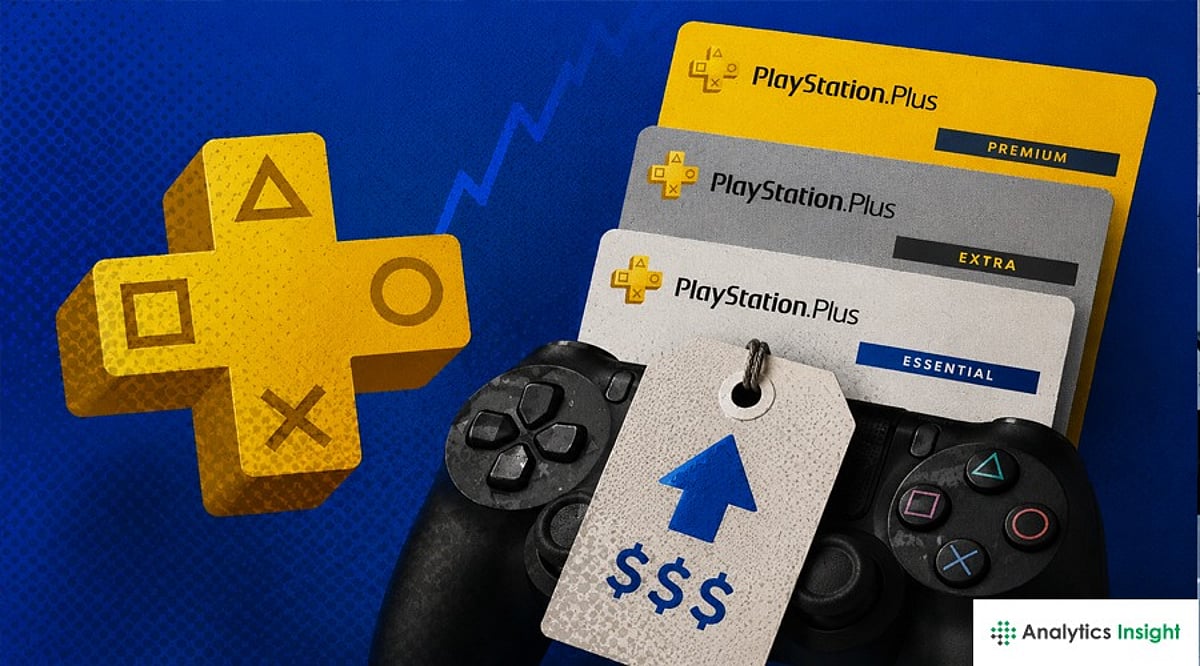
    Sony may be planning another price increase for PlayStation Plus, sparking fresh debate among gamers about whether the subscription service still delivers enough value. The company is reportedly evaluating its subscription business as more players gravitate toward the Extra and Premium tiers, but the prospect of higher costs has many questioning their loyalty to Sony’s ecosystem.

    During a recent interview, Sony Interactive Entertainment President Hideaki Nishino, PlayStation Studios Head Herman Hulst, and SVP Finance Lynn Azar shared insights into the company’s strategy. They noted that higher-tier plans now account for 40% of subscribers, reflecting strong demand. “PS Plus remains a key driver of profitability, and we achieved record-high PS Plus profitability in FY2025,” one executive stated. However, just two months after the last price hike, Sony hints that further adjustments may be on the horizon.

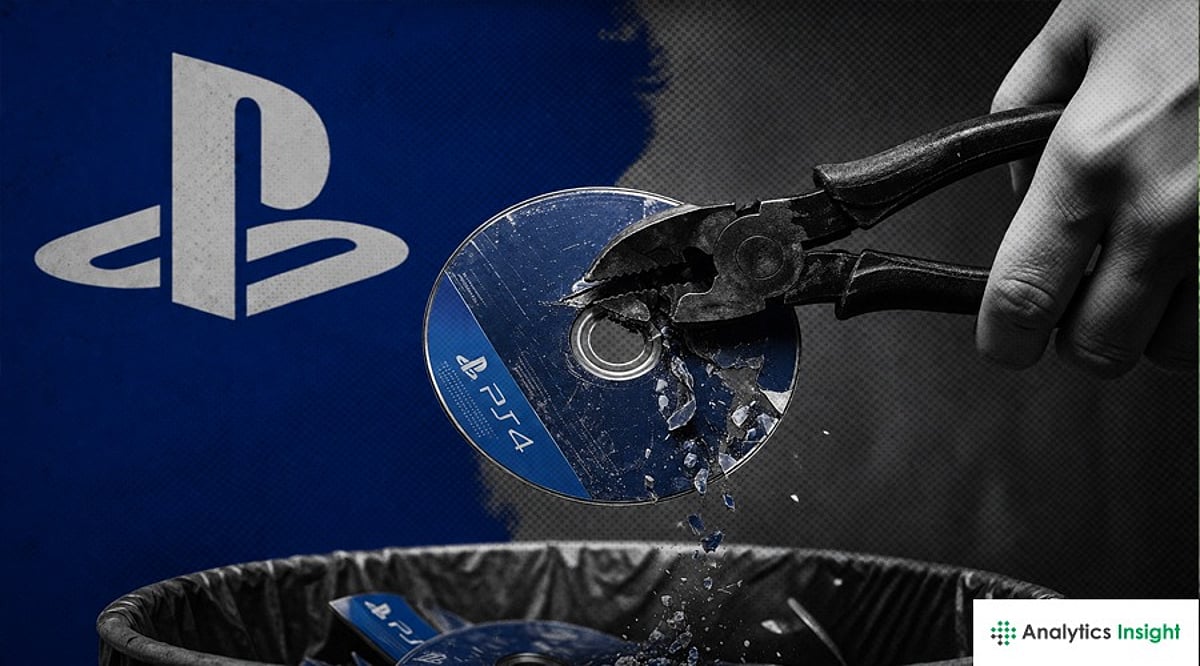
    The potential price increase comes amid a series of controversial decisions by Sony. The company has raised PlayStation 5 prices in several markets and plans to eliminate physical discs for all first- and third-party games by 2028. This move toward an all-digital future has drawn sharp criticism from players and even French presidential candidate Jean-Luc Mélenchon, who tweeted, “Tomorrow, you will pay without ever owning anything. No loan, no resale, no guarantee of keeping what we’ve paid for.” Mélenchon vowed to protect players’ rights, stating, “Video games are not mere merchandise; they are cultural assets.”

    Many gamers share these concerns, fearing that a fully digital ecosystem gives them fewer choices and greater dependency on online stores. If PlayStation Plus becomes more expensive, some may explore alternatives like PC gaming, which often doesn’t require a paid subscription. Free-to-play titles such as Fortnite, Call of Duty: Warzone, Marvel Rivals, and Genshin Impact continue to attract millions without demanding annual fees.

    Sony still holds a dominant position in the gaming industry, but each price increase raises the stakes. Ultimately, players will decide whether the service justifies its cost. For now, the question remains: is PlayStation Plus still worth it?

  • Sony Confirms Digital-Only Future for All New PlayStation Games Starting January 2028

    Sony Confirms Digital-Only Future for All New PlayStation Games Starting January 2028

    Sony has officially announced that starting January 2028, all new first-party and third-party PlayStation games will be released exclusively as digital downloads. This marks a significant shift in how players will purchase and access future titles, moving away from physical Blu-ray discs.

    A New Era for PlayStation Gaming

    In a July 1 blog post, Sony Interactive Entertainment explained that the decision is driven by consumer trends showing a strong preference for digital media over physical discs. The change applies to all future games on the PlayStation platform, whether developed by Sony’s own studios or by third-party publishers.

    For PS5 owners, the transition means instant access to new releases via the PlayStation Store, eliminating the need to wait for disc deliveries or visit retail stores. Sony also benefits from reduced manufacturing and distribution costs for discs and packaging.

    “We’ll continue to prioritize our resources to drive innovation in how players can access games and provide choices as to where players prefer to purchase new games, whether that’s at retailers or PlayStation Store,” the company stated. “We remain committed to delivering a world-class gaming experience to our fans, and we thank you for your continued support.”

    Your Existing Discs Are Still Safe

    Current owners of PS4 and PS5 game discs have no reason to worry. Sony has confirmed that support for physical discs will continue on existing consoles. Disc drives will remain available for current PlayStation systems, allowing players to enjoy their existing collections. Used game stores can still buy and sell PlayStation discs, and Collector’s Editions may include physical extras like art books or steelbooks, even if the game itself is provided as a download code.

    This announcement only affects future releases, not the games already on players’ shelves.

    The Industry-Wide Shift Toward Digital

    Sony is not alone in this move. Microsoft has already released digital-only Xbox consoles and continues to expand its Game Pass subscription service. PC gamers have been purchasing games digitally through platforms like Steam for years, and cloud gaming is growing in popularity, though it still depends on reliable internet connections.

    Nintendo remains an outlier, still selling games on cartridges and supporting physical copies. However, the broader trend is clear: physical games are becoming less common as digital distribution becomes the norm. While many players still value collecting boxes or trading old games, Sony’s decision signals where the industry is heading.

  • Avoid This Common PS5 HDMI Port Mistake That Ruins Your Gaming Experience

    Avoid This Common PS5 HDMI Port Mistake That Ruins Your Gaming Experience

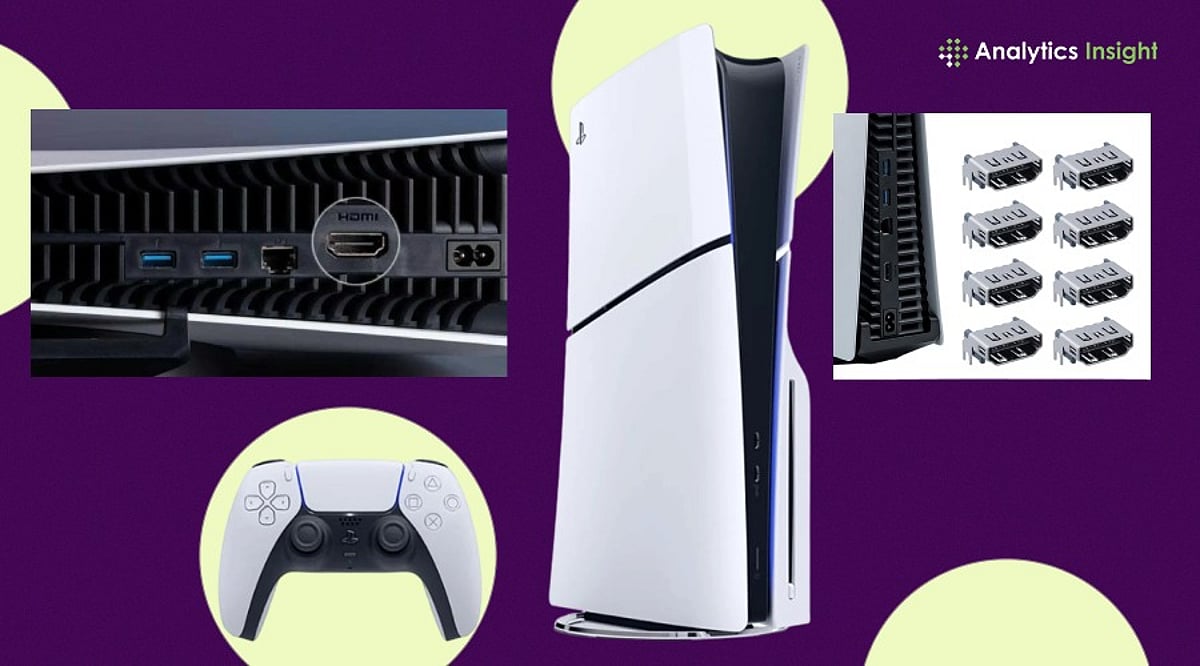
    Many PS5 owners unknowingly connect their console to the wrong HDMI port, missing key features like 4K 120Hz and VRR. A simple setup correction can significantly improve gaming performance, responsiveness, and overall next-generation gameplay quality.

    Hidden Limitation in Modern TVs

    It is now common for most modern television sets to have more than one HDMI port, but not all of them are the same. At the same time, almost every company ships TV models with one or two HDMI 2.1 ports, while the rest use different HDMI versions. HDMI 2.1 is basically a must for PS5 gamers, since it supports features like 4K gaming at up to 120 FPS, variable refresh rate, and auto low-latency mode, which adjusts the TV to what the game needs. These can be restricted when connected to a regular HDMI port.

    Why Performance Suffers

    There is no clear way to know what the consequences would be of connecting to the wrong HDMI port. The regular player continues gaming without noticing anything wrong. But for the competitive or performance-oriented players, the fact that something is wrong becomes quite evident. The absence of HDMI 2.1 prevents the PlayStation 5 from achieving the desired refresh rate for better gaming. This will result in higher input lag on the device. Those games that can benefit from high frame rates, such as shooters, racing, and sports simulations, are the ones most affected by the problem. This leads to a subpar gaming experience for the user.

    Premium Hardware, Basic Setup Errors

    This particular topic raises another general issue in consumer technology: consumers pay close attention when purchasing expensive gadgets, but do not consider installation conditions. Gamers who buy expensive PS5 consoles, high-refresh-rate monitors, and accessories can lose valuable performance due to the lack of a single connection point. One should admit that television manufacturers have also contributed to this confusion. The thing is, HDMI port labels vary by brand, making it quite challenging for people to determine which port supports specific gaming features. Labels like ‘4K 120Hz,’ ‘Game,’ ‘eARC,’ and ‘HDMI 2.1’ vary by manufacturer.

    Importance of TV Settings

    The HDMI port alone does not determine the situation. Some TVs require manual activation of features such as enhanced format, HDMI deep color, or game mode. Failure to activate these will mean the bandwidth for gaming functionality will remain locked. This means that certain gamers might still experience poor performance even when the console is connected to the correct port. According to technology experts, it is necessary to check both the hardware connection and the software setup to improve gaming performance.

    Small Change with Noticeable Benefits

    Fortunately, the answer is quite simple. The user only needs to consult their TV’s manual, identify the HDMI 2.1-compatible port, and ensure that the gaming modes are enabled. This, along with Sony’s own Ultra High-Speed HDMI cable, would also ensure compatibility. This case shows that the gaming experience depends not only on the console but also on the environment in which it operates. With the evolution of display technology, understanding certain technical information has become essential. For PS5 owners, checking the HDMI connection can be the simplest upgrade they undertake all year without investing another rupee.

    FAQs

    1. Why does the HDMI port matter for PS5 performance? Using the correct HDMI 2.1 port enables 4K 120Hz, VRR, and lower input lag for smoother gameplay overall.
    2. How can I identify an HDMI 2.1 port on my TV? Check labels like HDMI 2.1, 4K 120Hz, or Game Port, or consult your television manual for details.
    3. Will using the wrong HDMI port damage my PS5? No, the console remains safe, but important gaming features and performance enhancements may not function properly.
    4. What settings should I enable for the best PS5 experience? Activate Game Mode, Enhanced Format, or HDMI Deep Color settings to unlock advanced gaming features and performance.
    5. Do I need a special HDMI cable for PS5? Use Sony’s included Ultra High-Speed HDMI cable to ensure compatibility with 4K 120Hz and HDMI 2.1 features.