
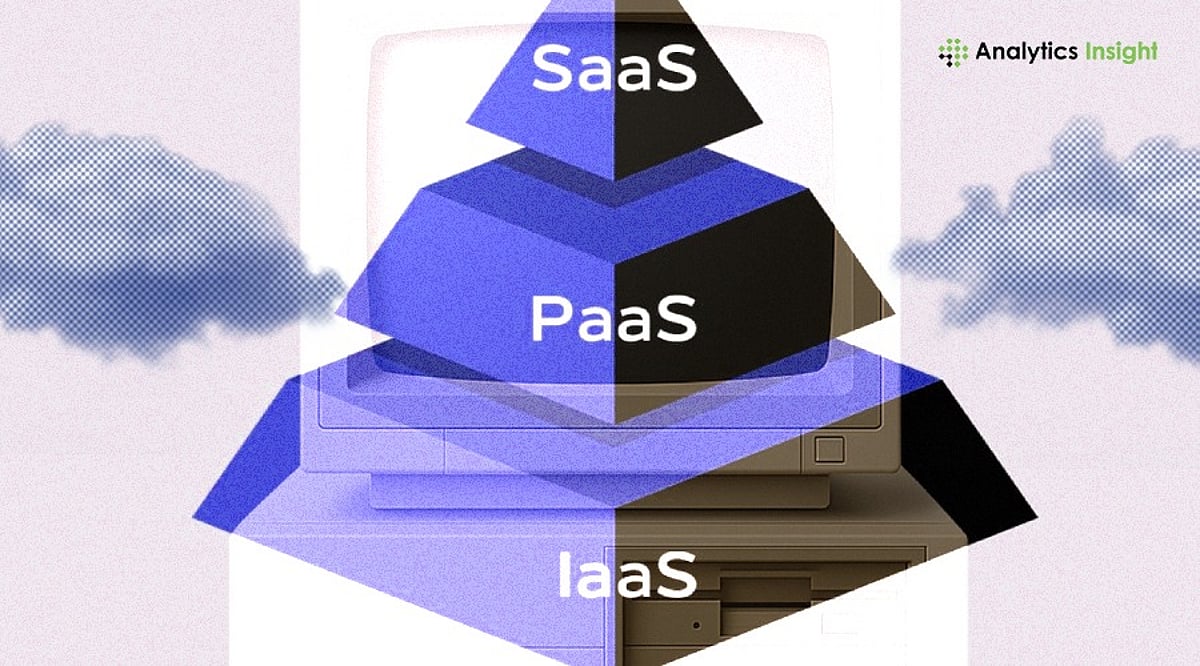
Cloud computing has revolutionized how businesses and individuals access and manage IT resources. Instead of investing in expensive hardware, you can now rent computing power, storage, and applications over the internet. This guide breaks down the core service models—IaaS, PaaS, and SaaS—and the four main deployment models: public, private, hybrid, and community cloud. Whether you’re a small business owner or a tech enthusiast, understanding these concepts will help you choose the right cloud solution for your needs.
What Is Cloud Computing?
Cloud computing delivers on-demand computing services—including servers, storage, databases, networking, software, and analytics—over the internet. It eliminates the need for local hardware and offers flexibility, scalability, and cost-efficiency. Services are typically billed on a pay-as-you-go basis, making them accessible to organizations of all sizes.
Cloud Service Models: IaaS, PaaS, and SaaS
Infrastructure as a Service (IaaS)
IaaS provides virtualized computing infrastructure—servers, storage, and networking—over the internet. Users have full control over the operating system, applications, and middleware. This model is ideal for organizations that need complete control but lack the budget for physical hardware. Examples: Amazon Web Services (AWS) EC2, Google Compute Engine, Microsoft Azure.
Platform as a Service (PaaS)
PaaS offers a managed platform for developing, testing, and deploying applications. It includes the runtime environment, development tools, and database management. Developers can focus on coding without worrying about server maintenance. Examples: Google App Engine, Heroku, Microsoft Azure App Services.
Software as a Service (SaaS)
SaaS delivers ready-to-use software over the internet. Users subscribe to applications like email, CRM, or collaboration tools without installing or maintaining anything. It’s the easiest model for beginners. Examples: Google Workspace, Salesforce, Microsoft 365.
Cloud Deployment Models
Public Cloud
Public cloud services are delivered over the internet by third-party providers. They are cost-effective, scalable, and require minimal management. The infrastructure is shared among multiple tenants, offering less control but high convenience.
Private Cloud
A private cloud is dedicated to a single organization. It can be hosted on-premises or by a third-party provider. It offers higher security, customization, and control, making it suitable for large enterprises with strict compliance requirements.
Hybrid Cloud
Hybrid cloud combines public and private clouds, allowing data and applications to move between them. This model provides flexibility, cost optimization, and scalability. However, it requires careful integration and skilled management.
Community Cloud
Community cloud is shared by several organizations with common interests—such as government agencies or healthcare providers. It enables cost sharing and collaboration but may have limited scalability compared to public cloud.
How to Choose the Right Cloud Model
- For simple tools like email and storage, choose SaaS.
- For building and deploying applications without managing servers, choose PaaS.
- For full control over infrastructure and software, choose IaaS.
- For sensitive data and compliance, consider private or hybrid cloud.
Risks and Challenges
Cloud computing has drawbacks: cost overruns due to unpredictable usage, vendor lock-in, security concerns in public environments, and a need for skilled IT staff for IaaS and PaaS. Planning and monitoring are essential to mitigate these risks.
Why Cloud Computing Matters
Cloud computing has become a backbone of modern digital transformation. It enables businesses to scale rapidly, reduce capital expenditure, and innovate faster. Understanding the service and deployment models is the first step toward leveraging cloud technology effectively.
Final Thoughts
There is no one-size-fits-all cloud solution. The right choice depends on your budget, technical expertise, security requirements, and growth plans. Cloud computing eliminates the hassle of physical hardware and offers a flexible path to digital success.
Frequently Asked Questions
What is cloud computing in simple terms?
It’s the delivery of computing services over the internet, allowing users to access resources like servers, storage, and software on demand without owning physical hardware.
What’s the difference between IaaS, PaaS, and SaaS?
IaaS provides virtual infrastructure; PaaS offers a managed platform for development; SaaS delivers ready-to-use software.
Which model is best for beginners?
SaaS is the easiest—no installation or maintenance required. Just subscribe and use.
What are the main deployment models?
Public, Private, Hybrid, and Community clouds. They differ in security, control, scalability, and cost.
What are the biggest challenges of cloud computing?
Cost management, data security, vendor lock-in, and the need for technical expertise.