
Tag: Remote Play

  • 10 Hidden PS5 Features Most Gamers Overlook

    10 Hidden PS5 Features Most Gamers Overlook

    Many PlayStation 5 owners enjoy popular features, but several powerful tools remain hidden, improving gameplay, convenience, customization, and overall gaming experience.

    Game Help

    PlayStation Plus subscribers can access Game Help cards, offering spoiler-free hints and guidance without leaving supported games during challenging moments.

    Activity Cards

    Activity Cards let players jump directly into missions, challenges, or objectives, reducing loading time and making game sessions much more efficient.

    Custom Control Center

    Rearrange Control Center shortcuts to quickly access settings, downloads, music, notifications, and accessories without navigating through multiple menus every time.

    Mute Controller Speaker

    The DualSense controller speaker can be muted or adjusted, reducing distractions while keeping immersive haptic feedback and adaptive trigger features active.

    Automatic Trophy Videos

    PS5 automatically records short gameplay clips whenever trophies unlock, creating memorable highlights that players can revisit or easily share later.

    Remote Play

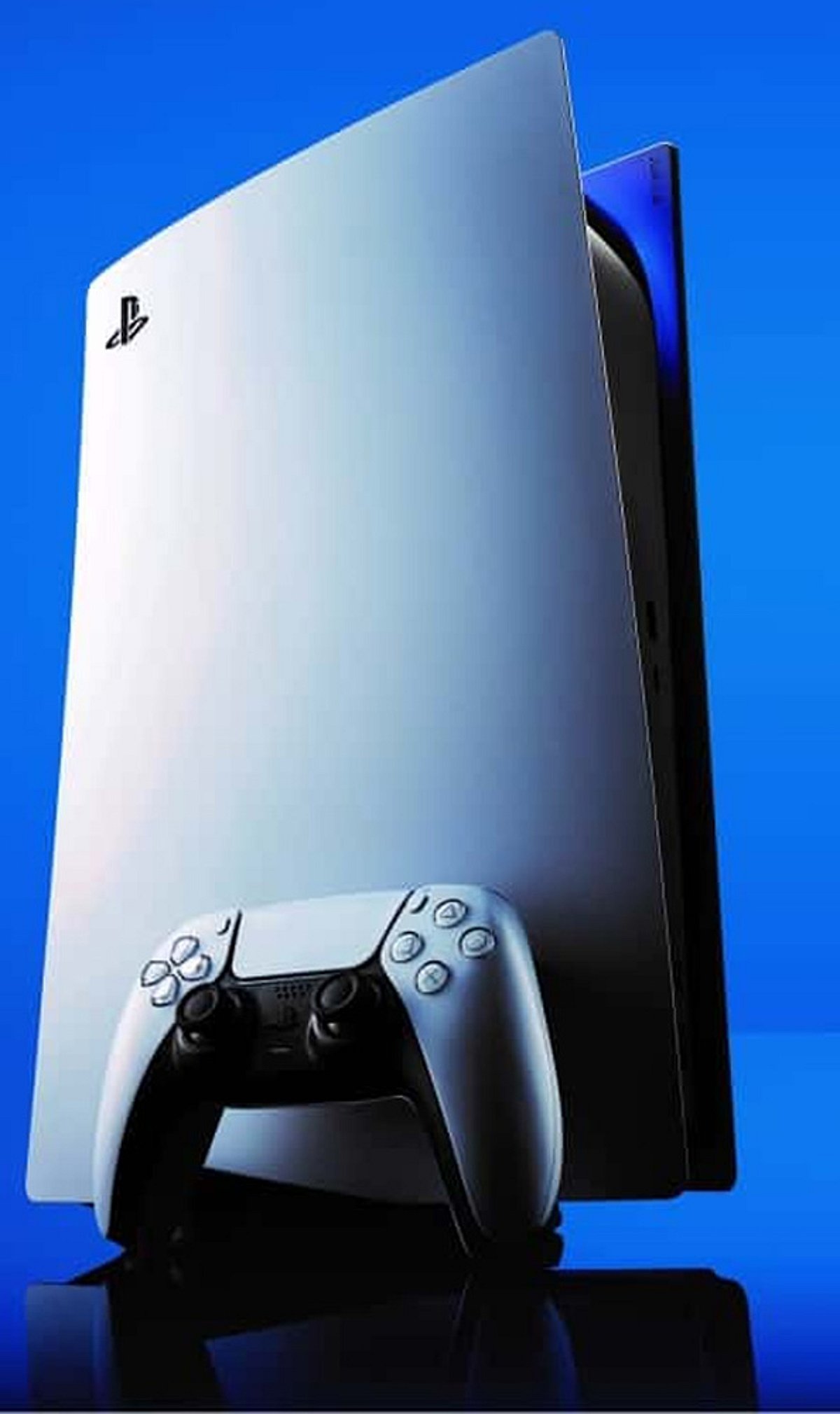
    Remote Play lets users stream PS5 games to compatible smartphones, tablets, PCs, or another PlayStation console over supported internet connections.

    Voice Commands

    Voice Commands allow players to open games, capture screenshots, or control media hands-free, making everyday console navigation faster and more convenient.

    Expand SSD Storage

    Compatible M.2 SSD upgrades expand PS5 storage, allowing players to install more games without constantly deleting favorite titles from the console.

  • Top Smartphones for GTA 6 Remote Play: Performance and Features Compared

    Top Smartphones for GTA 6 Remote Play: Performance and Features Compared

    With the highly anticipated release of Grand Theft Auto 6 on PS5 and Xbox Series X|S, gamers are eager to play on the go using Remote Play. To deliver a console-quality experience, your smartphone needs a flagship processor, a high-refresh-rate display, low-latency connectivity, and efficient cooling. We’ve rounded up the best phones that meet these demands for smooth, responsive GTA 6 remote play sessions.

    ASUS ROG Phone 9 Pro

    The ASUS ROG Phone 9 Pro is built for gaming. Its Snapdragon 8 Elite chipset ensures fluid video decoding minimal input lag. The 185Hz AMOLED display delivers buttery visuals, while AirTriggers and advanced cooling maintain peak performance over fast Wi-Fi.

    RedMagic 11 Pro

    With active cooling, a Snapdragon 8 Elite Gen 5 processor, shoulder triggers, and a massive 7,500mAh battery, the RedMagic 11 Pro lets you stream GTA 6 for hours without interruption.

    Samsung Galaxy S26 Ultra

    Samsung’s flagship features the Snapdragon 8 Elite Gen 5, a premium AMOLED display, and Wi-Fi 7 support — perfect for responsive gameplay with outstanding visual quality.

    OnePlus 15

    Combining Snapdragon flagship performance, vapor chamber cooling, and fast touch response, the OnePlus 15 is ideal for PlayStation Remote Play sessions.

    iQOO 15

    Equipped with the Snapdragon 8 Elite Gen 5 chipset, responsive display, and excellent sustained performance, the iQOO 15 shines in cloud and remote gaming scenarios.

    POCO F6 Pro

    Powered by the Snapdragon 8 Gen 3, the POCO F6 Pro offers flagship-grade streaming performance, efficient cooling, and exceptional value for gamers on a budget.

    Essential Features for GTA 6 Remote Play

    When choosing a phone for Remote Play, look for Wi-Fi 6E or Wi-Fi 7 support, a 120Hz or faster display, stereo speakers, and a large battery. These features ensure low latency, immersive audio, and extended playtime.

    Since GTA 6 launches on PS5 and Xbox Series X|S, Remote Play demands fast networking, powerful hardware, and responsive displays. The phones listed above deliver precisely that, letting you take Los Santos wherever you go.