
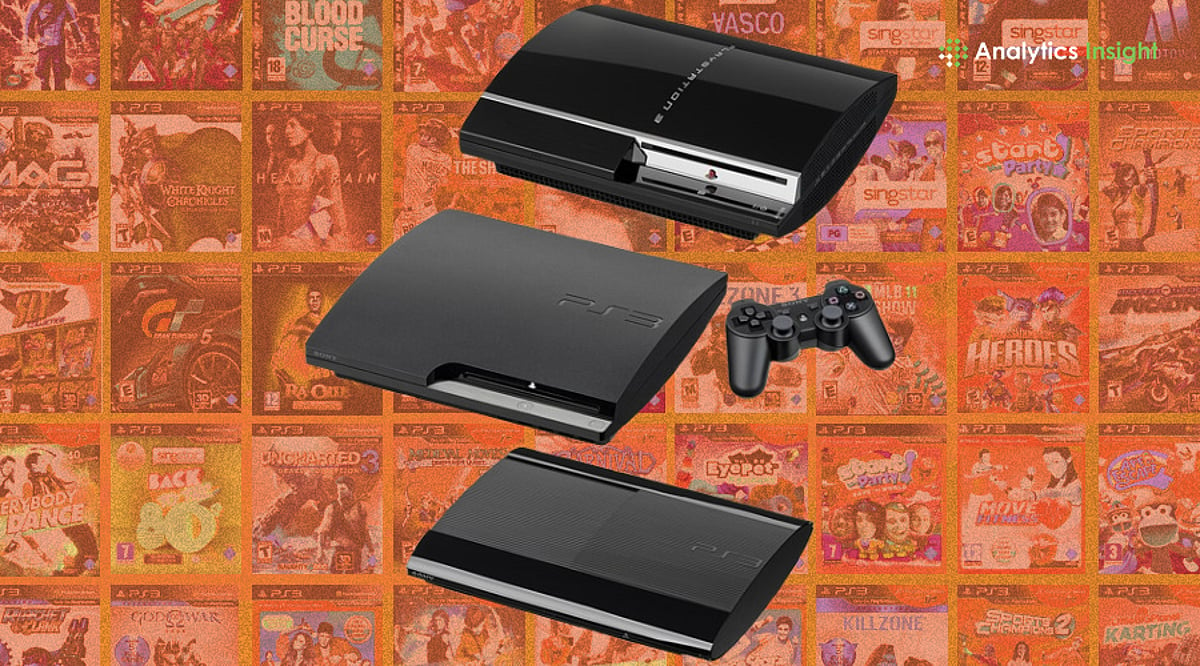
You can now play most PS3 games on a PC without owning the original console, and many titles run smoothly from start to finish. PS3 emulation has matured enough to feel reliable, making it a practical option rather than a technical experiment. With a capable PC and legally owned game copies, revisiting PS3 classics is easier and more accessible than ever.
Why Emulate PS3 Games?
The PlayStation 3 offered masterpieces like Uncharted, God of War, Red Dead Redemption, and more. As the console has become obsolete, the open-source RPCS3 emulator allows continued gameplay on a decent PC. It supports Windows, Linux, and macOS while masterfully handling the PS3’s complex Cell processor architecture. Thanks to relentless community updates, 70% of the entire console library runs as fully playable experiences.
Understanding RPCS3 and Game Compatibility
RPCS3 categorizes the massive PS3 catalog with clear ratings:
- Playable: Titles run smoothly from start to finish with minimal issues.
- Ingame: Games boot up reliably but may show minor glitches that require patches.
- Nothing: Titles still under development for emulation.
The emulator now applies automatic per-game settings from its compatibility wiki, reducing manual tweaks. CPU emulation has also improved, cutting down glitches and boosting frame stability.
How to Play PS3 Games Without a Console
- Visit rpcs3.net to download the latest build. Decompress the files into a dedicated folder and run it — no installer required.
- Obtain the official PS3 firmware directly from Sony’s platform. Install it via the ‘Install Firmware’ menu in RPCS3 to build a fully licensed foundation.
- Open the Configuration menu and select the Vulkan renderer for superior GPU performance. RPCS3 also supports DirectX 12 and OpenGL, giving flexibility depending on your GPU and OS.
- Launch any game from the main list. If you encounter loading problems, restart RPCS3.
Recommended Hardware
A robust multi-core CPU (e.g., Intel i5 10th-gen or AMD Ryzen 5 3600 series) paired with a dedicated graphics card like NVIDIA GTX 1060, 16GB RAM, and fast SSD storage ensures smooth gameplay. Handheld PCs like Steam Deck and ASUS ROG Ally can also run many PS3 titles smoothly, making emulation portable.
Legal and Ethical Considerations
PS3 emulators are fully legal as preservation tools. Users should source games responsibly by installing copies from personally owned discs to avoid piracy. RPCS3 now officially supports FreeBSD in addition to Windows, Linux, and macOS, expanding its reach across more platforms.
Final Thoughts
If you wish to experience PS3’s timeless hits, rpcs3.net provides complete access, quality playthroughs, and hours of continued entertainment. With a capable PC and legally owned games, the world of PS3 classics is at your fingertips.